New Trade Zone
Trade Zone is now live
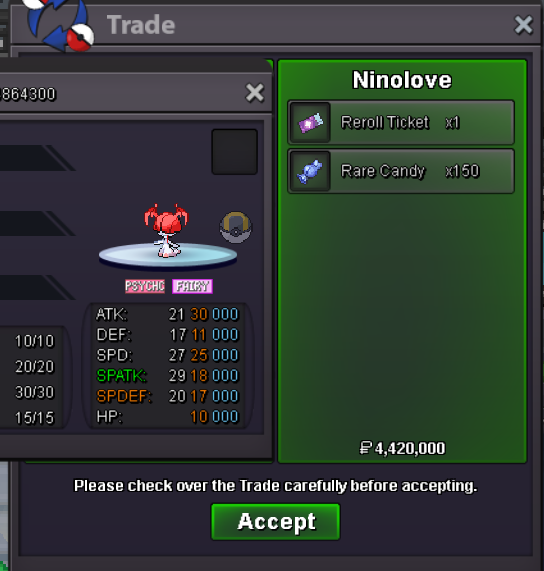
Use the new Trade Zone for auctions and instant-price trades so Pokemon and item offers are easy to find.


Jadeash
Contributor
-
Joined
-
Last visited
Everything posted by Jadeash
-
600k
-
560k
-
bump less than 19hrs left
-
Since staff are currently busy developing Astrella, wouldn't now be the perfect time for a second event form competition? The players can help provide extra content for the game. Prizes don't have to be anything extra flashy. Another set of exclusive cosmetics sounds great. Maybe a new pair of differently colored fire wings? Even a new mask perhaps(since the shop is lacking in face items horribly)
-
1.7m
-
start
-
bump
-
Updated
-
bump
-
Looking to buy normal mounts & cosmetics in bulk. Let me know which ones you got in the comments or in PMs.
-
How much for green party hat?
-
noted
-
B.O. 4m by Crucifixuz Min Bid 200k Insta 6m 72 hours after first bid Accept CC(360k), IV RR(520k)

-
bump
-
bump
-
There is always an element of RNG in any quest. All I can recommend is to keep trying and don't give up. It might take you a couple of tries but you'll pull through in the end. P.S. Mega stones aren't tradeable
-
Hello guys, The Q&A Stream will be happening tomorrow, May 9th 6:00 PM GMT+2! Don't miss it! Discord Invite Link: https://discord.gg/GkFeDvYe Youtube Channel: https://www.youtube.com/@JadeAsh

-
Ty ^^
-
Here's the full guide. Would appreciate a sub and comment your feedback ^^ https://youtu.be/Lu0gooCzL3s

-
Hey guys! Just posted my detailed full Kangaskhanite Quest Guide to my Youtube channel! Would appreciate the feedback ^^ https://youtu.be/Lu0gooCzL3s

-
bump
-
bumpbumpbump