New Trade Zone
Trade Zone is now live
Use the new Trade Zone for auctions and instant-price trades so Pokemon and item offers are easy to find.

Jadeash
Contributor
-
Joined
-
Last visited
Everything posted by Jadeash
-
bump
-
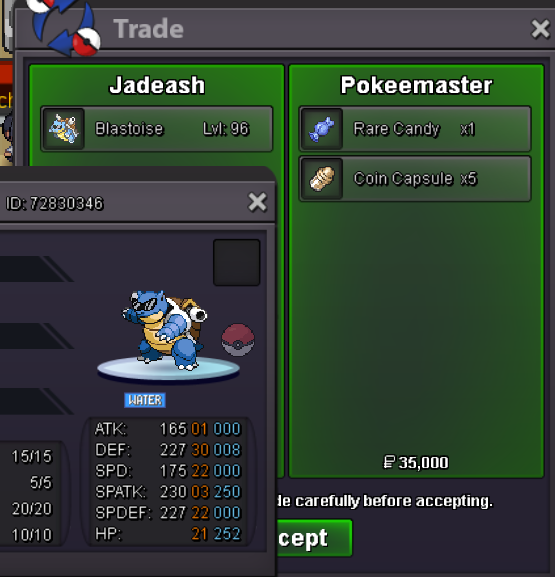
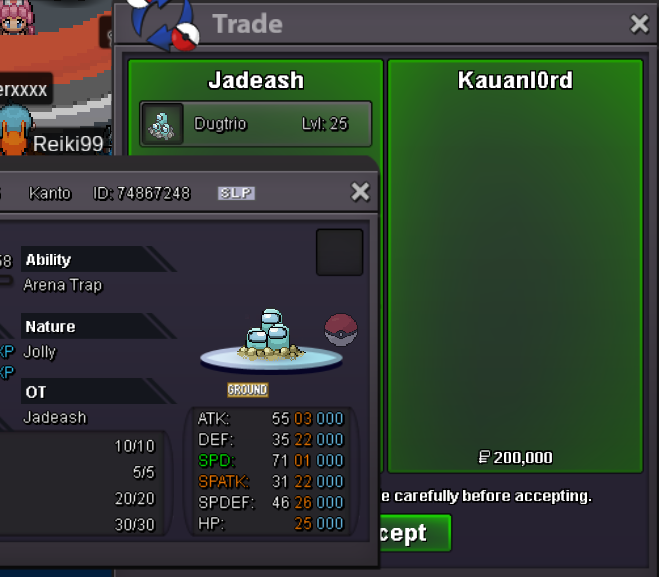
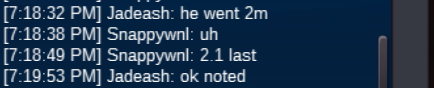
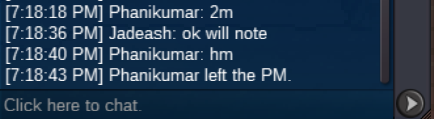
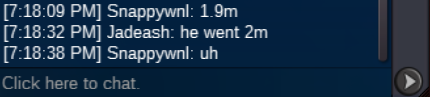
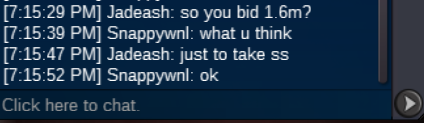
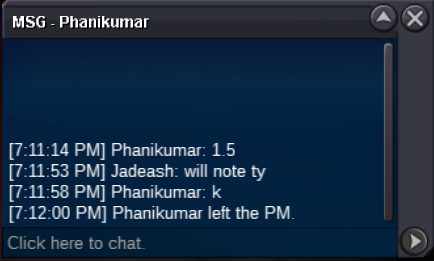
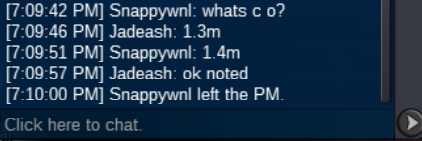
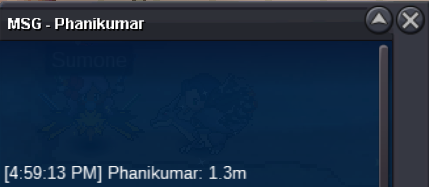
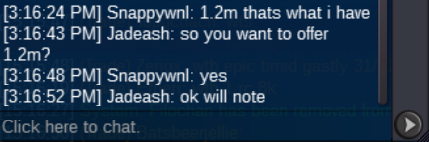
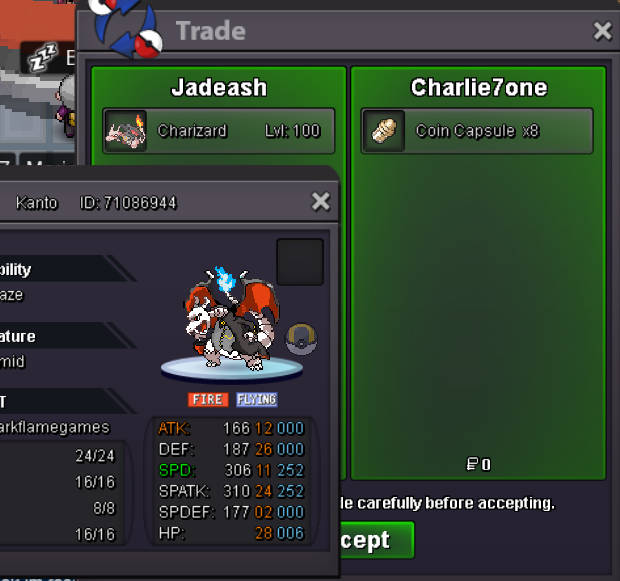
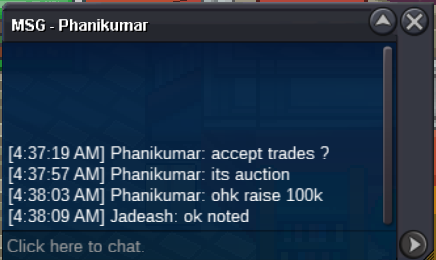
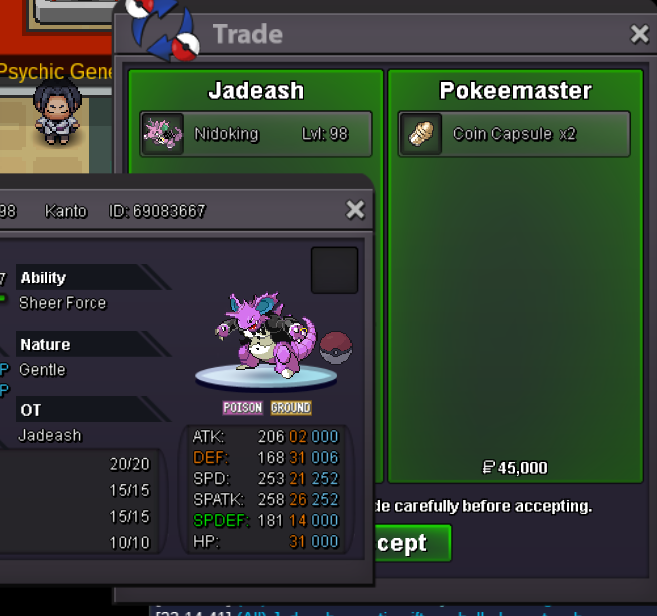
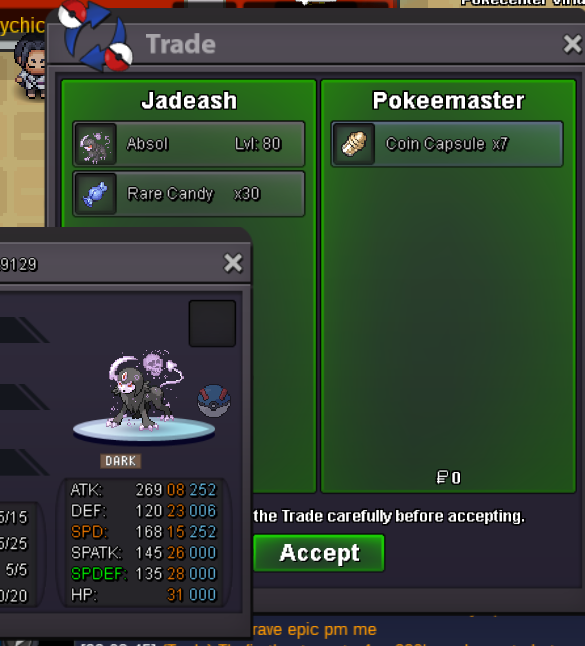
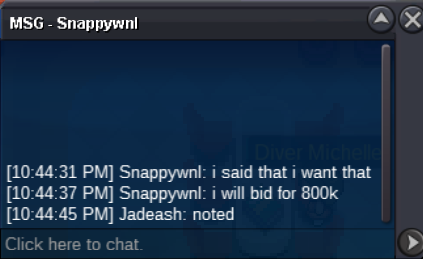
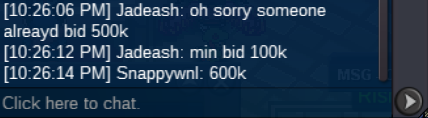
bumpIts been 2 years since we got the mega evolution mounts. We currently Have normal/shiny charizard, Normal/Shiny Gyarados, Normal/Shiny/Xmas Houndoom only. No new additions have been added ever since and there are a ton of new mega forms. Xmas Swampert, Hallo Absol, Hallo Charizard, Hallo Gyarados, Normal/Shiny Tyranitar, Normal/Shiny Venusaur etc. When are we getting those? I've been holding back on buying those mounts because I doubted how long they would take to give them the mega form.I personally want to see more new mega evolvable mounts since there was nothing new in the coin shop ever since the summer event.c.o. 2.2m Phanikumar min bid 100k no insta 72h after first bid accept pokedollars, cc 370k, rr 670k
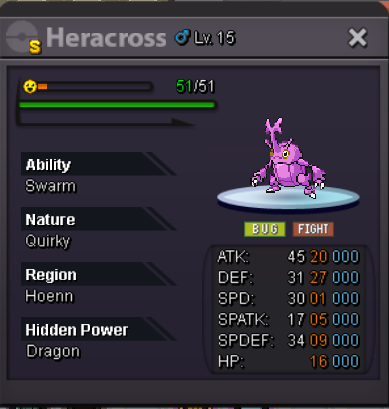 bump803kAuction ended. Winner lunarindra
Account
Navigation
Search
Configure browser push notifications
Chrome (Android)
- Tap the lock icon next to the address bar.
- Tap Permissions → Notifications.
- Adjust your preference.
Chrome (Desktop)
- Click the padlock icon in the address bar.
- Select Site settings.
- Find Notifications and adjust your preference.
Safari (iOS 16.4+)
- Ensure the site is installed via Add to Home Screen.
- Open Settings App → Notifications.
- Find your app name and adjust your preference.
Safari (macOS)
- Go to Safari → Preferences.
- Click the Websites tab.
- Select Notifications in the sidebar.
- Find this website and adjust your preference.
Edge (Android)
- Tap the lock icon next to the address bar.
- Tap Permissions.
- Find Notifications and adjust your preference.
Edge (Desktop)
- Click the padlock icon in the address bar.
- Click Permissions for this site.
- Find Notifications and adjust your preference.
Firefox (Android)
- Go to Settings → Site permissions.
- Tap Notifications.
- Find this site in the list and adjust your preference.
Firefox (Desktop)
- Open Firefox Settings.
- Search for Notifications.
- Find this site in the list and adjust your preference.