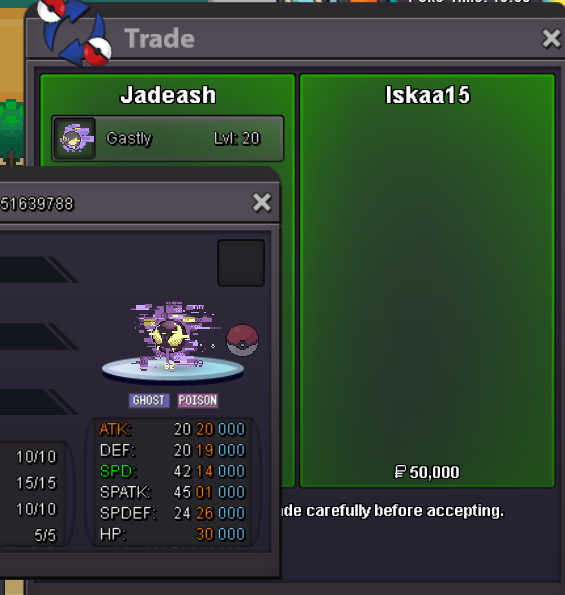
New Trade Zone
Trade Zone is now live
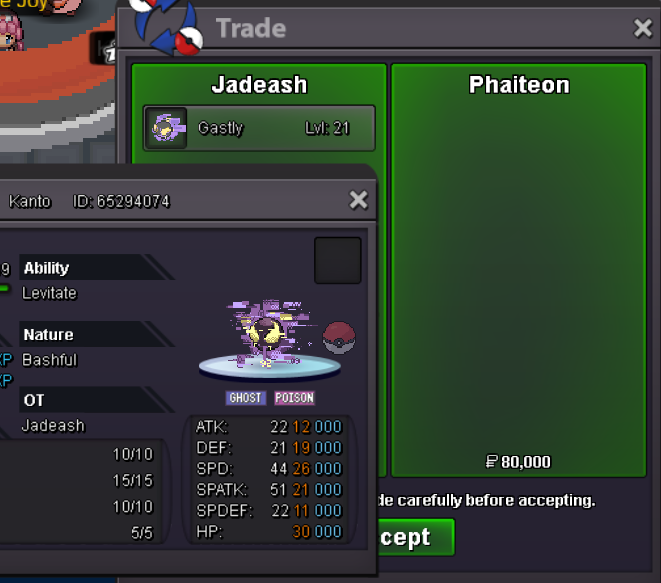
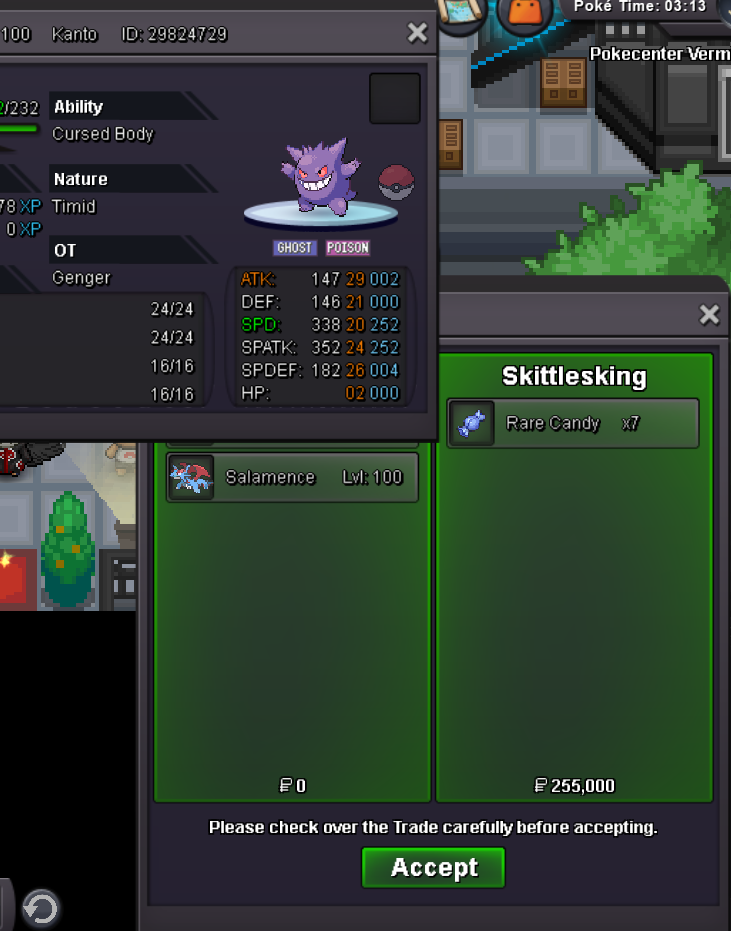
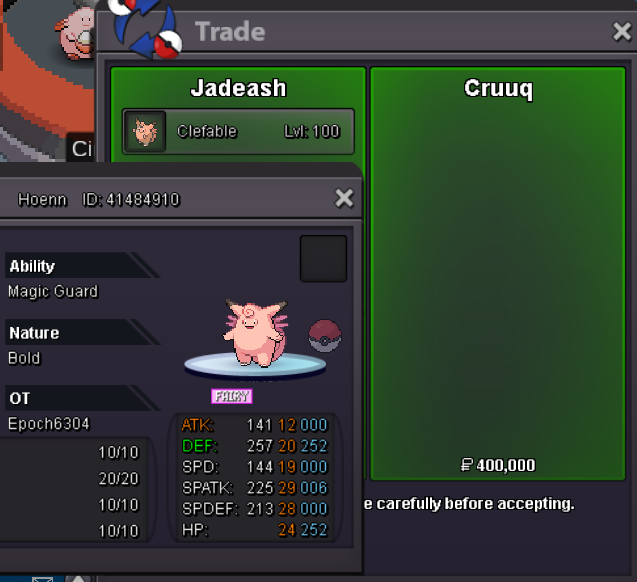
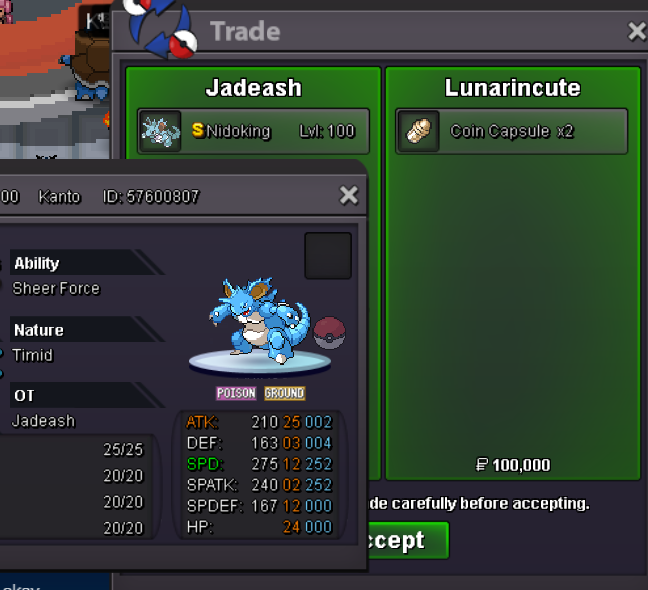
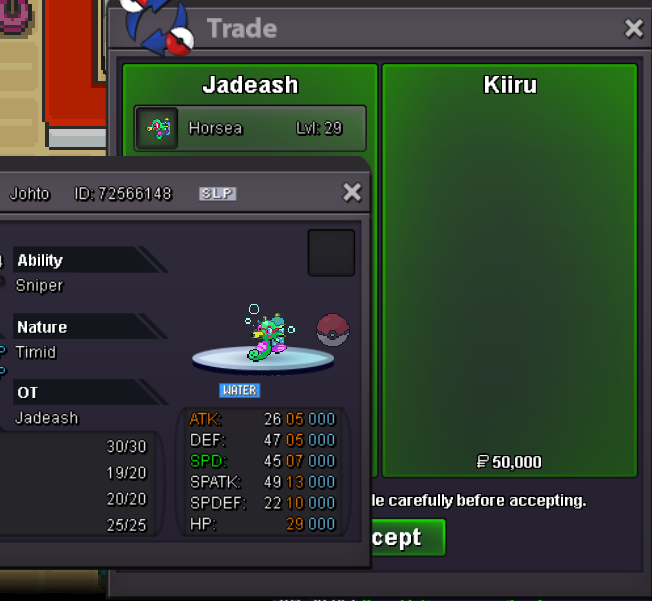
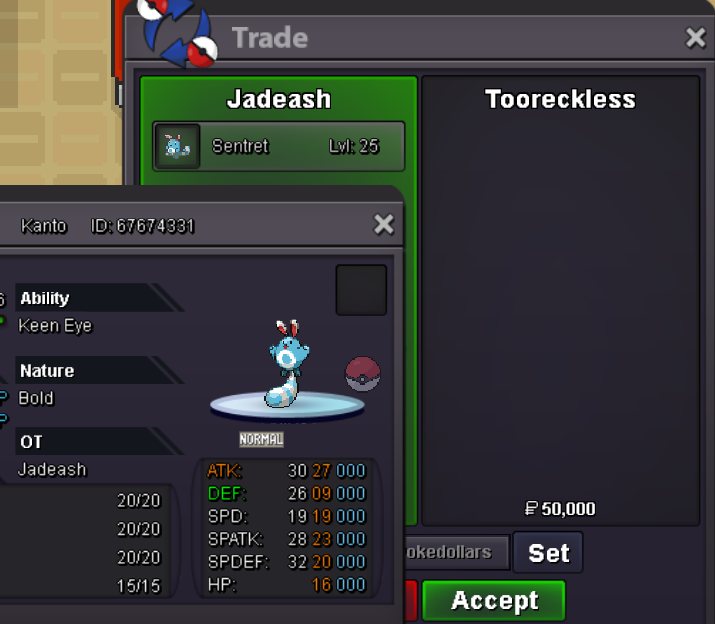
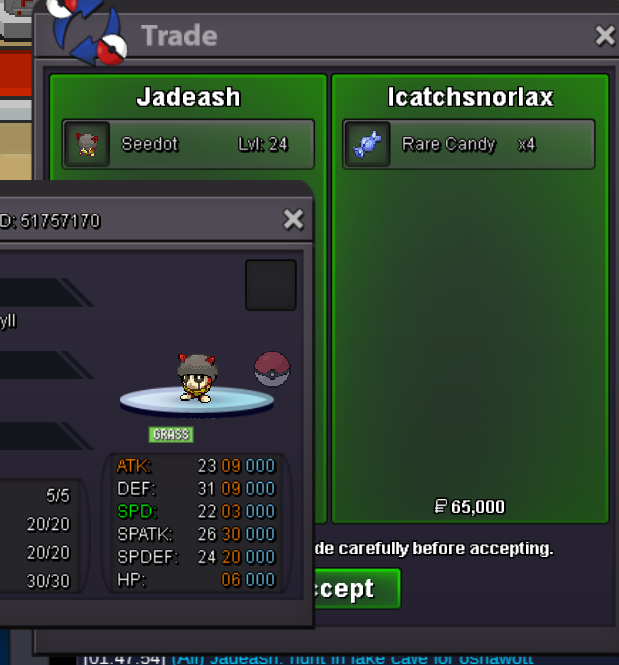
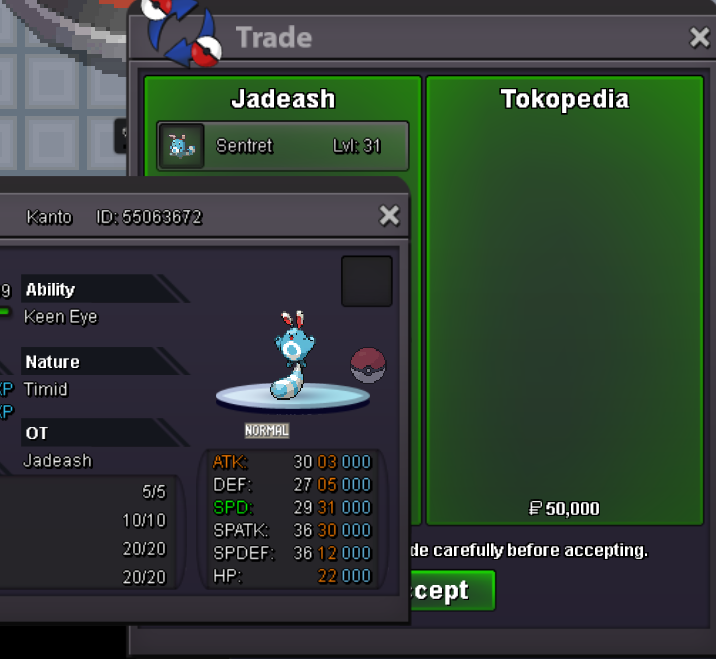
Use the new Trade Zone for auctions and instant-price trades so Pokemon and item offers are easy to find.

Jadeash
Contributor
-
Joined
-
Last visited
Everything posted by Jadeash
-
Yes both available
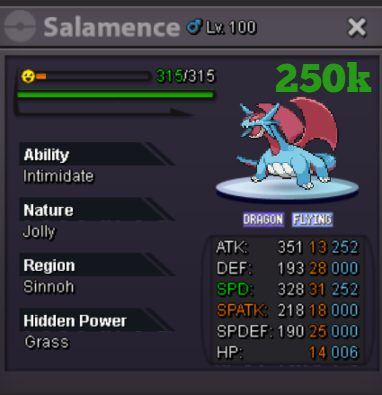
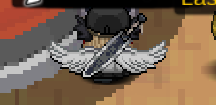
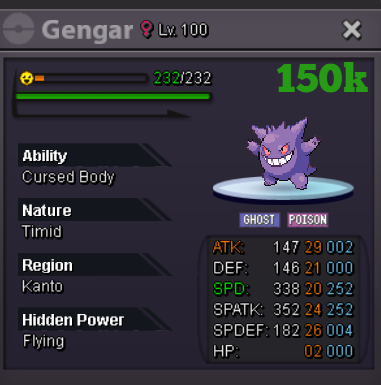 bumpHello. I would like to buy the lv 26 Magotelma RotombumpWings/Weapons should have their own equip spot other than back accessories so other cosmetics can be used as much. Wings look really nice when equipped with other items such as weapons and they both don't overlap that much. This change would increase the demand on those items and therefore act as a bigger money sink to the community as well as give your character a more personalized look.
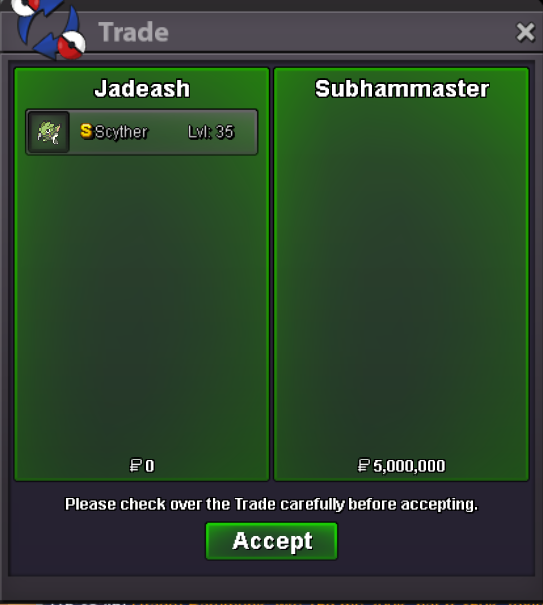
 bumpauction ended. winner @Subhammaster please contact me to arrange the tradeBumpbump 13 hours left51k200k mawile np150k mawilebumpZoroark Mawile Greninja
Account
Navigation
Search
Configure browser push notifications
Chrome (Android)
- Tap the lock icon next to the address bar.
- Tap Permissions → Notifications.
- Adjust your preference.
Chrome (Desktop)
- Click the padlock icon in the address bar.
- Select Site settings.
- Find Notifications and adjust your preference.
Safari (iOS 16.4+)
- Ensure the site is installed via Add to Home Screen.
- Open Settings App → Notifications.
- Find your app name and adjust your preference.
Safari (macOS)
- Go to Safari → Preferences.
- Click the Websites tab.
- Select Notifications in the sidebar.
- Find this website and adjust your preference.
Edge (Android)
- Tap the lock icon next to the address bar.
- Tap Permissions.
- Find Notifications and adjust your preference.
Edge (Desktop)
- Click the padlock icon in the address bar.
- Click Permissions for this site.
- Find Notifications and adjust your preference.
Firefox (Android)
- Go to Settings → Site permissions.
- Tap Notifications.
- Find this site in the list and adjust your preference.
Firefox (Desktop)
- Open Firefox Settings.
- Search for Notifications.
- Find this site in the list and adjust your preference.