




New Trade Zone
Trade Zone is now live
Use the new Trade Zone for auctions and instant-price trades so Pokemon and item offers are easy to find.

Lucayeoons
Registered User
-
Joined
-
Last visited
-
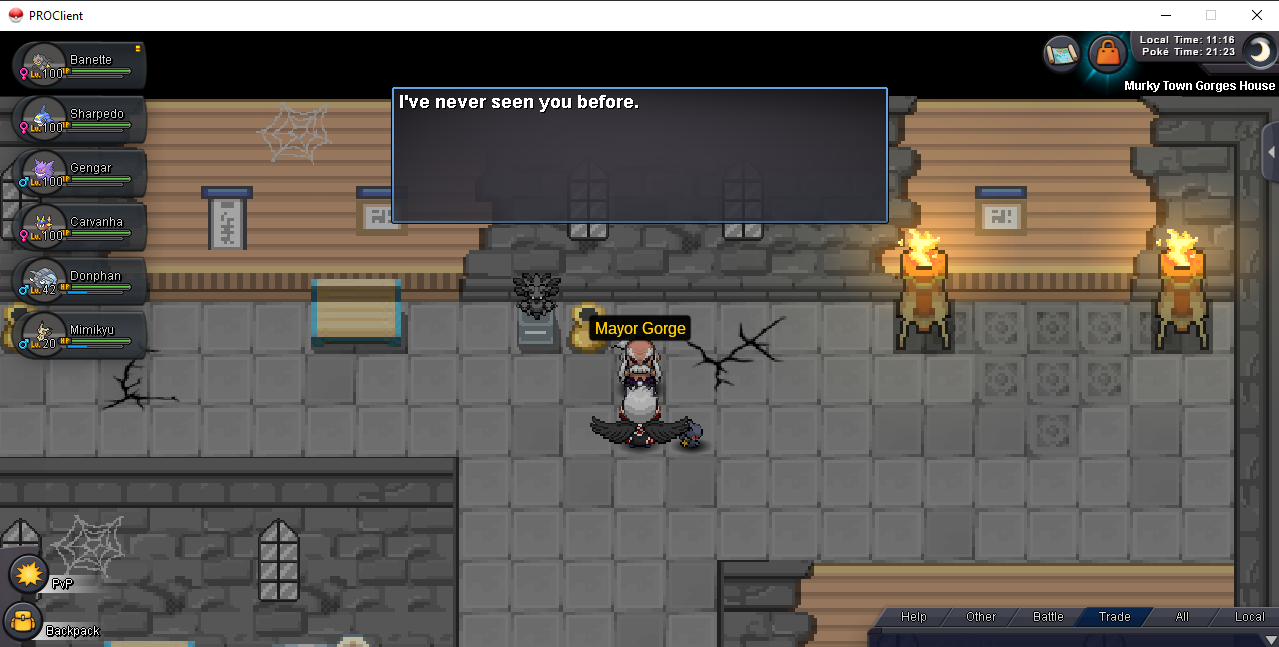
hi @HappyMango, here's the reply from gorge while i tryin get in today into his house,
-
bump
-
please help
-
can i get help of this issue. Thanks
-
another bump 😞
-
bump sorry 😞
-
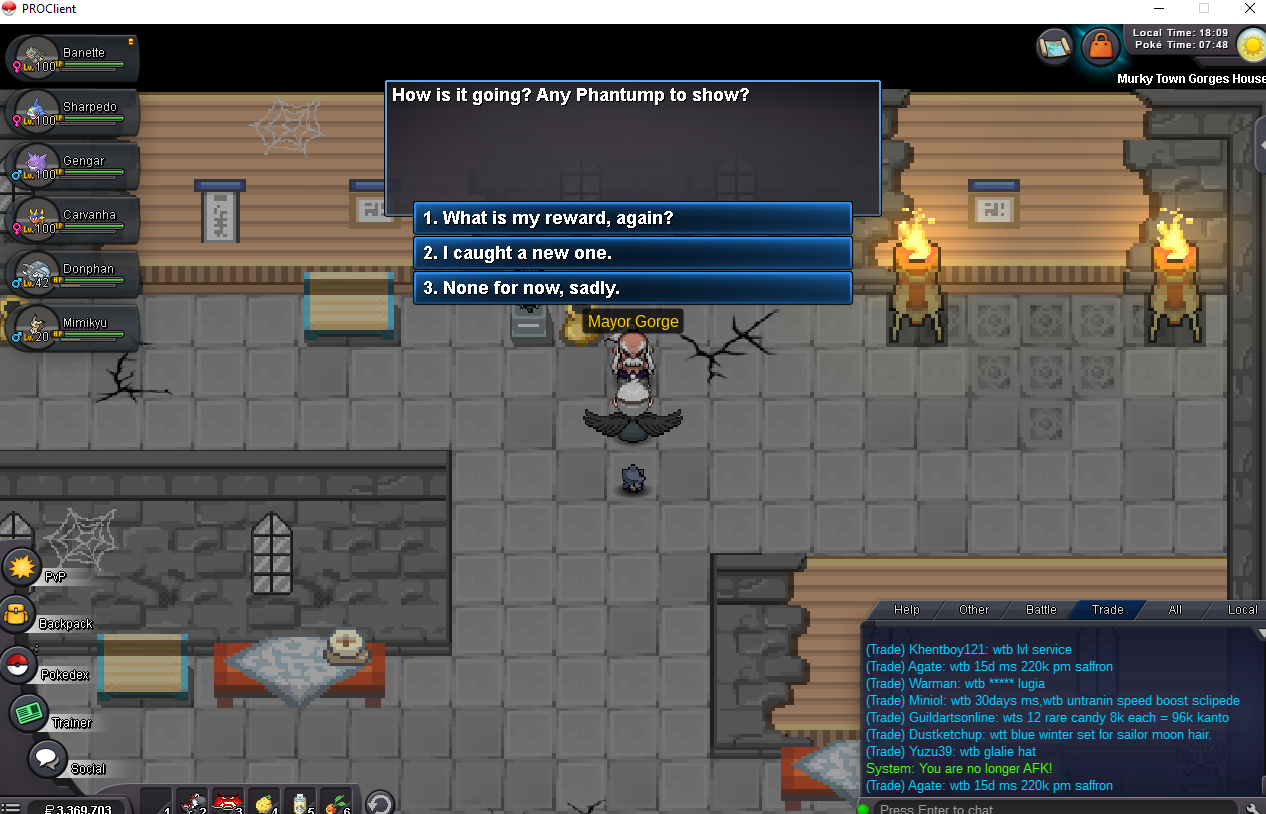
I have a bug where my game got disconnected while trying to claim my free vampire clothes/houndoom mount during the halloween quest. When I logged back in it took me straight to the pc and if i go to gorge again, there's no option for the rewards, Is there any way for me to claim the free houndoom mount / vampire clothes again or is it gone forever? please help thanks My username is: lucayeoons Server : Silver
-
same issue as mine. silver server : username is lucayeoons any info or is it bug from the game ? please help thank you so much.
-
i offer 450k
-
-
offer 4.1m
-
pm me sir in game hehe ty :Crazy:
-
is breloom still available ?? can u contact me in game or inbox ty
-
wtb shroomish or evolved h.a jolly with spore , h.a blaziken adamant / jolly pay well leave comment here or direct pm me in game :Cool: cheers!
-
Re: WTS epic metagross adamant <r>insta price by Poochan1904<br/> <IMG src="https://i68.tinypic.com/2vi2wsh.png"><s></e></IMG><br/> insta 7m5 ty for bidding gl for u all <E>:Heart-eyes:</E></r>