




New Trade Zone
Trade Zone is now live
Use the new Trade Zone for auctions and instant-price trades so Pokemon and item offers are easy to find.

Castlandt
Registered User
-
Joined
-
Last visited
Everything posted by Castlandt
-
-
-
Thanks for watching and for your attention
-
I understand what happened, I confess that it is subversive on your part to publish an auction and then sell it by other means without communicating it to the trading area or closing the post, you have to abide by the trading rules among other regulations, even if they are coercive with certain interests, I do not care for now but please be more perceptive with the people and with your decisions for the next one, good bye and take care
-
start
-
1. Age 16+ and above :- I am 19 years old 2. Playtime more to 100hours 3. Able to use Discord , Most Important : Yes sure 4. Your previous Guild, why did you leave them (in case you were Kicked, then why?) :- I've never been a build 5. Have you ever been banned in PRO, and why? :- I have never been banned 6. Other than having fun playing the game, what are your goals in PRO? :- meet caring people 7. How old are you and other than English, what languages do you speak? Im 19 speak english and spanish 8. Provide a screenshot of your Trainer Card.

-
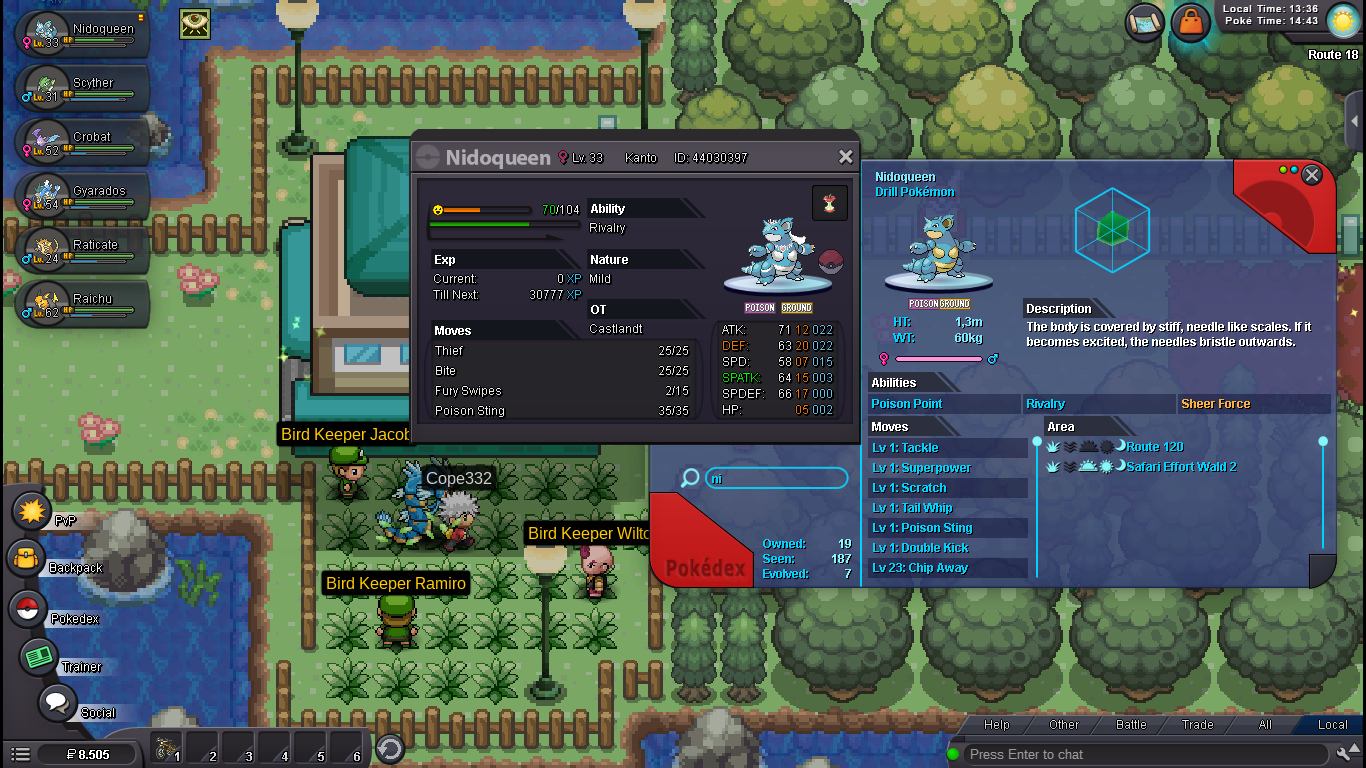
hello good people, I found this pokemon in the safari area it has a headband a wedding veil and a necklace. I am new to this game but it caused me special curiosity. I would like to know if it is a high value pokemon or if someone is interested in its thank so much sorry for my english.
-