New Trade Zone
Trade Zone is now live
Use the new Trade Zone for auctions and instant-price trades so Pokemon and item offers are easy to find.

Kenshinv
Registered User
-
Joined
-
Last visited
Everything posted by Kenshinv
-
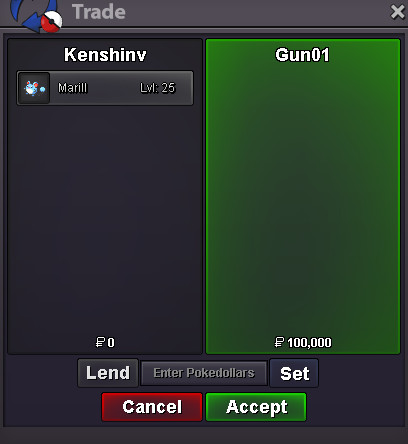
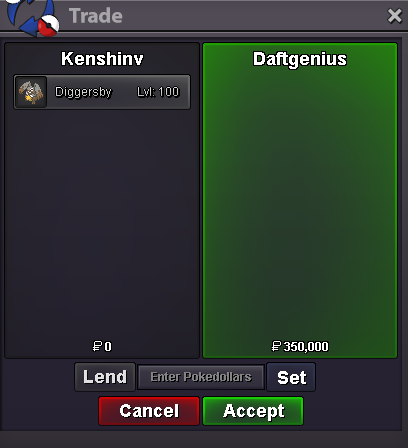
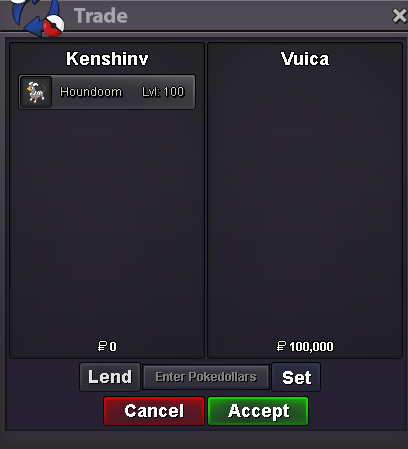
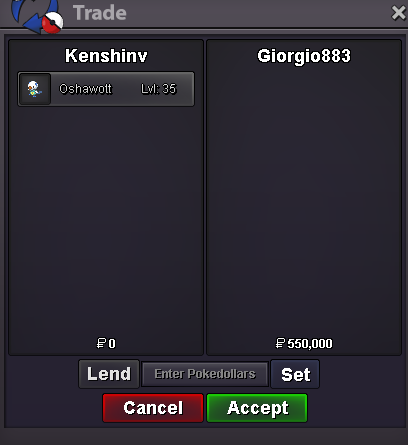
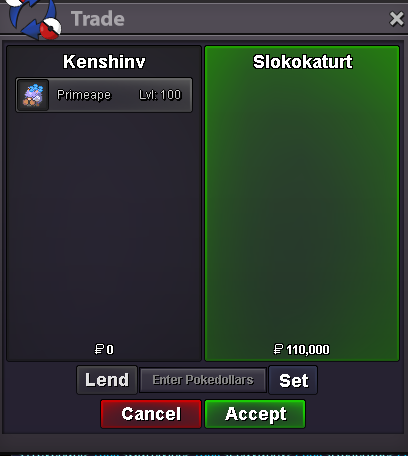
@Gun01 You won marill wp @Vuica You won houndoom wp@Daftgenius You won digger wp 🙂 Others still runnings@Giorgio883 You won osha wp Others still runningsMissed you, online too, pm me if you login again 🙂Start Offer : 100k Min Bid : 50k Auction end 24h after first bid Start Offer : 100k Min Bid : 50k Auction end 24h after first bid Start Offer : 100k Min Bid : 50k Auction end 24h after first bid Start Offer : 100k Min Bid : 50k Auction end 24h after first bid
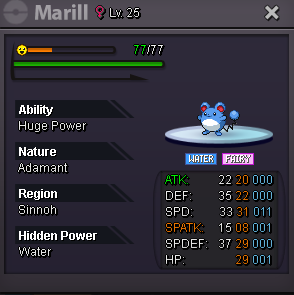
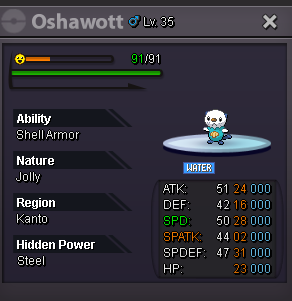
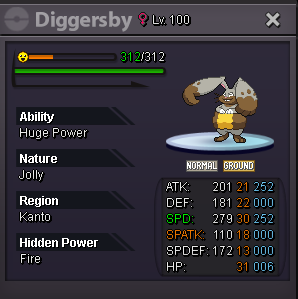
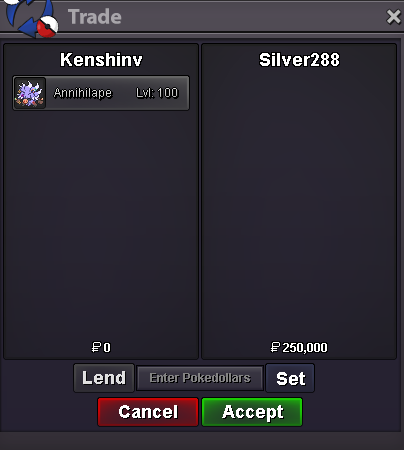
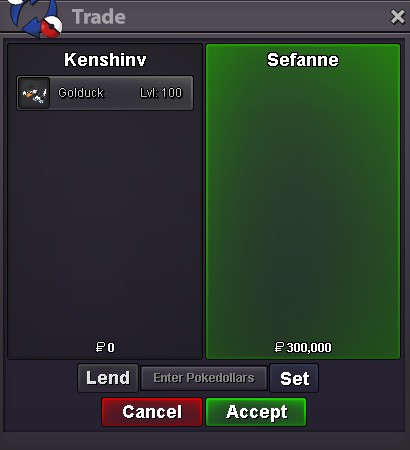
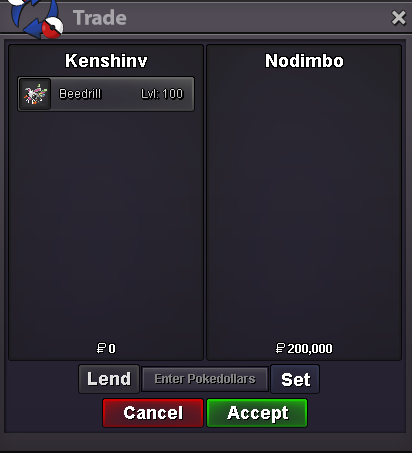
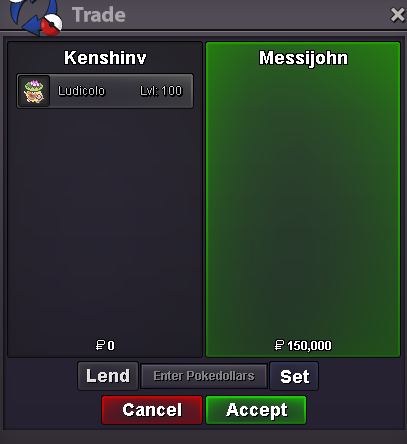
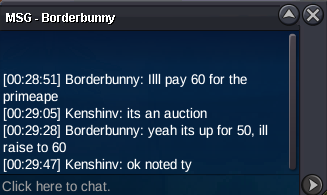
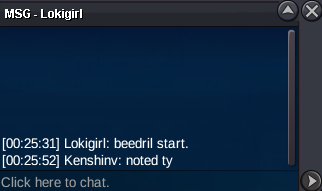
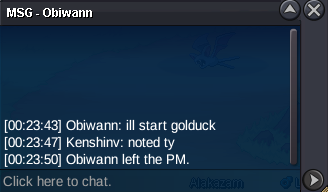
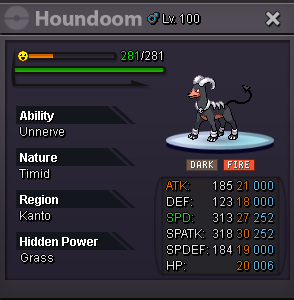 Here 🙂@Nodimbo Wp you won beedril @Sefanne Wp you won golduck @Messijohn Wp you won ludicolo @Nhojyaj28 Wp you won annihi@Slokokaturt You cant come ? im online@Whirr Sorry, golduck, primeape and beedril are over. Only anhilape and ludicolo still running@Slokokaturt Hi, sorry but since the primeape started at 60 you must bid 110k to be valid since its 50k min bid@GraceePrimeape already started at 60kSo : 50k Min bid : 50k Auction end 24h after first bid So : 50k Min bid : 50k Auction end 24h after first bid So : 50k Min bid : 50k Auction end 24h after first bid So : 50k Min bid : 50k Auction end 24h after first bid So : 50k Min bid : 50k Auction end 24h after first bid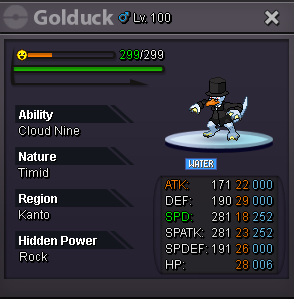
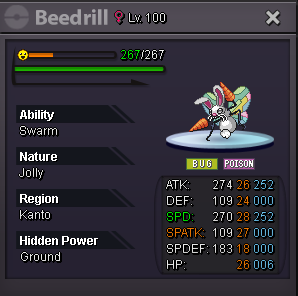
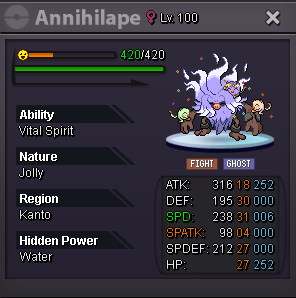
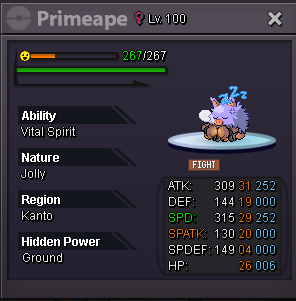
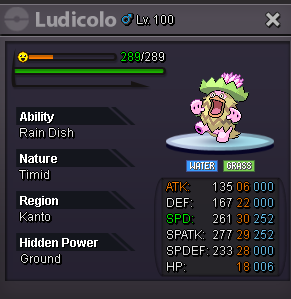 800k
800kAccount
Navigation
Search
Configure browser push notifications
Chrome (Android)
- Tap the lock icon next to the address bar.
- Tap Permissions → Notifications.
- Adjust your preference.
Chrome (Desktop)
- Click the padlock icon in the address bar.
- Select Site settings.
- Find Notifications and adjust your preference.
Safari (iOS 16.4+)
- Ensure the site is installed via Add to Home Screen.
- Open Settings App → Notifications.
- Find your app name and adjust your preference.
Safari (macOS)
- Go to Safari → Preferences.
- Click the Websites tab.
- Select Notifications in the sidebar.
- Find this website and adjust your preference.
Edge (Android)
- Tap the lock icon next to the address bar.
- Tap Permissions.
- Find Notifications and adjust your preference.
Edge (Desktop)
- Click the padlock icon in the address bar.
- Click Permissions for this site.
- Find Notifications and adjust your preference.
Firefox (Android)
- Go to Settings → Site permissions.
- Tap Notifications.
- Find this site in the list and adjust your preference.
Firefox (Desktop)
- Open Firefox Settings.
- Search for Notifications.
- Find this site in the list and adjust your preference.