New Trade Zone
Trade Zone is now live
Use the new Trade Zone for auctions and instant-price trades so Pokemon and item offers are easy to find.

Knossi
Registered User
-
Joined
-
Last visited
Everything posted by Knossi
-
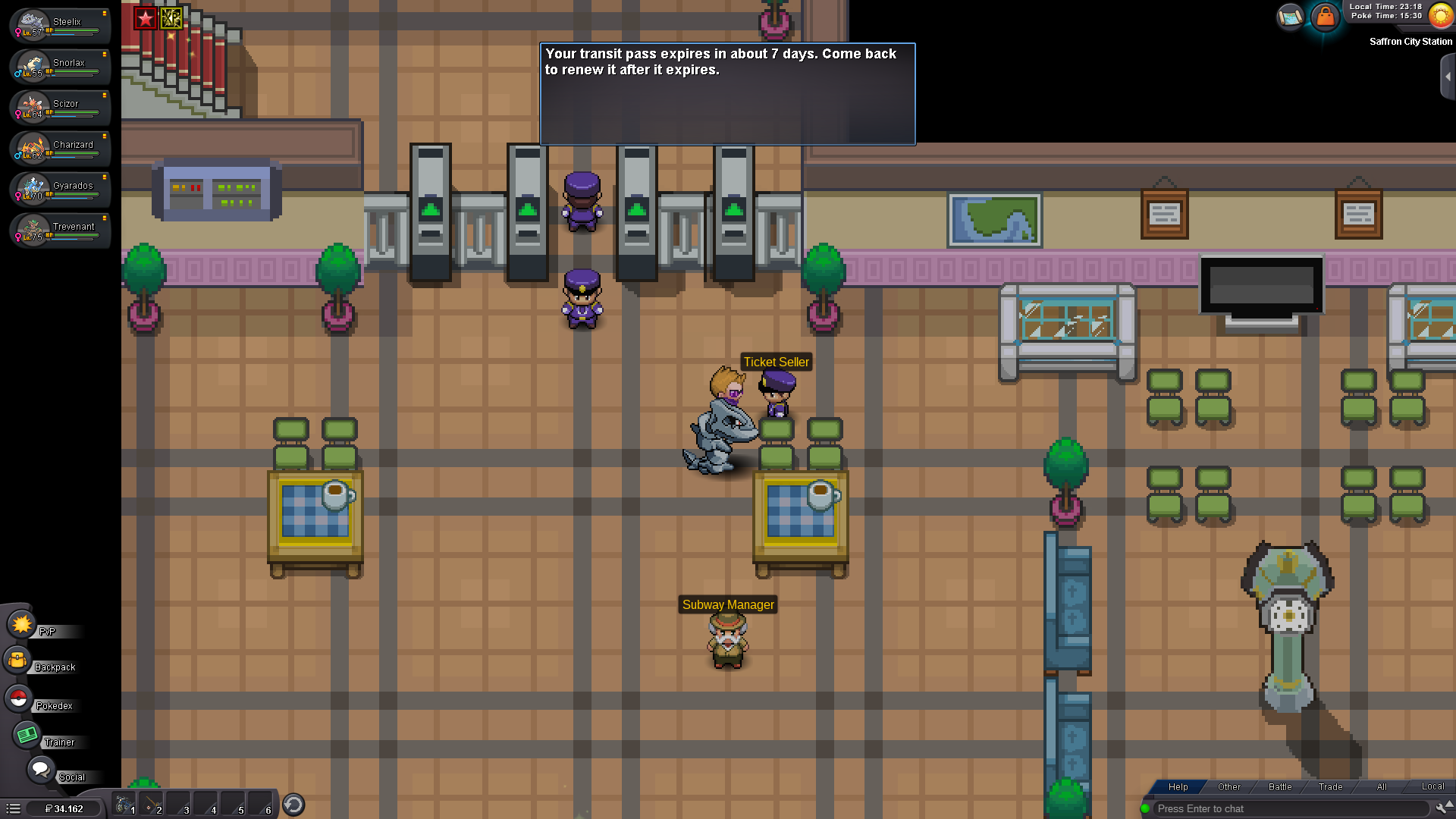
hey, i jsut post the link from the theard mayb someone can help me now, btw i still stuck e4 wasnt able to use a single day of it... you should put ingame that if u try to buy it without beating jhoto 4 it says somet6hing like you are not the champ i cant sell it to you, instead of just take 100k and then u cant use it hahah https://pokemonrevolution.net/forum/topic/141977-url/?do=findComment&comment=779403
-
i spent 100k to use the train for 7 days but i cant then help chat says me i need to me jhoto champ but i just beat saffron kanto gym... why my 100k even taken tho if not work it should say me that i cant use it or stuff like that wtf.... it would be nice if i can get my 100k back ^^