New Trade Zone
Trade Zone is now live
Use the new Trade Zone for auctions and instant-price trades so Pokemon and item offers are easy to find.

Chemong
Suspended
-
Joined
-
Last visited
Everything posted by Chemong
-
7.5m
-
start
-
-
120k zangoose
-
Zangoose 100k
-
110k alakazam 60k zangoose
-
Start meta
-
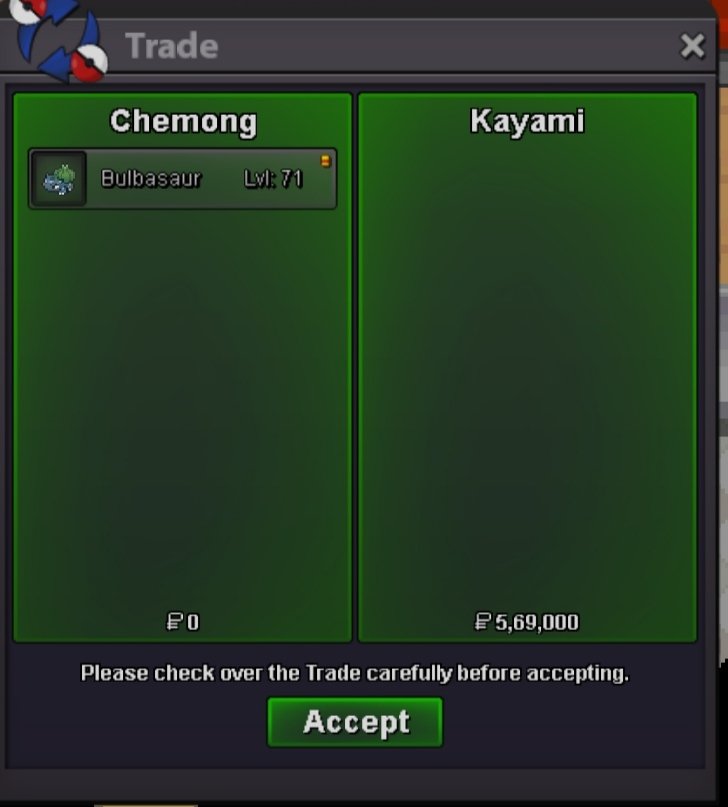
You won bro. dm me when you are are onlineNoted^^23hrs and 56mins leftNoted 🙂Noted^^Wanna sell this frog. c.o: 569k by Kayami @Vermilionz s.o: 1k minimum bid: 1k no insta. END IN 48hrs AFTER START. accept pokedollars only. Good Luck.

 100kstartGeodude used magnitude and sent shiny pikachu to lavender tower.Metagross used meteor mash and clefable fainted.Mega scizor used superpower and mega gyarados faintedGeodude used earthquake and pikachu faintedTogekiss used air slash and mega heracross went to hell.Diggersby used earthquake and mega metagross fainted wow.Venusaur faints for the second time* Justic for venusaur 😖