New Trade Zone
Trade Zone is now live
Use the new Trade Zone for auctions and instant-price trades so Pokemon and item offers are easy to find.

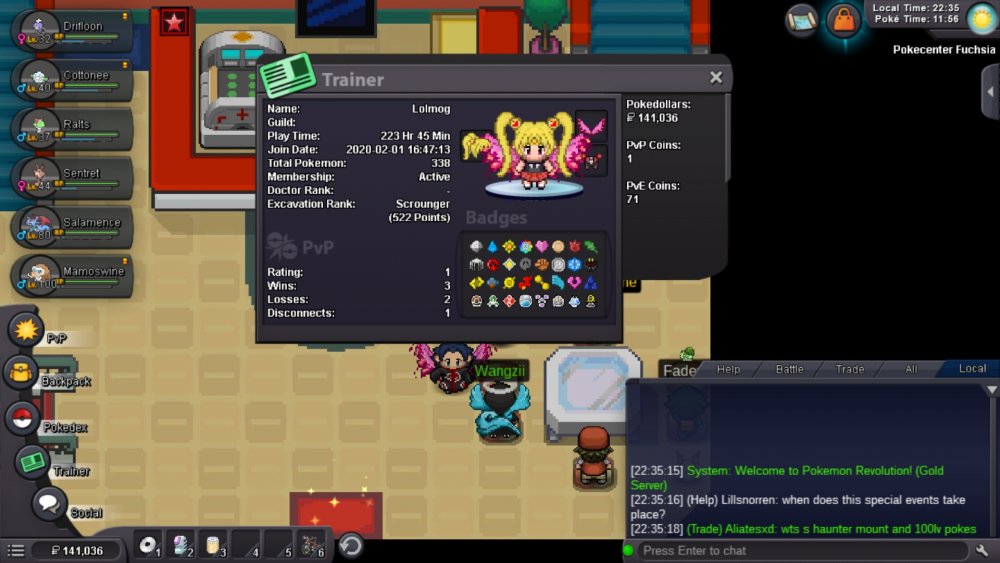
Lolmog
Registered User
-
Joined
-
Last visited
-
nice another week waiting for some1 to fu.. reset cooldown x-d
-
-
Hello! Im asking for new reweads from boss Shary & Shaui. The thing im refering to is fu**ing goomy hat. Why it would be rewead from boss when you can just buy it for real $$? Every other boss with cosmetic dont have this option (to just buy their stuff for real money) so after getting a "tier 3 rewead" im feeling pretty scammed cuz its tottally not like a rewead when you just can buy it from shop.
-
Hello. While battling boss on guild Island he swapped into rotom wash who died due to stalth rock and everything got bugged cuz it didnt died right away and i was stuck at screen saying "rotom wash fainted" Here's a video proof ^^^^
-
1.Ig: Lolmog / Irl: Aleksander/olek 2. Attached File 3. 17 (18 in 23.05) 4. -- getting started with pvp (need just 1 more poke and im Ready to goo) 5. Neberal#5200 6. I want to get started with pvp & Stuff and im feeling like it will be The best to be in guild with People that already know a lot from which i can learn things
-
ID Screenshot: https://imgur.com/a/5rhhfXn Server: gold accidently released shinx that i actually wanted to use for story :(