




New Trade Zone
Trade Zone is now live
Use the new Trade Zone for auctions and instant-price trades so Pokemon and item offers are easy to find.

Aaryan456
Registered User
-
Joined
-
Last visited
Everything posted by Aaryan456
-
4hr left
-
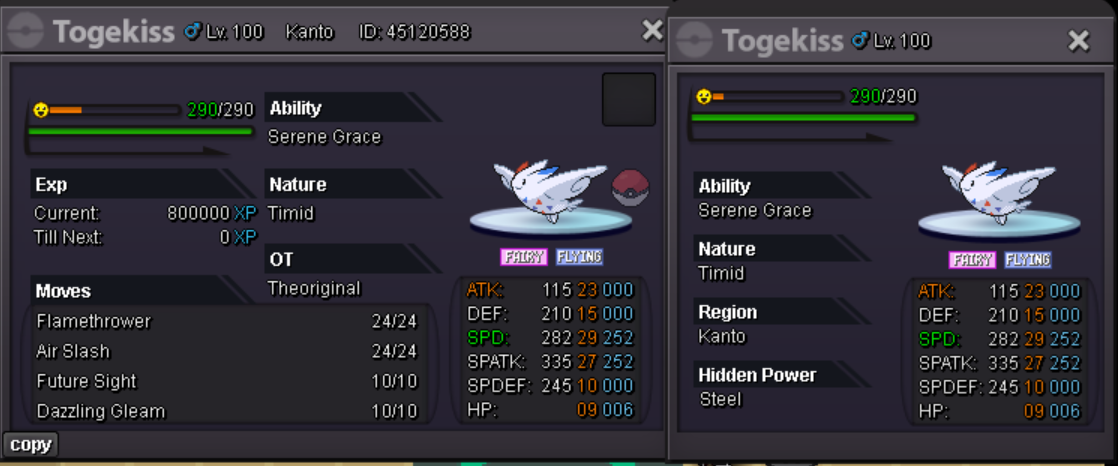
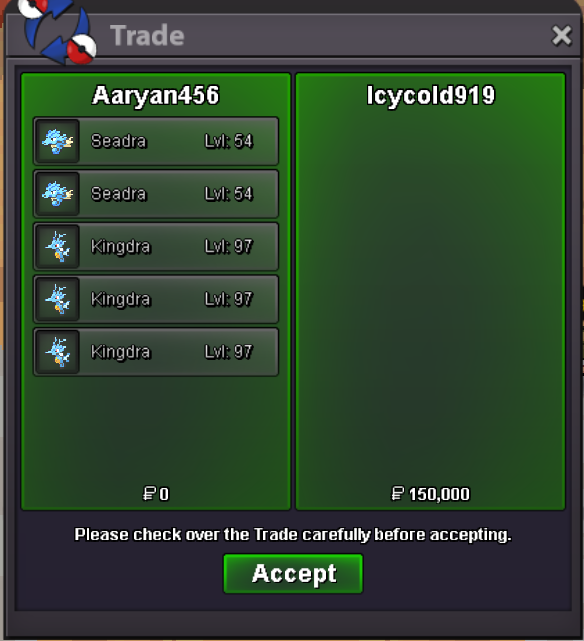
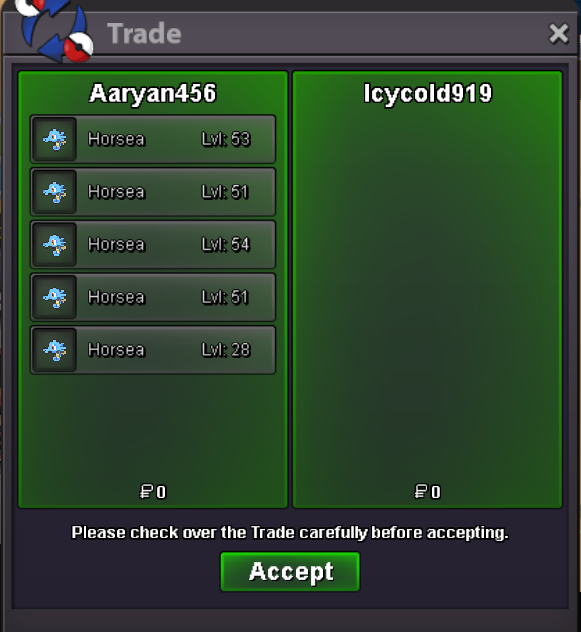
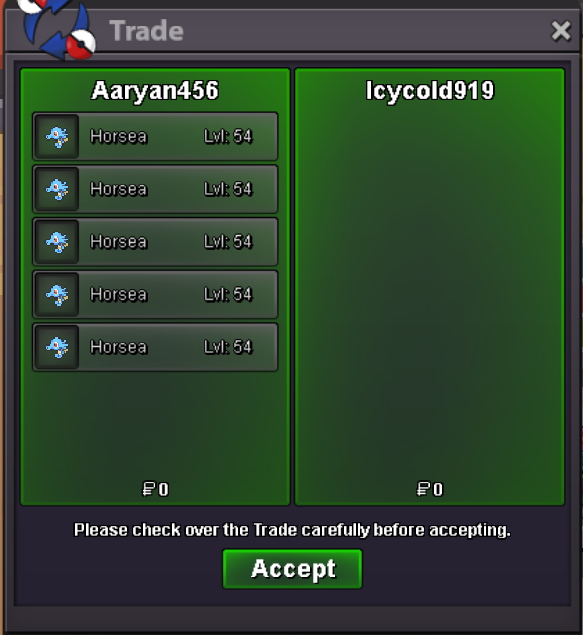
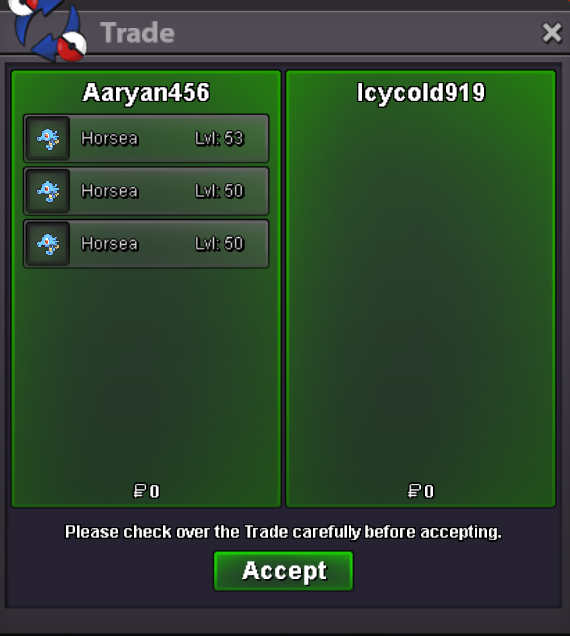
so= 300k min bid 50k insta 1 mil auction ends after 24 hr of first bid
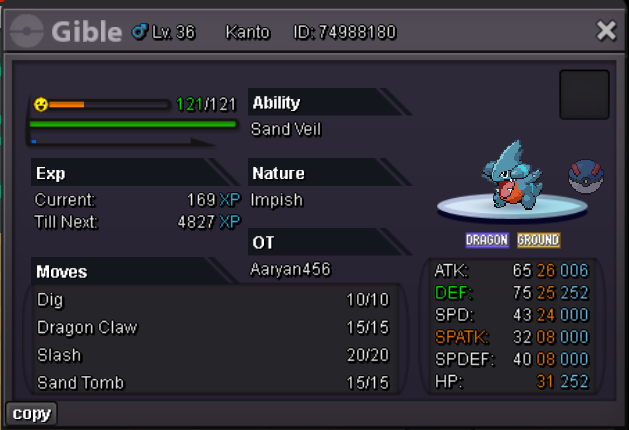
-
-
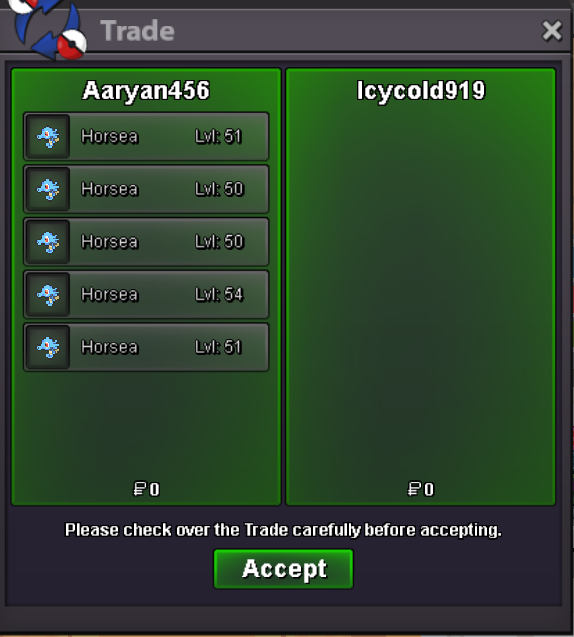
So= 600k Min bid 50k No insta Auction end after 48 hr of first bid
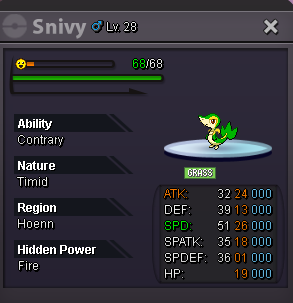 100k@Icycold919 won the auctionso= 100k min bid= 50k No insta auction ends after 48hr of first bid Screenshot 2024-09-29 121630.png - Shortcut.lnkScreenshot 2024-09-29 121645.png - Shortcut.lnkScreenshot 2024-09-29 121712.png - Shortcut.lnkScreenshot 2024-09-29 121957.png - Shortcut.lnkScreenshot 2024-09-29 122014.png - Shortcut.lnkScreenshot 2024-09-29 122026.png - Shortcut.lnkScreenshot 2024-09-29 122104.png - Shortcut.lnkScreenshot 2024-09-29 122117.png - Shortcut.lnkScreenshot 2024-09-29 122128.png - Shortcut.lnkScreenshot 2024-09-29 122200.png - Shortcut.lnkScreenshot 2024-09-29 122211.png - Shortcut.lnkScreenshot 2024-09-29 122220.png - Shortcut.lnkScreenshot 2024-09-29 122630.png - Shortcut.lnkScreenshot 2024-09-29 122644.png - Shortcut.lnkScreenshot 2024-09-29 122659.png - Shortcut.lnk
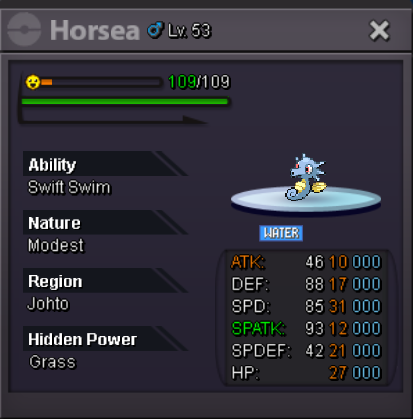
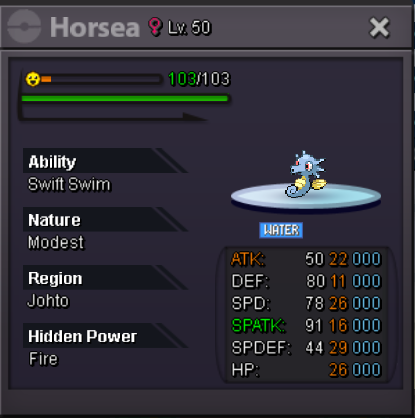
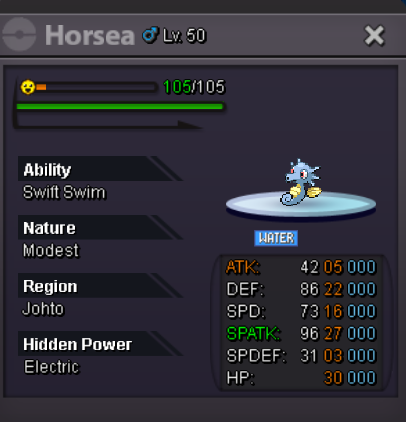
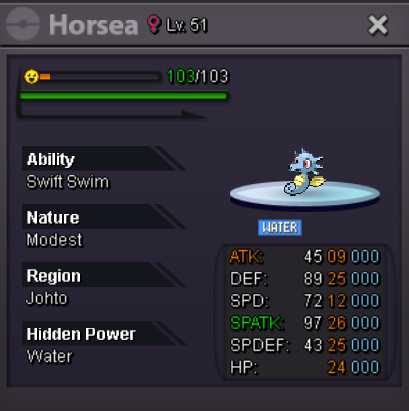
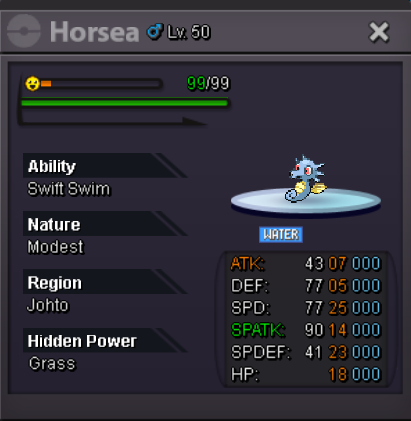
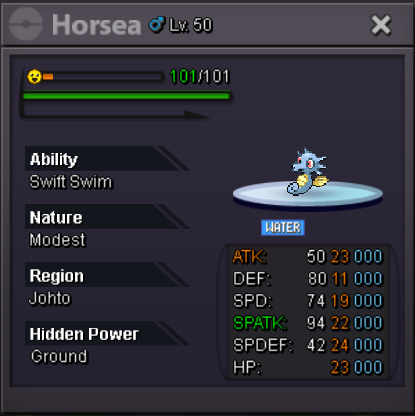
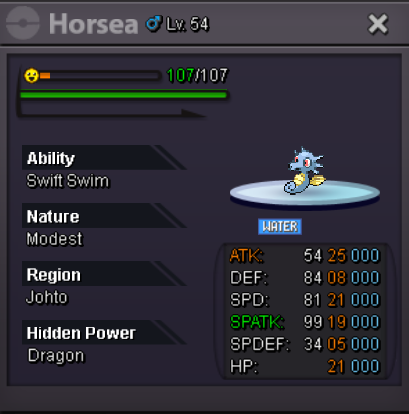
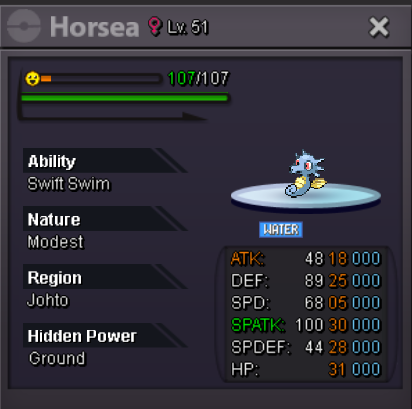
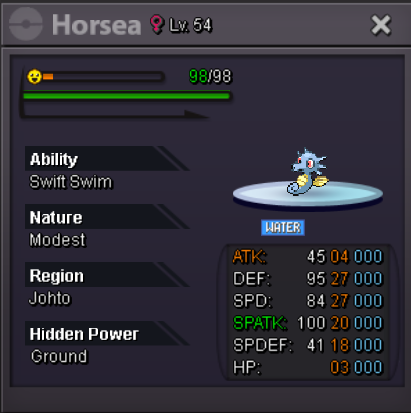
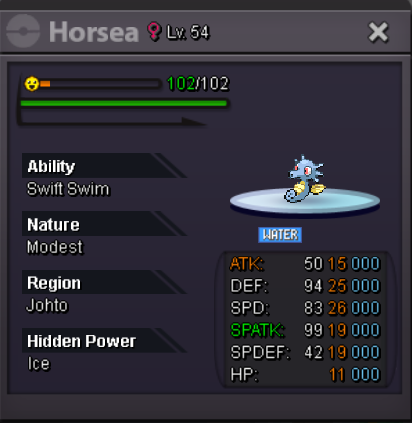
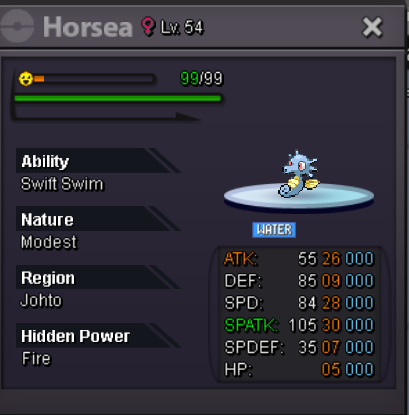
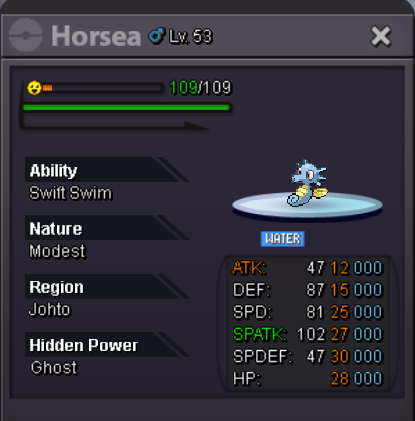
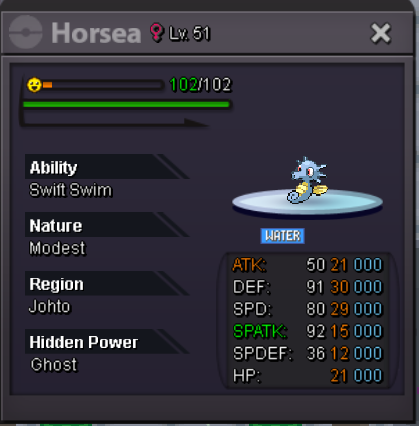
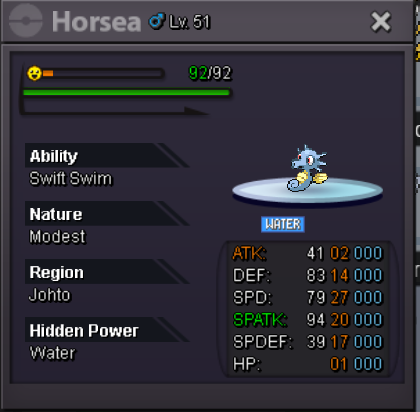
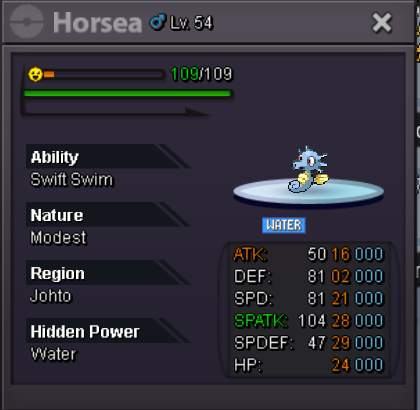
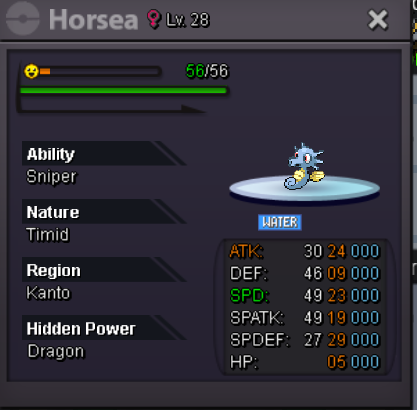
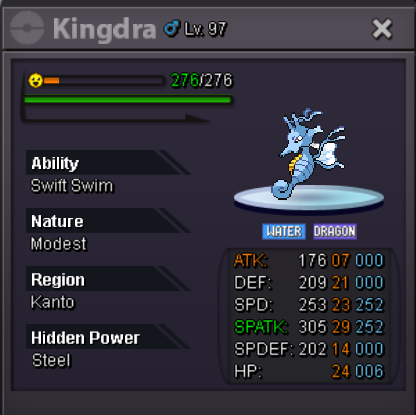
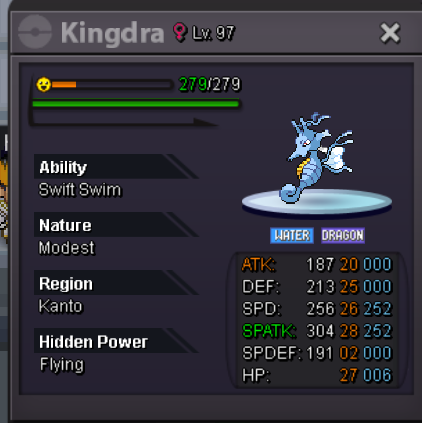
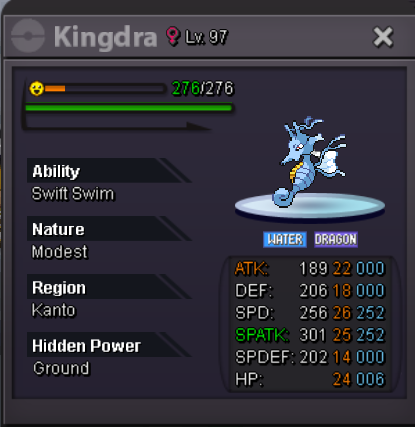
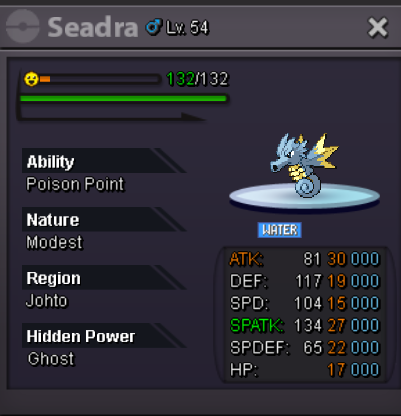

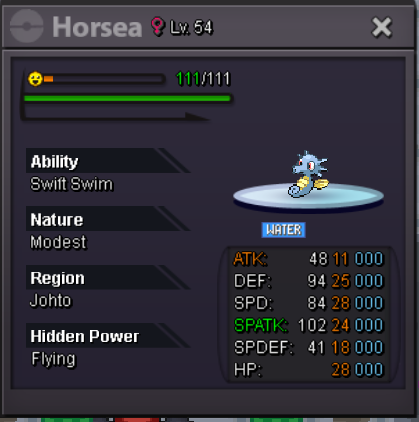
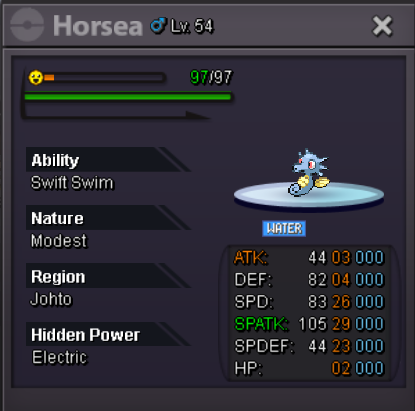 Got both
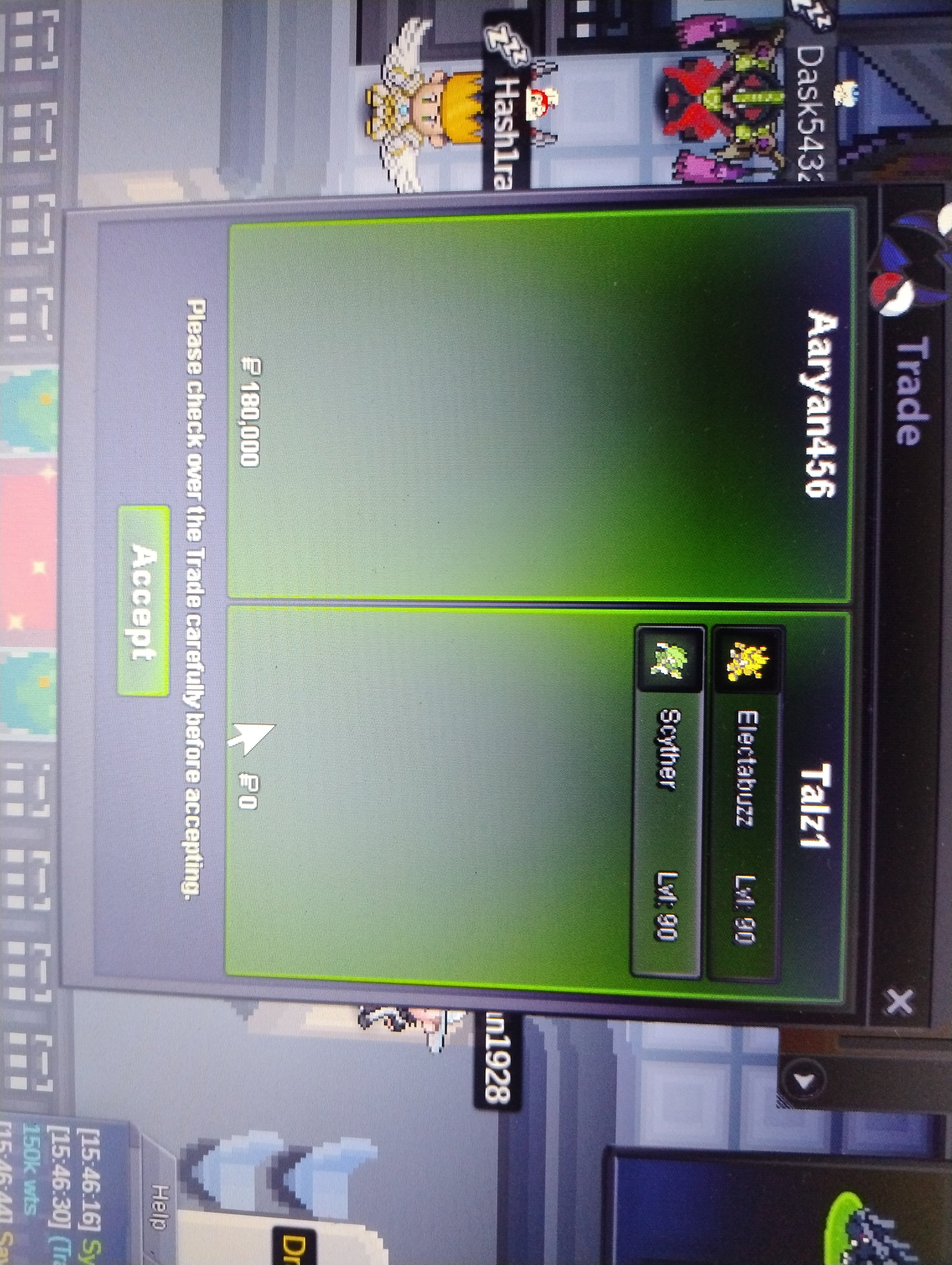 Trash lv 90 scyther and electrabuzzso = 100k min bid 10k no insta ends in 24hr after first bid
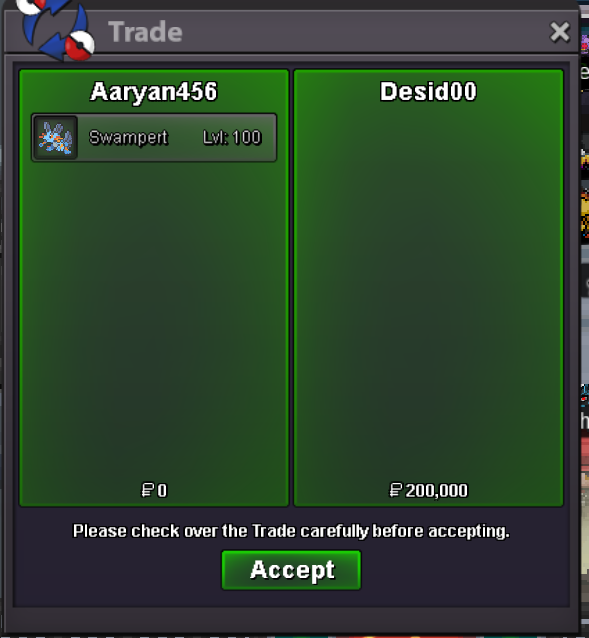
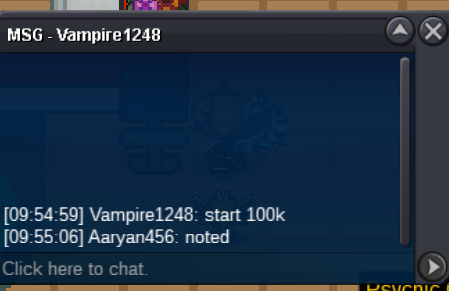
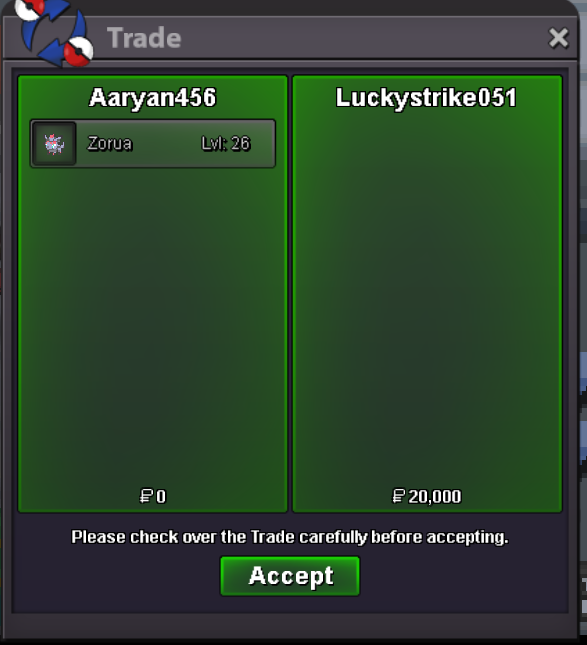
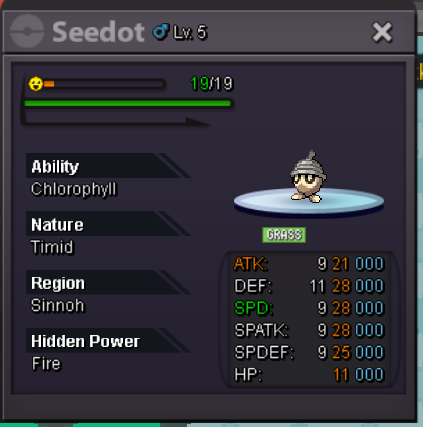 closed due to no bid@Desid00 you won the auction7hr and 53min leftco 100k by Vampire1248aaryan4528 tell me when we can trade on discord@Luckystrike051 you won the auctionstarting bid =100k min bid =50k No insta ends in 72 hr after first bid
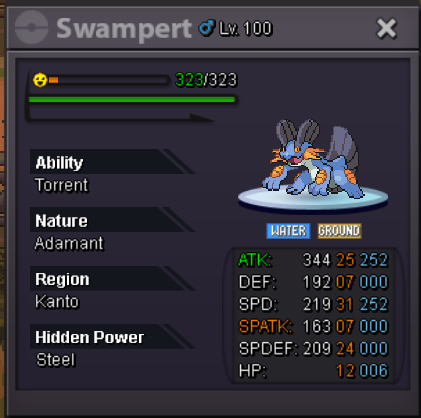 starting bid =10k min bid =10k No insta ends in 24 hrs after first bid
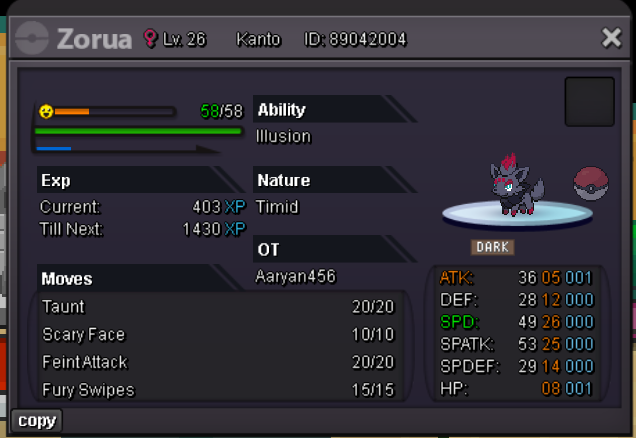 starting bid =100k min bid =50k No Insta ends in 24 hrs after first bid



Account
Navigation
Search
Configure browser push notifications
Chrome (Android)
- Tap the lock icon next to the address bar.
- Tap Permissions → Notifications.
- Adjust your preference.
Chrome (Desktop)
- Click the padlock icon in the address bar.
- Select Site settings.
- Find Notifications and adjust your preference.
Safari (iOS 16.4+)
- Ensure the site is installed via Add to Home Screen.
- Open Settings App → Notifications.
- Find your app name and adjust your preference.
Safari (macOS)
- Go to Safari → Preferences.
- Click the Websites tab.
- Select Notifications in the sidebar.
- Find this website and adjust your preference.
Edge (Android)
- Tap the lock icon next to the address bar.
- Tap Permissions.
- Find Notifications and adjust your preference.
Edge (Desktop)
- Click the padlock icon in the address bar.
- Click Permissions for this site.
- Find Notifications and adjust your preference.
Firefox (Android)
- Go to Settings → Site permissions.
- Tap Notifications.
- Find this site in the list and adjust your preference.
Firefox (Desktop)
- Open Firefox Settings.
- Search for Notifications.
- Find this site in the list and adjust your preference.