New Trade Zone
Trade Zone is now live
Use the new Trade Zone for auctions and instant-price trades so Pokemon and item offers are easy to find.


1task4force1
Registered User
-
Joined
-
Last visited
Everything posted by 1task4force1
-
-
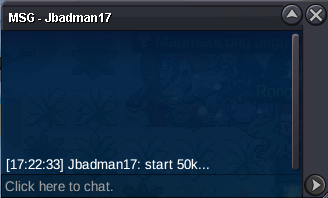
Current Offer: 50 by Jbadman17 Start Price: 50k End Point: 24 hours after first bid Minimum Raise: 50k Accepted Payments: Pokedollars, Coin Capsules (x1 Coin Capsule = 500k), IV Reroll Tickets (x1 IV Reroll Ticket = 700k)
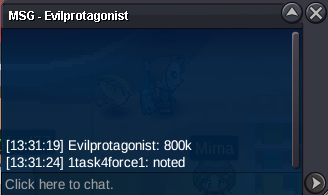
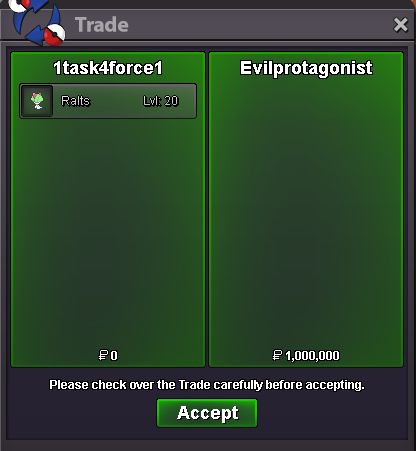
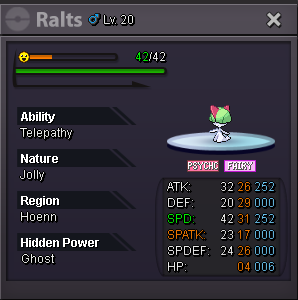
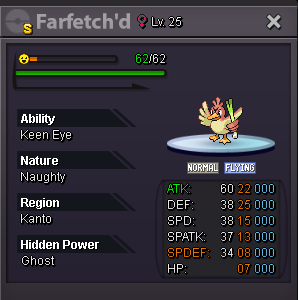 120kFinally, the winner is @Evilprotagonist by 1m
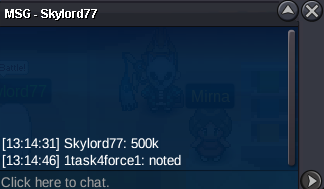
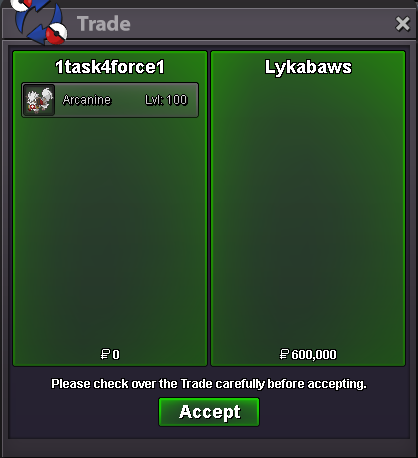
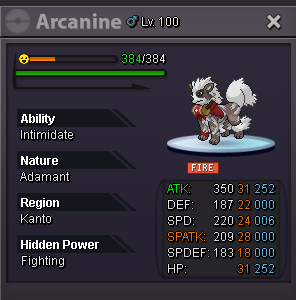
 @Opacity Finally, the winner of the auction is @Lykabaws with a bid of 600k Congrats!
 150kCurrent Offer: 1m by Evilprotagonist Start Price: 100k End Point: 24 hours (13:08 GMT+1) Minimum Raise: 100k Accepted Payments: Pokedollars, Coin Capsules (x1 Coin Capsule = 500k), IV Reroll Tickets (x1 IV Reroll Ticket = 700k)
 Auction closed, 7ltjack7 wins the auctionCurrent Offer: 600k by Lykabaws Start Price: 100k End Point: 48 hours (Ends 1 Jan, 12:30 am GMT+1) Insta Price: No insta Minimum Raise: 100k Accepted Payments: Pokedollars, Coin Capsules (x1 Coin Capsule = 500k), IV Reroll Tickets (x1 IV Reroll Ticket = 700k)
 Second sale!
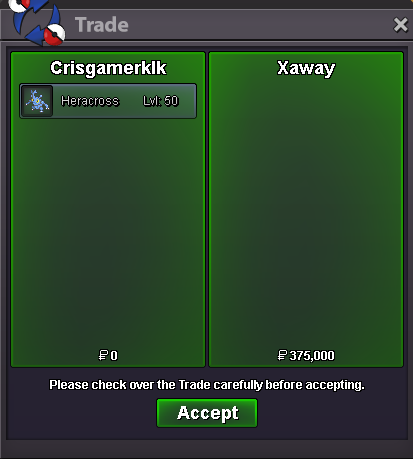 First sale!
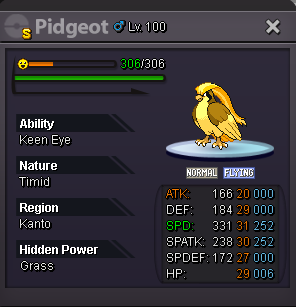
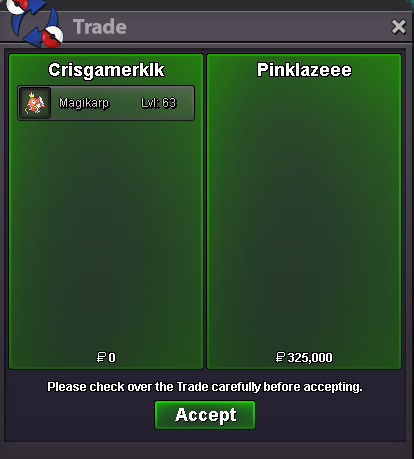 Hi everyone! This is 141 Shop, here u can find decent-good pokes for pvp & boss. Remember, All pokes are negotiable! (Second poke at 20%, discounts applies to the one that costs less) 200k - 300k +300k-400k +400k .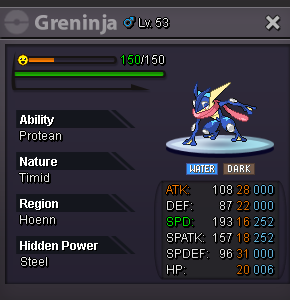
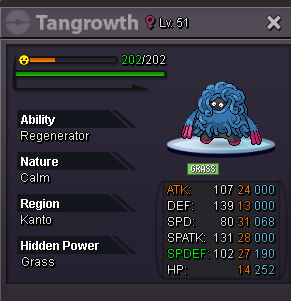
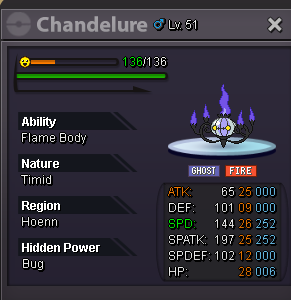
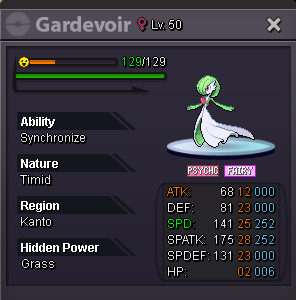
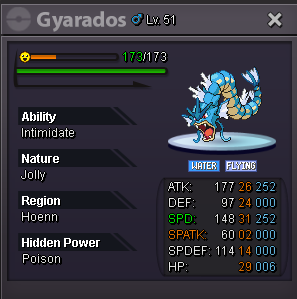
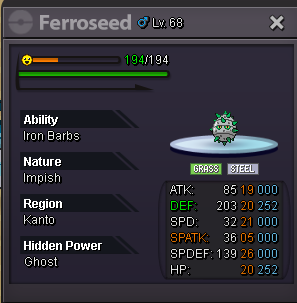
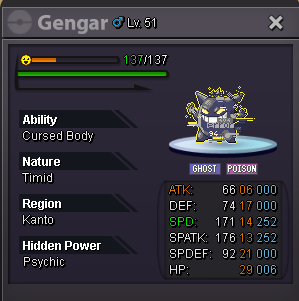
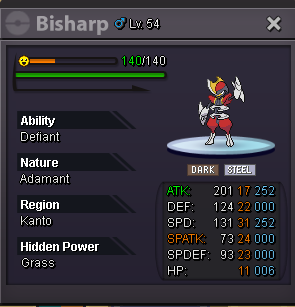
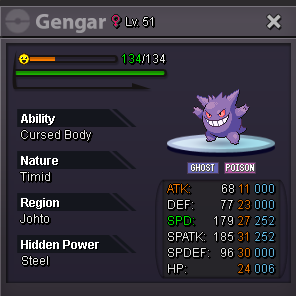
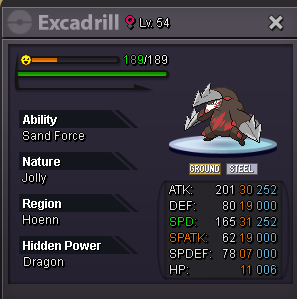
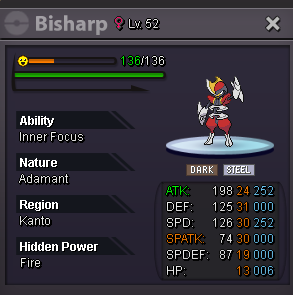
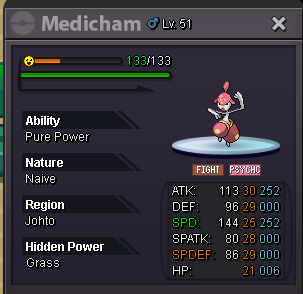
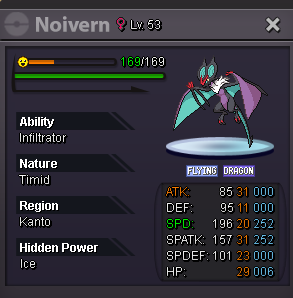 Auction closed, the winner is Cvteko23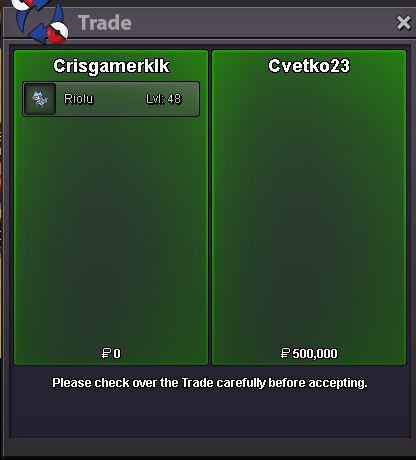
Account
Navigation
Search
Configure browser push notifications
Chrome (Android)
- Tap the lock icon next to the address bar.
- Tap Permissions → Notifications.
- Adjust your preference.
Chrome (Desktop)
- Click the padlock icon in the address bar.
- Select Site settings.
- Find Notifications and adjust your preference.
Safari (iOS 16.4+)
- Ensure the site is installed via Add to Home Screen.
- Open Settings App → Notifications.
- Find your app name and adjust your preference.
Safari (macOS)
- Go to Safari → Preferences.
- Click the Websites tab.
- Select Notifications in the sidebar.
- Find this website and adjust your preference.
Edge (Android)
- Tap the lock icon next to the address bar.
- Tap Permissions.
- Find Notifications and adjust your preference.
Edge (Desktop)
- Click the padlock icon in the address bar.
- Click Permissions for this site.
- Find Notifications and adjust your preference.
Firefox (Android)
- Go to Settings → Site permissions.
- Tap Notifications.
- Find this site in the list and adjust your preference.
Firefox (Desktop)
- Open Firefox Settings.
- Search for Notifications.
- Find this site in the list and adjust your preference.