New Trade Zone
Trade Zone is now live
Use the new Trade Zone for auctions and instant-price trades so Pokemon and item offers are easy to find.

Jbadman17
Registered User
-
Joined
-
Last visited
-
Wtb the Sassy Wobbafet, (nvm ill pass, got something already)
-
+1²
-
+1 experienced similar before, player bidded on the auction and apparently didn't see the auction was done from the Gold Server. Goes on to explain themselves in messages, that it was a mistake and refused to transfer. Situations like these should be avoided in my opinion, and relevant to what Nox would have mentioned, false bids and such should be applicable to a better enforcement of punishment.
-
done
-
<3
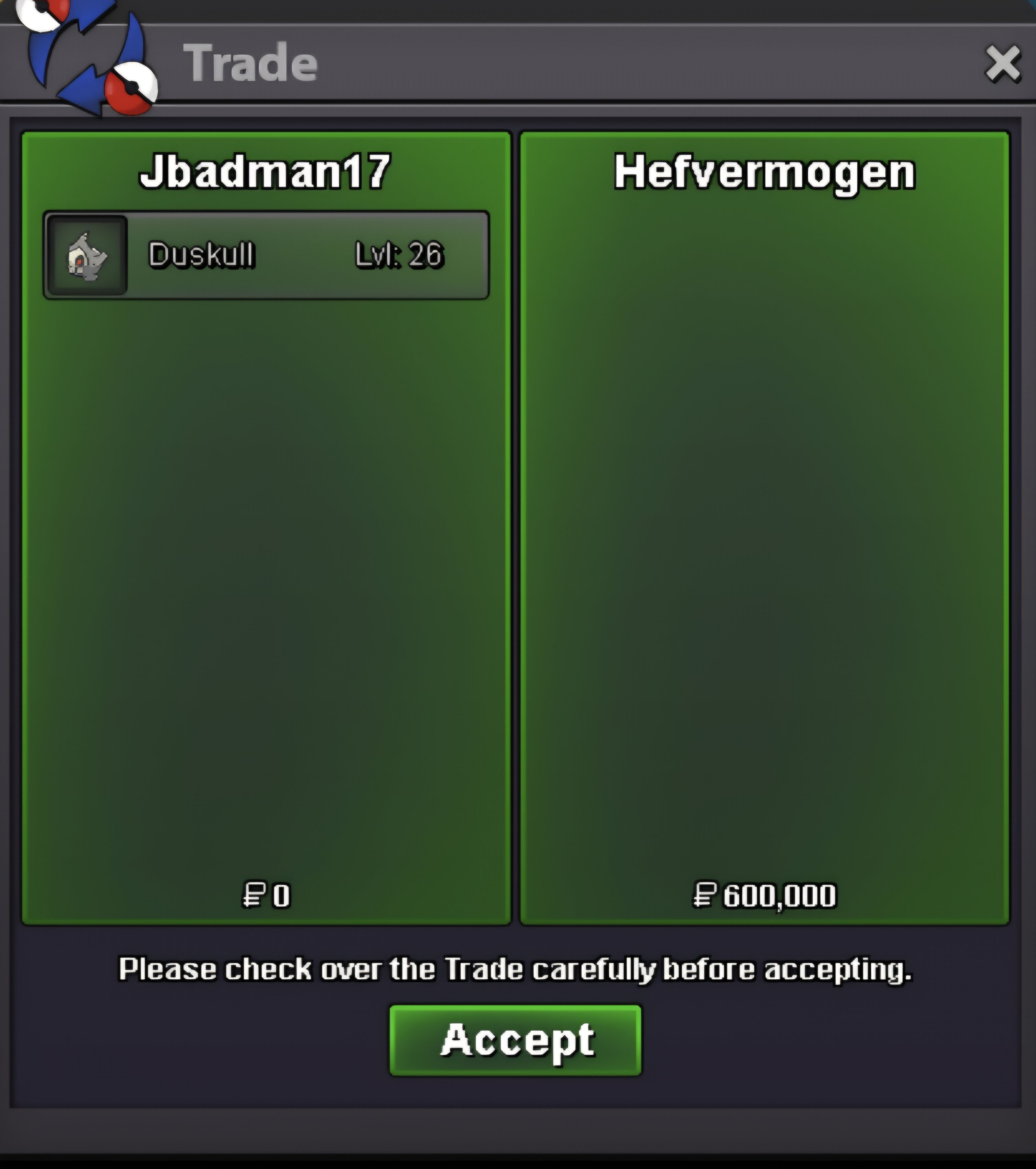
-
@Osqiir93 Apologies, but the auction has been finished
-
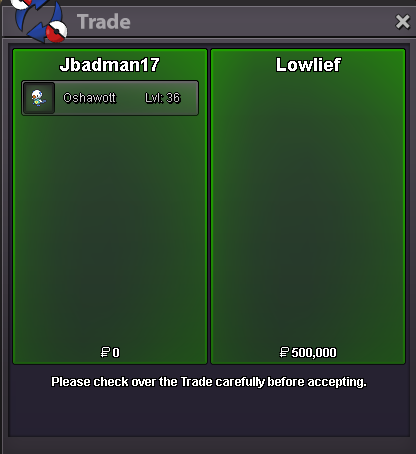
@Lowlief message me when you're able to collect your mon
-
@Hefvermogen Let me know when you are online for the Duskulll via disc.
-
Bump - 33 minutes left appx.
-
Bump
-
IGN : Jbadman17 Tz : -4 utc
-
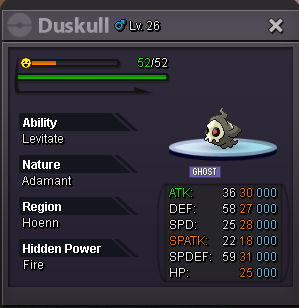
[20+ Epic Oshawott | Jolly | H.a. | 21Spd / 31 Atk] Start Point: 500k End Point: [48 hours after start is met] Insta: N/A Min. Raise: 100k Accepted Payment(s): Poke dollars , Coin Capsules ( 1 x Coin Capsule = 500k), IV Reroll ( 1 x IV Reroll = 750k ) [25+ Semi-Godly Duskull | Adamant | Levitate] Start Point: 500k End Point: [48 hours after start is met] Insta: N/A Min. Raise: 100k Accepted Payment(s): Poke dollars , Coin Capsules ( 1 x Coin Capsule = 500k), IV Reroll ( 1 x IV Reroll = 750k ) Important Reminders This is a Gold Server auction. You may bid from any server but you must transfer to Gold Server upon winning the auction. If you intend to purchase with an alternate account or from other server, please specify the account name and/or server name alongside your bid. 15 minutes rule is applied. (If a bid is received in the final 15 minutes of the auction, the end point will be delayed by 15 minutes from that bid, and will be delayed by 15 minutes for each new bid thereafter, until the current offer has been held for a full 15 minutes) Please check the Trade Rules and Auction Rules if you are new to trading in PRO. Again, Thank you for all the Love and Support, Happy Bidding.

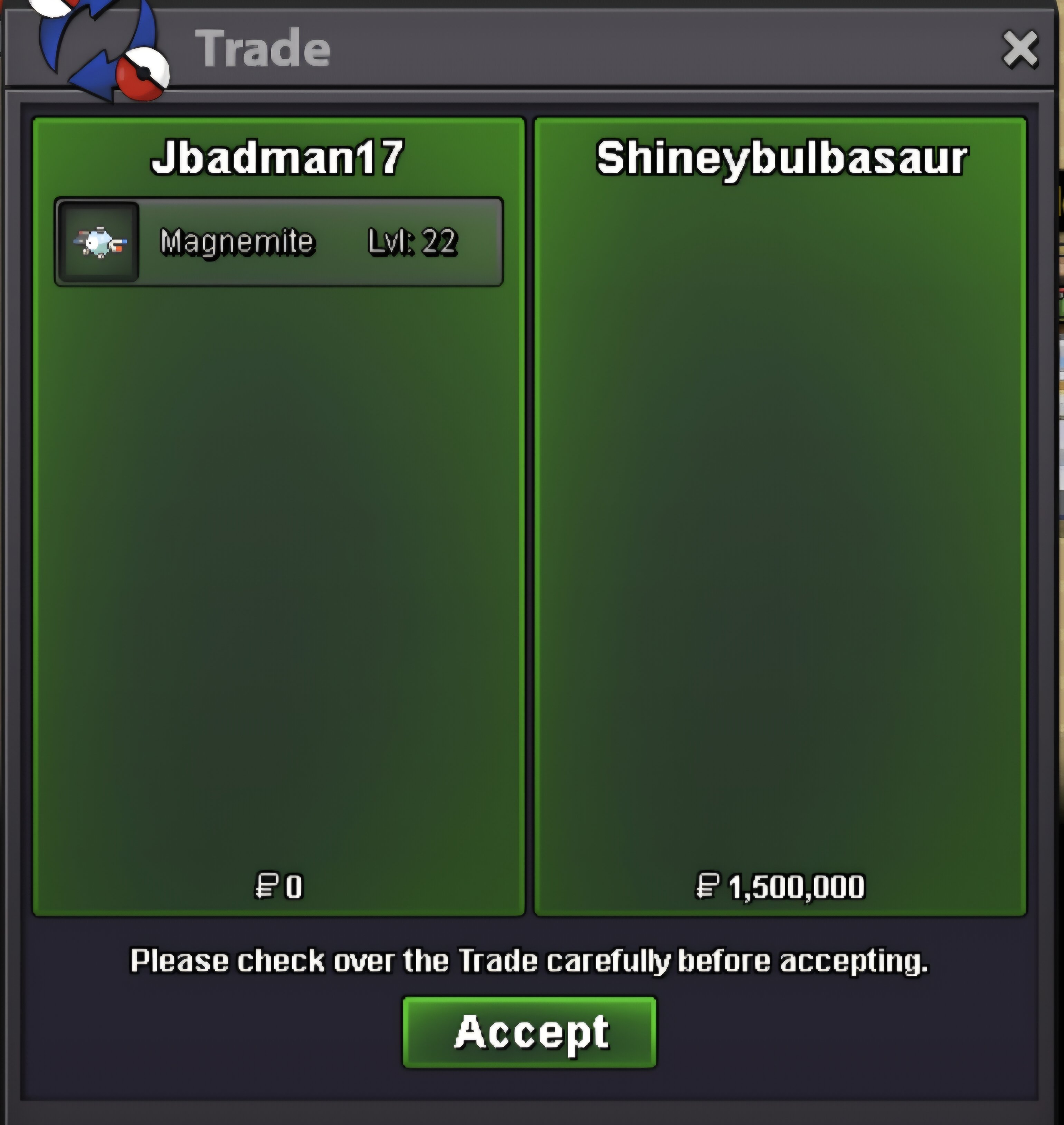
 @Shineybulbasaur Congrats please pm in game jbadman17 or on discrod at j_badman17