




New Trade Zone
Trade Zone is now live
Use the new Trade Zone for auctions and instant-price trades so Pokemon and item offers are easy to find.

Gal1leo
Registered User
-
Joined
-
Last visited
Everything posted by Gal1leo
-
just under 2 hours left
-
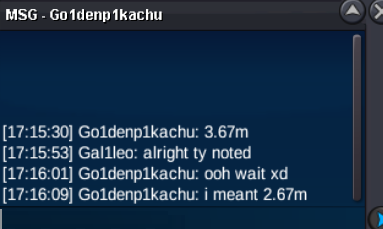
c.o 2.67m
-
-
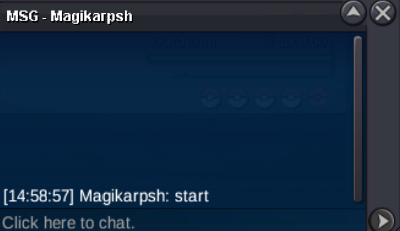
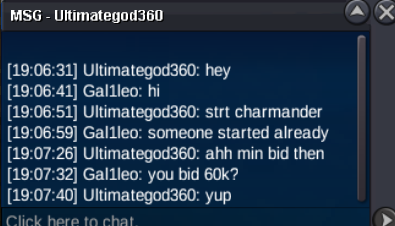
@Magikarpsh your bid is too low it needs to be 100k minimum
-
s.o 2m min raise 100k insta 15m 48 hour auction after s.o has been met Accept CC at 520k and Pokedollars.
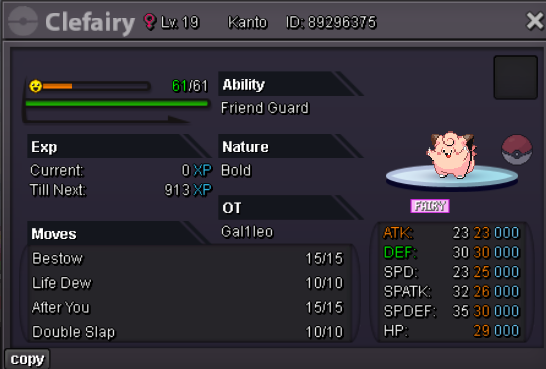 s.o 500k min raise 100k insta 5m 24 hour auction after s.o is met. CC = 520k and pokedollars accepted.
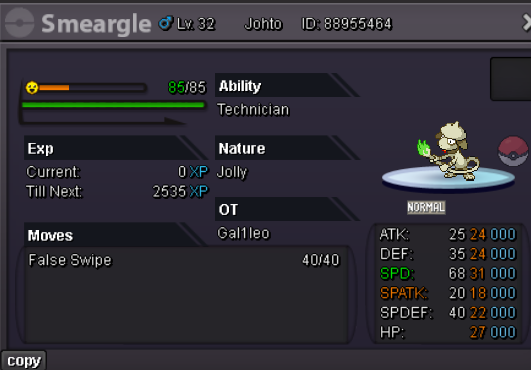 ends 24h from now
 s.o 50k min raise 10k insta 2m auction will last 24 hours after s.o is met. "anything can be trick room if you're brave enough" - Cyanide probably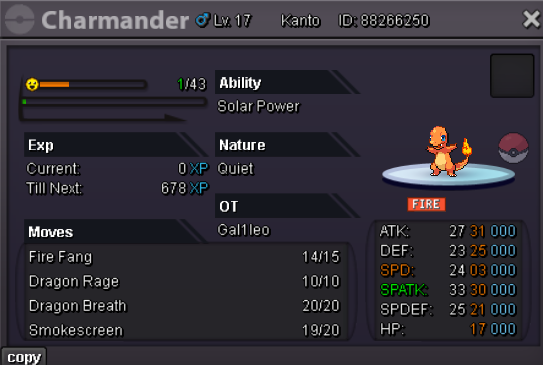
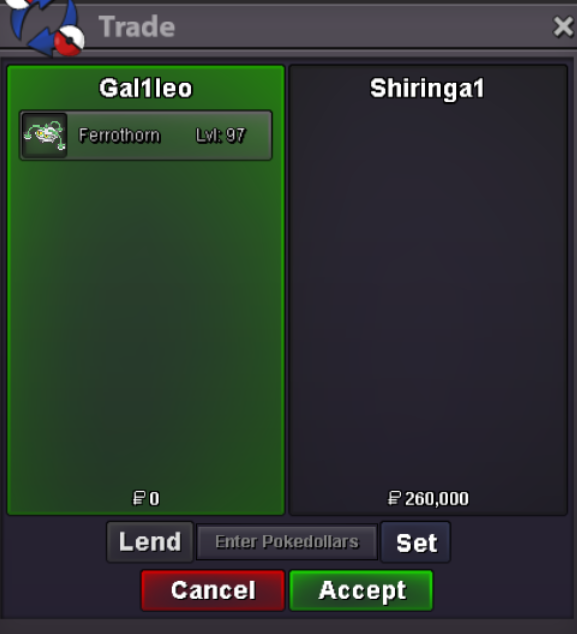
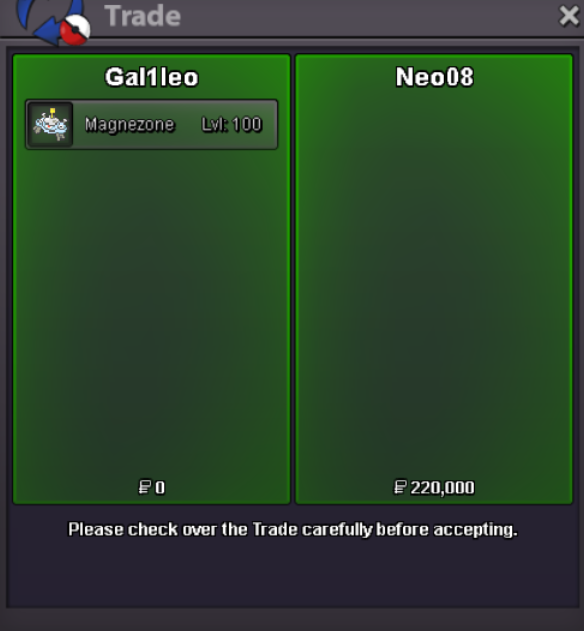
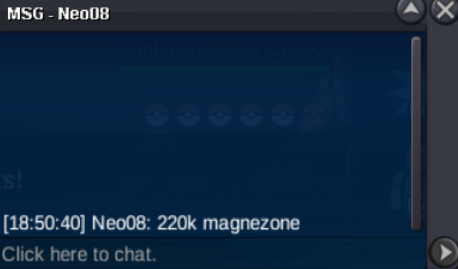
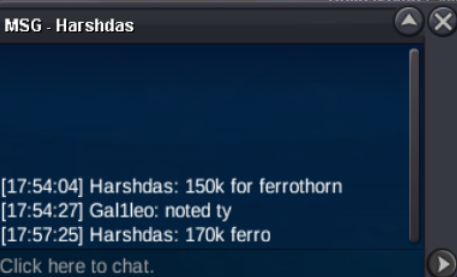
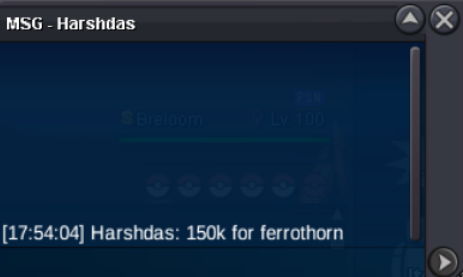
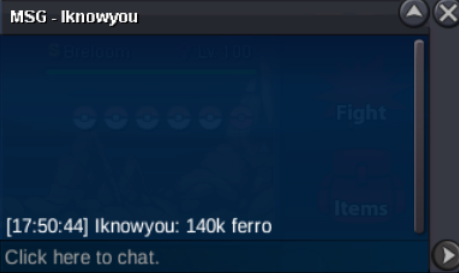
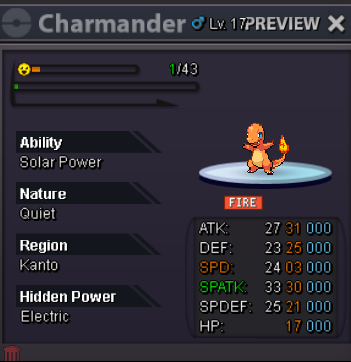 can you come online to trade @Shiringa@Harshdas won the ferro 280k15 minute extension after each bid @Harshdas its still goingc.o for ferro already 150k @Yakuzahhp ground magnezone s.o 100k min raise 10k no insta end: 1 hour after s.o is met ferrothorn s.o 100k min raise 10k no insta end: 1 hour after s.o is met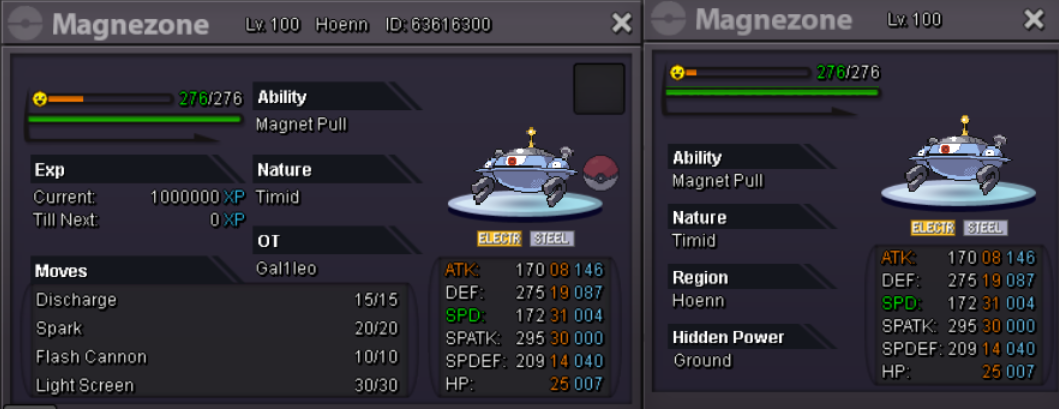
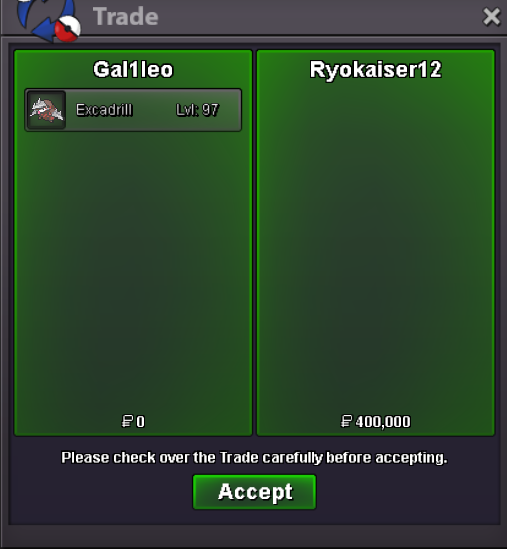
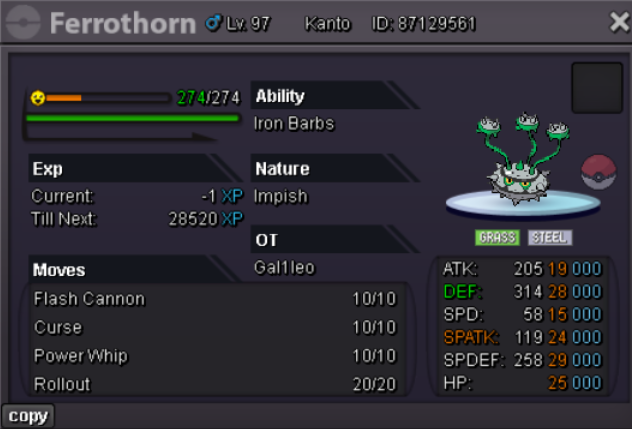 please contact me on discord @Ryokaiser12 @Takuta thejackieboy@Takuta won the mediexca ends in an hour
Account
Navigation
Search
Configure browser push notifications
Chrome (Android)
- Tap the lock icon next to the address bar.
- Tap Permissions → Notifications.
- Adjust your preference.
Chrome (Desktop)
- Click the padlock icon in the address bar.
- Select Site settings.
- Find Notifications and adjust your preference.
Safari (iOS 16.4+)
- Ensure the site is installed via Add to Home Screen.
- Open Settings App → Notifications.
- Find your app name and adjust your preference.
Safari (macOS)
- Go to Safari → Preferences.
- Click the Websites tab.
- Select Notifications in the sidebar.
- Find this website and adjust your preference.
Edge (Android)
- Tap the lock icon next to the address bar.
- Tap Permissions.
- Find Notifications and adjust your preference.
Edge (Desktop)
- Click the padlock icon in the address bar.
- Click Permissions for this site.
- Find Notifications and adjust your preference.
Firefox (Android)
- Go to Settings → Site permissions.
- Tap Notifications.
- Find this site in the list and adjust your preference.
Firefox (Desktop)
- Open Firefox Settings.
- Search for Notifications.
- Find this site in the list and adjust your preference.