




New Trade Zone
Trade Zone is now live
Use the new Trade Zone for auctions and instant-price trades so Pokemon and item offers are easy to find.

Qasar
Registered User
-
Joined
-
Last visited
Everything posted by Qasar
-
Staryu 180k Ralts 160k Sableye 170k larvesta 110k
-
Hello, i've noticed that a lot of berries have been coded, but i wonder why the custap is still missing, since similar berries are available in the game like the Apicot, Micle or Starf (that activates "in a pinch") thanks in advance and keep up the good work!
-
1.5m
-
Can a mod help me with this trade?
-
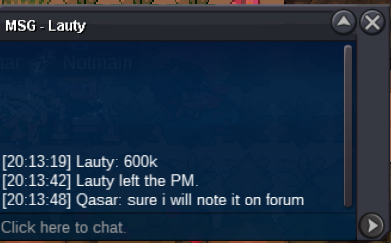
@Ehkoe i'm still waiting Lauty for Charizard trade, what should i do?
-
CHARIZARD SOLD, LAUTY PM ME
-
CLOYSTER SOLD
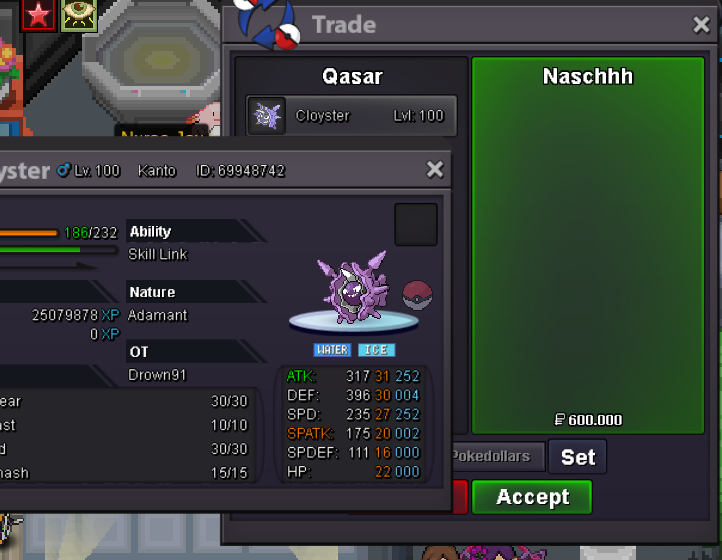
-
SOLD HAWLUCHA
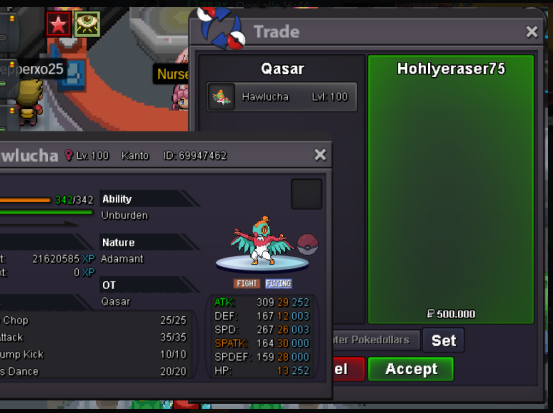
-
@Hohlyeraser auction ended u won Hawlucha, pm me in game. IGN: Qasar
-
bump Cloyster auction ends in 7 hours Hawlucha auction ends in 2 hours Charizard auction ends in 12 hours
-
noted
-
notedbump Cloyster end in 22 hours Hawlucha end in 17 hours Charizard end in 1day and 4 hoursupCharizard auction started
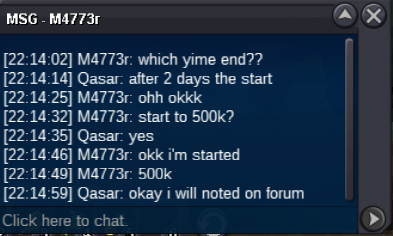 Cloyster started
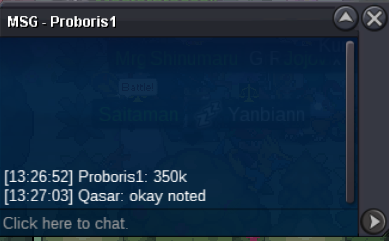
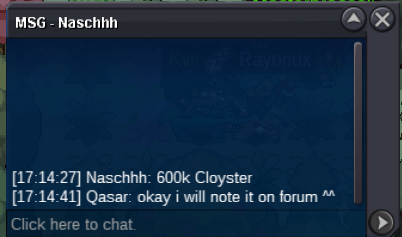
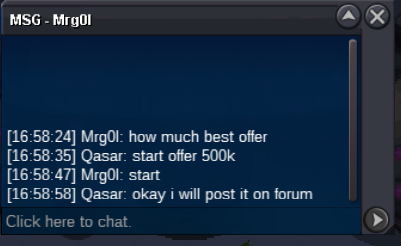 Noted and added countdownHello there, i want to sell some pvpable pokemon already fully trained. I accept reroll ticket (700k), reroll nature (350k) and cc (400k) The auction will last 2 days after first bid c.o. 600k by Naschhh insta 3m min bid 100k https://www.tickcounter.com/countdown/3174066/my-countdown c.o. 500k by Hohlyeraser insta 1.5m min bid 50k https://www.tickcounter.com/countdown/3173340/my-countdown c.o. 600k by Lauty insta 2m min bid 100k https://www.tickcounter.com/countdown/3174982/my-countdown GL Everyone
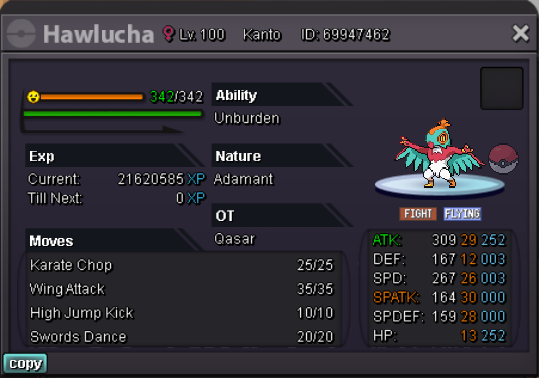
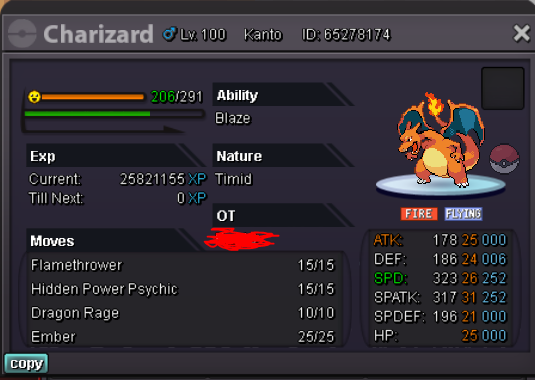 start 😅SOLD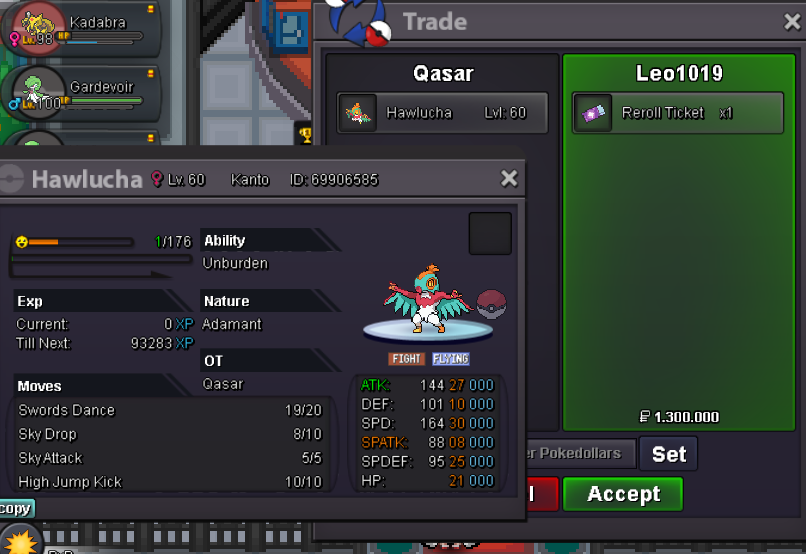

Account
Navigation
Search
Configure browser push notifications
Chrome (Android)
- Tap the lock icon next to the address bar.
- Tap Permissions → Notifications.
- Adjust your preference.
Chrome (Desktop)
- Click the padlock icon in the address bar.
- Select Site settings.
- Find Notifications and adjust your preference.
Safari (iOS 16.4+)
- Ensure the site is installed via Add to Home Screen.
- Open Settings App → Notifications.
- Find your app name and adjust your preference.
Safari (macOS)
- Go to Safari → Preferences.
- Click the Websites tab.
- Select Notifications in the sidebar.
- Find this website and adjust your preference.
Edge (Android)
- Tap the lock icon next to the address bar.
- Tap Permissions.
- Find Notifications and adjust your preference.
Edge (Desktop)
- Click the padlock icon in the address bar.
- Click Permissions for this site.
- Find Notifications and adjust your preference.
Firefox (Android)
- Go to Settings → Site permissions.
- Tap Notifications.
- Find this site in the list and adjust your preference.
Firefox (Desktop)
- Open Firefox Settings.
- Search for Notifications.
- Find this site in the list and adjust your preference.