New Trade Zone
Trade Zone is now live
Use the new Trade Zone for auctions and instant-price trades so Pokemon and item offers are easy to find.

Qasar
Registered User
-
Joined
-
Last visited
Everything posted by Qasar
-
-
-
-
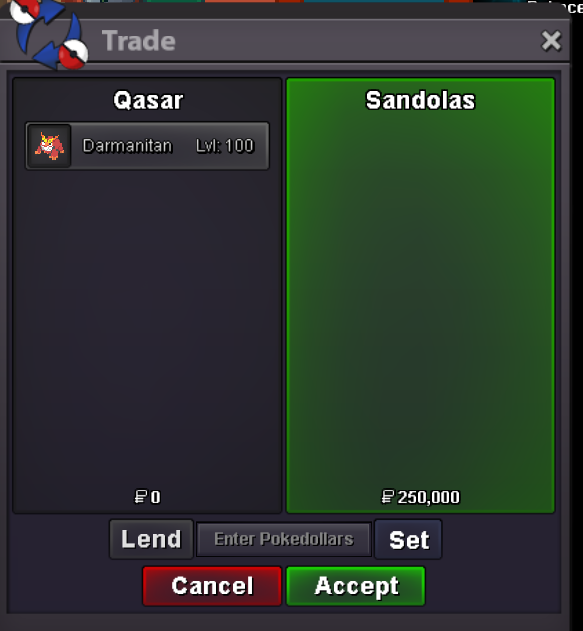
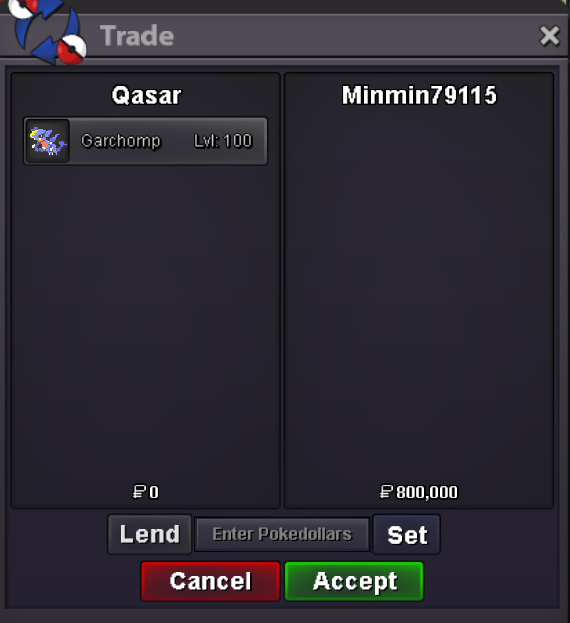
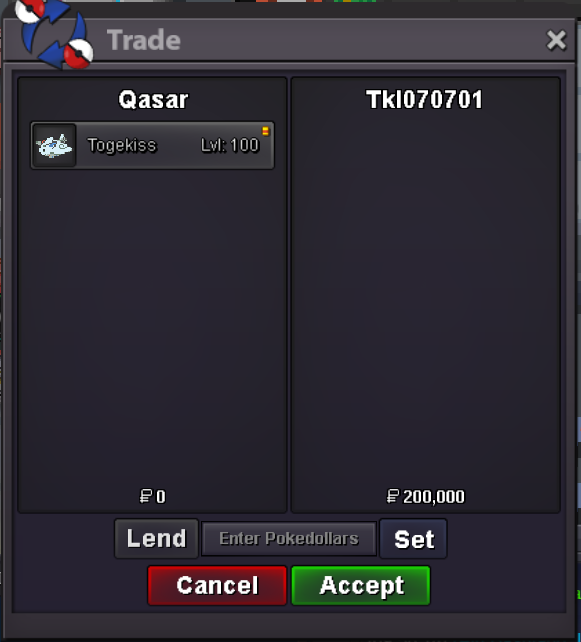
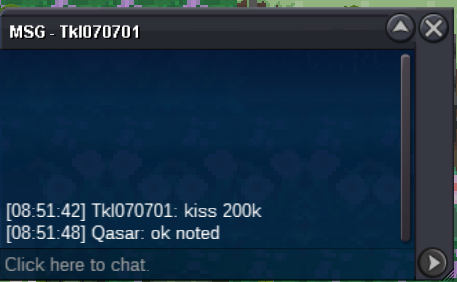
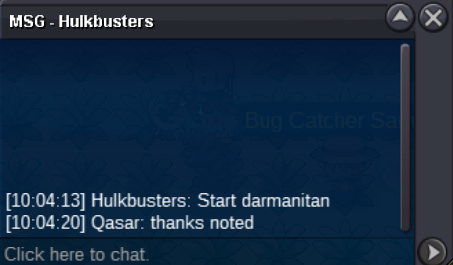
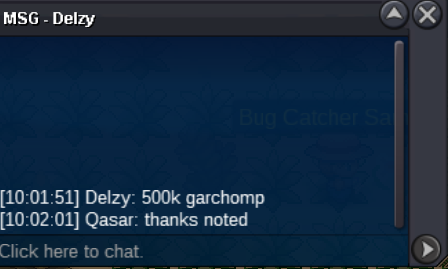
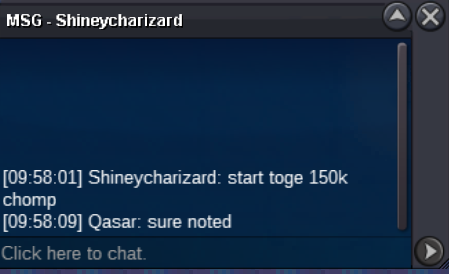
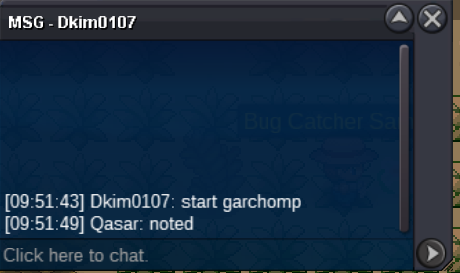
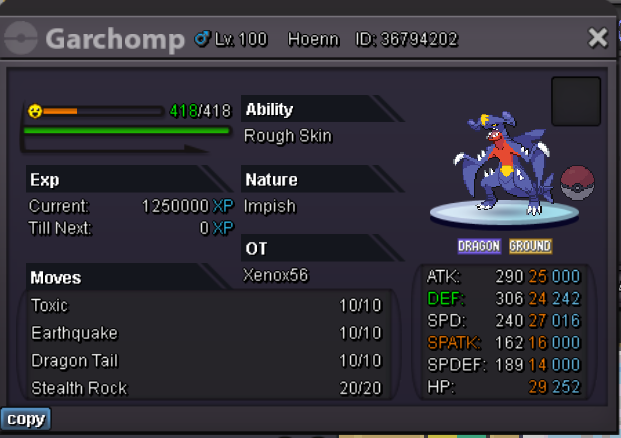
auction ended for togekiss and chomp winners are: MINMIN79115 800k Garchomp TKL070701 200k for Togekiss2.8m2.5m3 different pokes auction (not a bundle) -The auction will end in 24h after 1 bid -No fake bid -cc accepted as payment (400k) C.O. 800K BY MINMIN79115 MIN BID 50K NO INSTA C.O. 200K BY TKL070701 MIN BID 50K NO INSTA C.O. 250K BY SANDOLAS MIN BID 50K NO INSTA
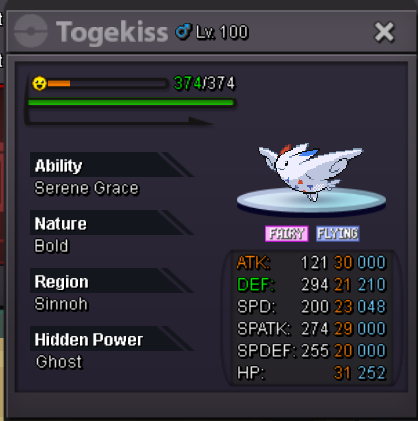
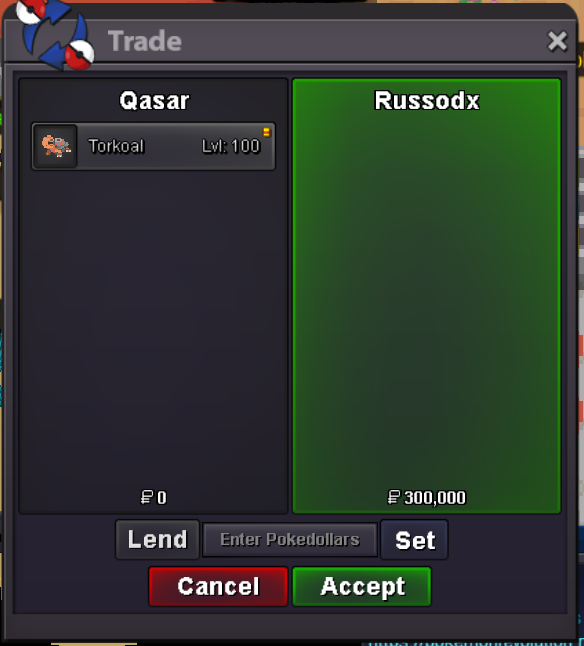
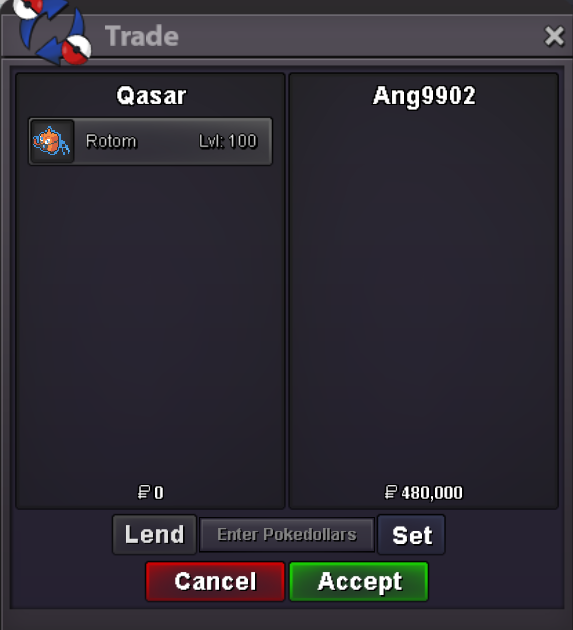
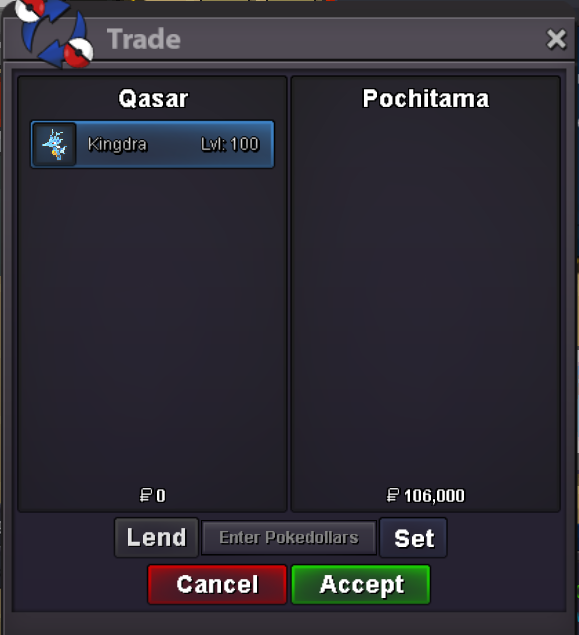
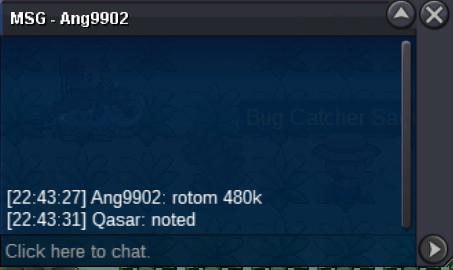
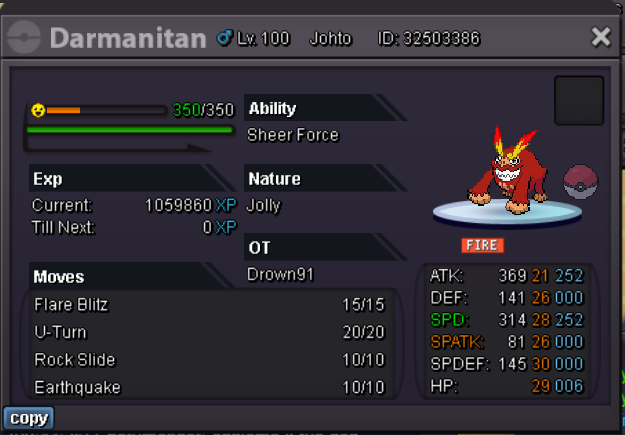 Auctions ended: Ang9902 won the Rotom Pochitama won the Kingdra Russodx won the Torkoal Pm me In game or on Discord... Nick is Qasar
Account
Navigation
Search
Configure browser push notifications
Chrome (Android)
- Tap the lock icon next to the address bar.
- Tap Permissions → Notifications.
- Adjust your preference.
Chrome (Desktop)
- Click the padlock icon in the address bar.
- Select Site settings.
- Find Notifications and adjust your preference.
Safari (iOS 16.4+)
- Ensure the site is installed via Add to Home Screen.
- Open Settings App → Notifications.
- Find your app name and adjust your preference.
Safari (macOS)
- Go to Safari → Preferences.
- Click the Websites tab.
- Select Notifications in the sidebar.
- Find this website and adjust your preference.
Edge (Android)
- Tap the lock icon next to the address bar.
- Tap Permissions.
- Find Notifications and adjust your preference.
Edge (Desktop)
- Click the padlock icon in the address bar.
- Click Permissions for this site.
- Find Notifications and adjust your preference.
Firefox (Android)
- Go to Settings → Site permissions.
- Tap Notifications.
- Find this site in the list and adjust your preference.
Firefox (Desktop)
- Open Firefox Settings.
- Search for Notifications.
- Find this site in the list and adjust your preference.