New Trade Zone
Trade Zone is now live
Use the new Trade Zone for auctions and instant-price trades so Pokemon and item offers are easy to find.

Babyihateyou
Registered User
-
Joined
-
Last visited
Everything posted by Babyihateyou
-
thank you very much. Have a beautiful day
-
I have completed the quest to capture darkrai, but when I accidentally pressed the run button in battle, I went to see NPC Nikola but couldn't fight him, I want to get Darkrai back, anyone help me please, thanks guys, My account: Babyihateyou, server: Silver
-
thank you very much, nice GM, have a nice day
-
Hi guys,, I completed the quest, Get the Bell and Defeat the Guardian (Suicune) but can't see Suicune like in the tutorial, I lost to Guardian (Suicune) once before, help me please
-
Thank you so much for answering my questions, nice GM, have a nice day for you ^^
-
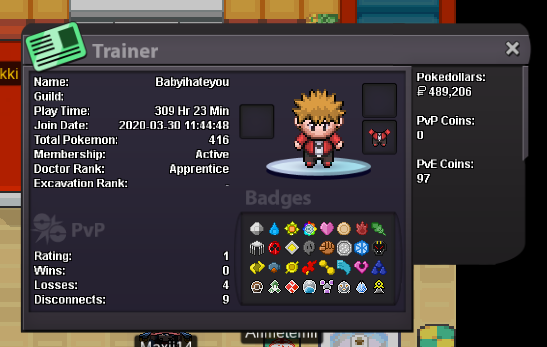
I lost 4 master balls, when I defeat the NPC in the Heatran pokemon quest, can I get back my 4 master balls, I really don't know if this is an error, I hope to get an explanation Thank you, guys, and have a nice day. Nickname:Babyihateyou, server: silver
-
I received the level from 100 to 97 for my Gligar, I really thank you very much, nice GM, have a nice day for you ^^
-
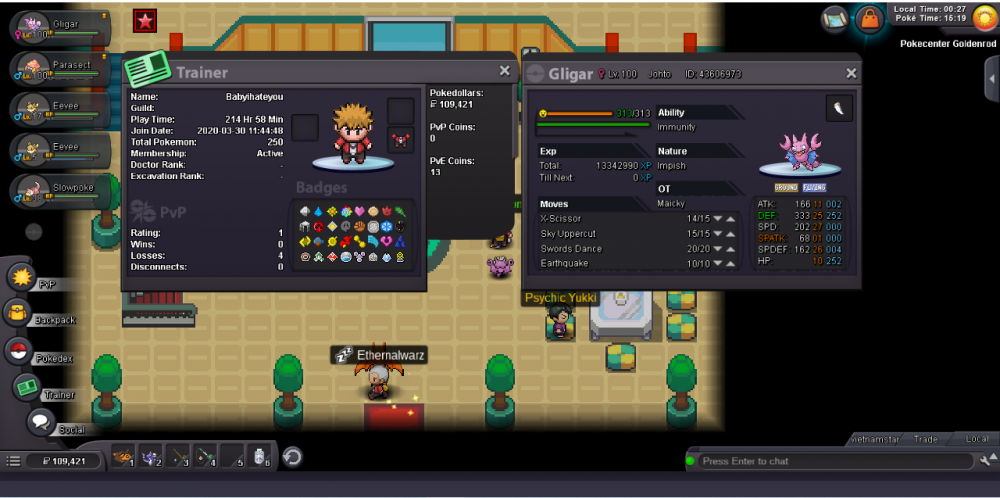
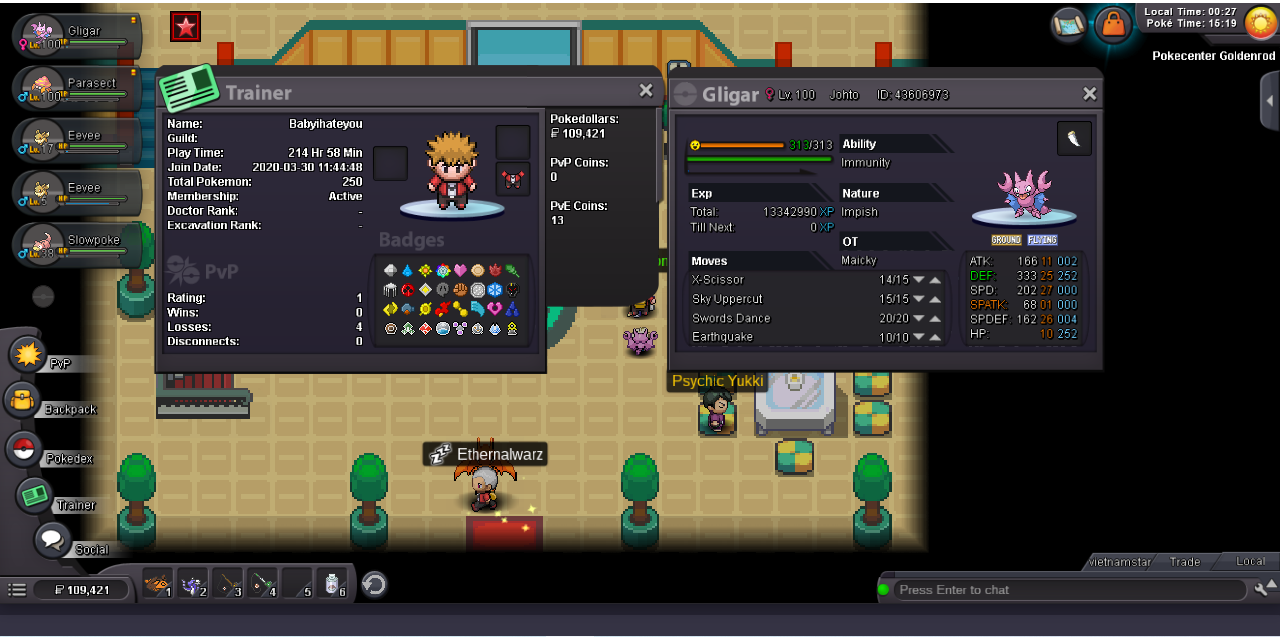
I want to reduce my level 100 pokemon gligar level to level 97 for evolution, hope the GM bro help me, my account: Babyihateyou, my ID pokemon: 43606973, thanks guys wish you a good day