




New Trade Zone
Trade Zone is now live
Use the new Trade Zone for auctions and instant-price trades so Pokemon and item offers are easy to find.


Madhavxdark
Registered User
-
Joined
-
Last visited
Everything posted by Madhavxdark
-
Sure meat me in gameSure dm in disSure meet me in gameDrgonite sold
 BumpSold
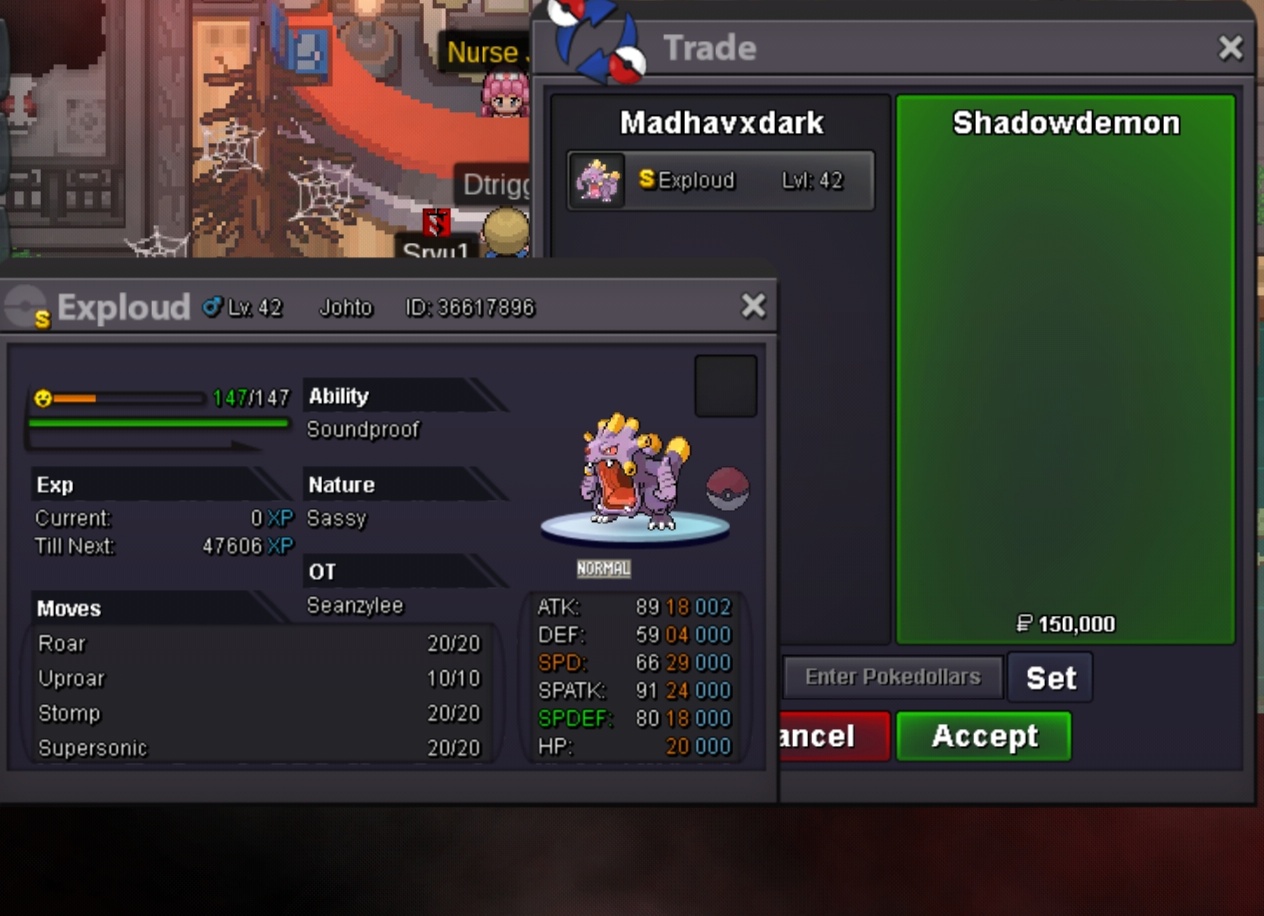 Okey I accpet your offetSold
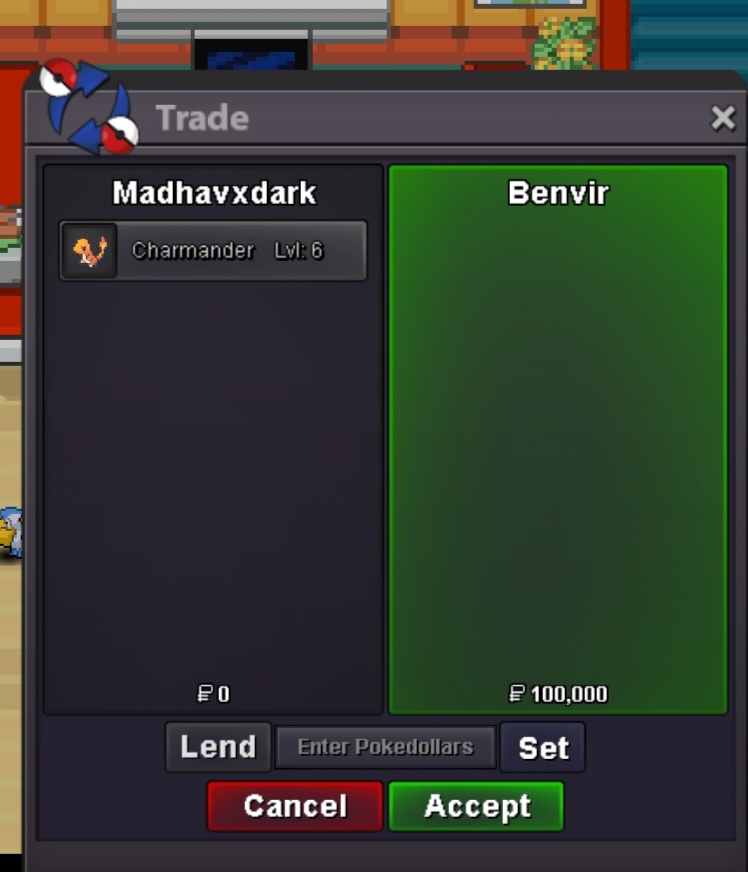 Volc sold
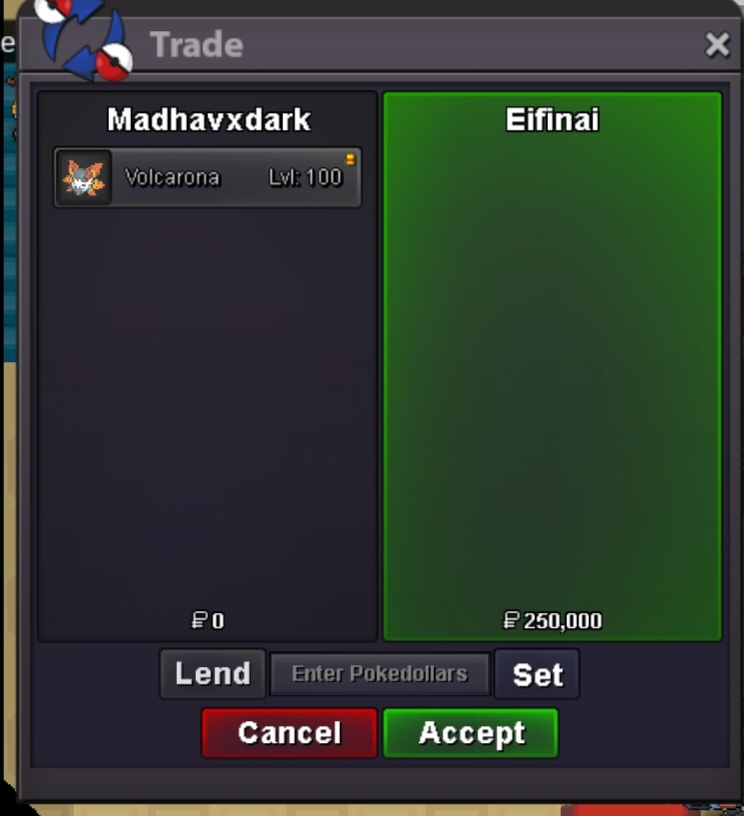 Sold
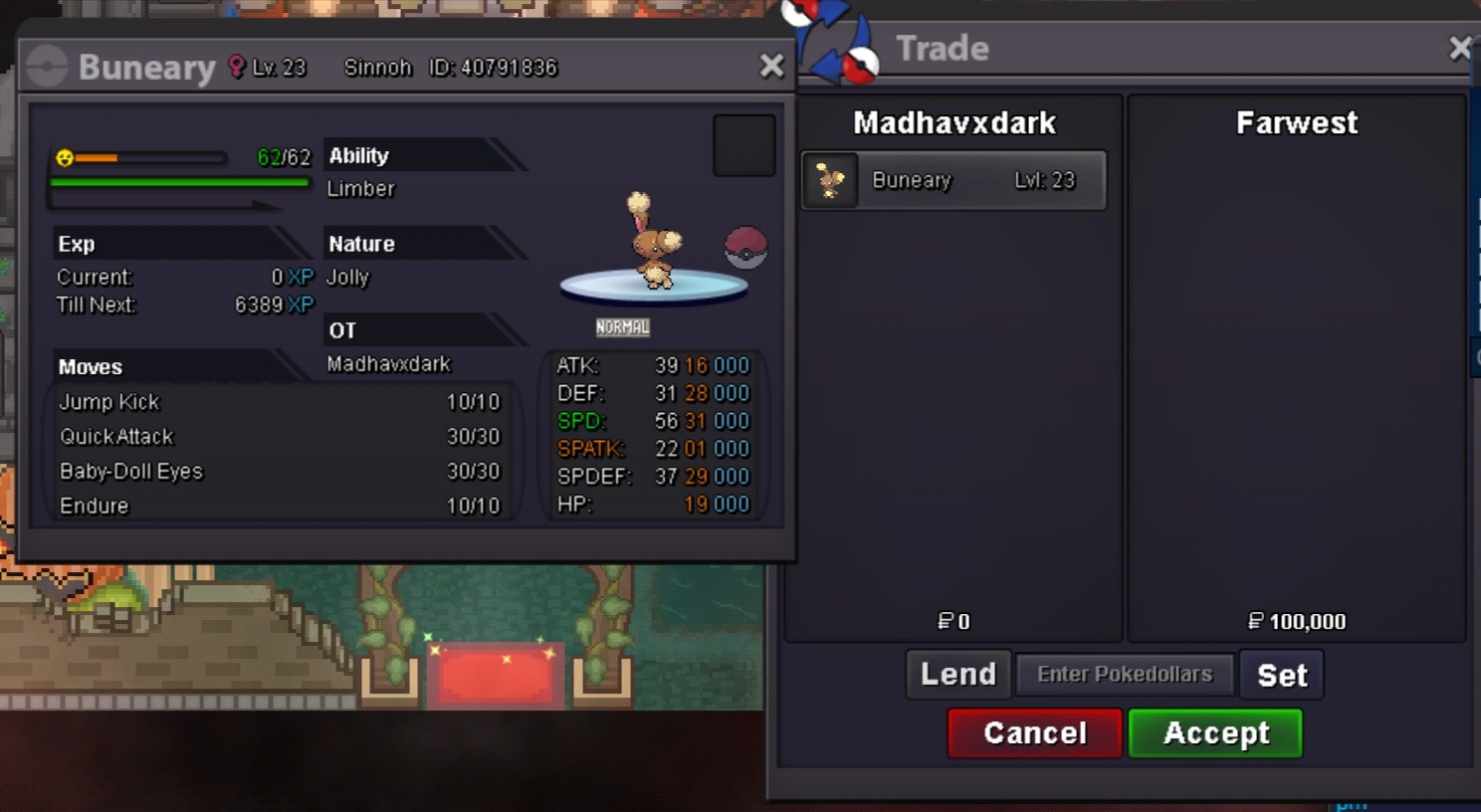
Sold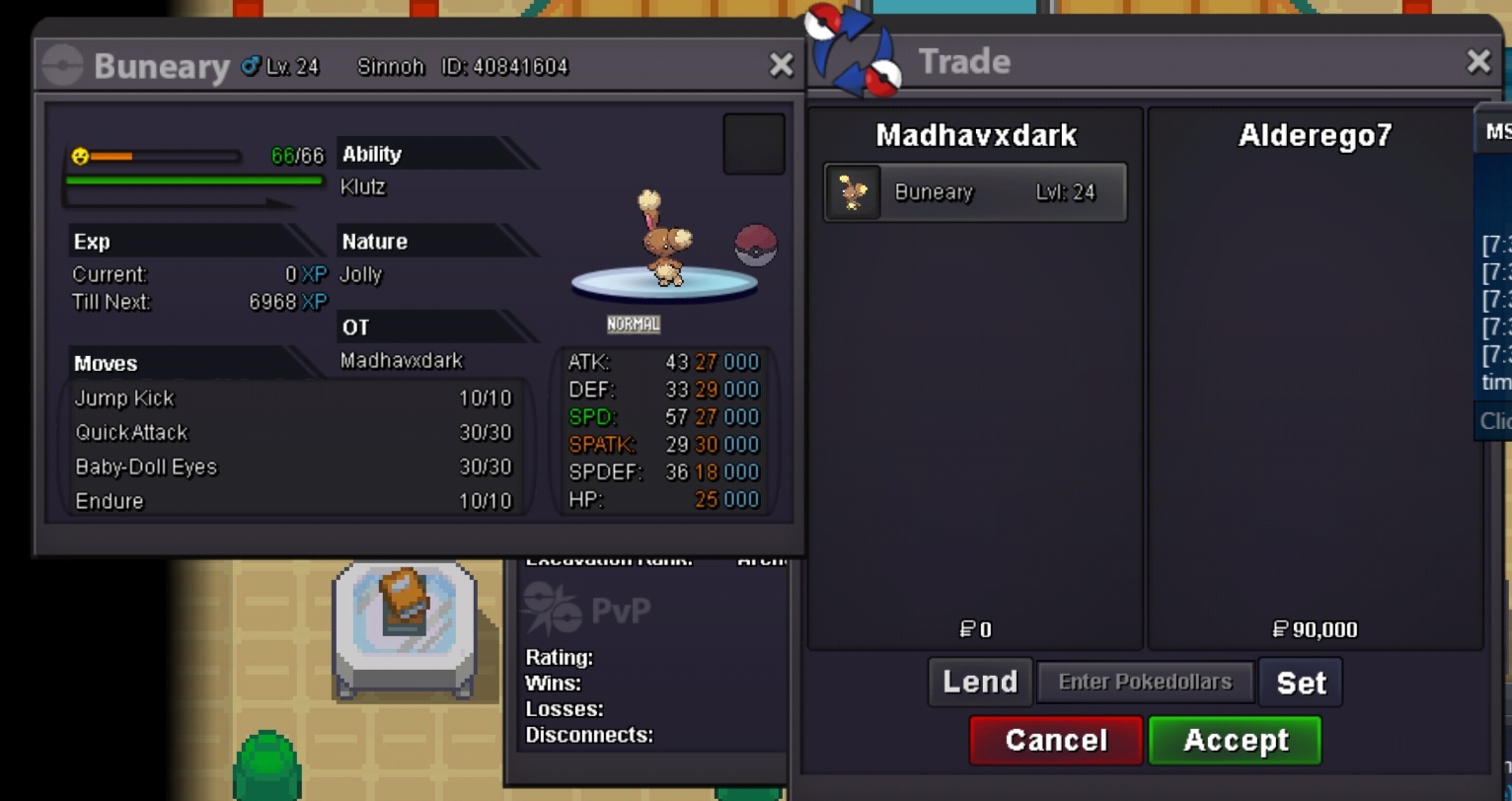 - Welcome to my shop - Accepted payments Pokedollars Reroll Ticket - 700k Nature Reroll - 350k Coin Capsule - 400k Masterball - 45k Rare Candy - 7k Rule #price negotiable #fake offer reported #helditem not include #hope u like my shop more poke add soon Discord=꧁࿇ÐɑʀҟƑîʀɛ࿇꧂#6269 Untrained poke Buneary Other poke Hondge Empty Empty Empty Trained poke Offer section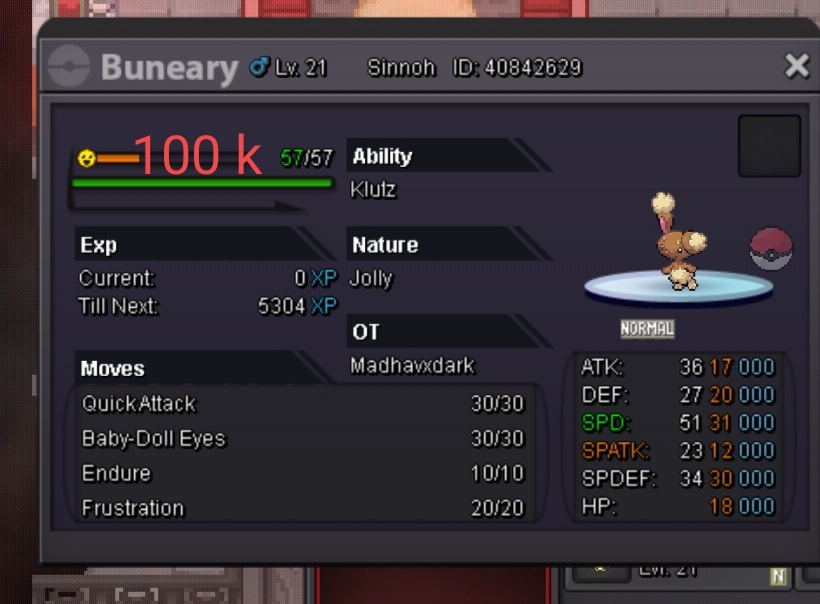
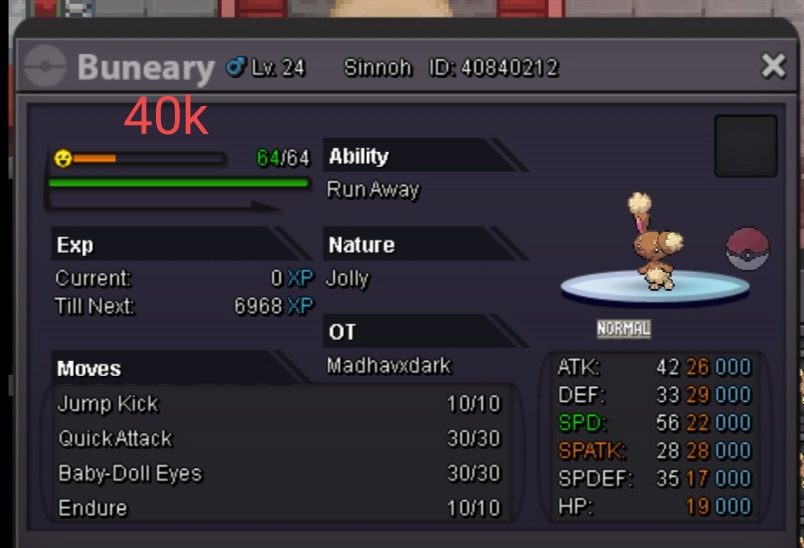


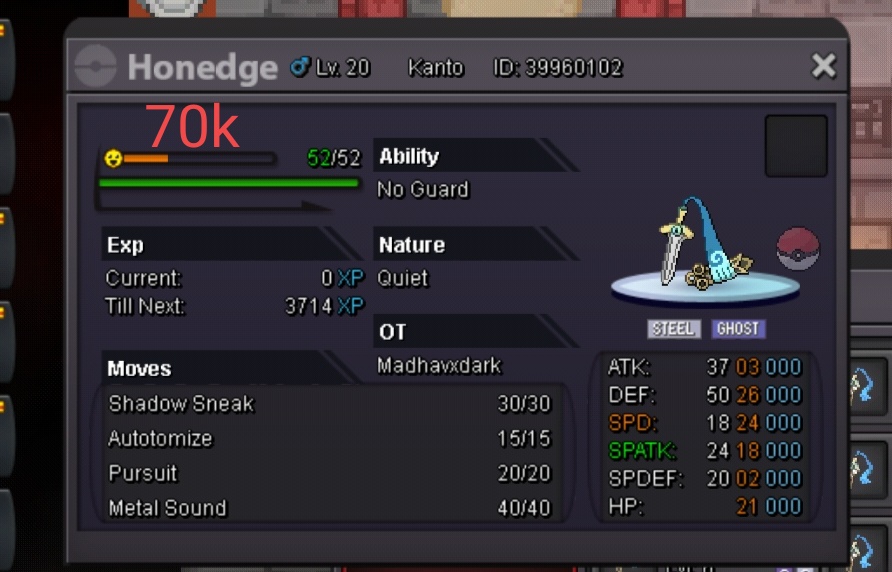


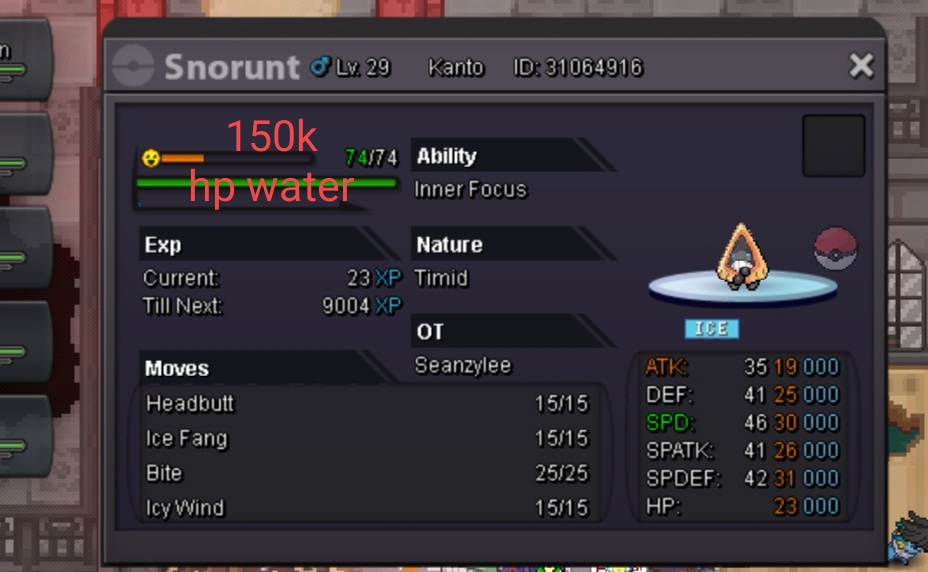
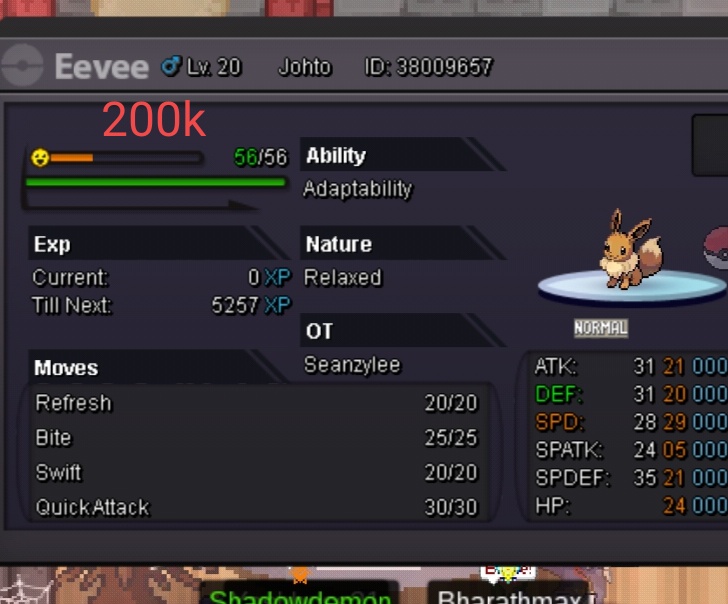
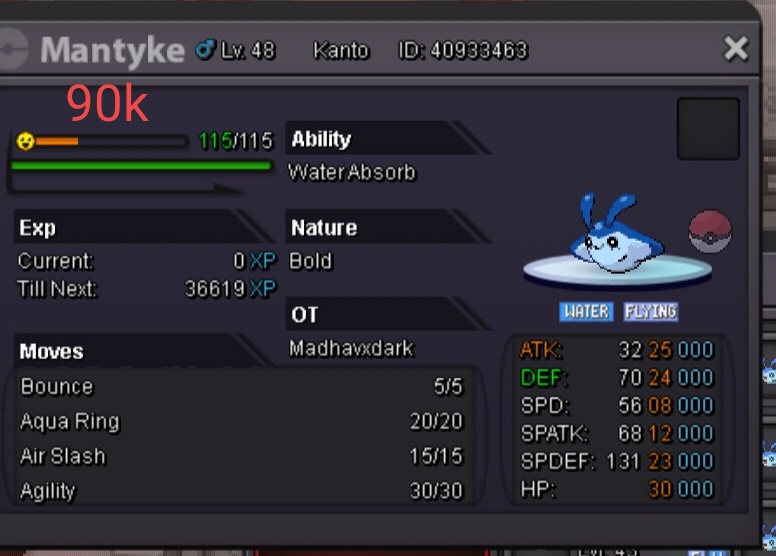
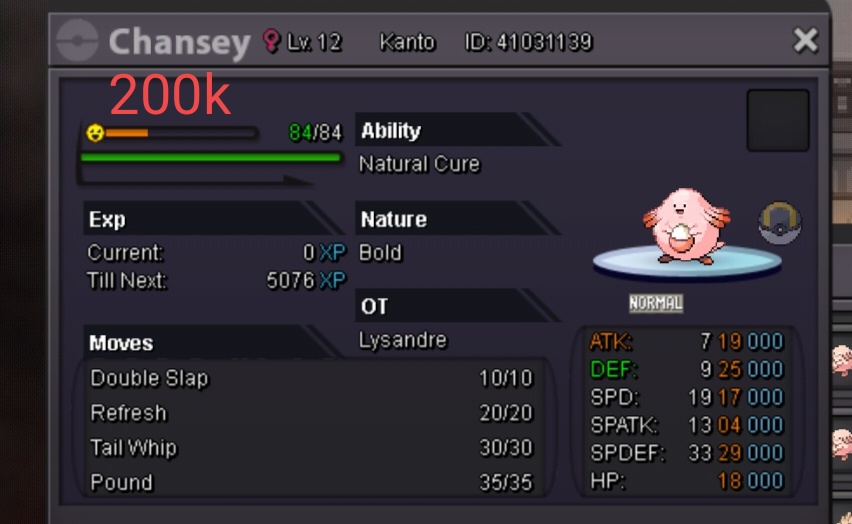
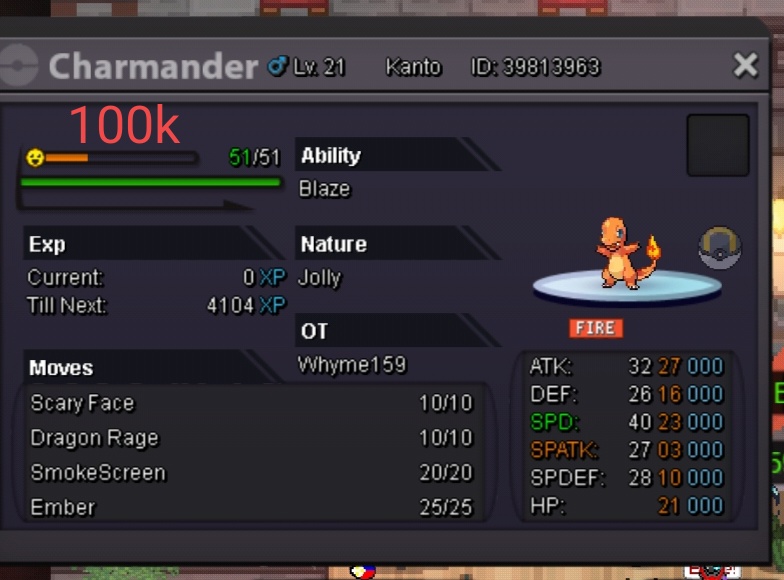

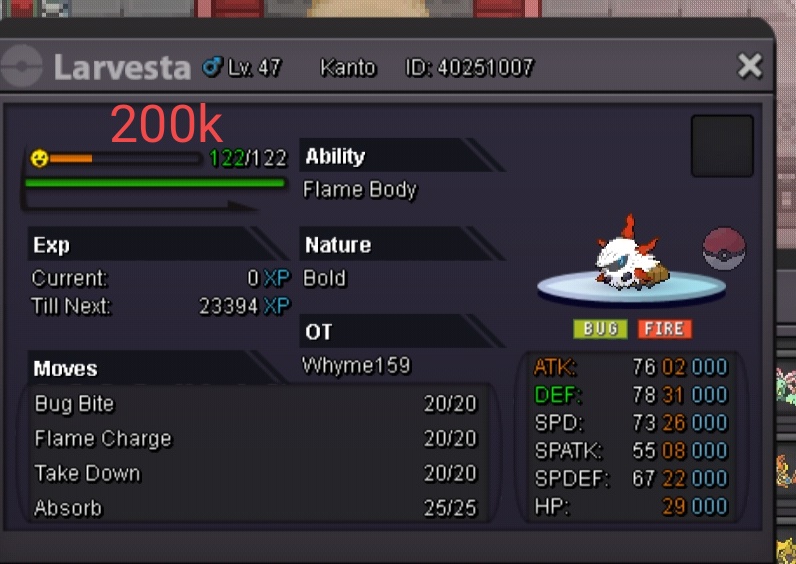
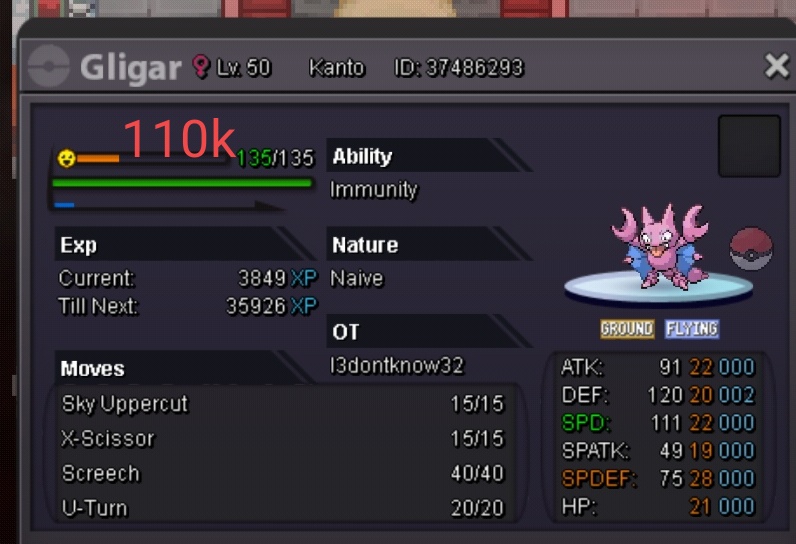


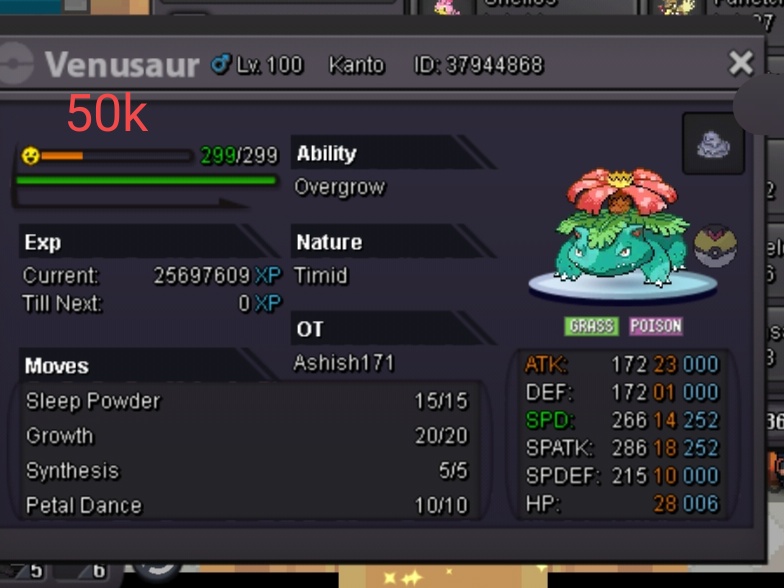
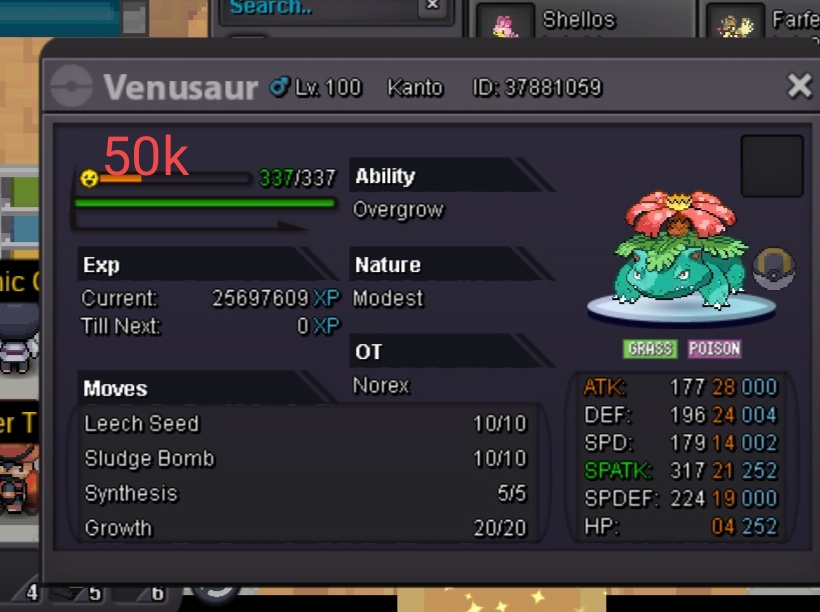


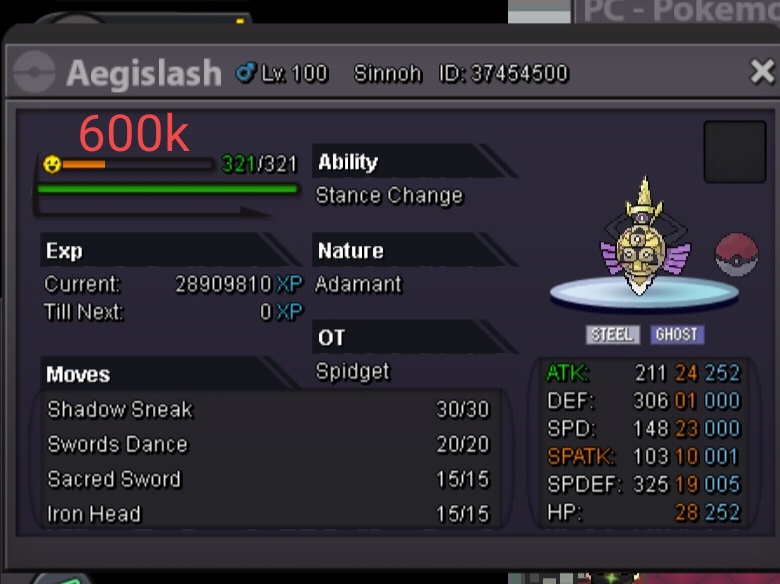
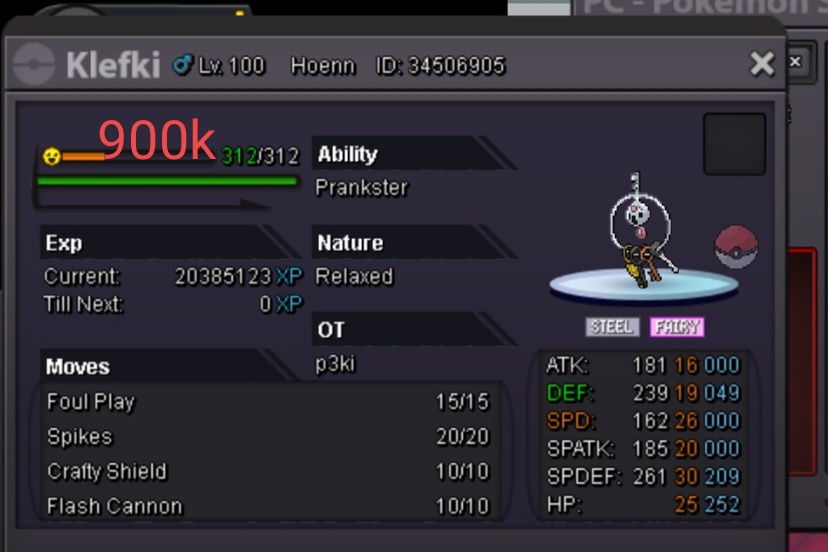
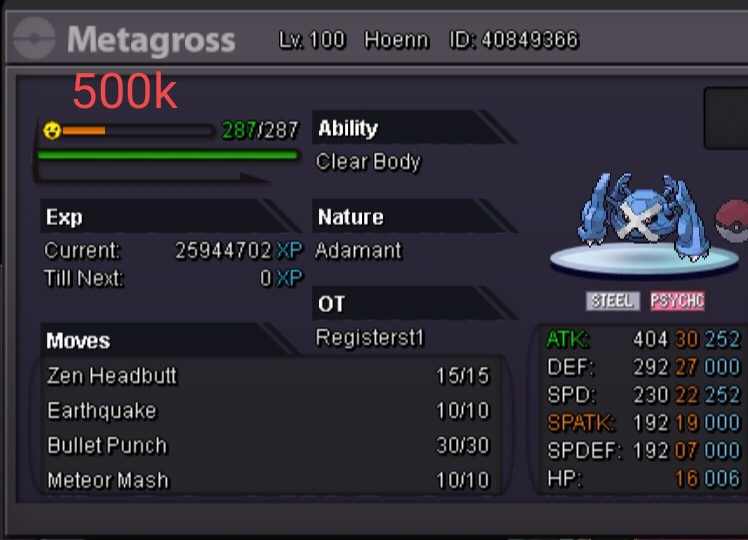
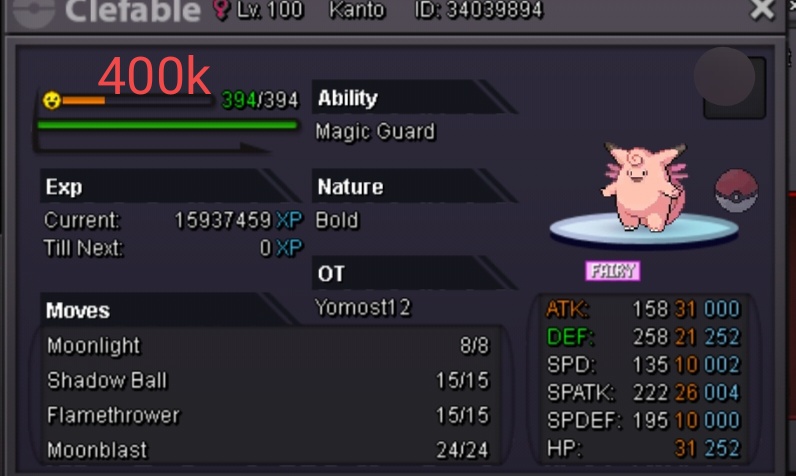
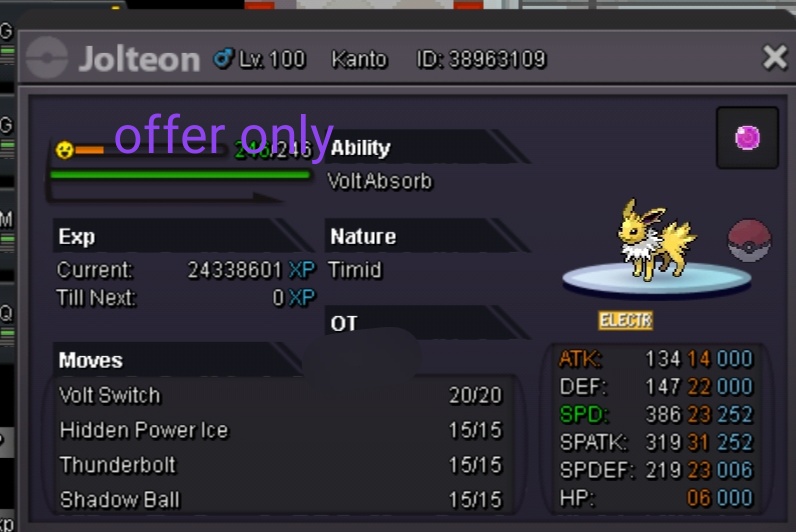
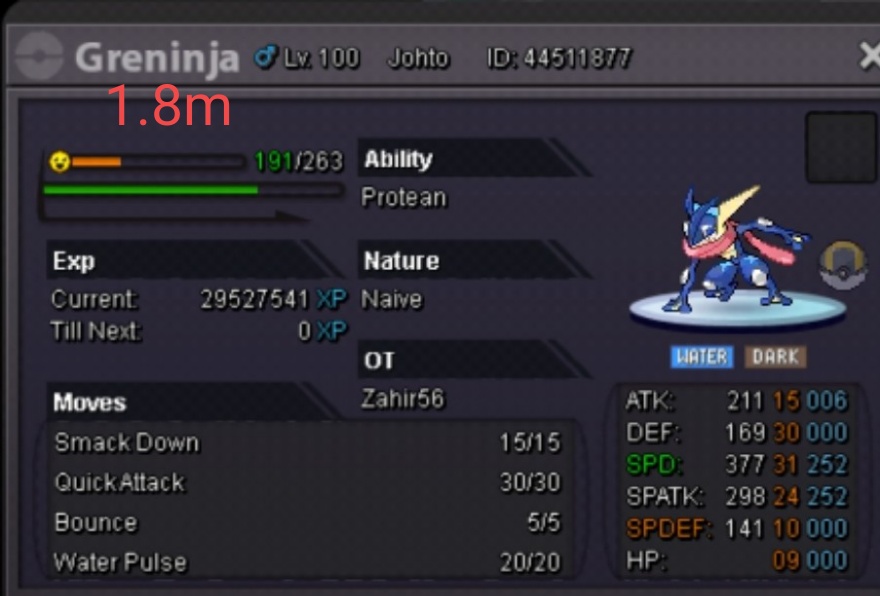
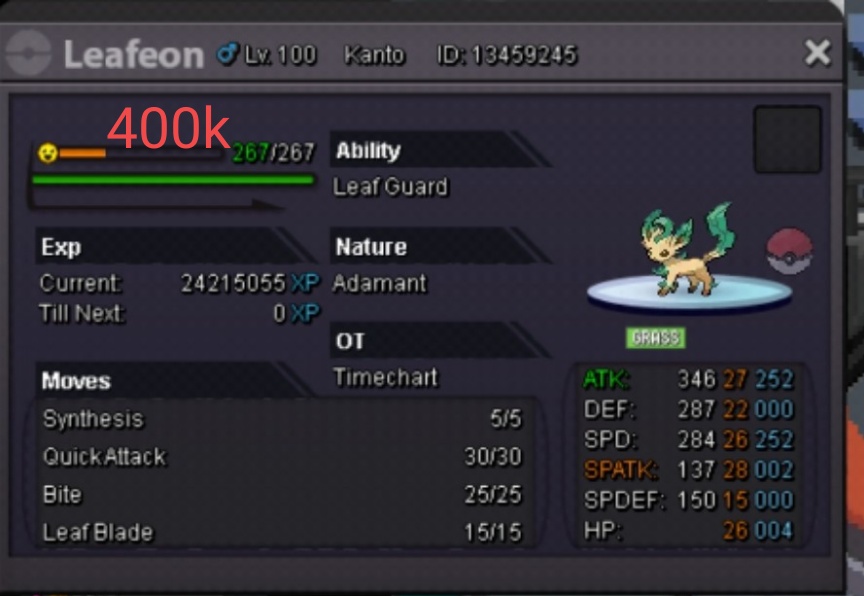

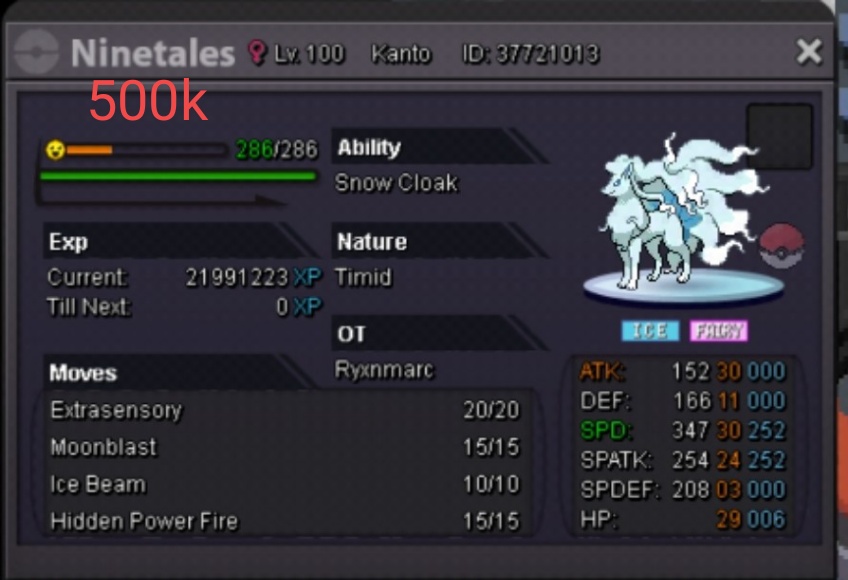


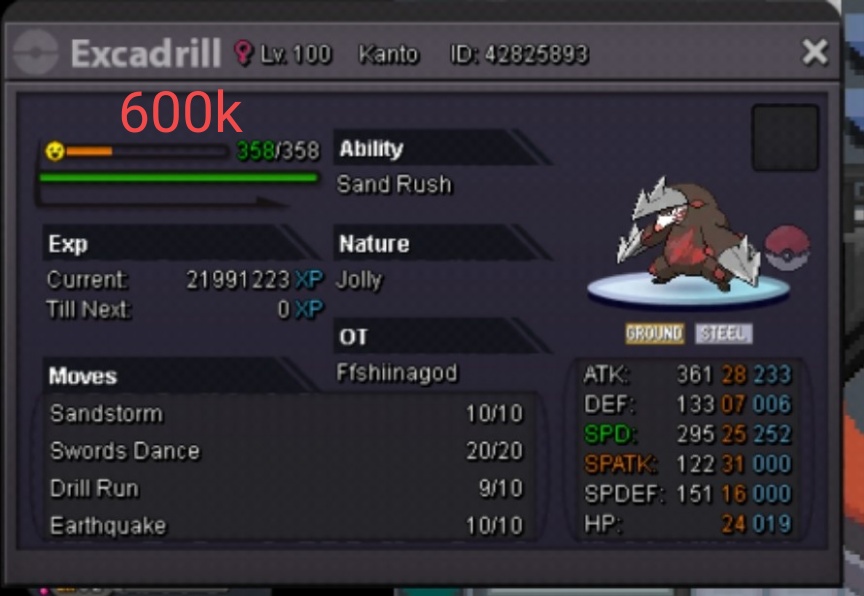
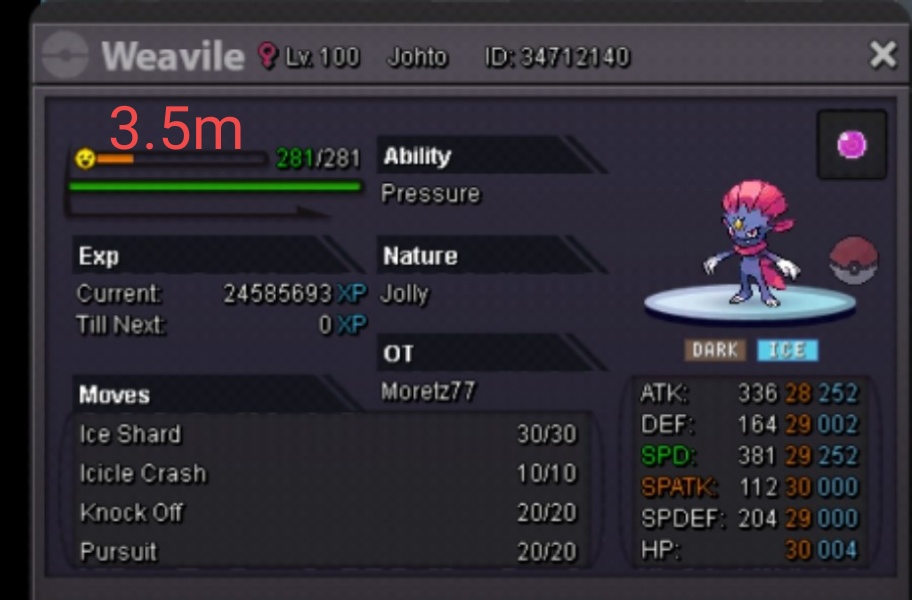

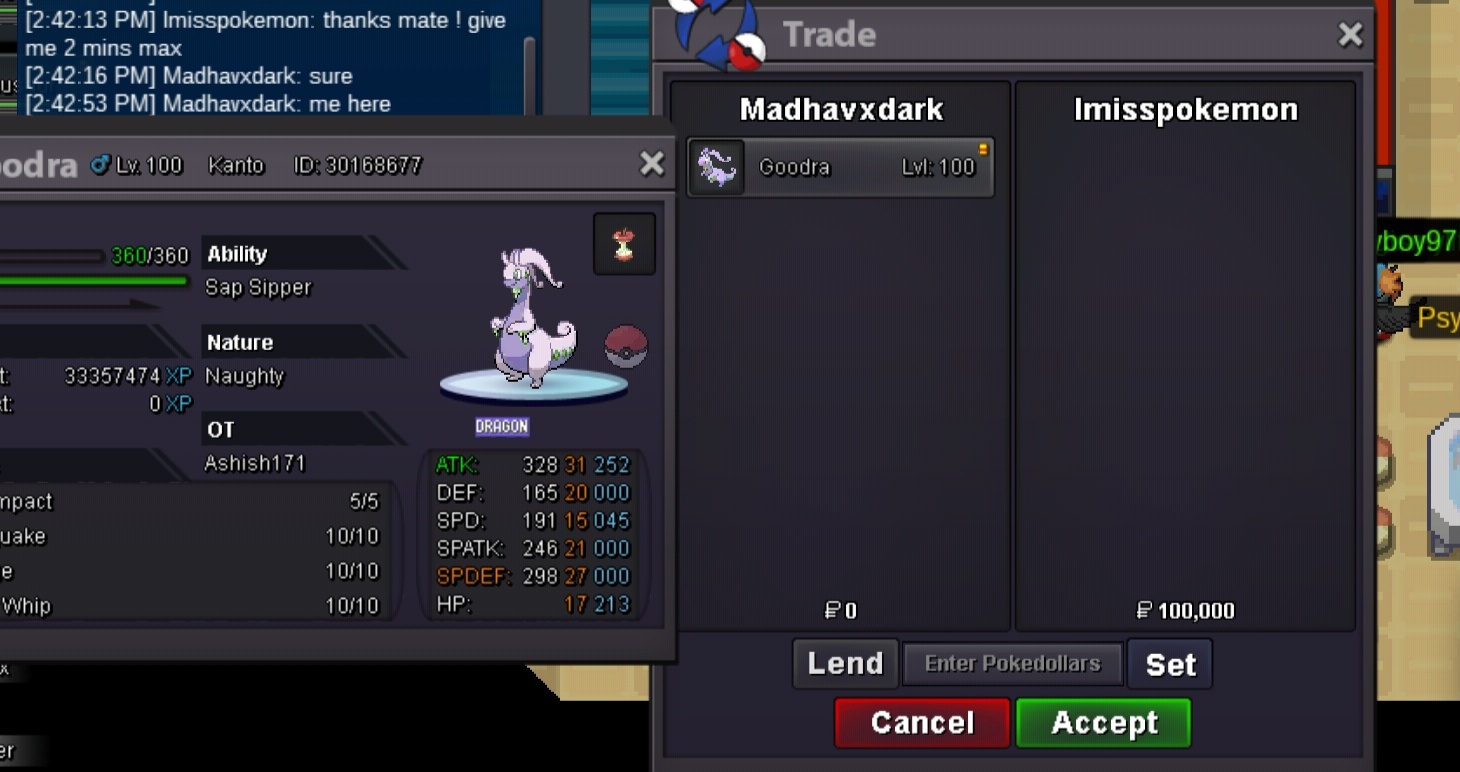
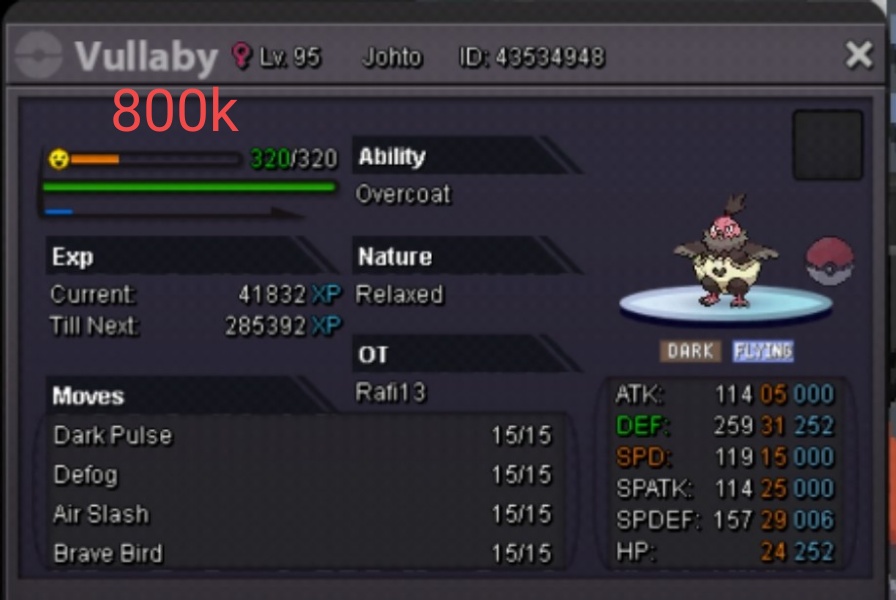 +1 nyc idea3.5,m ( server gold can come to sliver)BumpI can gib +1 for this idea..but it's very rare that laptop ss not working and u were out side anway.:-|U have ss of that trade? cus we all take ss of trade(poke) before giving to ev serv !

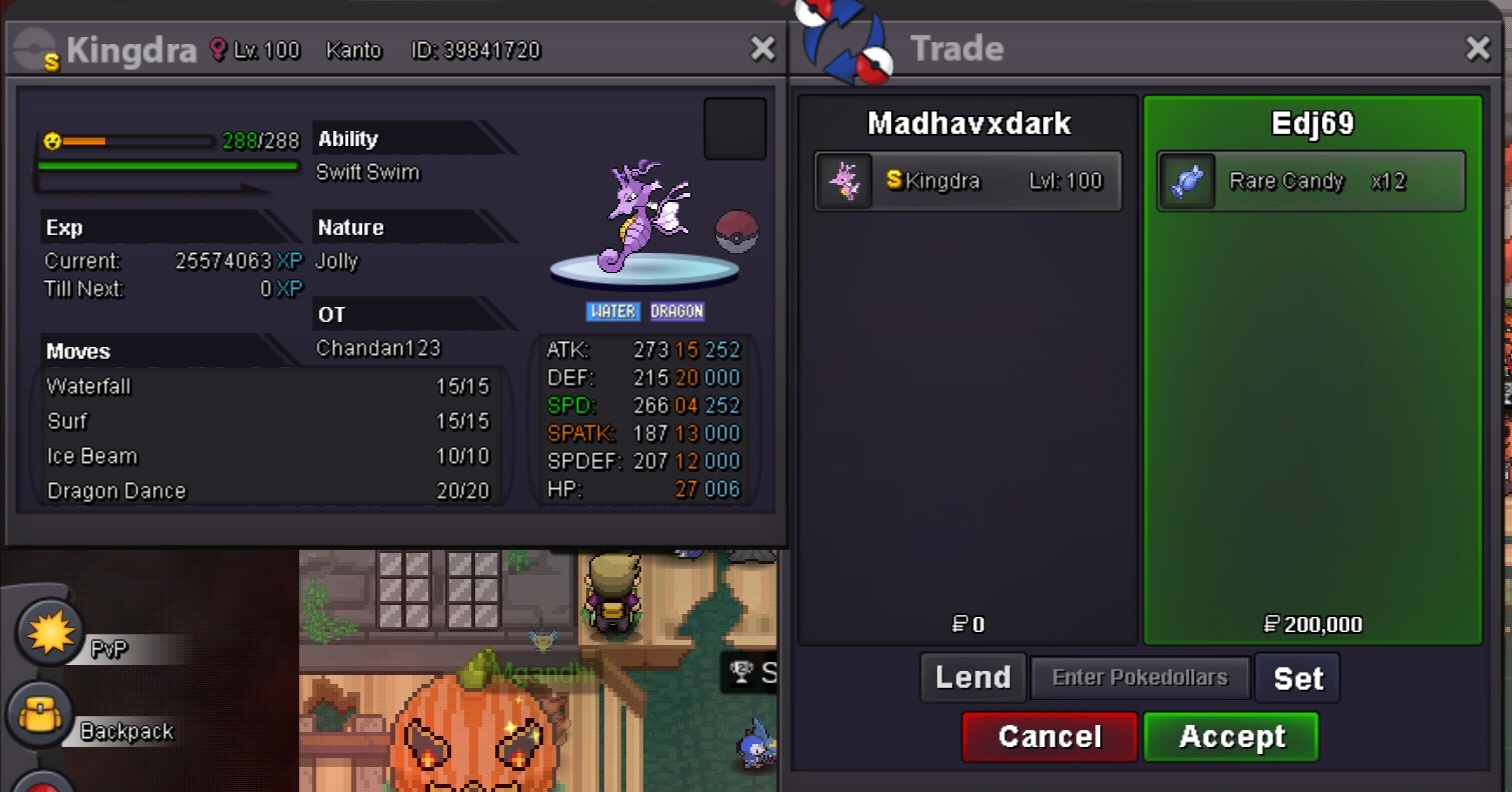



Account
Navigation
Search
Configure browser push notifications
Chrome (Android)
- Tap the lock icon next to the address bar.
- Tap Permissions → Notifications.
- Adjust your preference.
Chrome (Desktop)
- Click the padlock icon in the address bar.
- Select Site settings.
- Find Notifications and adjust your preference.
Safari (iOS 16.4+)
- Ensure the site is installed via Add to Home Screen.
- Open Settings App → Notifications.
- Find your app name and adjust your preference.
Safari (macOS)
- Go to Safari → Preferences.
- Click the Websites tab.
- Select Notifications in the sidebar.
- Find this website and adjust your preference.
Edge (Android)
- Tap the lock icon next to the address bar.
- Tap Permissions.
- Find Notifications and adjust your preference.
Edge (Desktop)
- Click the padlock icon in the address bar.
- Click Permissions for this site.
- Find Notifications and adjust your preference.
Firefox (Android)
- Go to Settings → Site permissions.
- Tap Notifications.
- Find this site in the list and adjust your preference.
Firefox (Desktop)
- Open Firefox Settings.
- Search for Notifications.
- Find this site in the list and adjust your preference.