




New Trade Zone
Trade Zone is now live
Use the new Trade Zone for auctions and instant-price trades so Pokemon and item offers are easy to find.

Xshaders
Registered User
-
Joined
-
Last visited
Everything posted by Xshaders
-
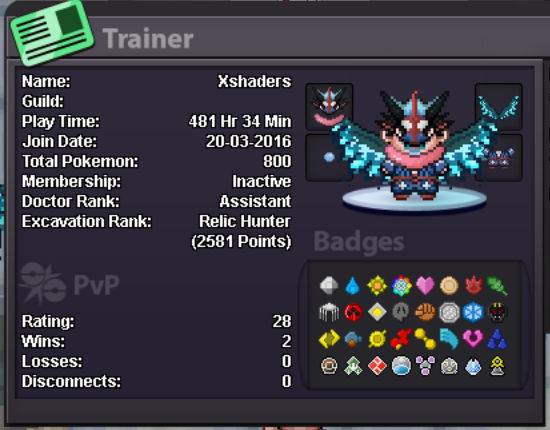
1. Age : 18 2. Playtime hours : 481 3. Able to use Discord , Most Important : yes that's my nick, Shady#4718 4. Your previous Guild, why did you leave them (in case you were Kicked, then why?) : i've never joined a guild before 5. Other than having fun playing the game, what are your goals in PRO? : catching all the legendary pokèmons and trying to reach the top on pvp
-
Hi, i just found this kind of visual bug, where i'm at olivine city as you can see on the top right of the screen, while the map says pallet town/route 21 but this bug happens only if i'm at olivine city cause if i go at the routes near olivine the map's fixed. The last thing i've done was the raikou guardian and i left the battle before losing idk if it's for that.

-
Price check those pokè please ^_^


-
It was the 6 of May i'm 100% sure.
-
Hi, i've started the heatran quest with some rare candies and 1 masterball, then i've failed the quest multiple times but today i've defeated the level 99 heatran, after the npc got me out the cave i've opened my backpack and i received back only my rare candies and not the masterball, there is a way to get that masterball back?