New Trade Zone
Trade Zone is now live
Use the new Trade Zone for auctions and instant-price trades so Pokemon and item offers are easy to find.

Vannell
Registered User
-
Joined
-
Last visited
Everything posted by Vannell
-
"(AUCTION DETAILS") •Starting point: 500k •Auction time: (1 day after the first bid) °Only Gold server people •Minimum bid: 200k •Apply the 15 minute rule. Good luck to all 🍾 Dincordia : thebest.t.v IGN: Vannell
-
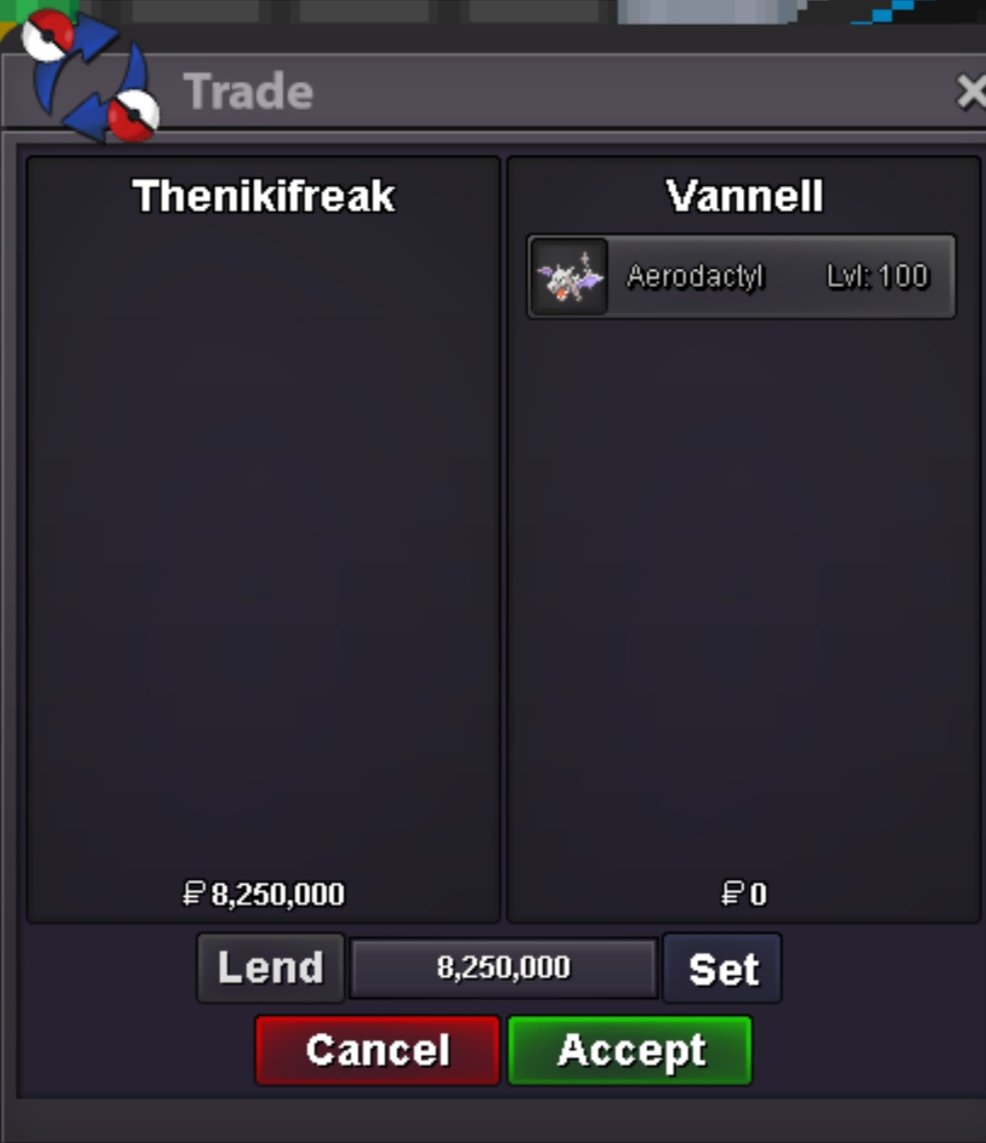
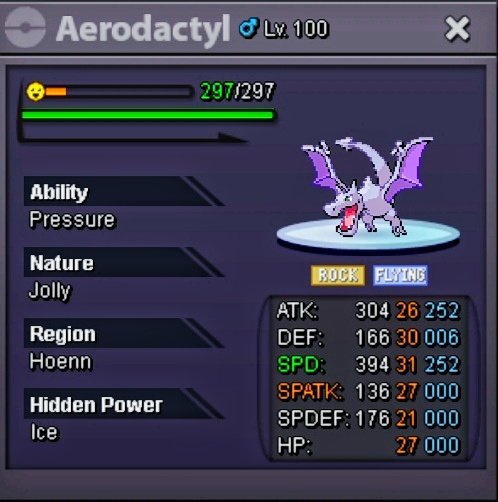
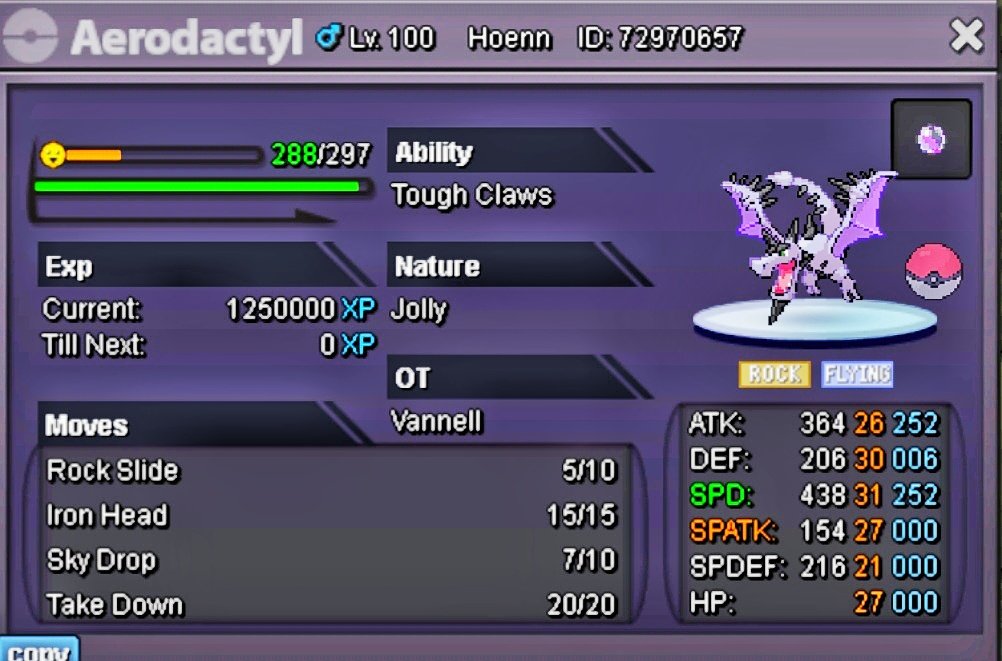
("Thenikifreak") Congratulations!!!! You just won the Auction by 8.25m , You can write to me on discord, thank you all for participating 🍾🍾🍾🍾2m 🙂Start the auction with "Norex" Only he didn't place the money but I will understand that he started with 2.5m so time starts there 🍾💫"Auction Details": • Starting Price : 2,5m •Final Point : 72 Hours (After Reaching The Starting Price) • Minimum Expansion : 250K • Payments Accepted : ( Pokedollares, X1 Coin capsule = 400k, X1 Repeat Ticket = 500k ) • Only Gold People • It's worth saying. Once the auction ends, if someone has bid shortly before, the auction will be delayed by 15 minutes and so on until a bid has lasted 15 minutes with no further bids. Discordia: Thebest.t.v IGN: Vannell My first auction :D. Good luck🍾
 225000220k200kHe didn't set rules 😎2 hours have already passed.....I won. Teacher declare the winner 😎After 2 hours, those 155k are not worth it 😛154k Wineeee!!151k123k121k111k101k63k61k27k25k25k23kI deleted my manaphy, I don't know when, and I need it for PvP and not if I have the opportunity to help me return it, I read that with the ID I could have it again but I don't remember or take a photo of it I hope I can receive help with that 😞 or answer at least. Thank you....