




New Trade Zone
Trade Zone is now live
Use the new Trade Zone for auctions and instant-price trades so Pokemon and item offers are easy to find.

Gaurav0307
Registered User
-
Joined
-
Last visited
Everything posted by Gaurav0307
-
lol , Great
-
bump
-
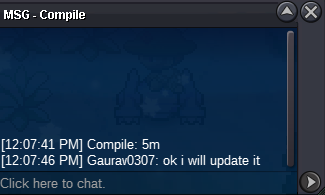
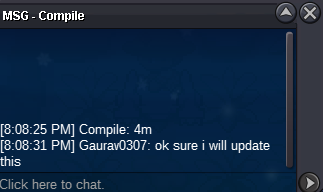
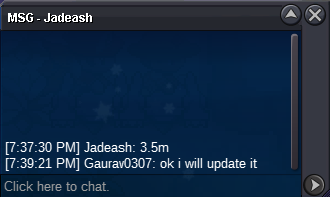
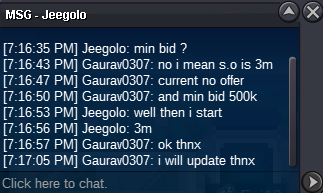
C.o : 6.5m min bid : 500k no insta 3 days auction
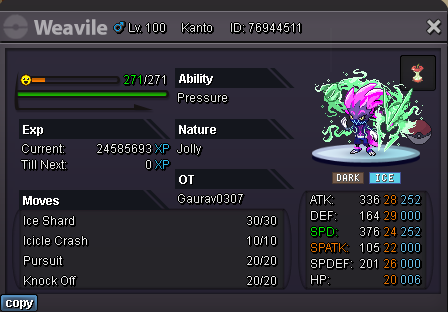 why saving(hiding) money xD spend some here1.2m 1.5m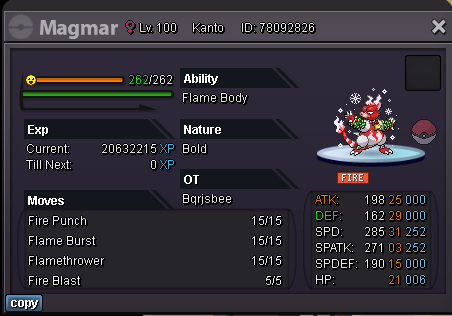
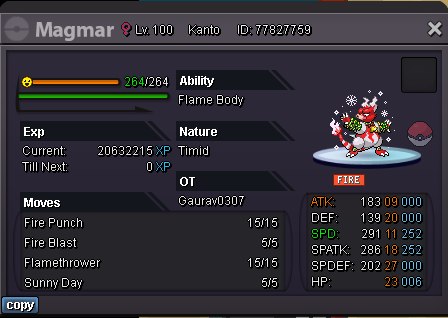 i m sorry, but i really want to take my offer back....also mods please understand me, now if i would give any reason then you guys will not understand it.... i really don't want to make any offer on this gliscor as the previous bid was 500k and i(my bro) bid 550k. i really wanna take my offer back incase i would give him 50k for my offer if no one bids more than 550k. So please let the previous offer the current offer. Regardslol someone atleast don't keep ur money in pockets lmao1.5m 1.7m both for 3m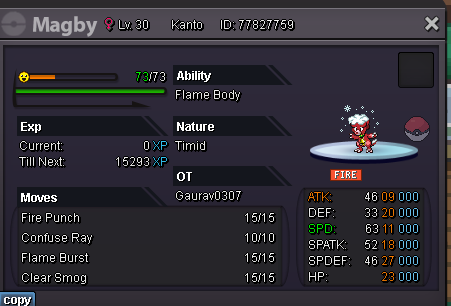
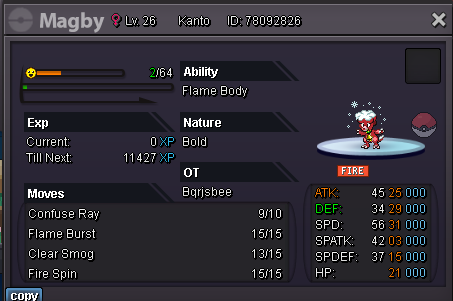 6.2m5mStart : 1.5m min bid 100k insta 2.5m end time after 72 hrs or 3 days after 1st bid 🔥🔥🔥
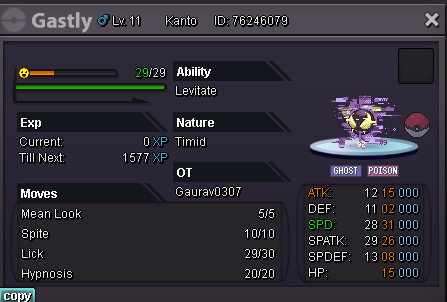
 offer to start auctionStart : 1.5m min bid 100k insta 2.5m end time 72 hrs or 3 days after 1st bid 🔥🔥
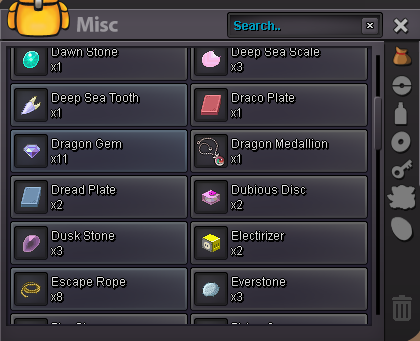
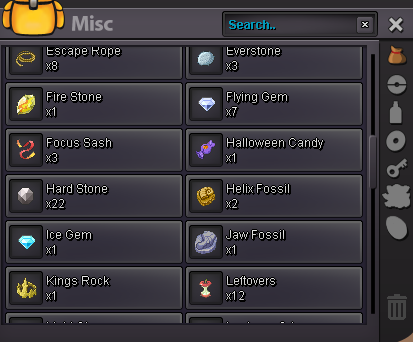
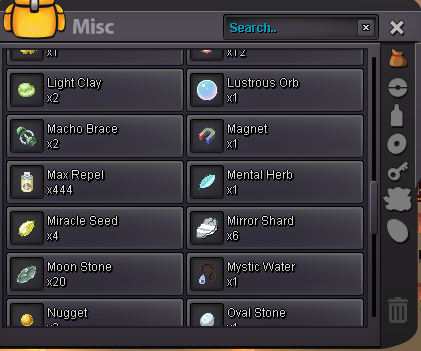
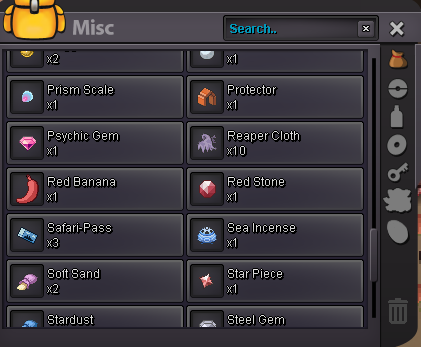
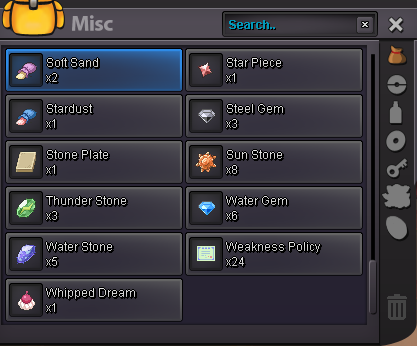
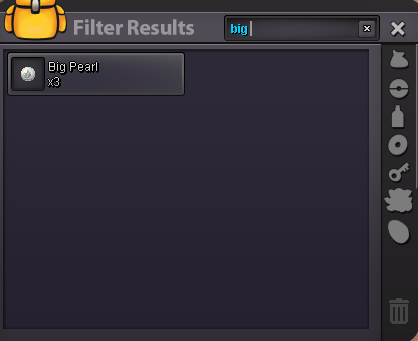
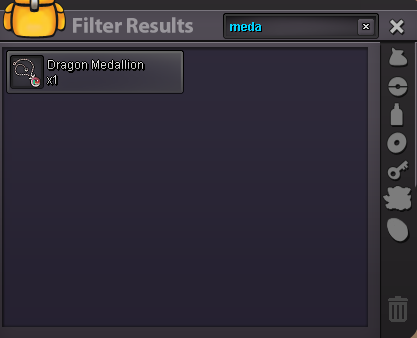
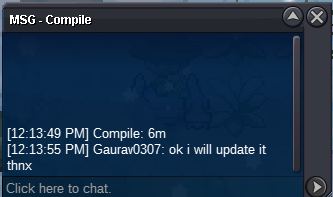
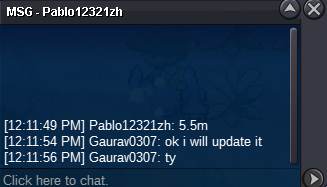
 @Epithet ahh i really forgot this trade as i mentioned, but if you are telling than it must be correct. thanks for looking into this topic Have a great day you and your team 🙂@Epithet pls read aboveto be honest bro it was missing around 3-4 weeks ago maybe more and i noticed it around 2-3 weeks ago and i was not knowing about how to report this problem .. so i talked with one mod today and he told to post on forum.. here's the ss of my inventory.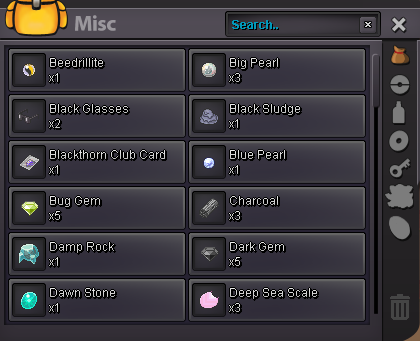


Account
Navigation
Search
Configure browser push notifications
Chrome (Android)
- Tap the lock icon next to the address bar.
- Tap Permissions → Notifications.
- Adjust your preference.
Chrome (Desktop)
- Click the padlock icon in the address bar.
- Select Site settings.
- Find Notifications and adjust your preference.
Safari (iOS 16.4+)
- Ensure the site is installed via Add to Home Screen.
- Open Settings App → Notifications.
- Find your app name and adjust your preference.
Safari (macOS)
- Go to Safari → Preferences.
- Click the Websites tab.
- Select Notifications in the sidebar.
- Find this website and adjust your preference.
Edge (Android)
- Tap the lock icon next to the address bar.
- Tap Permissions.
- Find Notifications and adjust your preference.
Edge (Desktop)
- Click the padlock icon in the address bar.
- Click Permissions for this site.
- Find Notifications and adjust your preference.
Firefox (Android)
- Go to Settings → Site permissions.
- Tap Notifications.
- Find this site in the list and adjust your preference.
Firefox (Desktop)
- Open Firefox Settings.
- Search for Notifications.
- Find this site in the list and adjust your preference.