New Trade Zone
Trade Zone is now live
Use the new Trade Zone for auctions and instant-price trades so Pokemon and item offers are easy to find.

Gaurav0307
Registered User
-
Joined
-
Last visited
Everything posted by Gaurav0307
-
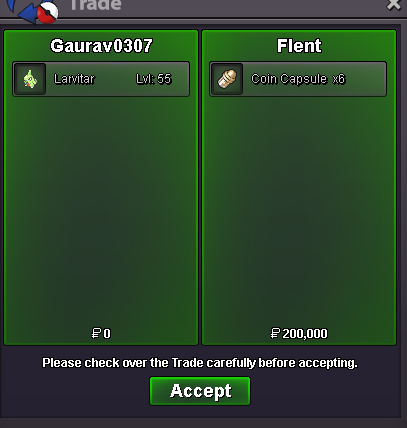
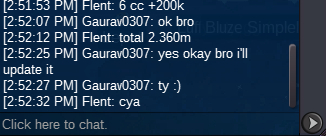
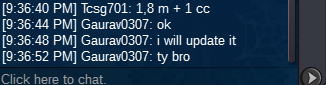
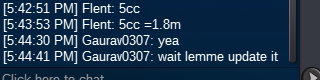
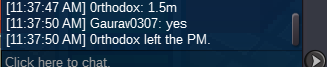
Hi mods, if you are seeing this message then i would ask you to check My trade status and Big MS bought from coin shop Status I have been missing my Big MS, so i asked a Mod and he told me that i didn't traded any Big MS excpet 3 small Ms So, please also check for my buying Big MS from coin shop for you to make it confirm that i have bought it. Thanks for looking in this topic and please let me know after you guys are done from checking 🙂 Thnx again... My Username : Gaurav0307
-
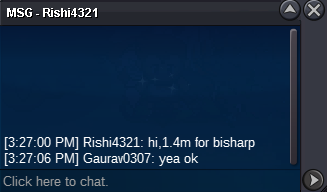
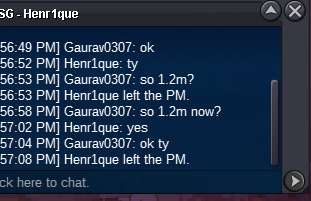
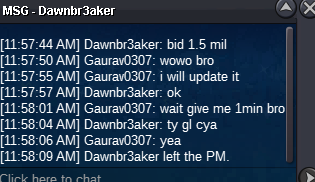
start : 1m Auction end after 72 hours after 1st bid min bid : 200k insta : 4m

 this was before as i can't accept cc and iv rr for this trade so i pm that guy and he did for 1.4m cash 🙂
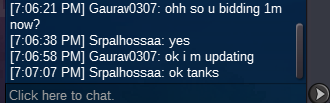
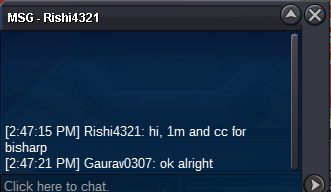 start : 1m accepted cc and iv rr 1 cc = 400k and 1 iv rr = 800k min bid : 200k end time after 48 hrs after 1st bid insta 3m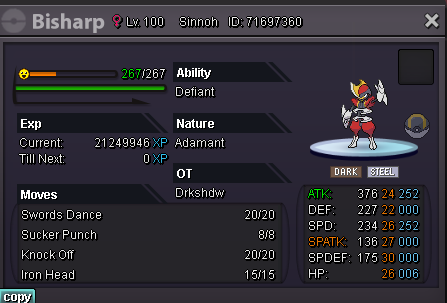
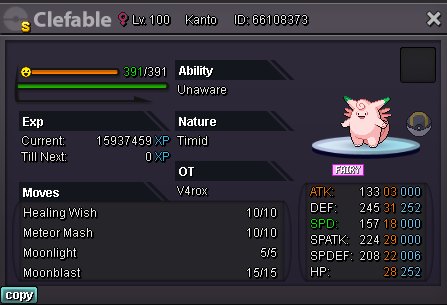
 Auction still not started, someone bid to start auction xDStart : 8m Min bid : 500k cc and iv rr are accepted Insta 11m
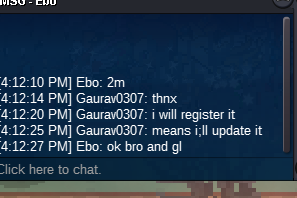
 Start : 1.5m Also accept iv rr and CC Min bid : 200k End after 48 hours after 1st bid Insta 4m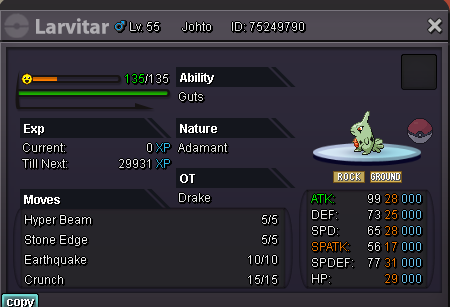
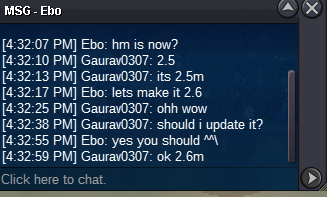
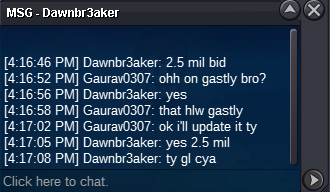
 for Halloween Ponyta Start : 700k Also accept CC and IV RR Min bid : 100kAuction ended Ebo won the bid (2.6m) Please contact me Ebo... Thanks for joiningCurrent offer of 2.5m pokedollars by Dawnbr3aker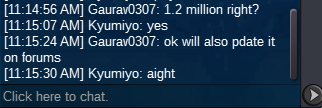
Account
Navigation
Search
Configure browser push notifications
Chrome (Android)
- Tap the lock icon next to the address bar.
- Tap Permissions → Notifications.
- Adjust your preference.
Chrome (Desktop)
- Click the padlock icon in the address bar.
- Select Site settings.
- Find Notifications and adjust your preference.
Safari (iOS 16.4+)
- Ensure the site is installed via Add to Home Screen.
- Open Settings App → Notifications.
- Find your app name and adjust your preference.
Safari (macOS)
- Go to Safari → Preferences.
- Click the Websites tab.
- Select Notifications in the sidebar.
- Find this website and adjust your preference.
Edge (Android)
- Tap the lock icon next to the address bar.
- Tap Permissions.
- Find Notifications and adjust your preference.
Edge (Desktop)
- Click the padlock icon in the address bar.
- Click Permissions for this site.
- Find Notifications and adjust your preference.
Firefox (Android)
- Go to Settings → Site permissions.
- Tap Notifications.
- Find this site in the list and adjust your preference.
Firefox (Desktop)
- Open Firefox Settings.
- Search for Notifications.
- Find this site in the list and adjust your preference.