New Trade Zone
Trade Zone is now live
Use the new Trade Zone for auctions and instant-price trades so Pokemon and item offers are easy to find.

Papitrix
Registered User
-
Joined
-
Last visited
-
Payment Recieved! Thank you all for participating! Cheers,,,
-
Sold Insta by Allsmell: Will contact you on discord
-
Noted: added more 15 mins to the time, ends in 9:50 gmt+8
-
Noted: Added 15 mins more to the time: Ends in 9:47 gmt+8
-
Noted: time of auction will end 9:41 of my time. About 13 mins more again before auction ends.
-
10 mins left folks. goodluck to the possible winner.
-
Update on time left: 30 mins
-
Nope, Still have 56 mins left till auction ends.
-
Time check: 3 hours and 55 mins remaining till the auction ends
-
Noted! About 12hours and 21 mins left
-
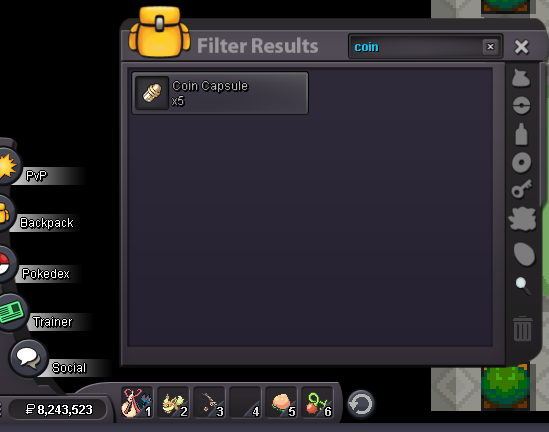
New update: Added cc as additional payment valued for 380k per cc. Added insta price for 10m. 14 hours left. goodluck
-
Time check when auction ends: 24 hours left. Goodluck!!
-
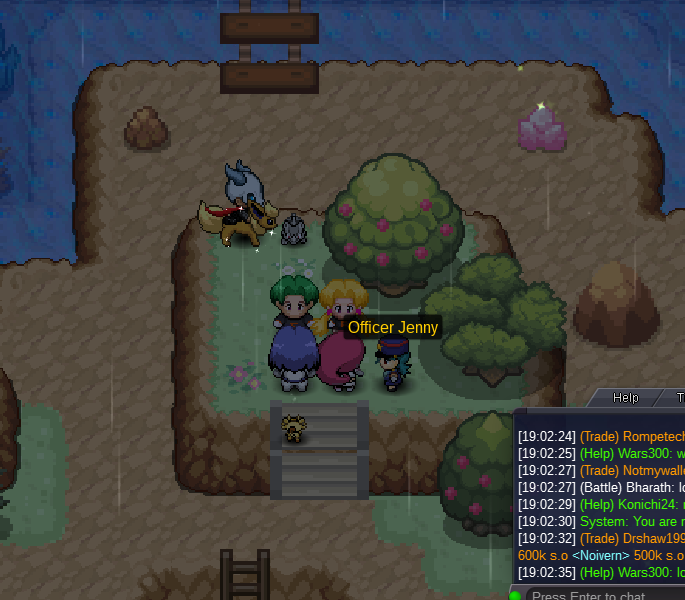
Oh yeah sorry no recent update. The problem is when i do it like in the picture shown. It doesn't interact with me. I have to be directly in front of it. Just probably a bug. Got away with it by logging out a few times. But its frustrating as hell though. So buggy
-
Action ends approximately 48.5 hours.
-
Got afk for awhile now this happens. LoL. Need help or im stuck forever. No escape rope in bag either. IGN: Papitrix