New Trade Zone
Trade Zone is now live
Use the new Trade Zone for auctions and instant-price trades so Pokemon and item offers are easy to find.
Lordset
Registered User
-
Joined
-
Last visited
Everything posted by Lordset
-
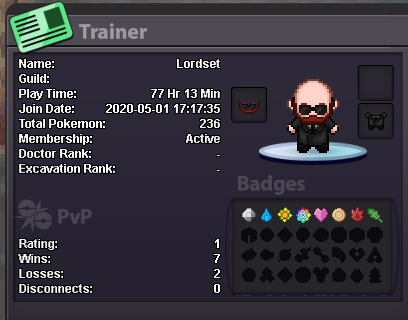
LordSet Set#9875 Just finished Kanto. I'll not move immediately to Johto, since I plan on doing some bosses first. That way, they'll cool down while I do Johto. I play pretty much every day, although of course some days life calls or I just don't feel like it. I enjoy mostly PvP, but I plan on doing at least mid-level PvE regularly to grab the cash, and to improve my teams' stats. No, never, in any game for the past 12 years since I started playing online stuff. I'm very chill. Mostly, I like chill guilds. I will not lie, the guild being big also has an appeal on my appliance to this specific guild. Also, cool name. Not goofy nor cringy. Way to go. I'm still a noob at PRO and Pokémon in general, never played it competitively, but I've been high ranked in several competitive games, such as Gwent, Yu-Gi-Oh, LoL and WoW. I've been trying to learn the meta recently, and have been playing in Pokémon Showdown, at Gens 5 and 7 OU, since those are the closest to PRO's rules. (As I understand, Gen 5 is the closest in available pool due to the lack of Megas and Z-moves, but automatic weather is banned, and regular weather lasts forever. Also, Defog clears only opponent's side hazards (?? ).) Look forward to joining you, guys. Cheers.