New Trade Zone
Trade Zone is now live
Use the new Trade Zone for auctions and instant-price trades so Pokemon and item offers are easy to find.


Leeluckya
Registered User
-
Joined
-
Last visited
Everything posted by Leeluckya
-
start https://pokemonrevolution.net/forum/topic/212059-lucky-shop/
-
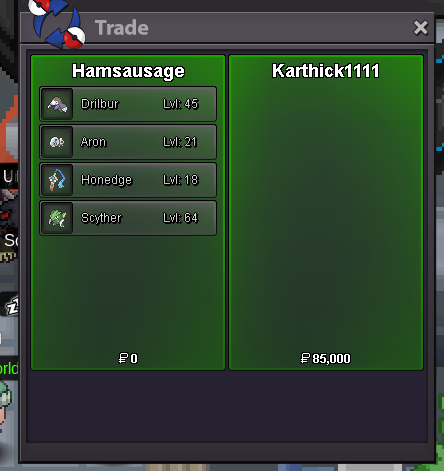
all end time 21:54:00Auction together not separately. start bid 50k end 1 hours after the 1st bid minimum bid 20k insta 1m accept cc 370k
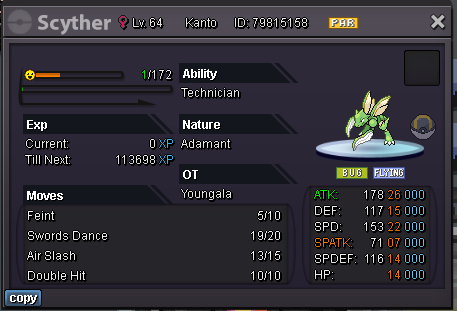
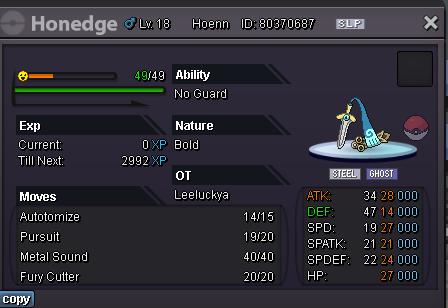
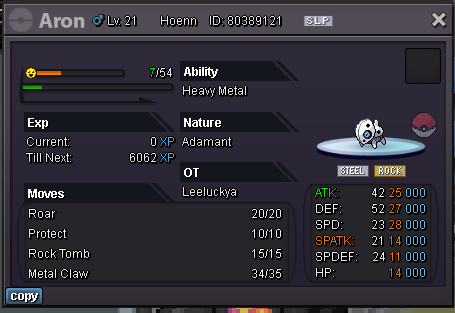
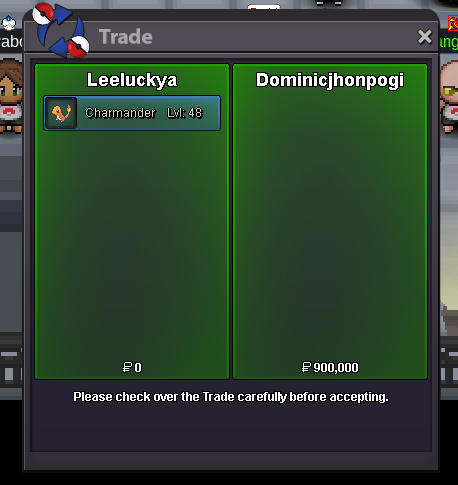
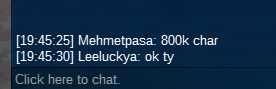
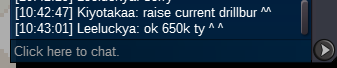
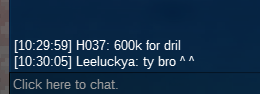
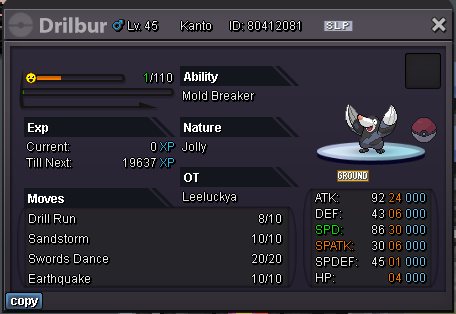 hi bro you won we can trade now pm ^ ^end time 48 mins dril 1.3m charm 750kIs it hard to keep track of time???????? i won.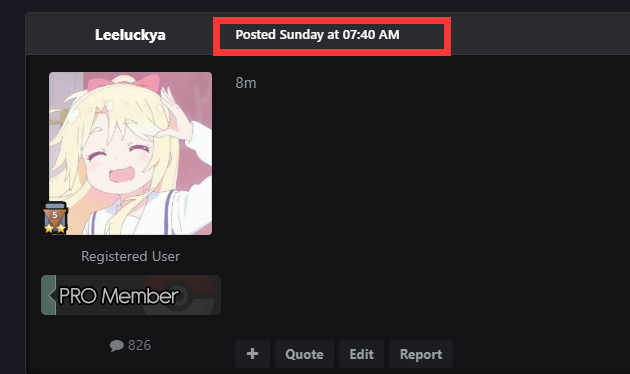
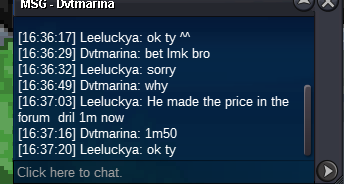
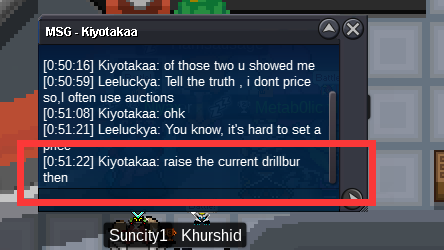
 I need to explain here,I can't see seconds because of forum,Both are bidding at the same minute bids,So I can't tell who made the first bid,so, To be fair, I uploaded all the screenshots,Because one is in the game and I said, one is posted on the forum,If they win in the end, then I need to ask GM for help,So I kept all the screenshots @MbkI remember to bid at least 50K each time, so everything else is qualified I will pay more attention to this kind of thing next time, and write down my idea below, so as not to cause unnecessary misunderstanding Thank you so much for GM's guidance so that I can avoid this kind of thing next time
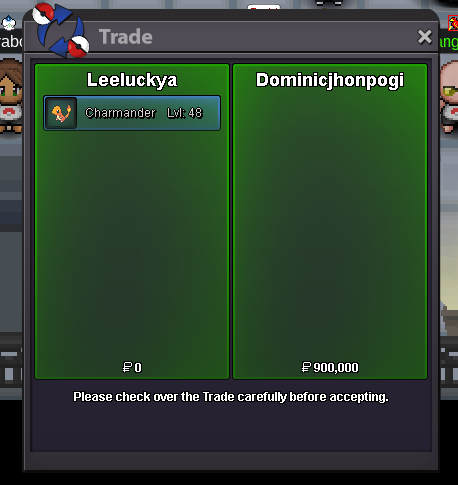
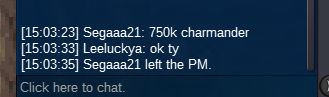
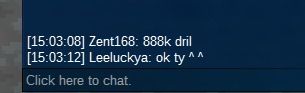
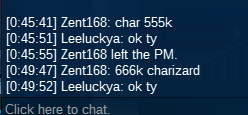
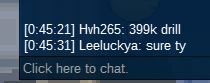
 449k dril 666k chari
Account
Navigation
Search
Configure browser push notifications
Chrome (Android)
- Tap the lock icon next to the address bar.
- Tap Permissions → Notifications.
- Adjust your preference.
Chrome (Desktop)
- Click the padlock icon in the address bar.
- Select Site settings.
- Find Notifications and adjust your preference.
Safari (iOS 16.4+)
- Ensure the site is installed via Add to Home Screen.
- Open Settings App → Notifications.
- Find your app name and adjust your preference.
Safari (macOS)
- Go to Safari → Preferences.
- Click the Websites tab.
- Select Notifications in the sidebar.
- Find this website and adjust your preference.
Edge (Android)
- Tap the lock icon next to the address bar.
- Tap Permissions.
- Find Notifications and adjust your preference.
Edge (Desktop)
- Click the padlock icon in the address bar.
- Click Permissions for this site.
- Find Notifications and adjust your preference.
Firefox (Android)
- Go to Settings → Site permissions.
- Tap Notifications.
- Find this site in the list and adjust your preference.
Firefox (Desktop)
- Open Firefox Settings.
- Search for Notifications.
- Find this site in the list and adjust your preference.