




New Trade Zone
Trade Zone is now live
Use the new Trade Zone for auctions and instant-price trades so Pokemon and item offers are easy to find.


Mikeey
Registered User
-
Joined
-
Last visited
Everything posted by Mikeey
-
500k co by yuukko
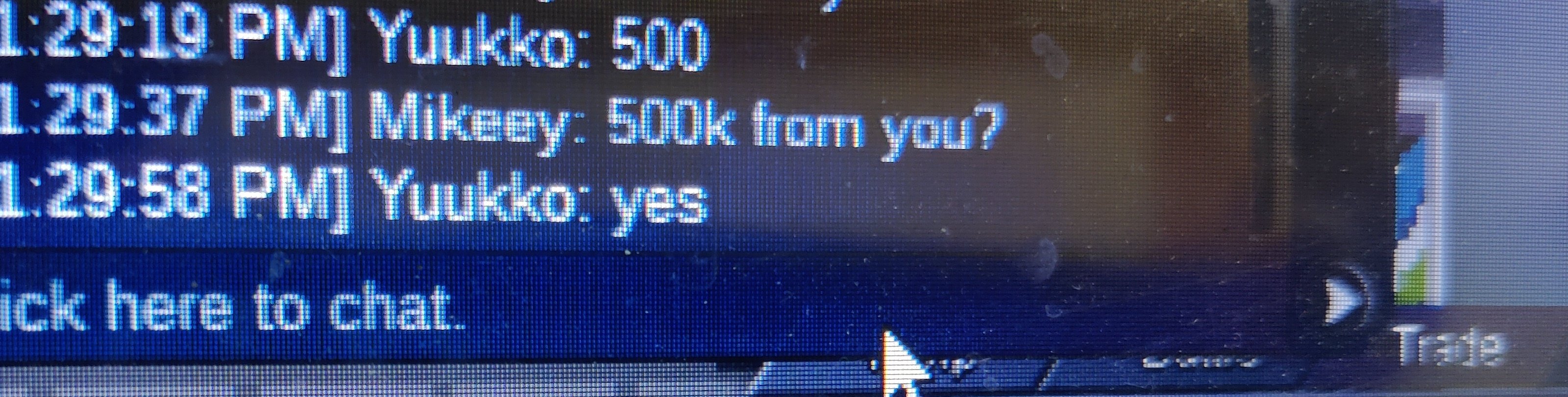
-
Less than 11 hours left for auction end
-
-
Thank you so much
-
Start: 350k Insta: Min: 50k 24 hours auction

-
I accidentally released my legendary pokemon tornadus last month and i know its to late to restore it, but pls can i get it back when i participate on world quest?Wts this for 700kWts this for 700k pm me ingame aokjie.Lets wait bro, i decide and i pm u 2 ingame.12:47 the first bid
 We need little help here,It start on first bid12:47 bro.I think scald won. U can pm me bro ingame name aokjieStart:500k Min raise:100k 24 hours bid Note: can't post ingame.
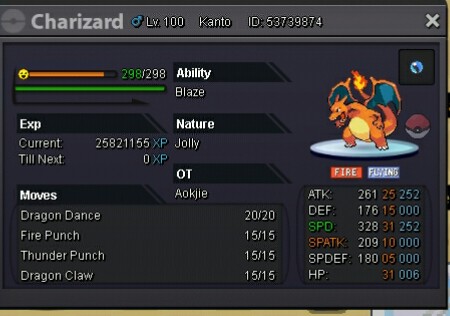 Im a silver server playerPls help i accidentally release my electrode
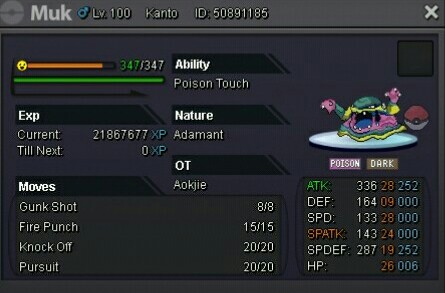
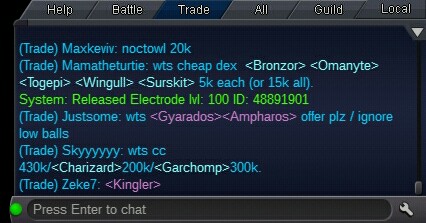 start venu: 1,5m raised bid 100k start muk alo: 500k raised bid 50k (same rule fake offer will be reported) 24 hours bid. (accept cc,350k,) have a nice bidding:)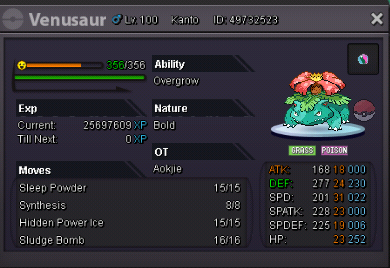
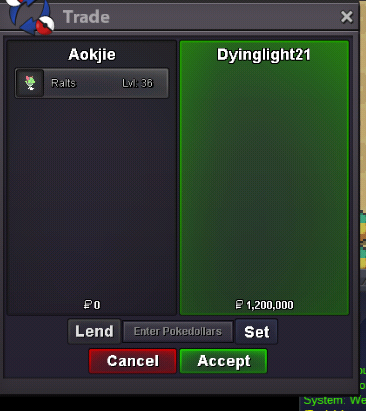
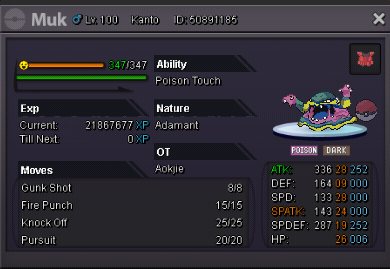 sorry for late reply,dyinglight21 won. pm me ingame mate.Hi guys. Starting price: 1m Current offer: Ending point: 24h after first bid Insta price: no insta Available payments:Pokedollars, Coin Capsule (350k minimum raise:200k
 WANT TO SELL S.O = 300K Minimum Raise = 100K Auction Duration = 48 hours after first bid CC = 380K // IV RR = 800K // Nature RR = 400K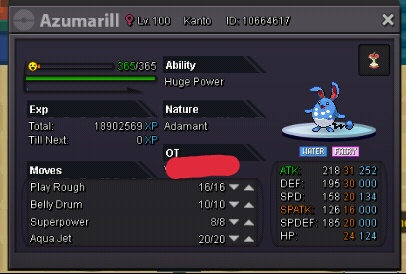
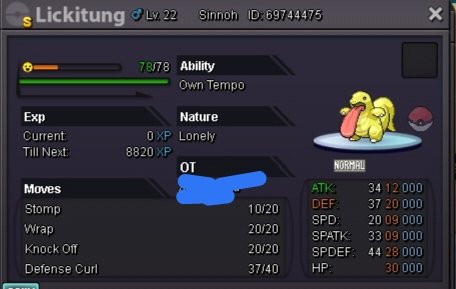
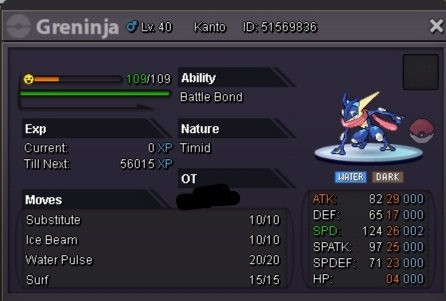
Account
Navigation
Search
Configure browser push notifications
Chrome (Android)
- Tap the lock icon next to the address bar.
- Tap Permissions → Notifications.
- Adjust your preference.
Chrome (Desktop)
- Click the padlock icon in the address bar.
- Select Site settings.
- Find Notifications and adjust your preference.
Safari (iOS 16.4+)
- Ensure the site is installed via Add to Home Screen.
- Open Settings App → Notifications.
- Find your app name and adjust your preference.
Safari (macOS)
- Go to Safari → Preferences.
- Click the Websites tab.
- Select Notifications in the sidebar.
- Find this website and adjust your preference.
Edge (Android)
- Tap the lock icon next to the address bar.
- Tap Permissions.
- Find Notifications and adjust your preference.
Edge (Desktop)
- Click the padlock icon in the address bar.
- Click Permissions for this site.
- Find Notifications and adjust your preference.
Firefox (Android)
- Go to Settings → Site permissions.
- Tap Notifications.
- Find this site in the list and adjust your preference.
Firefox (Desktop)
- Open Firefox Settings.
- Search for Notifications.
- Find this site in the list and adjust your preference.