New Trade Zone
Trade Zone is now live
Use the new Trade Zone for auctions and instant-price trades so Pokemon and item offers are easy to find.

Kayzo5
Registered User
-
Joined
-
Last visited
Everything posted by Kayzo5
-
Even if I give swords dance to my ninjask my shedinja still don't have it
-
I saw that in all generation shedinja should be able to learn sword dance so I'm wondering why he can't on PRO.
-
-
-
300k for salamence or lucario
-
-
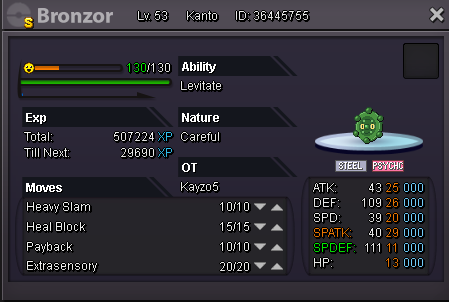
Can be use with : Bronzong @ Leftovers Ability: Levitate EVs: 252 HP / 72 Def / 184 SpD Careful Nature - Stealth Rock - Psywave - Toxic - Earthquake
-
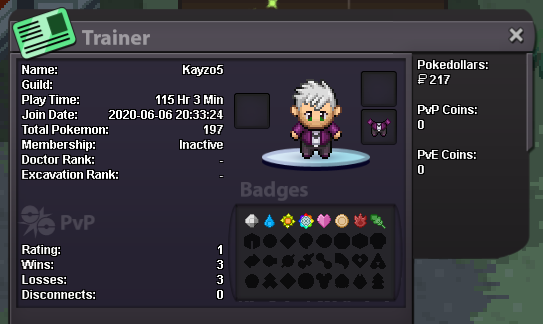
Hello, I'd like to be in your guild, I'm interested in pvp but I never did before, my discord is : Kayzo☆#0553 and this is my trainer card. As you can see I only have 115h but I only joined the game 14 days ago. I'm learning fast, I'd like to catch them all and help other players! (Ps: If I never have left Kanto yet it's because I wait my friend, I already have 5 Pokemon level 100 and I will catch mew soon)
-
Ok, thanks !
-
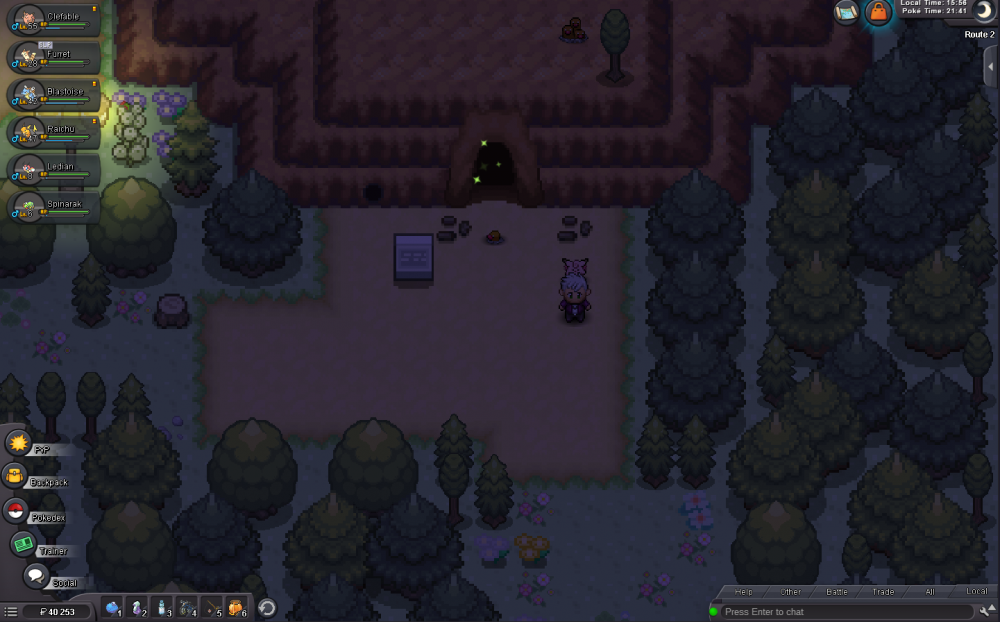
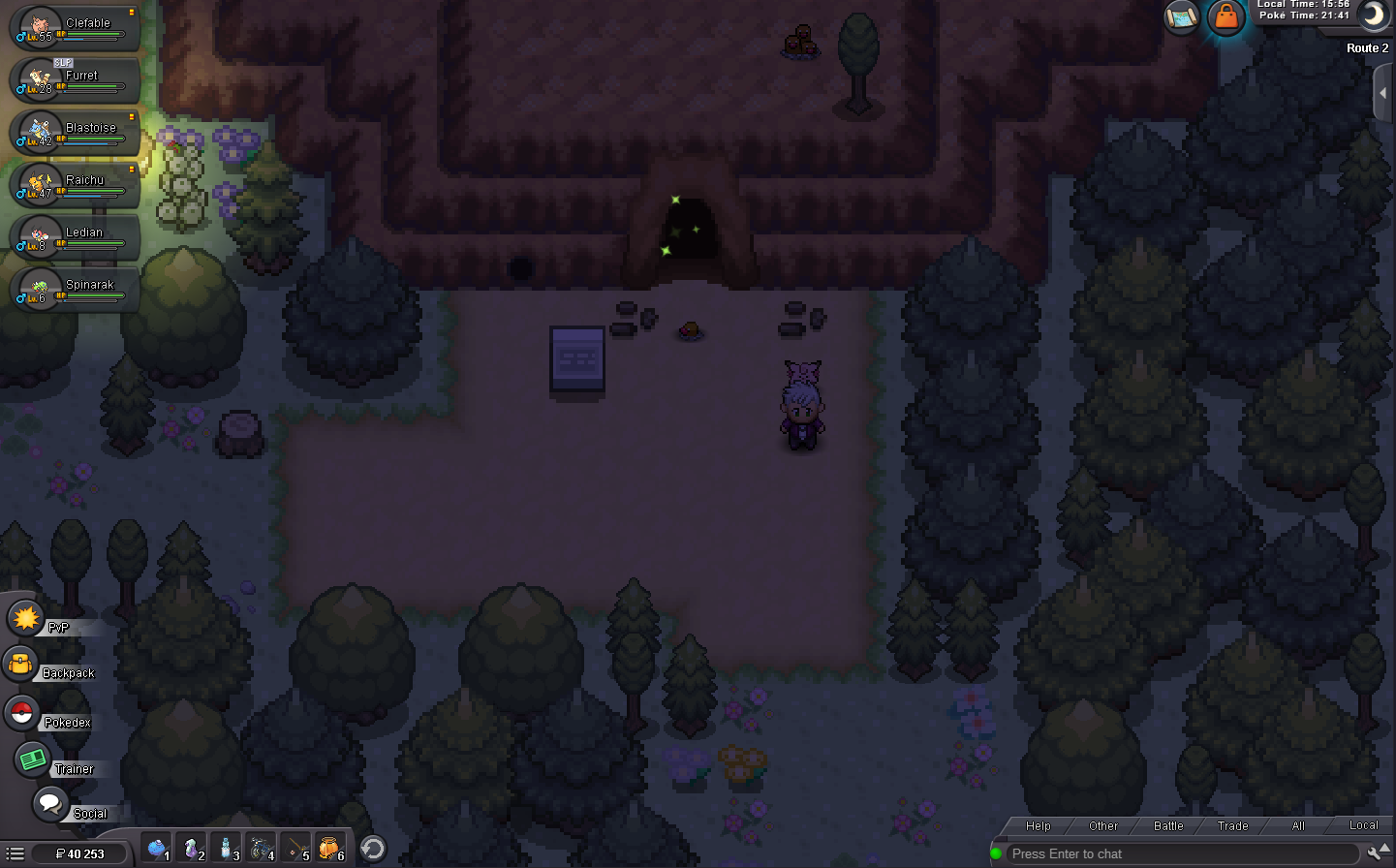
I beat surge gym, and made my way over to the diglett cave in route 2. I used cut and got there. I tried to go in the cave but theres a diglett blocking the way and it will not move. I have left and came back to the area numerous times, and I have even reset my client, but it is still there.