New Trade Zone
Trade Zone is now live
Use the new Trade Zone for auctions and instant-price trades so Pokemon and item offers are easy to find.

Saffire
Registered User
-
Joined
-
Last visited
-
what are the odds for finding Shiny, Event form and Pink pokemon? i need to confirm this, because when new players ask in help chat and i answer their question based on wiki rate encounter someone always said its wrong, and ended up arguing.. so i need update information.. thank you in advance...
-
hi @Epithet thank you for you reply and ur answer. https://wiki.pokemonrevolution.net/index.php?title=Pokemon_Counterparts
-
some people said u can find shiny from shiny stone in excavation sites, but pro wiki said Any wild-Pokémon battle initiated by an NPC script will not have a shiny chance; this includes even catchable Pokémon encountered via Headbutt Trees, Diggable Patches, Excavation Sites, and overworld-interactable Pokémon. can staff confirm this? thank you in advance
-
sold to Pandarkenciel 😄 thank you for those who participate in this auc and also for the staffs for their hardwork!!

-
c.o 2m ended tomorrow at 09.32 pm (gmt+7) thank you and good luck

-
-
#soldout
-
congratulations for the winner!! kindly pm me in game for delivery... thank you for everyone who participate in this auction and also for the staffs for their hardwork!!
-
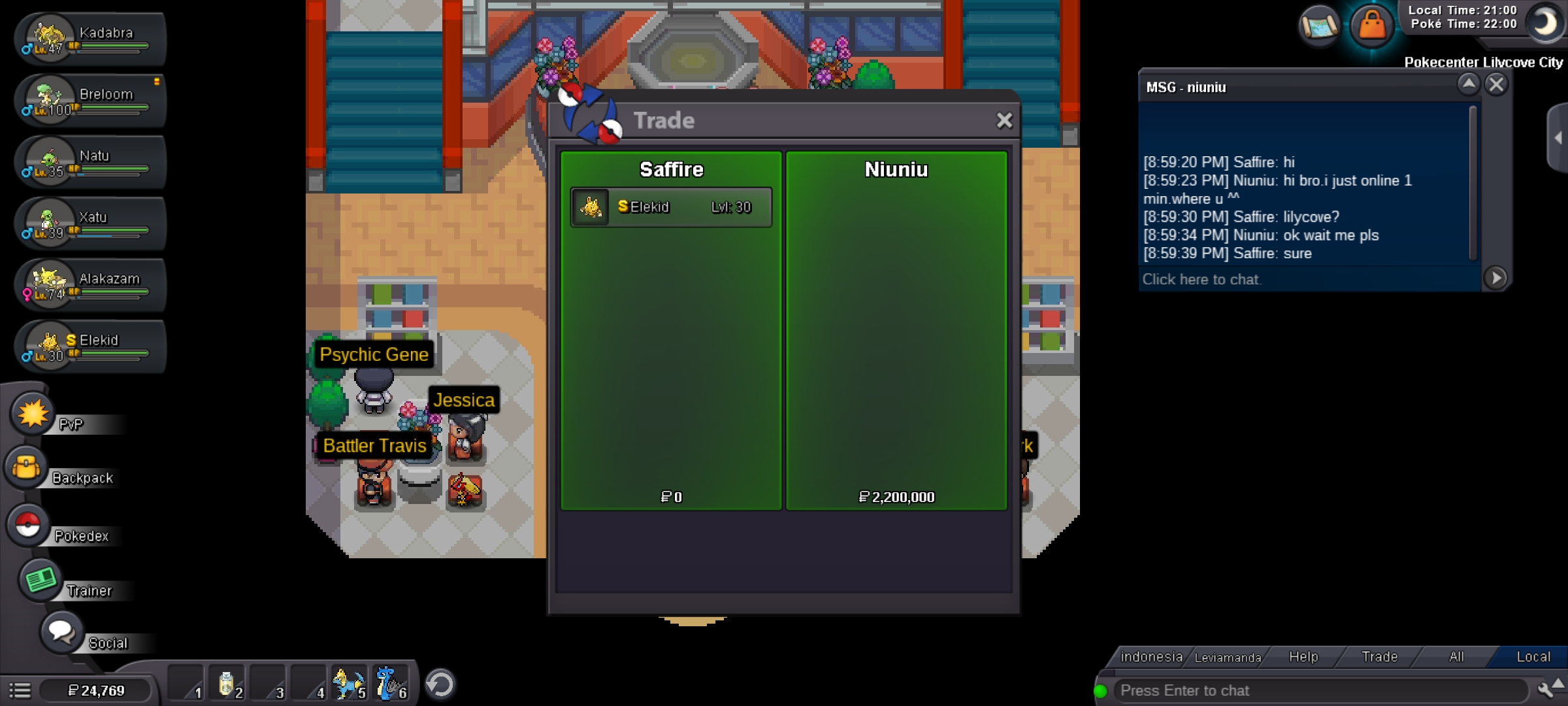
c.o 2.2m / 43 mins left good luck and thank you
-
c.o 2m by Fiss thank you and good luck
-
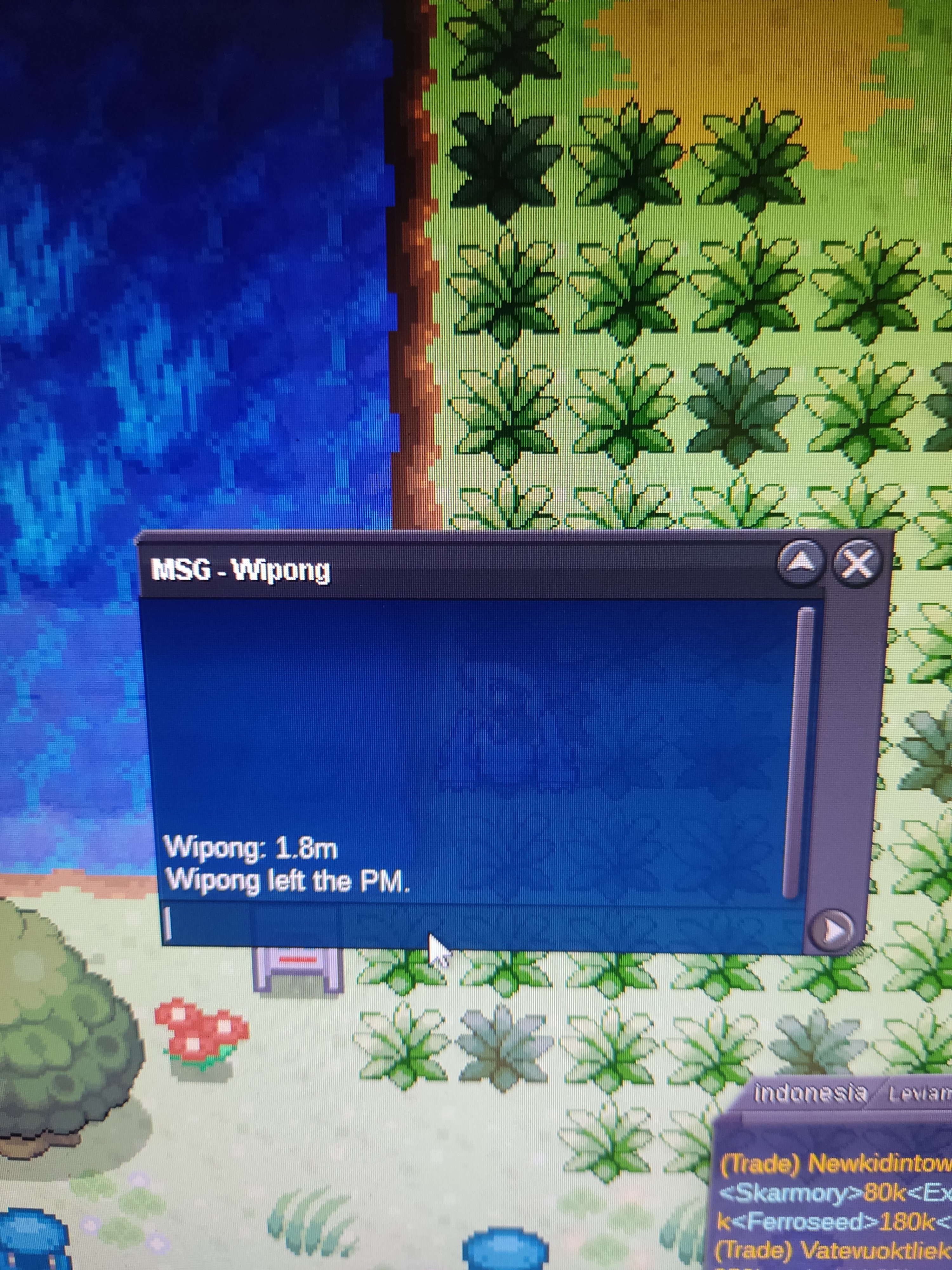
c.o 1.8m
-
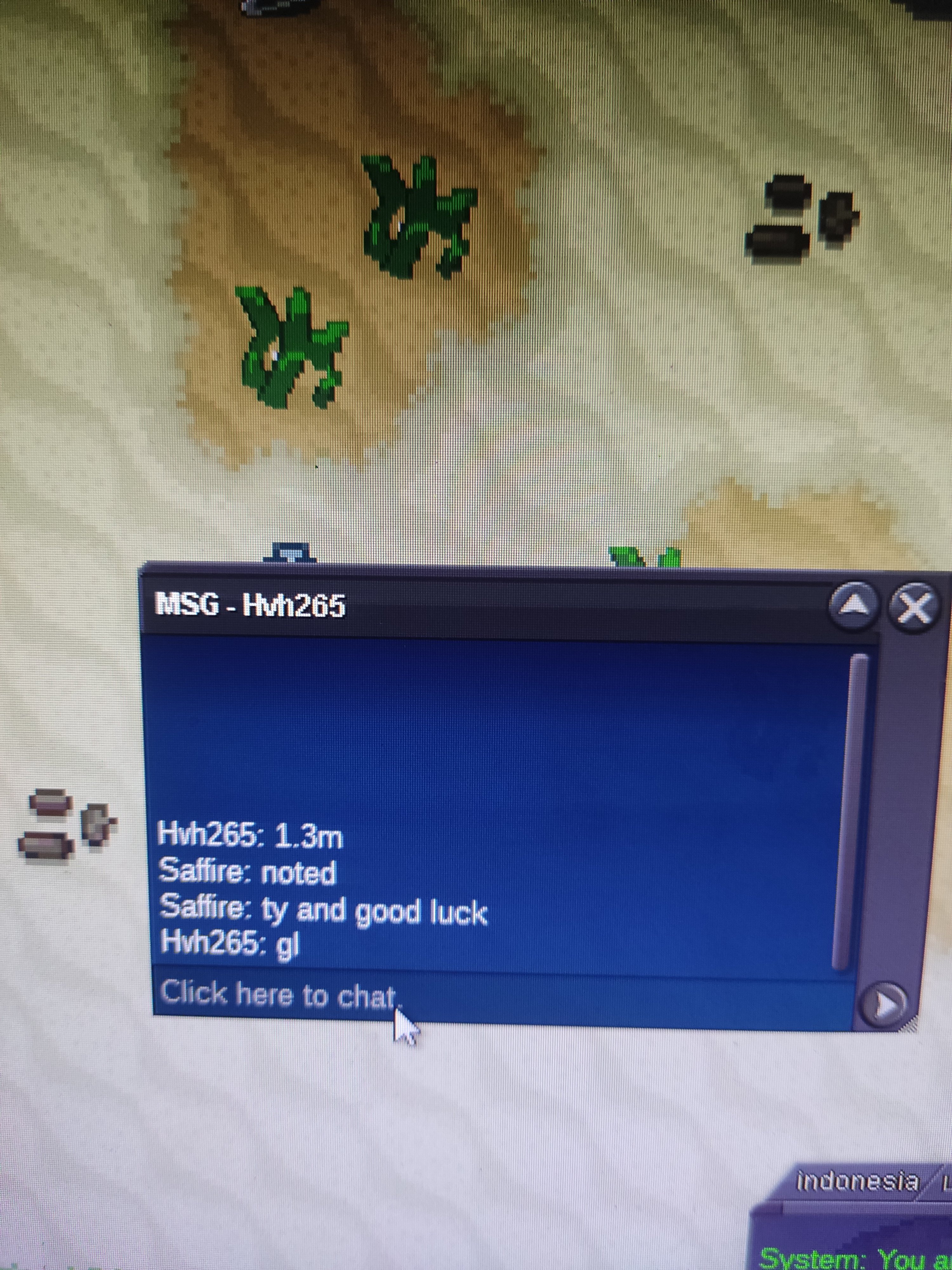
c.o 1.3
-
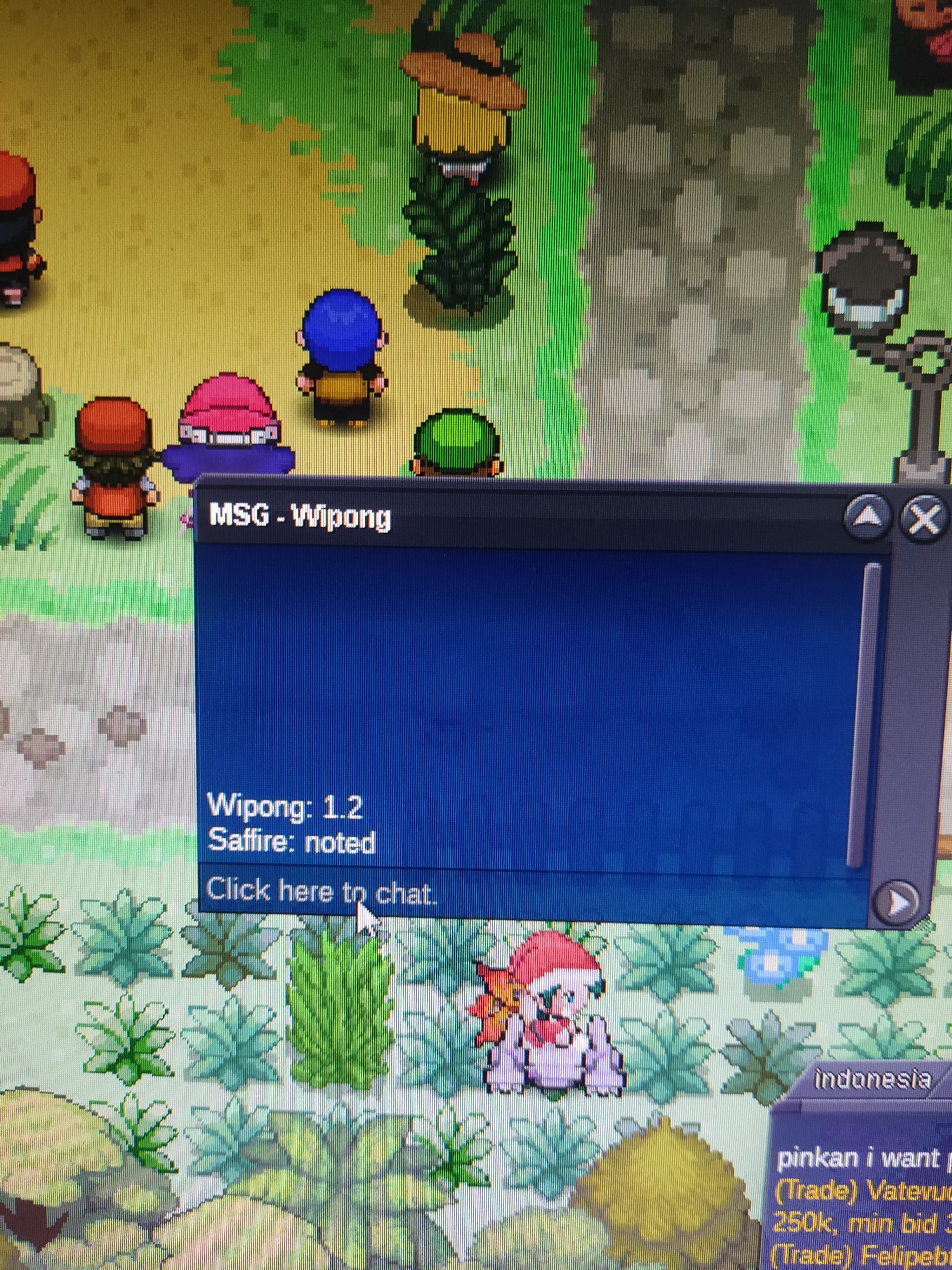
c.o 1.2m
-
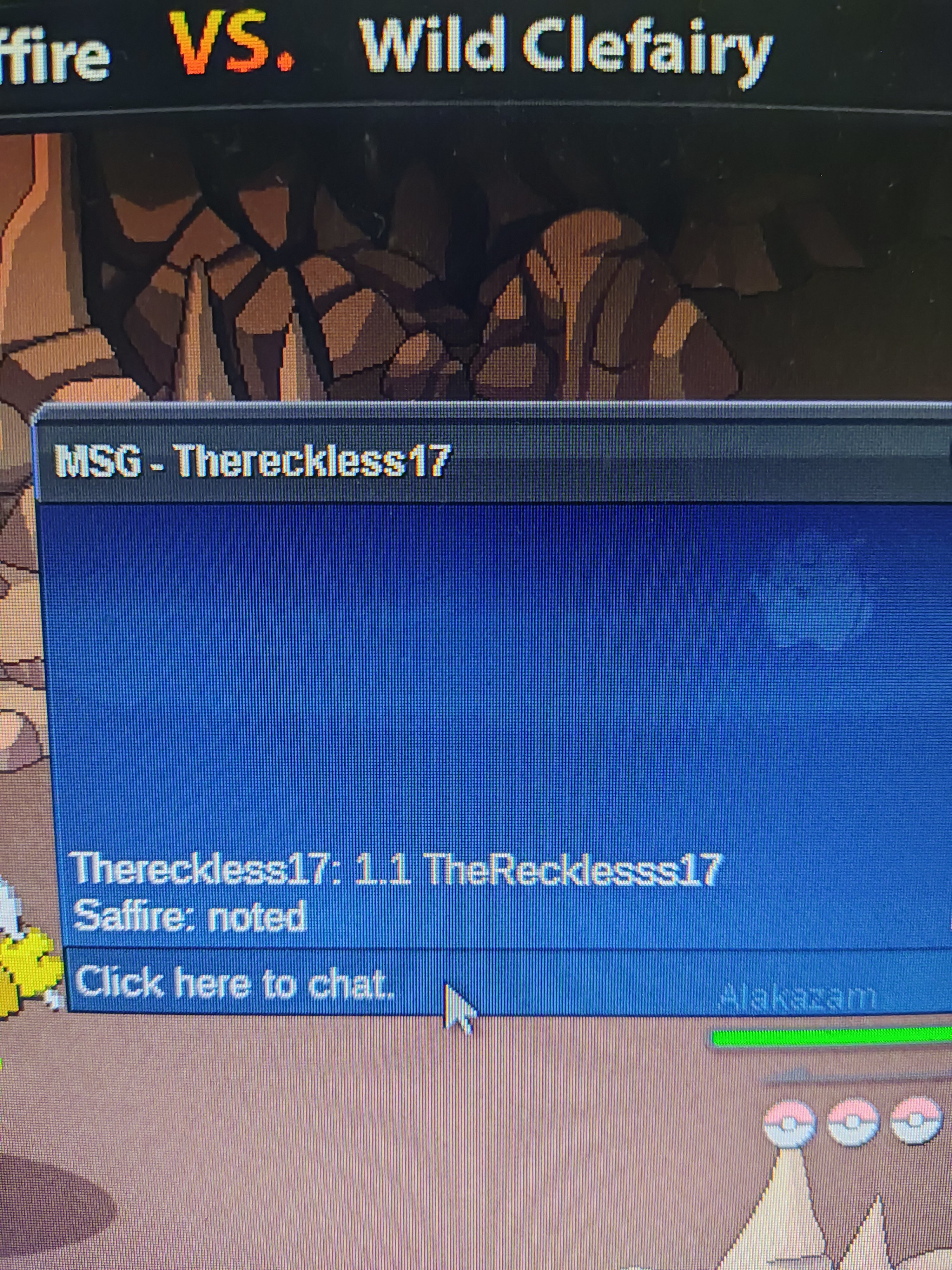
c.o 1.1m
-
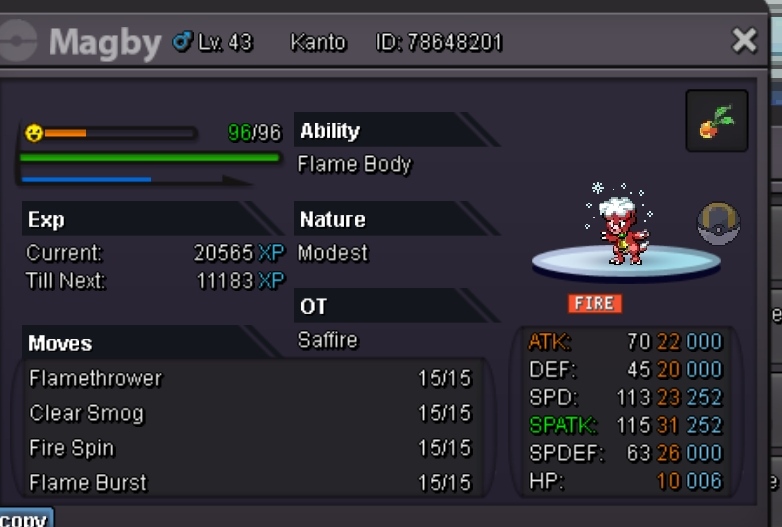
started by bichdao ended tomorrow 5 feb (18.10 pm gmt+7) current offer 1m thank you and good luck