




New Trade Zone
Trade Zone is now live
Use the new Trade Zone for auctions and instant-price trades so Pokemon and item offers are easy to find.


Verankass
Registered User
-
Joined
-
Last visited
Everything posted by Verankass
-
Thanks!
-
Thanks!
-
Thanks!
-
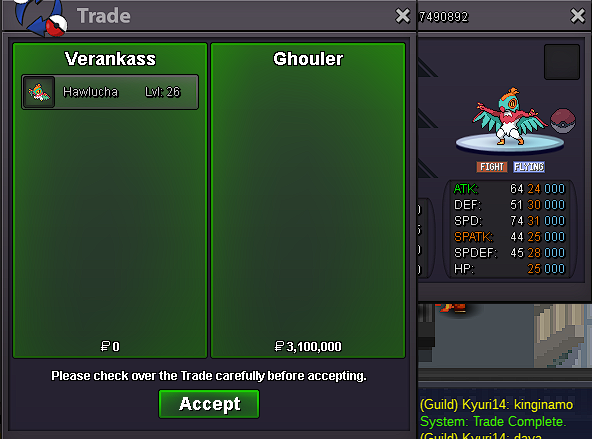
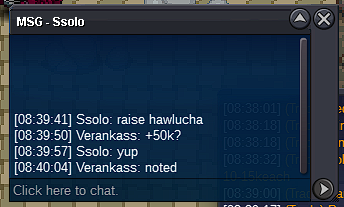
Hawlucha 1.15m
-
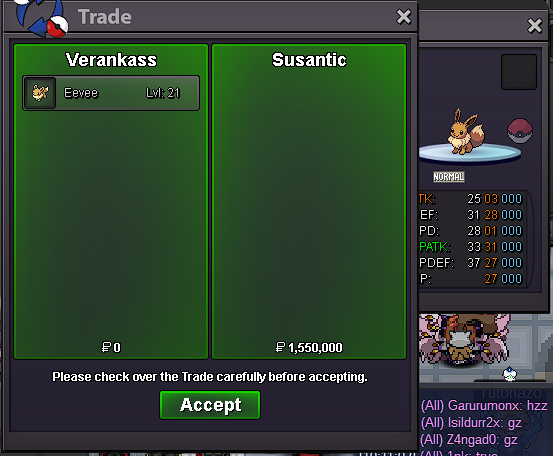
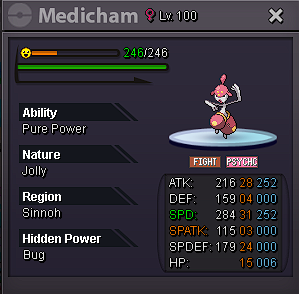
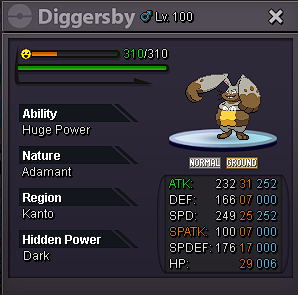
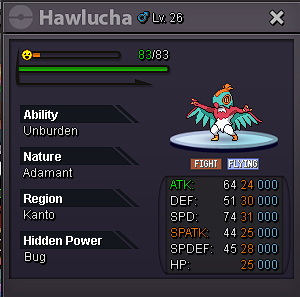
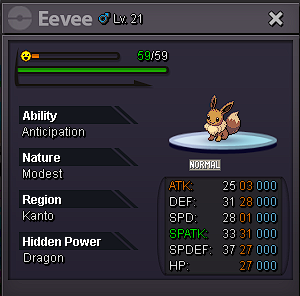
Bump! Approx. 12hrs left! C.O.: Medicham = 500K Diggersby = 500K Kommo-o = 4 CC Hawlucha = 919K Eevee = 1.5M
-
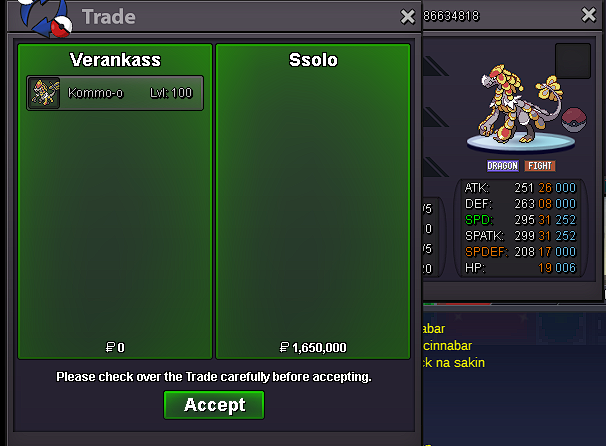
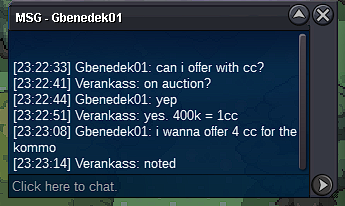
Kommo-o 4cc
-
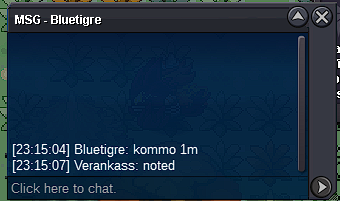
Kommo-o 1m
-
Hawlucha 919k

-
Start Medicham and Diggersby

-
Hawlucha 769k

-
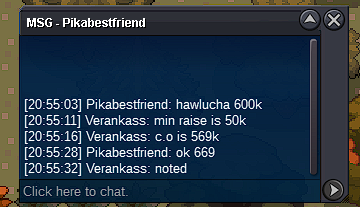
Hawlucha 669k
-
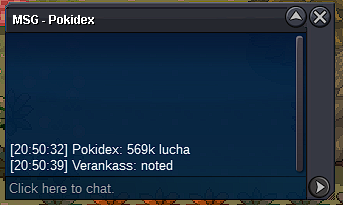
Start Hawlucha
-
Each pokemon has: S.O. = 500K Min. Raise = 50K Duration = 36 Hours Insta = None Accepted Payments: Pokedollars Coin Capsule = 400K IV RR = 500K Nature RR = 250K Each pokemon has a different timer Starts after first bid Timers: Medicham & Diggersby: Countdown Timer – Countdown to 16 Nov 2024 10:19 in Manila Eevee: Countdown Timer – Countdown to 16 Nov 2024 09:36 in Manila Kommo-o: Countdown Timer – Countdown to 16 Nov 2024 09:21 in Manila Hawlucha: Countdown Timer – Countdown to 16 Nov 2024 08:50 in Manila

-
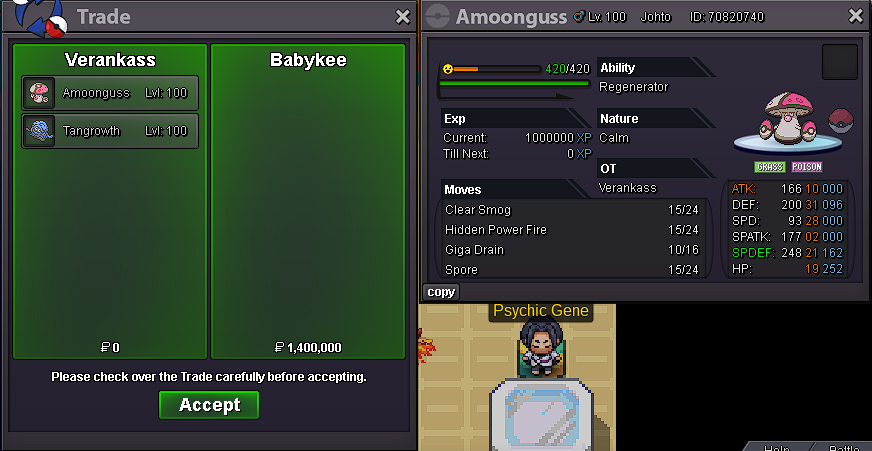
Thanks! Can be closed now.

-
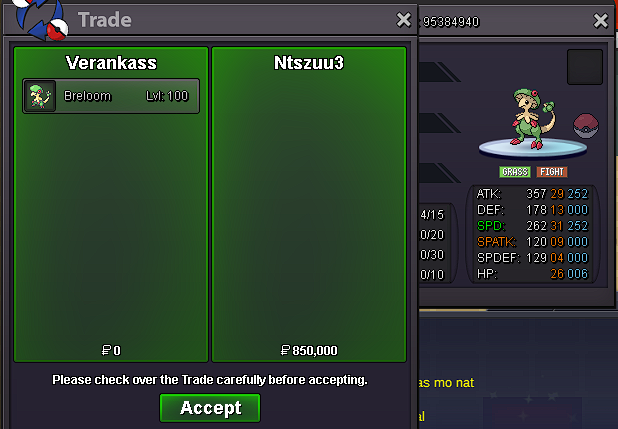
Yes. Please message me ingame.
-
Thanks!
-
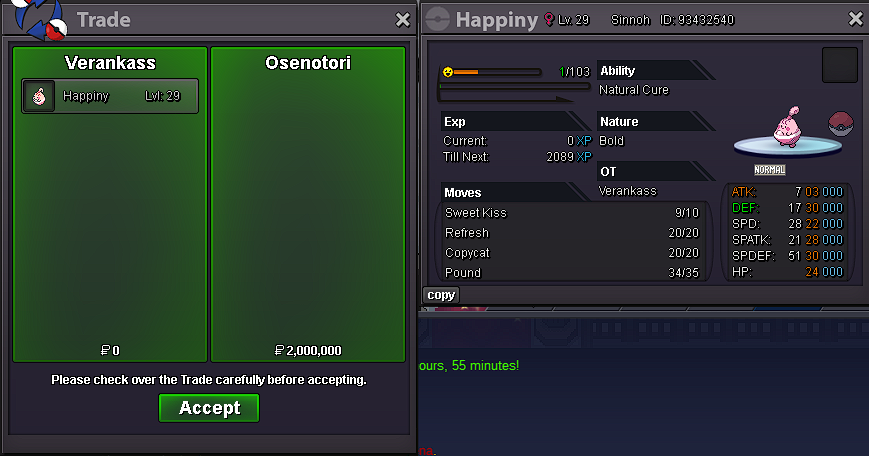
Yes. PM me ingame please.
-
Thanks!
-
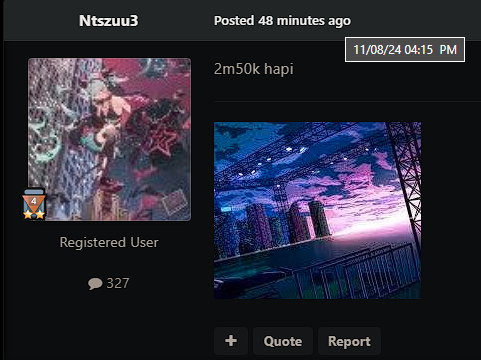
Sadly, your bid is invalid since you're 5mins late. End time is 4:10PM but you bid at 4:15PM. Still, you won on Breloom. Please message me in game so we can trade. Also @Babykee @Osenotori.
-
Breloom 750K

-
BUMP! 6+ HRS LEFT! C.O.: Tangrowth = 550K Amoongus = 550K Breloom = 650K Happiny = 700k
-
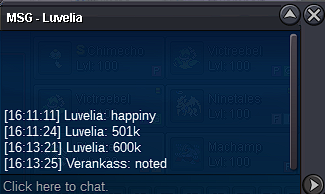
Happiny 600K
-
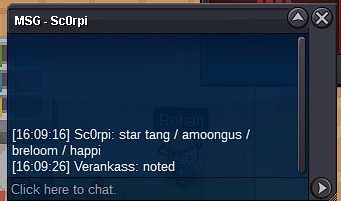
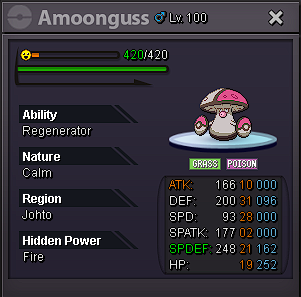
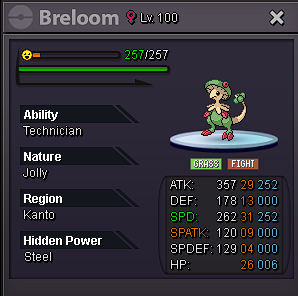
Start Tang/Amoong/Breloom/Happiny
-
Each pokemon has: S.O. = 500K Min. Raise = 50K No Insta Starts after the first bid Each pokemon has a different timer 24-hour Auction Accepts: Coin Capsule = 400K IV RR = 500K Nature RR = 250K Countdown Timer – Countdown to 8 Nov 2024 16:10 in Manila


-
@Geofrano @Kiklan Hi. When will you go online?