




New Trade Zone
Trade Zone is now live
Use the new Trade Zone for auctions and instant-price trades so Pokemon and item offers are easy to find.

Gfazbear123
Registered User
-
Joined
-
Last visited
Everything posted by Gfazbear123
-
hi the shield is back in stock
-
u can pm me when you are online my IGN is gfazbear123
-
all prices are fixed
-
hot shop man! might buy smth when i switch to gold
-
Up
-
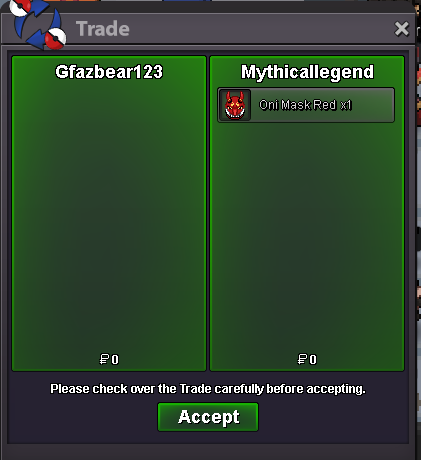
tyyyy smmm again!
-
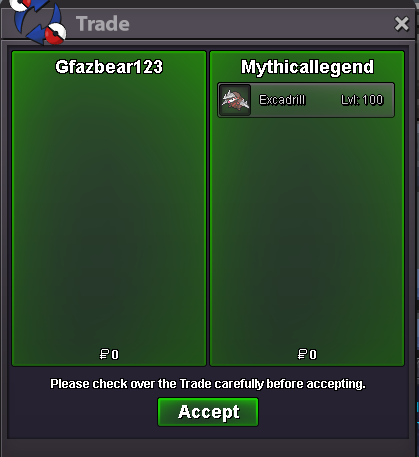
tyyy sm man appreciate it
-
u won
-
up
-
up
-
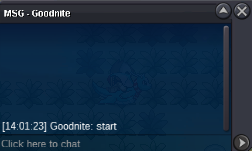
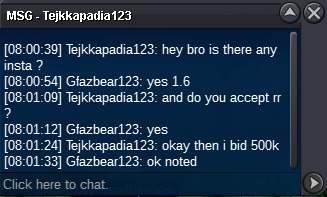
c.o -600k min raise - 100k Insta - 1.6m DURATION - 48 hours after starting I accept cc 400k // rr 700k // nature rr 340k 4 HOURS LEFT
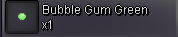
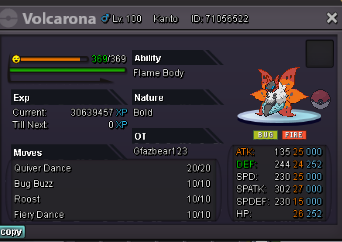 uphow much is gg armsi am selling the whole setUPMOUNTS Aurorus mount 150k - ninetails mount -90k SUMMER serperior mount 450k BACKGEARS COFAGRIGUS ARMS 390k NAVY PET 600k CLOTHES S BISHARP SET 230k SAILOR MOON SET 600k ROCKET SET 100k WINTER CLOTHES BLU SET 120K WINTER CLOTHES GM SET 120K MIMIKYU OUTFIT 80K S MAGIKARP HAT 60K TEAM MAGMA CLOTHES 80k DEADPOOL CLOTHES NO HEAD 60K GLALIE MASK 70K PLAGUE DOCTOR CLOTHES 400K PSYDUCK HAT 80K SKULL HAT G 90K GHOST OUTFITS 150k EACH -- GHOST RIDER MASK 100K FACE ITEMS BUBBLE GUMS 60K - PACIFIER BLUE 70K - FLOWERS pansy flower 60k - JASMINE flower 60k- OTHER ITEMS TOXIC ORB 40K TM FALSE SWIPE X9 - 1.5K EACH TM THIEF X3 - 1K EACH TM DIG X2 - 1.5K EACH DISCORD - PAIN #0488 Gfazbear123 - IGN ty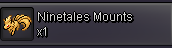







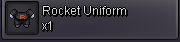













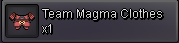
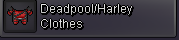

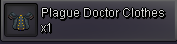















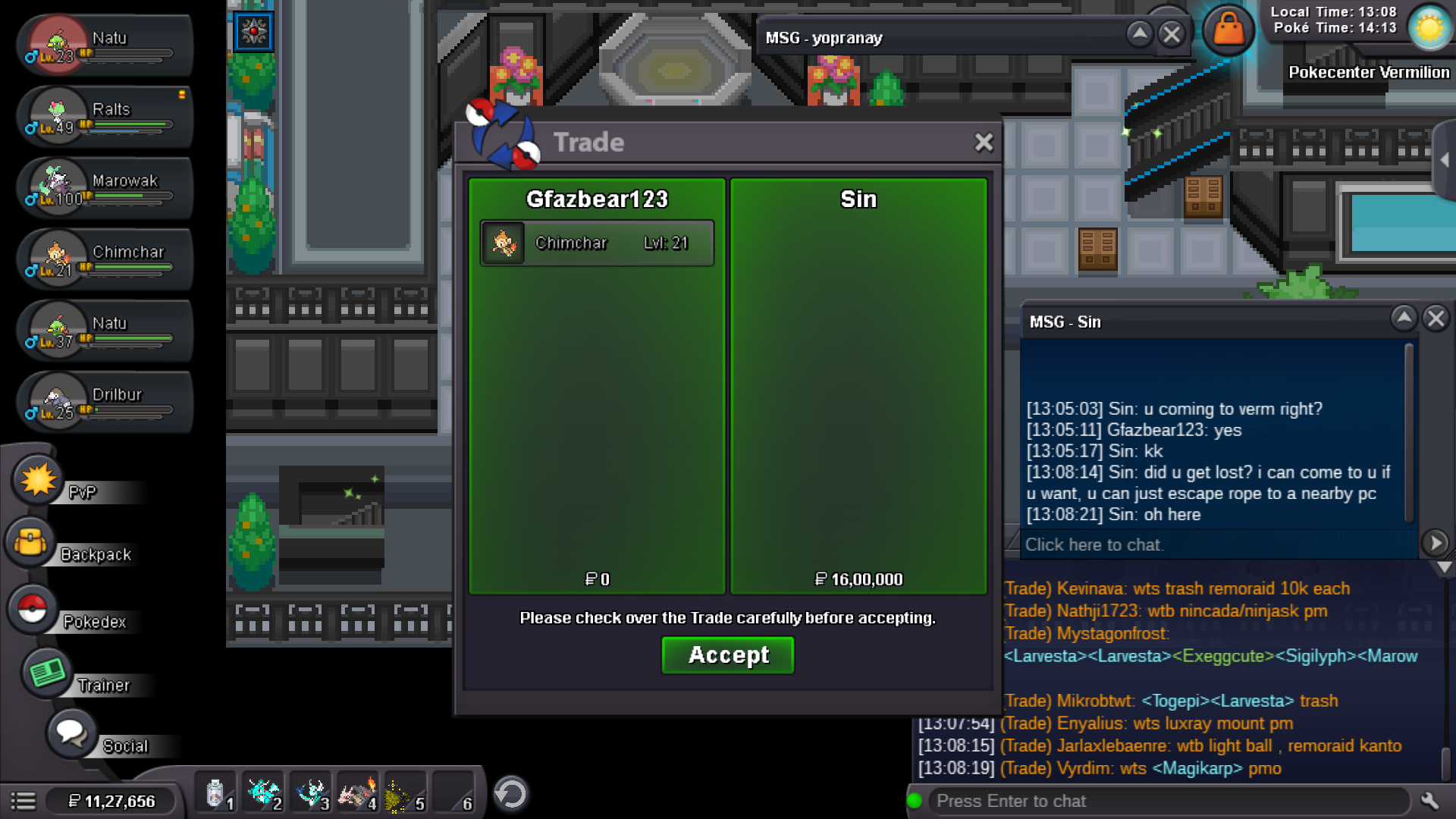
 sold instastart: 700k min bid: 100k accept: cc 400k,rr 700k ends 48 hour after starting 1.6m insta
.png.83a480c9f96bf106f8eaf6a7750496de.png) wtb hollowmask PAIN #4088 dc id500k snivyhow do i contacthi i would like to buy serperior mount
wtb hollowmask PAIN #4088 dc id500k snivyhow do i contacthi i would like to buy serperior mount

Account
Navigation
Search
Configure browser push notifications
Chrome (Android)
- Tap the lock icon next to the address bar.
- Tap Permissions → Notifications.
- Adjust your preference.
Chrome (Desktop)
- Click the padlock icon in the address bar.
- Select Site settings.
- Find Notifications and adjust your preference.
Safari (iOS 16.4+)
- Ensure the site is installed via Add to Home Screen.
- Open Settings App → Notifications.
- Find your app name and adjust your preference.
Safari (macOS)
- Go to Safari → Preferences.
- Click the Websites tab.
- Select Notifications in the sidebar.
- Find this website and adjust your preference.
Edge (Android)
- Tap the lock icon next to the address bar.
- Tap Permissions.
- Find Notifications and adjust your preference.
Edge (Desktop)
- Click the padlock icon in the address bar.
- Click Permissions for this site.
- Find Notifications and adjust your preference.
Firefox (Android)
- Go to Settings → Site permissions.
- Tap Notifications.
- Find this site in the list and adjust your preference.
Firefox (Desktop)
- Open Firefox Settings.
- Search for Notifications.
- Find this site in the list and adjust your preference.