




New Trade Zone
Trade Zone is now live
Use the new Trade Zone for auctions and instant-price trades so Pokemon and item offers are easy to find.

Rhpositive
Registered User
-
Joined
-
Last visited
Everything posted by Rhpositive
-
82 minutes leftS.o. 2m Min bid 100k Ends 24h after 1st bid I accept only pokedollars C.O. 2.9M BY @Spolar Ends on 30 December at 11.11 am GMT +2
 @Yomawari you won the auction, please contact me on discord - RhPositive#403650 mins left23.5 hours leftThe auction will end in 48h.
 Current offer: 5.2m by @Yomawari Min raise 200k No insta Auction will end on Sunday (9 Jan) at 11:04 am GMT +2. I accept pokedollars, coin capsule (400k) and reroll (750k).
 @pity you won the auction. Please send me a PM on discord. RhPositive#40361h left24h leftSassy 07 spatk - 300k Hasty - 300k Sassy 01 spatk - 200k Brave - 150k Sassy 29 spatk - 400k Timid - 200k Sassy 18 def - 500k If you want to buy any of these, PM me on discord - RhPositive#4036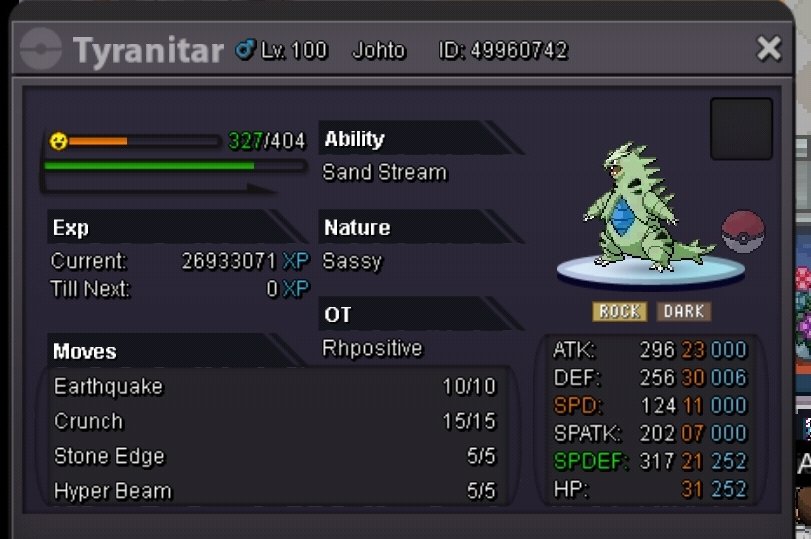
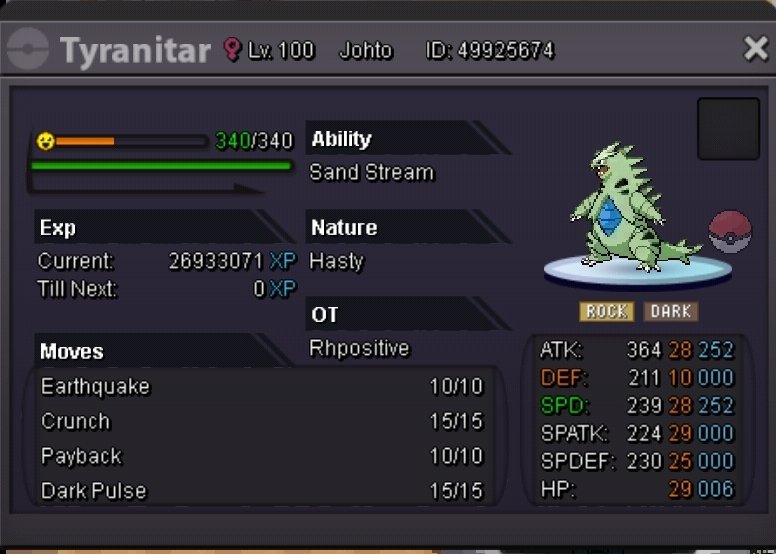
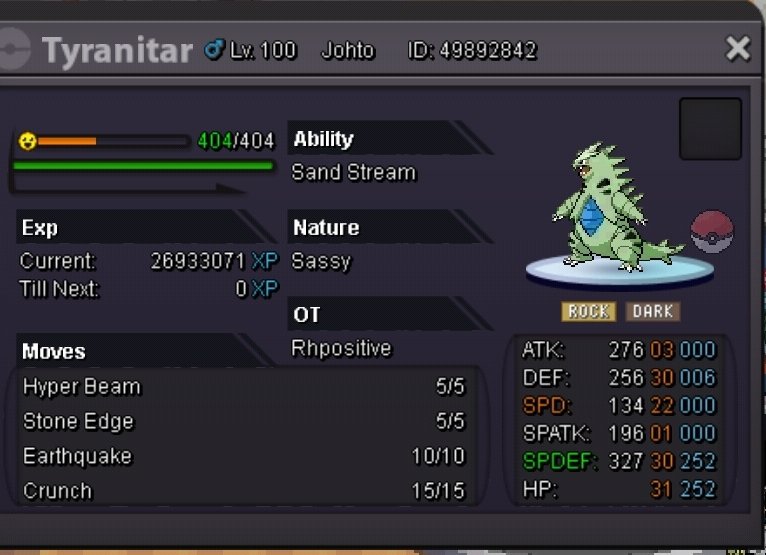

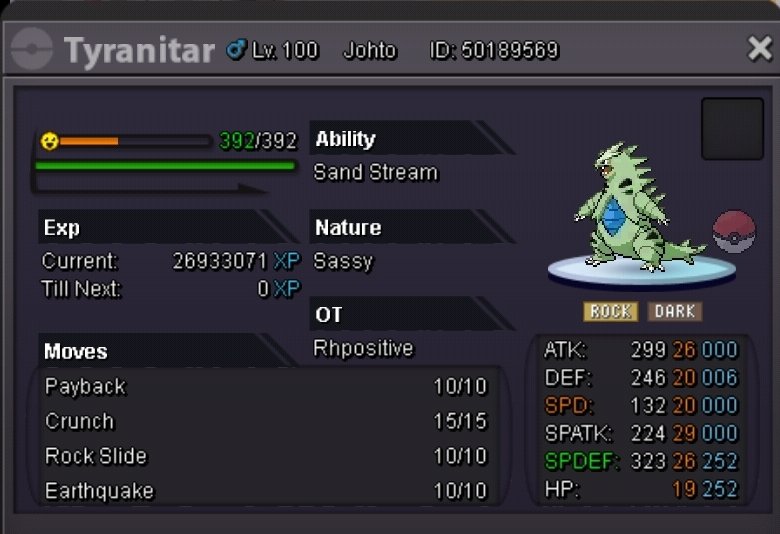

 Noted. The auction will end on September 14th, 12.04 GMT +3C.O. 6.5m by @Pity Min raise 250k No insta Ends on September 14th, 12.04 GMT +3 I accept: Cc - 380k Rr - 700k
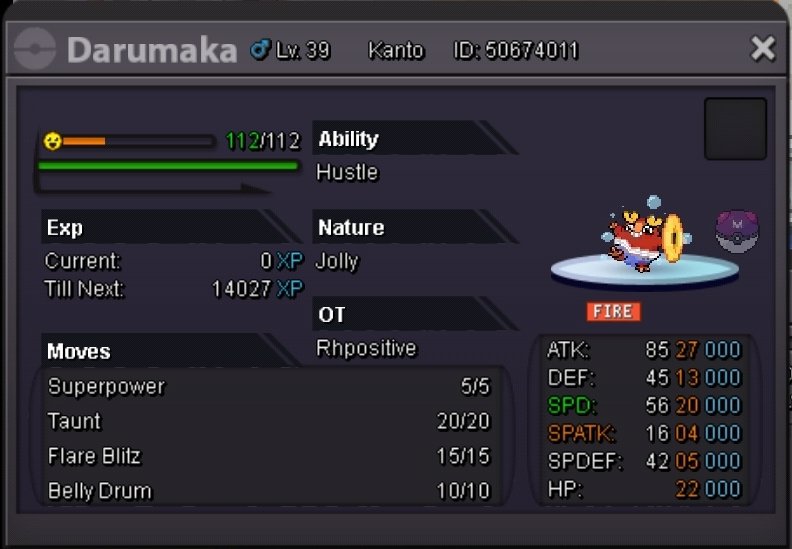 @Godfrezyyou won the auction. Please add me on discord 🙂 RhPositive#40361h leftIf you win and cant transfer to gold I will find a way to deliver the scyther. 🙂Bump :3Auction started by 666g0d999 It will end on 19 April, 10.28 pm GMT +2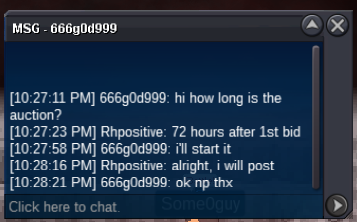

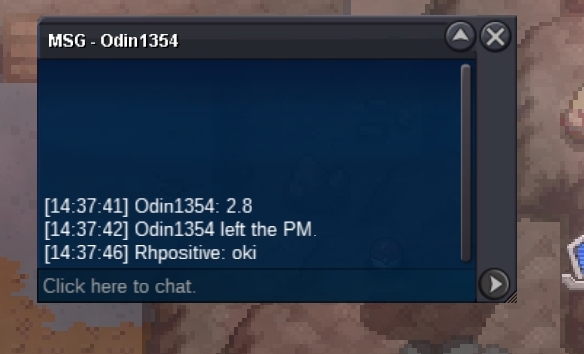
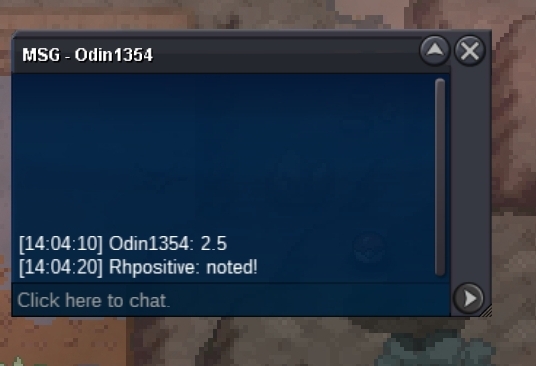
.png.4e77b208745bc6a27ca04ebb39dcaeb0.png)
.png.907e9c0ec58f67e91d2c67a7690672cd.png)

Account
Navigation
Search
Configure browser push notifications
Chrome (Android)
- Tap the lock icon next to the address bar.
- Tap Permissions → Notifications.
- Adjust your preference.
Chrome (Desktop)
- Click the padlock icon in the address bar.
- Select Site settings.
- Find Notifications and adjust your preference.
Safari (iOS 16.4+)
- Ensure the site is installed via Add to Home Screen.
- Open Settings App → Notifications.
- Find your app name and adjust your preference.
Safari (macOS)
- Go to Safari → Preferences.
- Click the Websites tab.
- Select Notifications in the sidebar.
- Find this website and adjust your preference.
Edge (Android)
- Tap the lock icon next to the address bar.
- Tap Permissions.
- Find Notifications and adjust your preference.
Edge (Desktop)
- Click the padlock icon in the address bar.
- Click Permissions for this site.
- Find Notifications and adjust your preference.
Firefox (Android)
- Go to Settings → Site permissions.
- Tap Notifications.
- Find this site in the list and adjust your preference.
Firefox (Desktop)
- Open Firefox Settings.
- Search for Notifications.
- Find this site in the list and adjust your preference.