




New Trade Zone
Trade Zone is now live
Use the new Trade Zone for auctions and instant-price trades so Pokemon and item offers are easy to find.

Rhpositive
Registered User
-
Joined
-
Last visited
Everything posted by Rhpositive
-
700k
-
-
Cherry Blossom Wings
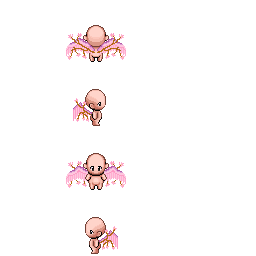

-
12m250k
-
11m
-
8.5m
-
7.5m
-
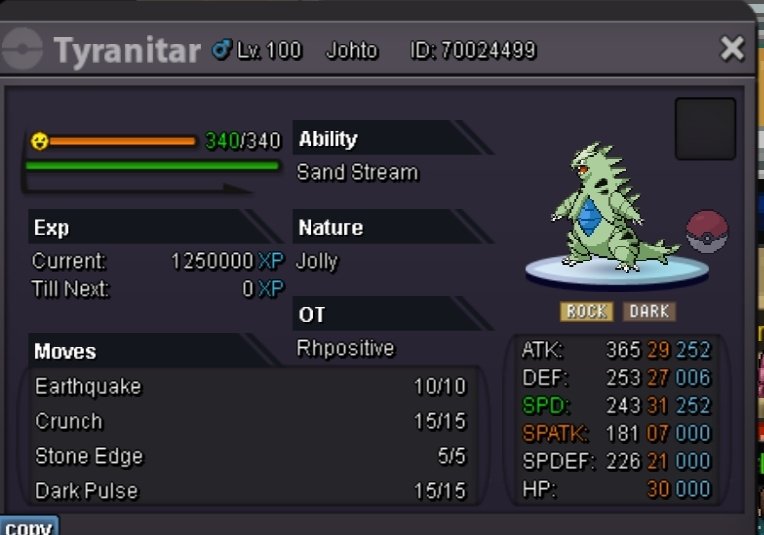
25 minutes leftBumpS.O. 3m Min bid 200k Insta 10m Ends in 48h after 1st bid I accept pokedollars and CC (400k)
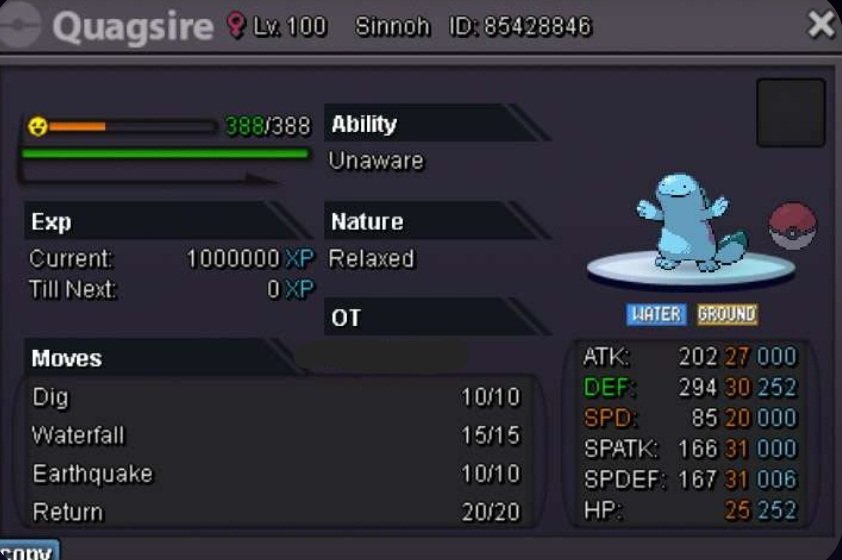
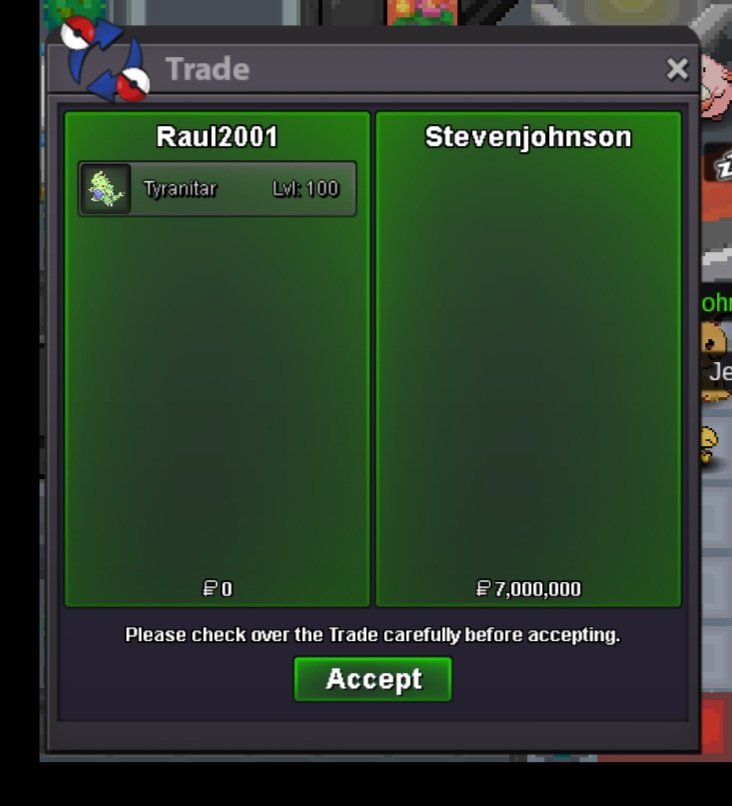
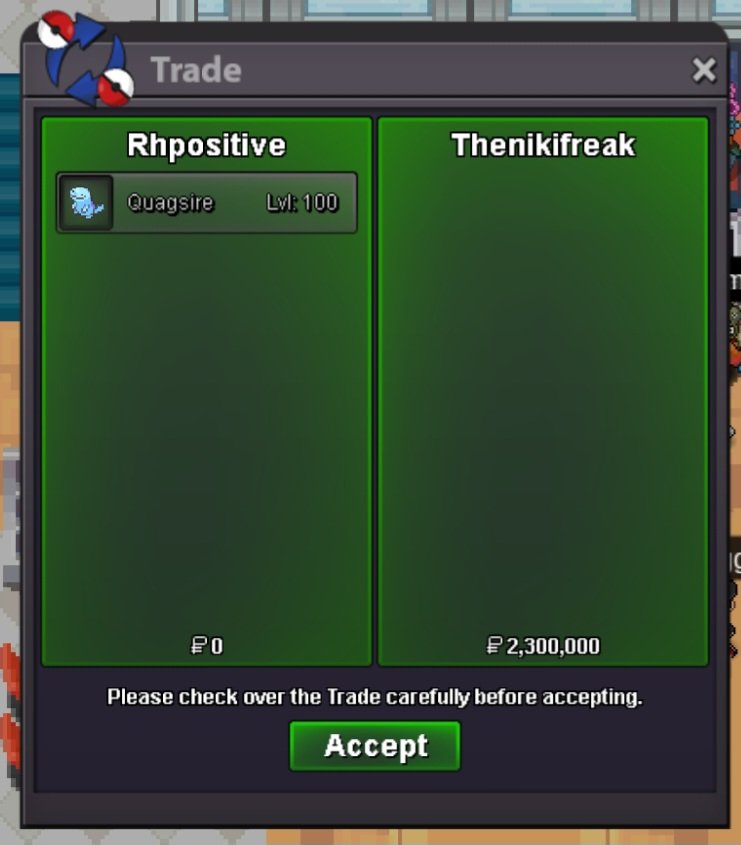
 @SdhurleyAuction already ended, @Thenikifreakis the winner.1h leftAuction ends on October 8th, 4.45 pm GMT +3S.O. 2m Min bid 100k No insta Auction ends in 3 days after 1st bid I accept: pokedollars, CC (380k), IV rerolls (550k) I'm hosting this auction for homie @Gagann
 new end point 4.41 pm gmt +3 update: end point 4.43 pm gmt+3new end point 4.28 pm gmt+31h leftAuction ends on October 4th, 4.27 pm GMT +3S.O. 3m Min raise 200k No insta It ends in 48h after first bid I accept pokedollars and CC (400k)
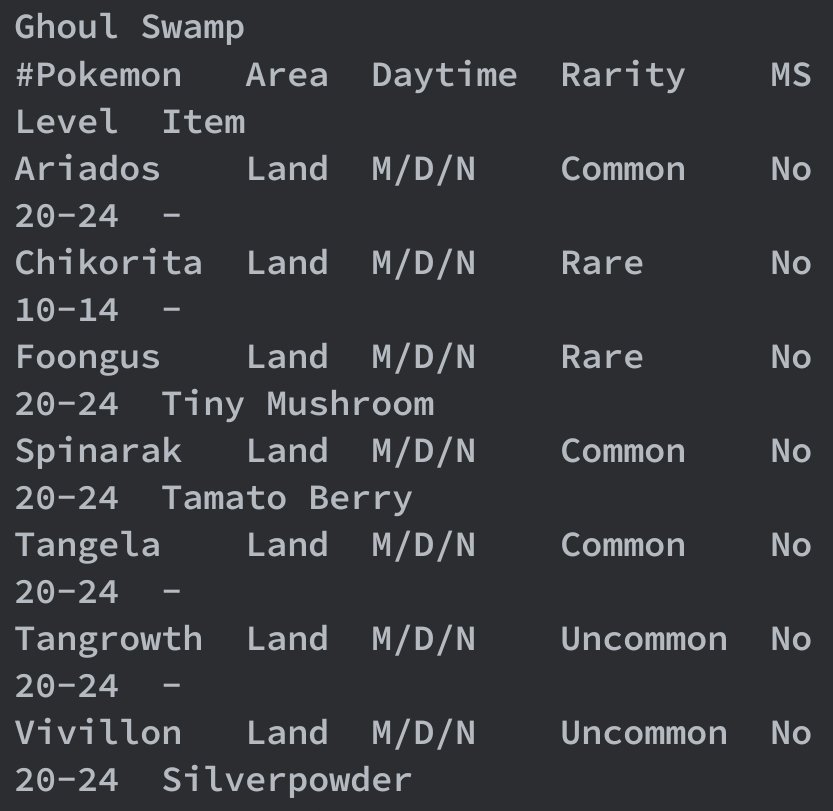
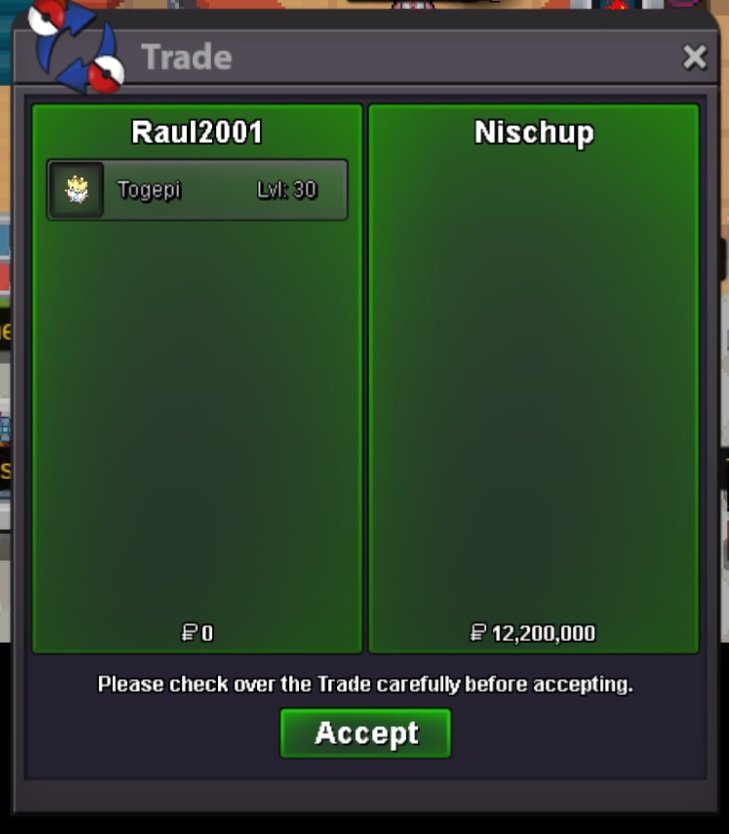
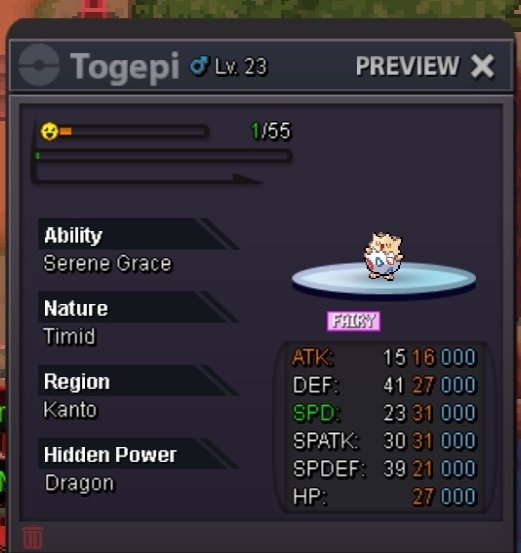 Maps: Angel Hill & Ghoul Swamp In my opinion, replacing Togepi with Chimchar on Angel Hill would be such a great improvement due to two reasons. First of all, Chimchar did not receive a new spawn on the event map which is quite unfortunate considering how fascinating its halloween form is. Also, this change makes the spawn more interesting since players would gain the opportunity to choose between bringing timid or jolly synch (at the moment the spawn screams "bring timid synch here"). Regarding Togepi, it could be added on Ghoul Swamp in order to not miss its presence on the event map.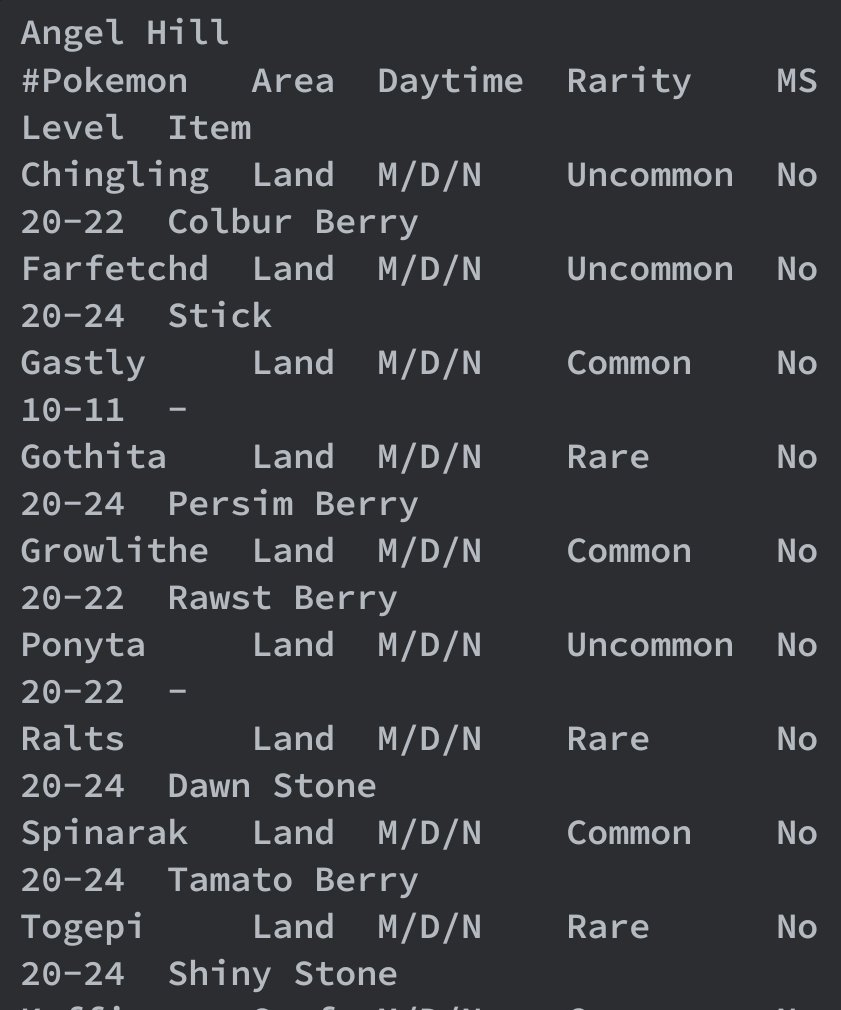
 1m
1m


Account
Navigation
Search
Configure browser push notifications
Chrome (Android)
- Tap the lock icon next to the address bar.
- Tap Permissions → Notifications.
- Adjust your preference.
Chrome (Desktop)
- Click the padlock icon in the address bar.
- Select Site settings.
- Find Notifications and adjust your preference.
Safari (iOS 16.4+)
- Ensure the site is installed via Add to Home Screen.
- Open Settings App → Notifications.
- Find your app name and adjust your preference.
Safari (macOS)
- Go to Safari → Preferences.
- Click the Websites tab.
- Select Notifications in the sidebar.
- Find this website and adjust your preference.
Edge (Android)
- Tap the lock icon next to the address bar.
- Tap Permissions.
- Find Notifications and adjust your preference.
Edge (Desktop)
- Click the padlock icon in the address bar.
- Click Permissions for this site.
- Find Notifications and adjust your preference.
Firefox (Android)
- Go to Settings → Site permissions.
- Tap Notifications.
- Find this site in the list and adjust your preference.
Firefox (Desktop)
- Open Firefox Settings.
- Search for Notifications.
- Find this site in the list and adjust your preference.