New Trade Zone
Trade Zone is now live
Use the new Trade Zone for auctions and instant-price trades so Pokemon and item offers are easy to find.


Obsinight
Registered User
-
Joined
-
Last visited
Everything posted by Obsinight
-
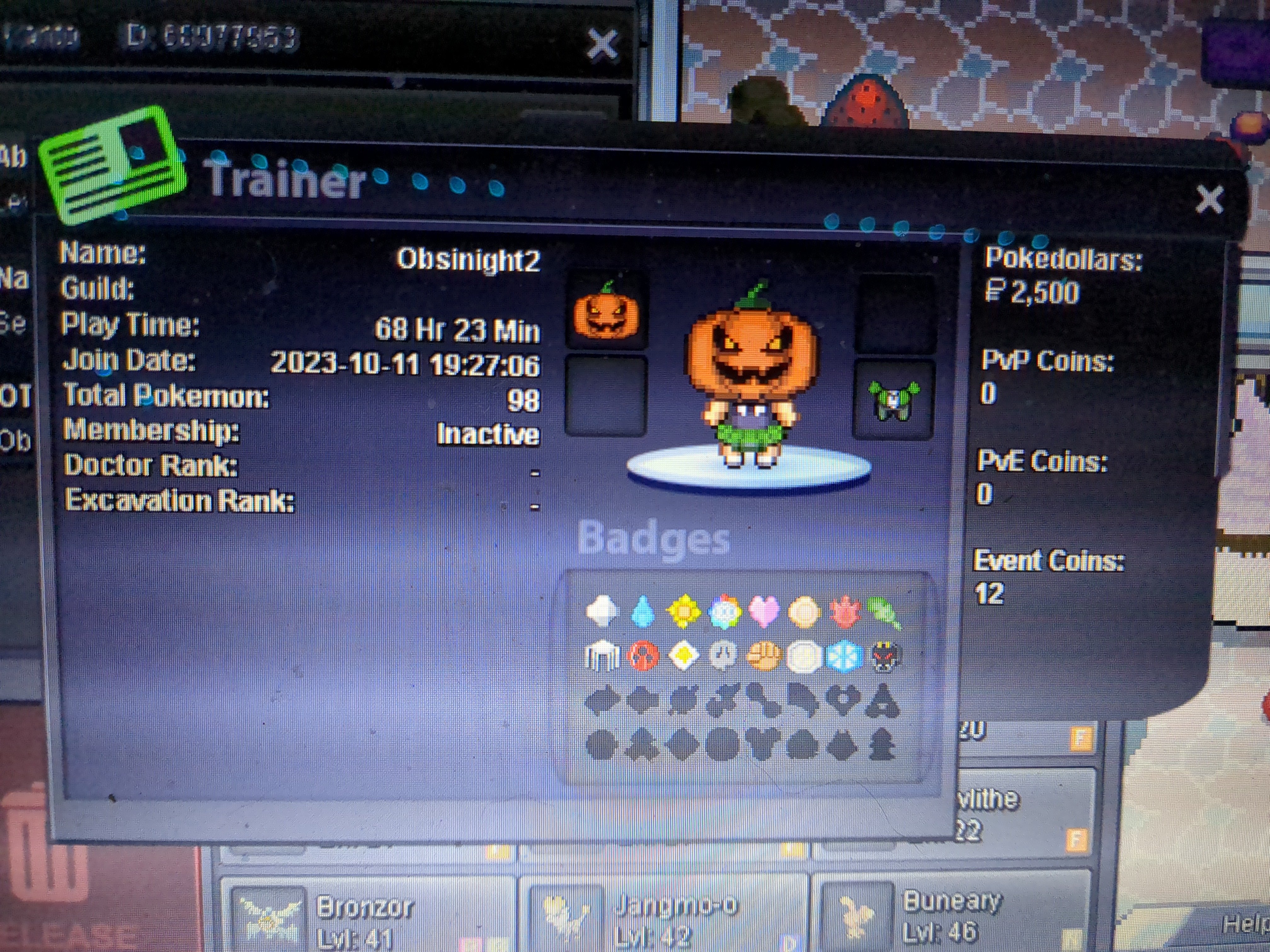
1. In-game name Obsinight2 2. Hours played 70 hrs and 21 min (started rather recently but been playing everyday 3. Feraligatr (my first starter I ever gotten in any game) 4. I currently love playing through the story and pve gameplay but once I finish going through the entire game. I wanna start collecting rare skins for mons and pvping 5. Favorite ice cream flavor is Pistachio because it's delicious as heck (Extra info) Been playing pokemon since 2007 on the Gameboy my step dad got me for Christmas and ever since been playing it and I've played every game released. I'm 23 year old women who just loves pokemon alot. XD like I make fan art for Pokemon and I have a lot of collectibles
-
Idk I'm bad at this but I'm looking for people who have a fiery passion for Pokemon and making even non meta pokemons be able to hold it's own and having an interactive guild helps a lot too. I'm new to the server but not pokemon itself. I've been playing it since Pokemon emerald gb era and been a big fan ever since then. (Grew up with pokemon haha 🤣)