




New Trade Zone
Trade Zone is now live
Use the new Trade Zone for auctions and instant-price trades so Pokemon and item offers are easy to find.

Maplesyrupx
Registered User
-
Joined
-
Last visited
Everything posted by Maplesyrupx
-
hi congratz you wiinhi, you mean bid for 300k?Start Bid 200k Min Bid 50k No Insta Auction will end 24hours After First Bid (Will end on 8 Febuary 16:50 GMT+0) Note : 31/31 atk speed not epic (not 20+)
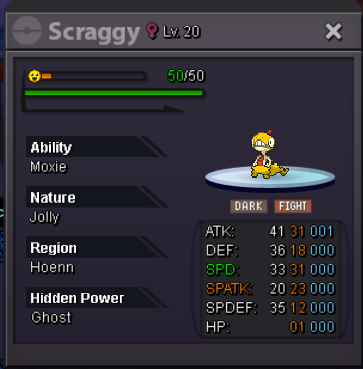 Hi its been more than a week since i post this issue on forum https://pokemonrevolution.net/forum/topic/232071-cant-login-lost-my-email-after-3-years/ and because there is no response. Here im posting this again in hope to get help so I can play with my account again. Here again the issue is I havent played for 3years and now when login it requires device aproval through email.. but I have lost my old email and wish to change email. Please help!100k eeveeeevee 200k500k400k300ksold
 Thanks!
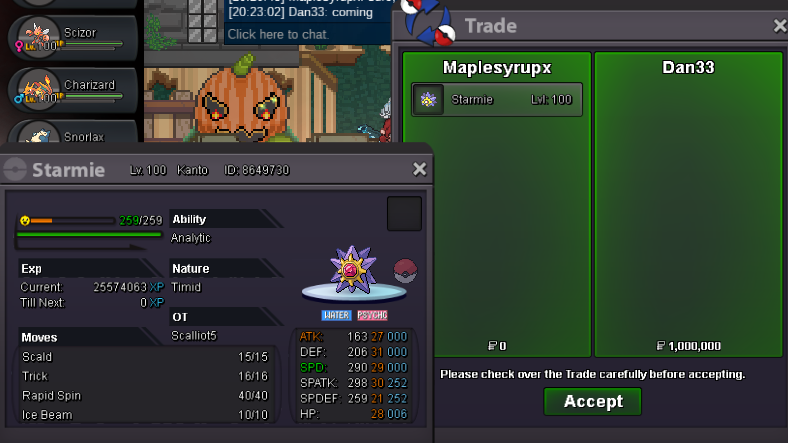 ok noted, auction will end 24hours from now which is 26th November 2020 at 13:55 UTC+7H.P Grass Sold Insta Insta 1M Min raise 100K Auction will end on 26th November 2020 at 13:55 UTC+7 Note : evs not spd because analytic ability (move last boost damage)
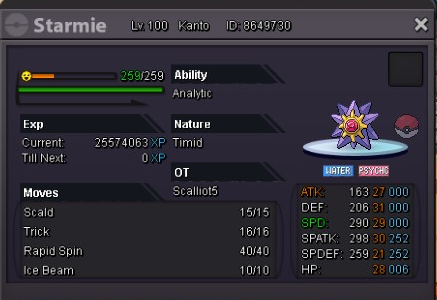 upwhat h.p?this is what is see..
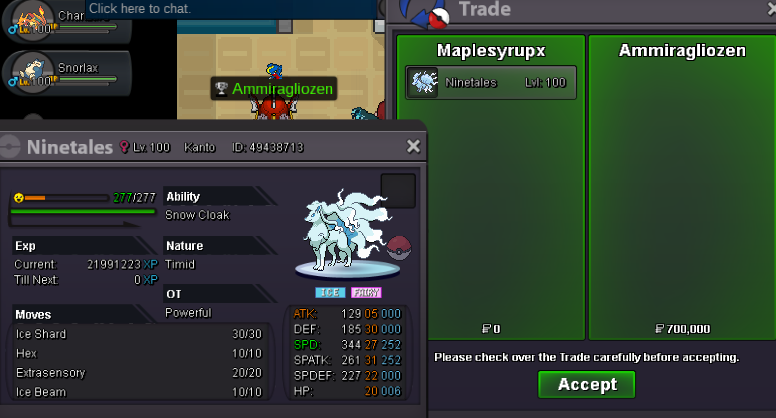
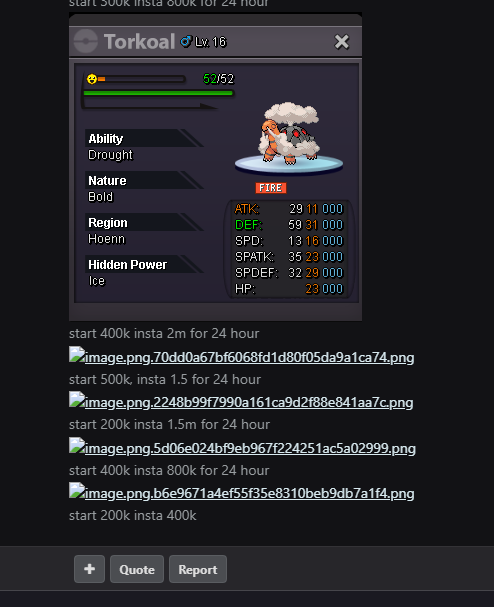 S.O 300K Min raise 100K Insta 700K Duration 24hours after first bid Accept CC(440k)
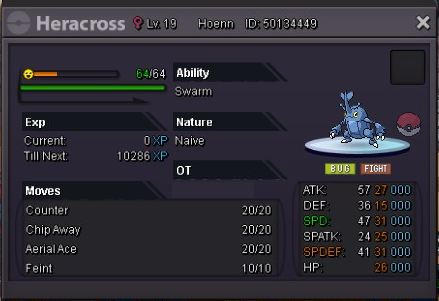 sold insta, thank you for participating to all
 B.O 2M by Extasispvp.. 1hour left @jerry1234w
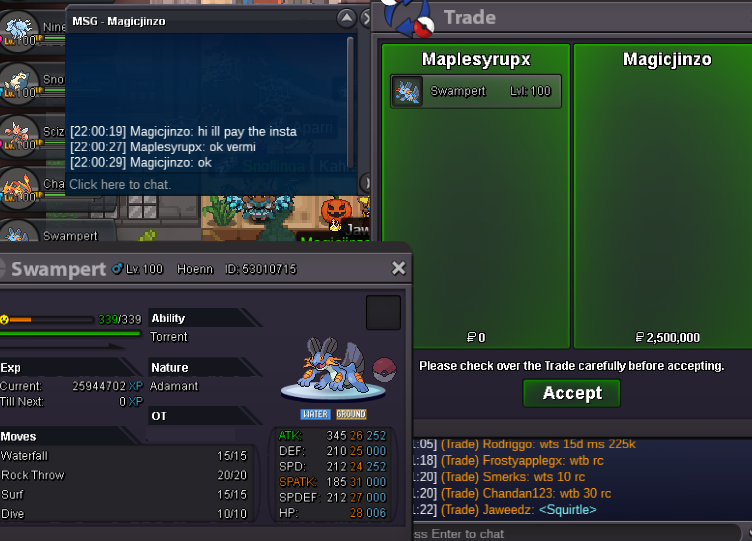
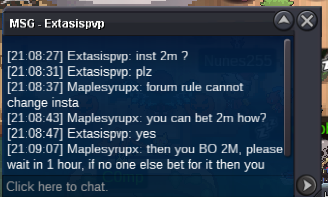 ok started 1.2M B.O by jerry1234w. will end on 23rd November 2020 22:12 UTC+7Sold insta to Magicjinzo Insta 2.5M Min raise 200K Auction will end on 23rd November 2020 22:12 UTC+7 Accept PokeDoll and CC(440K)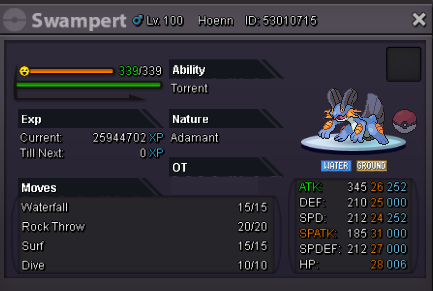
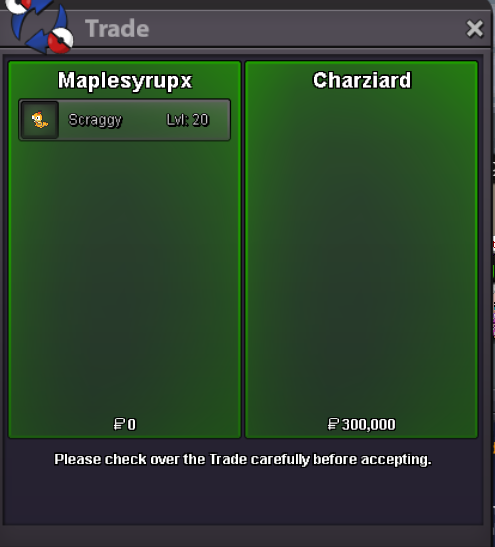


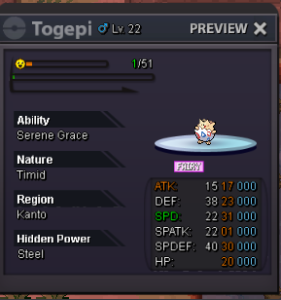
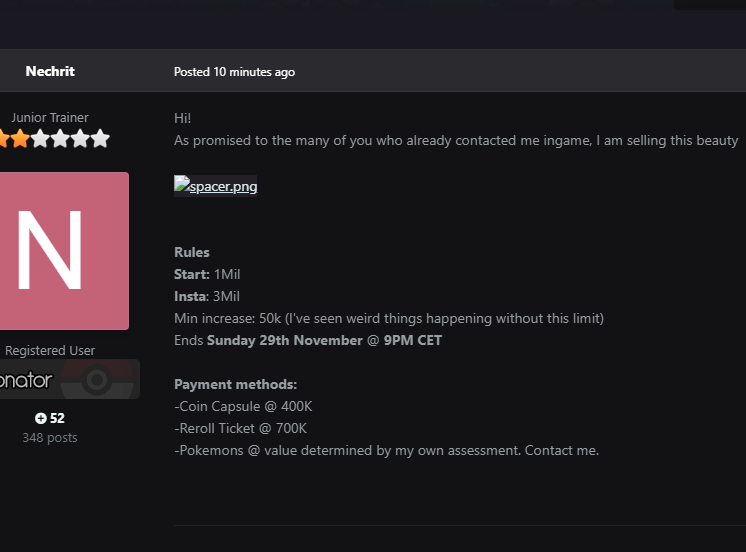
Account
Navigation
Search
Configure browser push notifications
Chrome (Android)
- Tap the lock icon next to the address bar.
- Tap Permissions → Notifications.
- Adjust your preference.
Chrome (Desktop)
- Click the padlock icon in the address bar.
- Select Site settings.
- Find Notifications and adjust your preference.
Safari (iOS 16.4+)
- Ensure the site is installed via Add to Home Screen.
- Open Settings App → Notifications.
- Find your app name and adjust your preference.
Safari (macOS)
- Go to Safari → Preferences.
- Click the Websites tab.
- Select Notifications in the sidebar.
- Find this website and adjust your preference.
Edge (Android)
- Tap the lock icon next to the address bar.
- Tap Permissions.
- Find Notifications and adjust your preference.
Edge (Desktop)
- Click the padlock icon in the address bar.
- Click Permissions for this site.
- Find Notifications and adjust your preference.
Firefox (Android)
- Go to Settings → Site permissions.
- Tap Notifications.
- Find this site in the list and adjust your preference.
Firefox (Desktop)
- Open Firefox Settings.
- Search for Notifications.
- Find this site in the list and adjust your preference.