




New Trade Zone
Trade Zone is now live
Use the new Trade Zone for auctions and instant-price trades so Pokemon and item offers are easy to find.

Katowiczanin
Registered User
-
Joined
-
Last visited
Everything posted by Katowiczanin
-
bump
-
1.1 by Jamekz
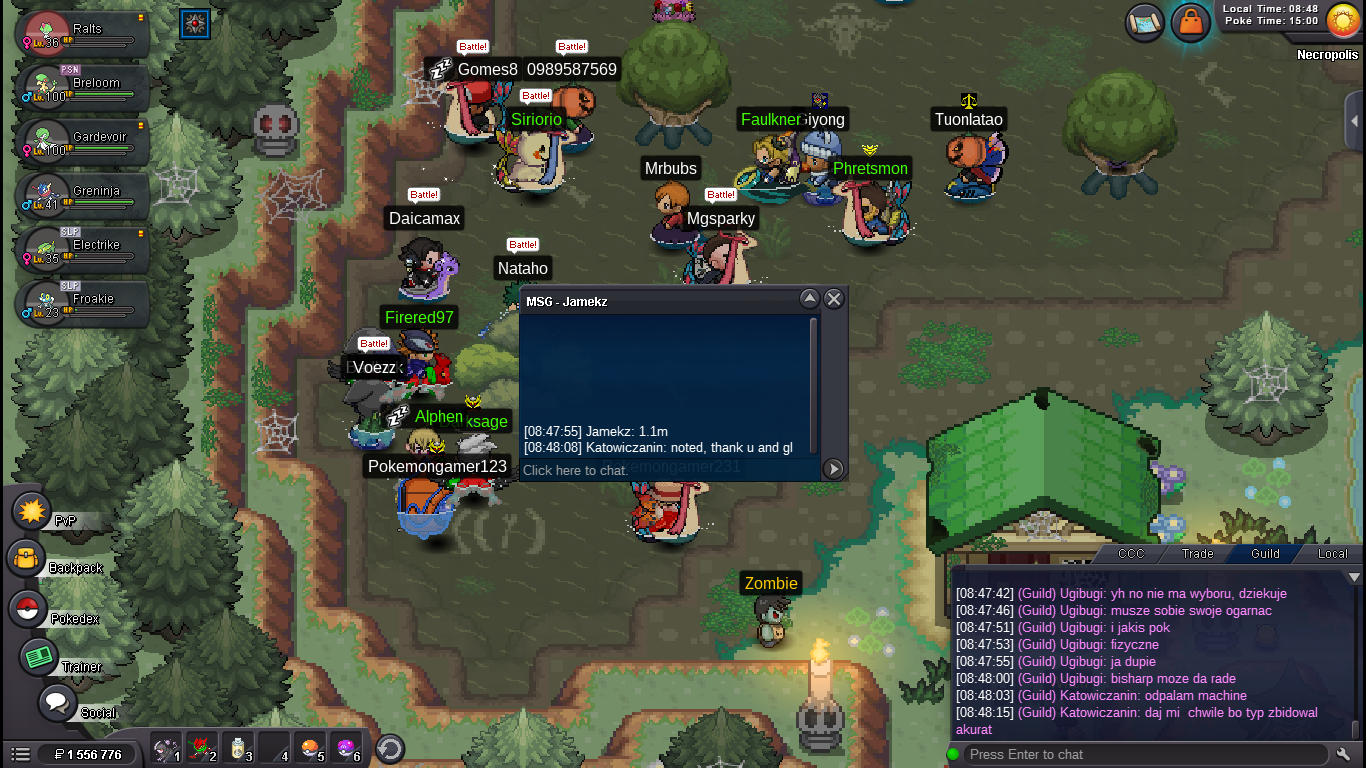 thaml you i adding countdownToday auction: Starting offer : 1m Min bid : 100k No insta Accepting: Pokedollars // cc(400k) // nature rr (350k) // iv rr (700k) 48h after start! GL 🙂 Countdown: https://www.timeanddate.com/countdown/vacation?iso=20211012T03&p0=90&font=cursive
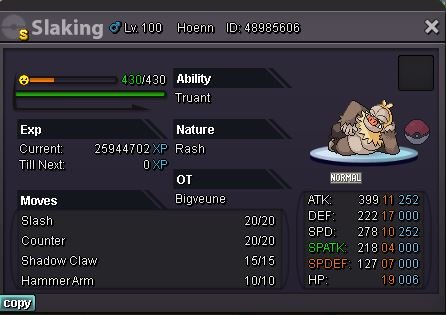
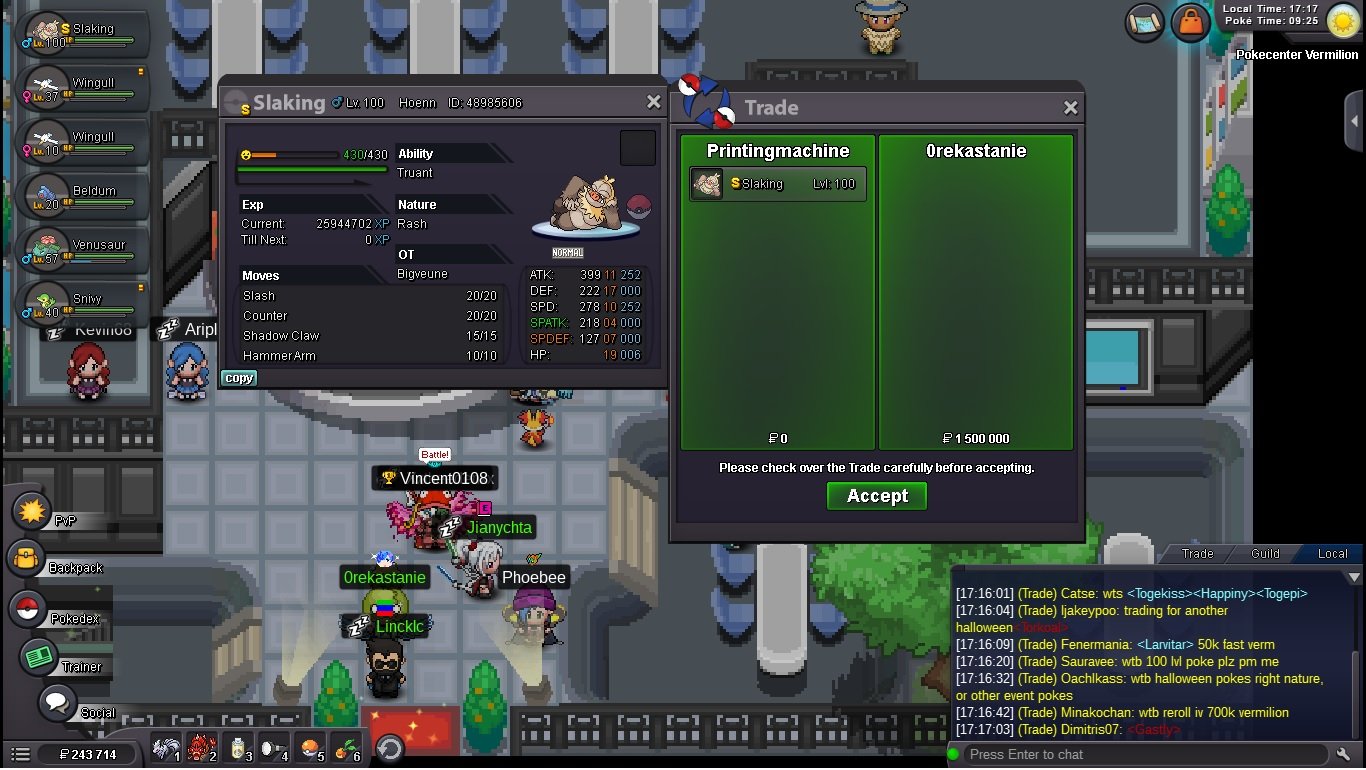
 Won by @0rekastanie gz2 h 30 mina left last bump cuz cant be onBump 23 h leftThank you. I'm adding countdown auction will finish 5th of October 12:30 pm GMT+1Slaking auction 🙂 Starting offer : 1.5m Min bid : 100k No insta Accept: CC (400k) // Nature rr (350k) // IV rr (700k) Duration: 48h after start Countdown: https://www.timeanddate.com/countdown/vacation?iso=20211005T1230&p0=90&font=cursive
 9m8.2mhi i would like to buy these 2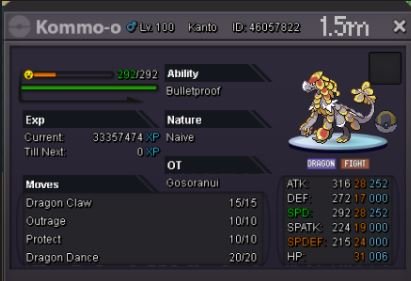
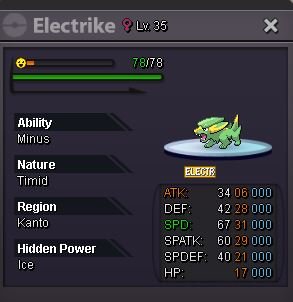
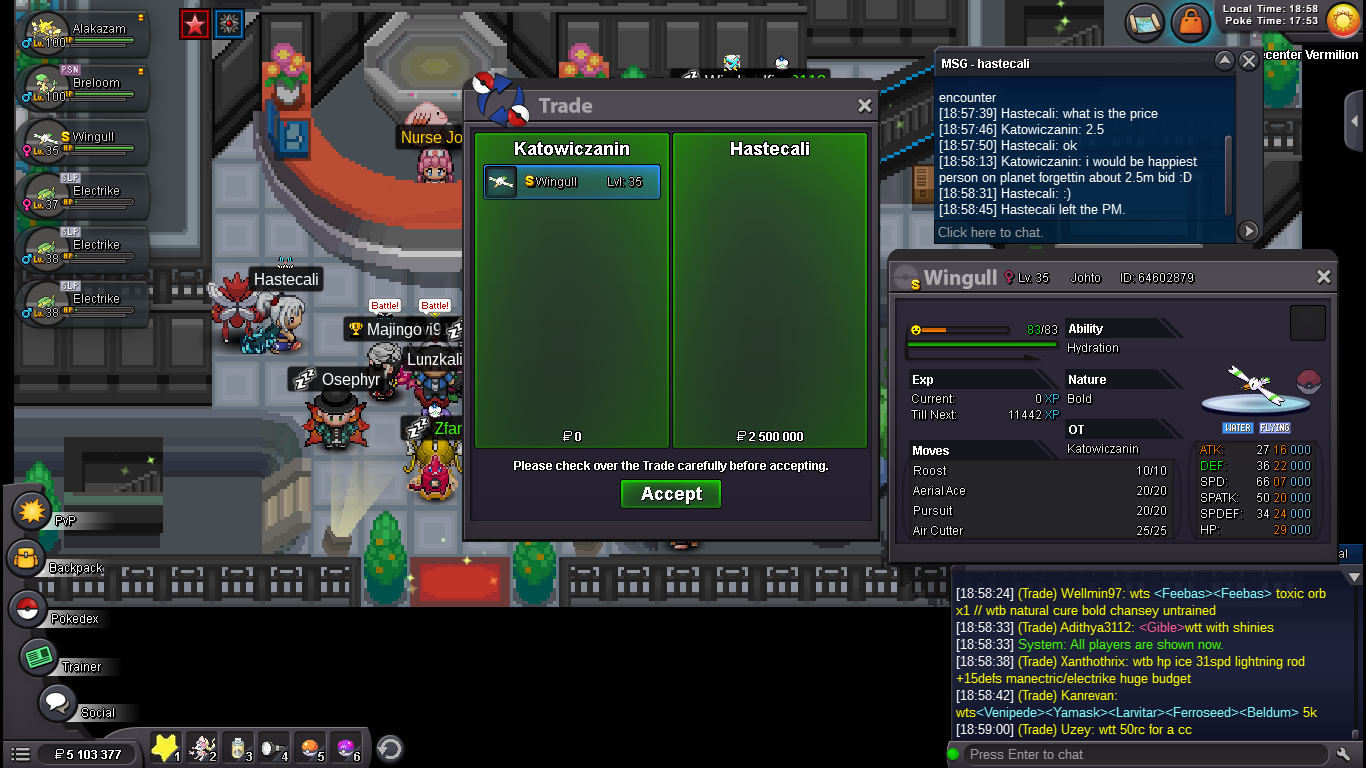
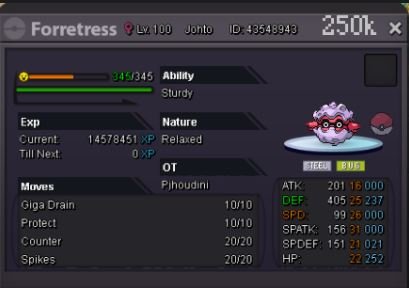 bumpAuction won by Hastecali1h 25 mins left I’ll be back home in about 3 h soo glbump 22h 30 mins left2.5m by Hastecali
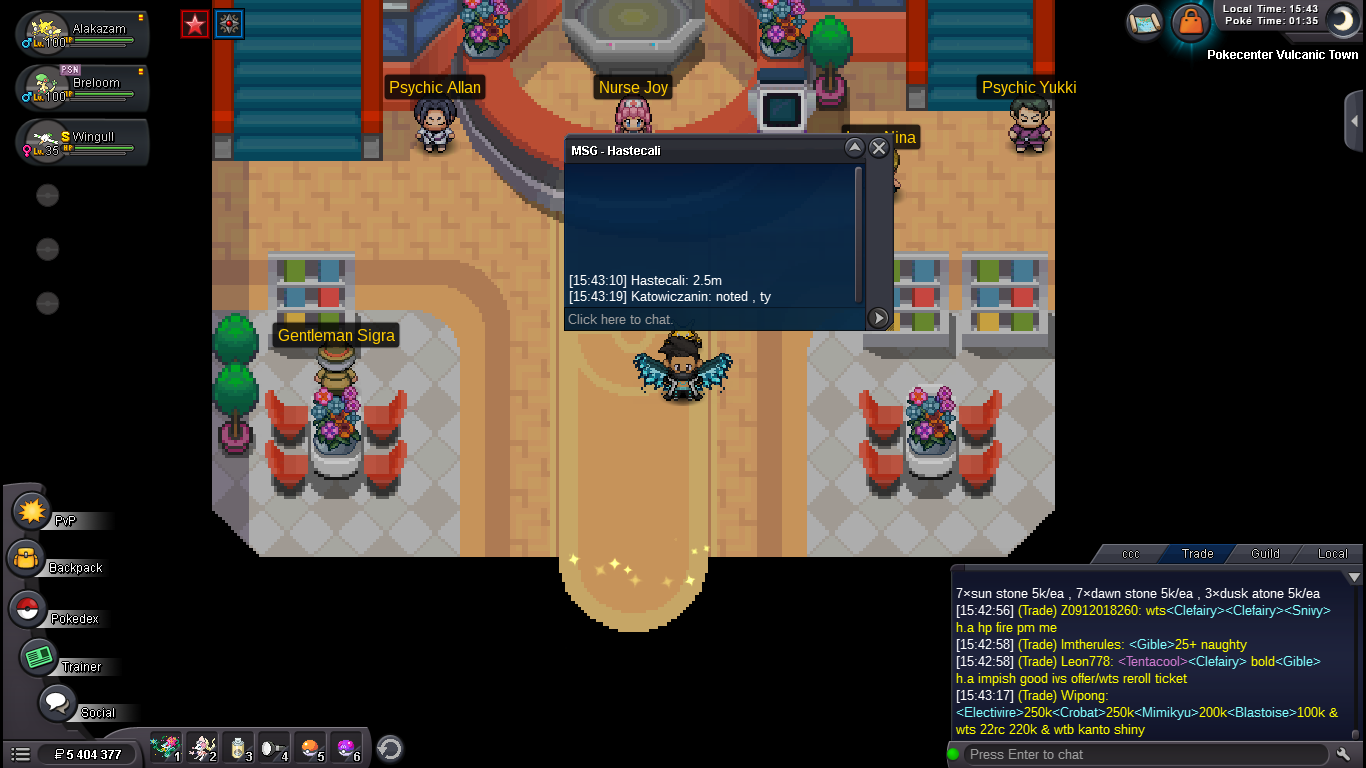 Welcome 🙂 I got for sale cutemander Starting offer: 600k Min bid : 100k Insta 2m Auction duration : 24h after start Accepting: CC (400k) Iv reroll (700k) Nature reroll (350k) GL ! 🙂
 Welcome 🙂 Today I got decent bird for rain abusers ^_^ Start : 2m No Insta Min bid : 200k Auction duration : 3 days after start Accepting: CC(400k) IV Reroll (700k) Nature Reroll (350k) GL !
Account
Navigation
Search
Configure browser push notifications
Chrome (Android)
- Tap the lock icon next to the address bar.
- Tap Permissions → Notifications.
- Adjust your preference.
Chrome (Desktop)
- Click the padlock icon in the address bar.
- Select Site settings.
- Find Notifications and adjust your preference.
Safari (iOS 16.4+)
- Ensure the site is installed via Add to Home Screen.
- Open Settings App → Notifications.
- Find your app name and adjust your preference.
Safari (macOS)
- Go to Safari → Preferences.
- Click the Websites tab.
- Select Notifications in the sidebar.
- Find this website and adjust your preference.
Edge (Android)
- Tap the lock icon next to the address bar.
- Tap Permissions.
- Find Notifications and adjust your preference.
Edge (Desktop)
- Click the padlock icon in the address bar.
- Click Permissions for this site.
- Find Notifications and adjust your preference.
Firefox (Android)
- Go to Settings → Site permissions.
- Tap Notifications.
- Find this site in the list and adjust your preference.
Firefox (Desktop)
- Open Firefox Settings.
- Search for Notifications.
- Find this site in the list and adjust your preference.