New Trade Zone
Trade Zone is now live
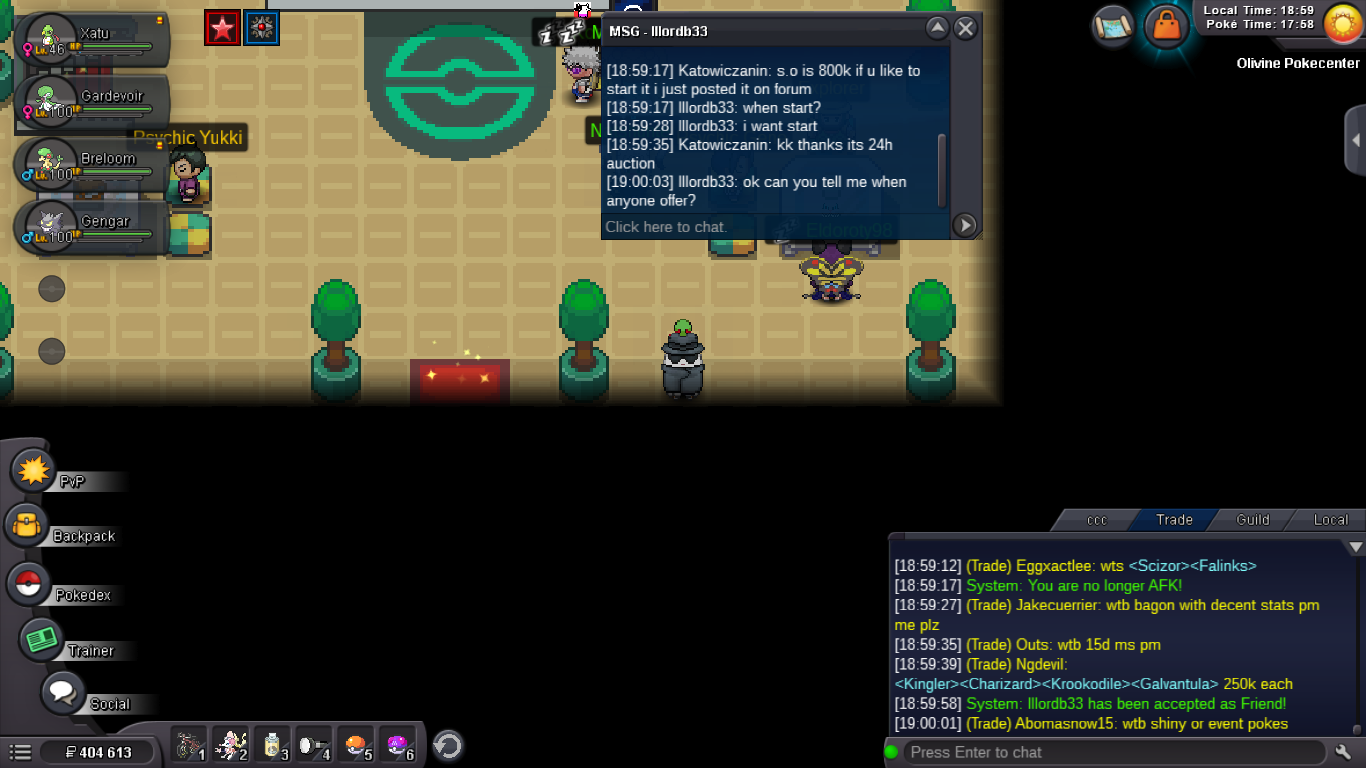
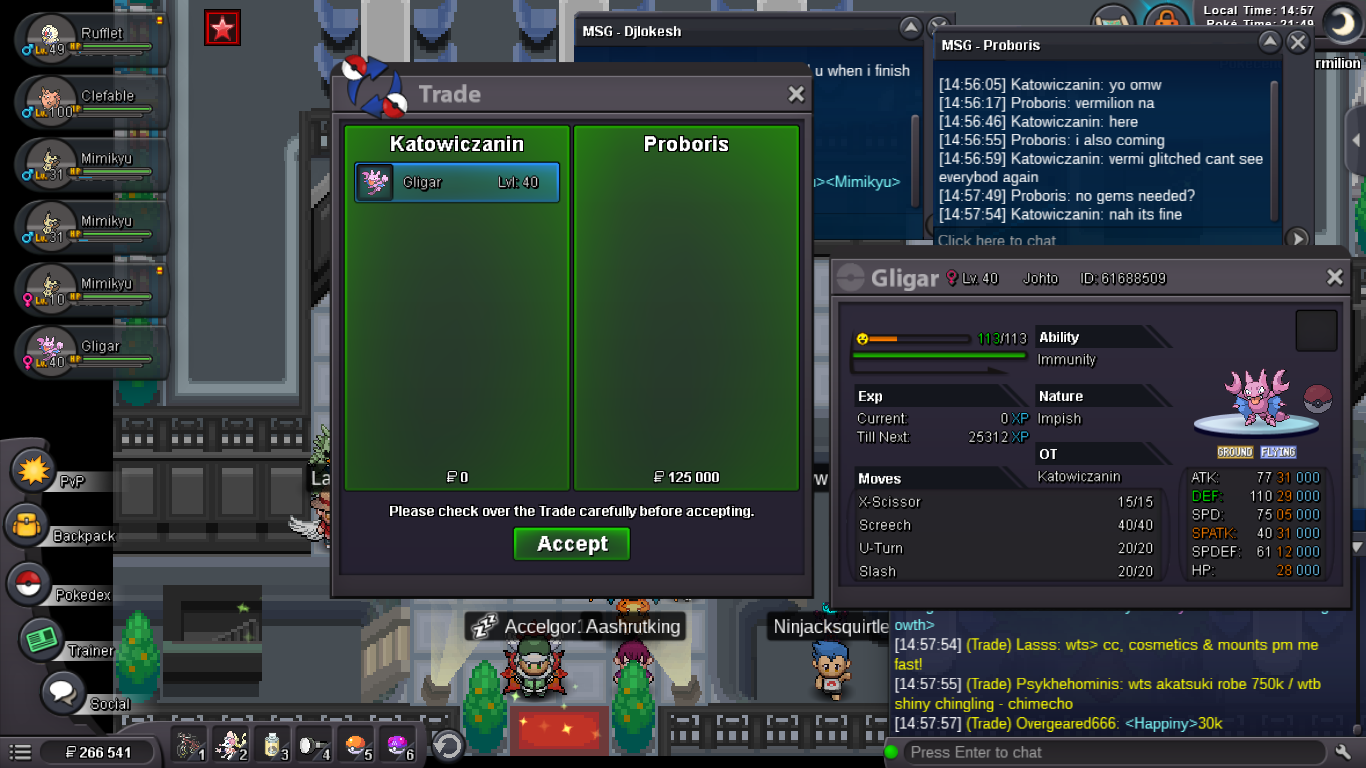
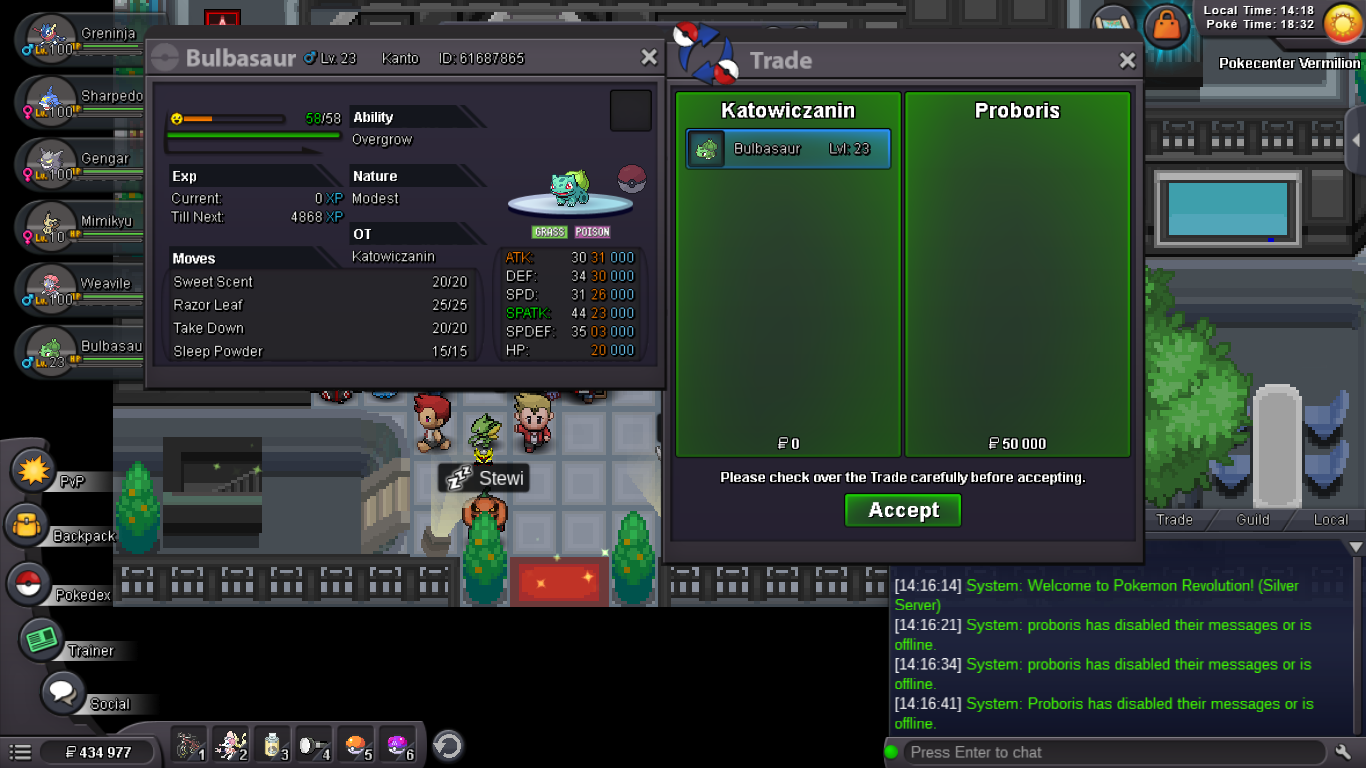
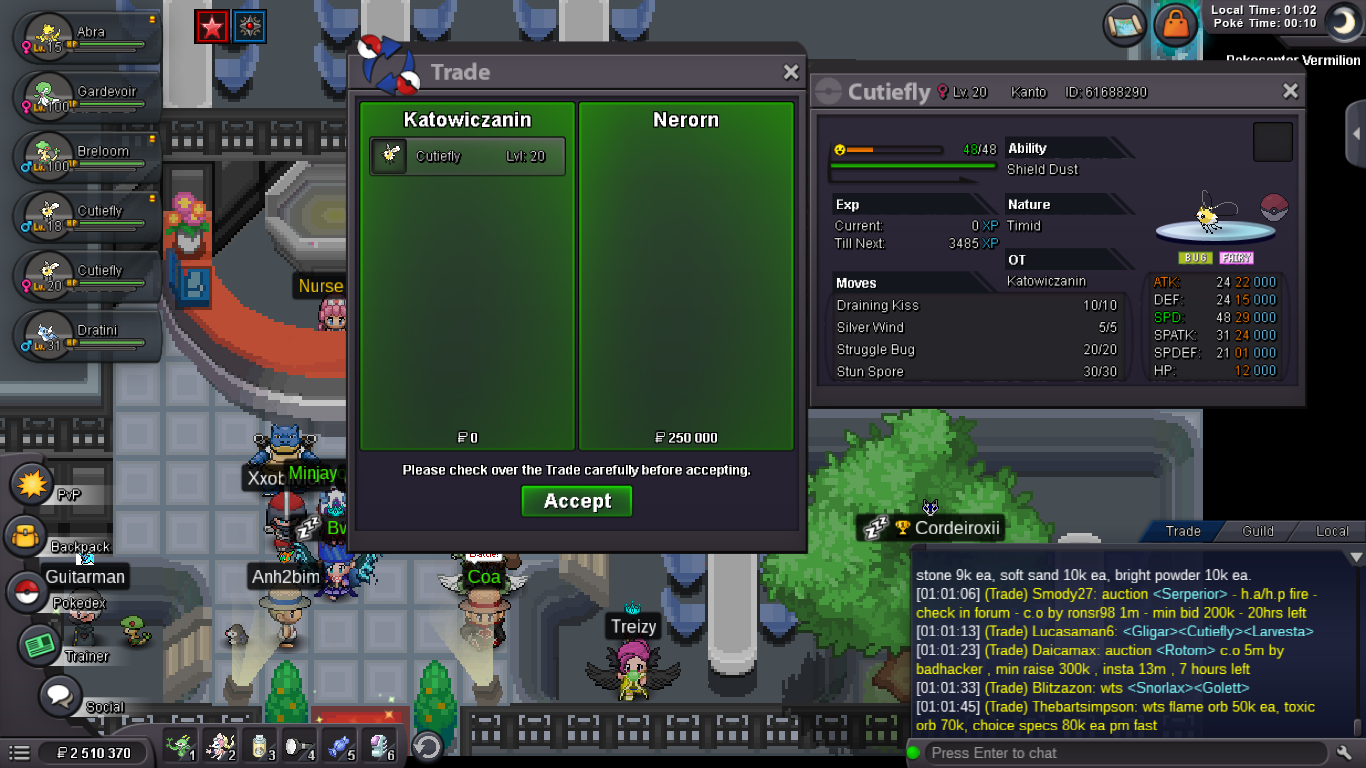
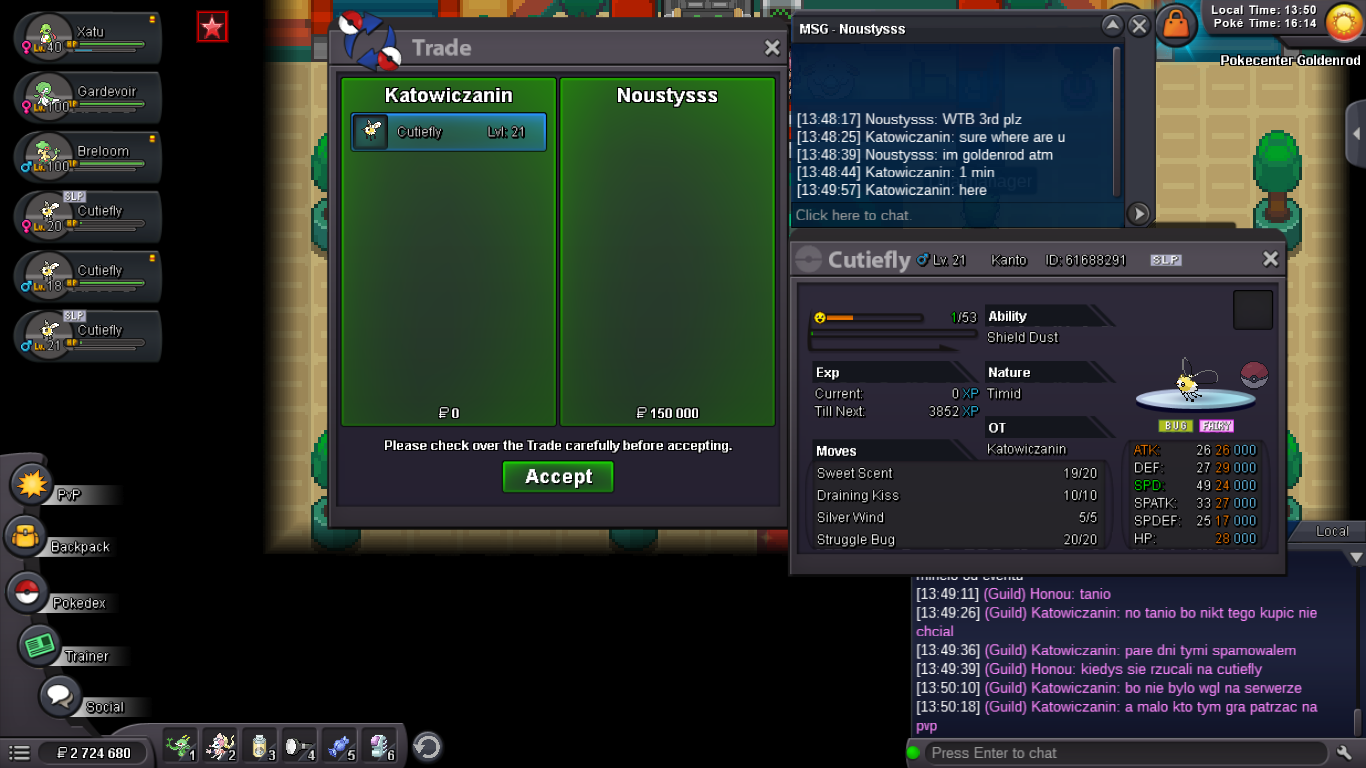
Use the new Trade Zone for auctions and instant-price trades so Pokemon and item offers are easy to find.

Katowiczanin
Registered User
-
Joined
-
Last visited
Everything posted by Katowiczanin
-
auction won by Poseid0n
-
25 mins left
-
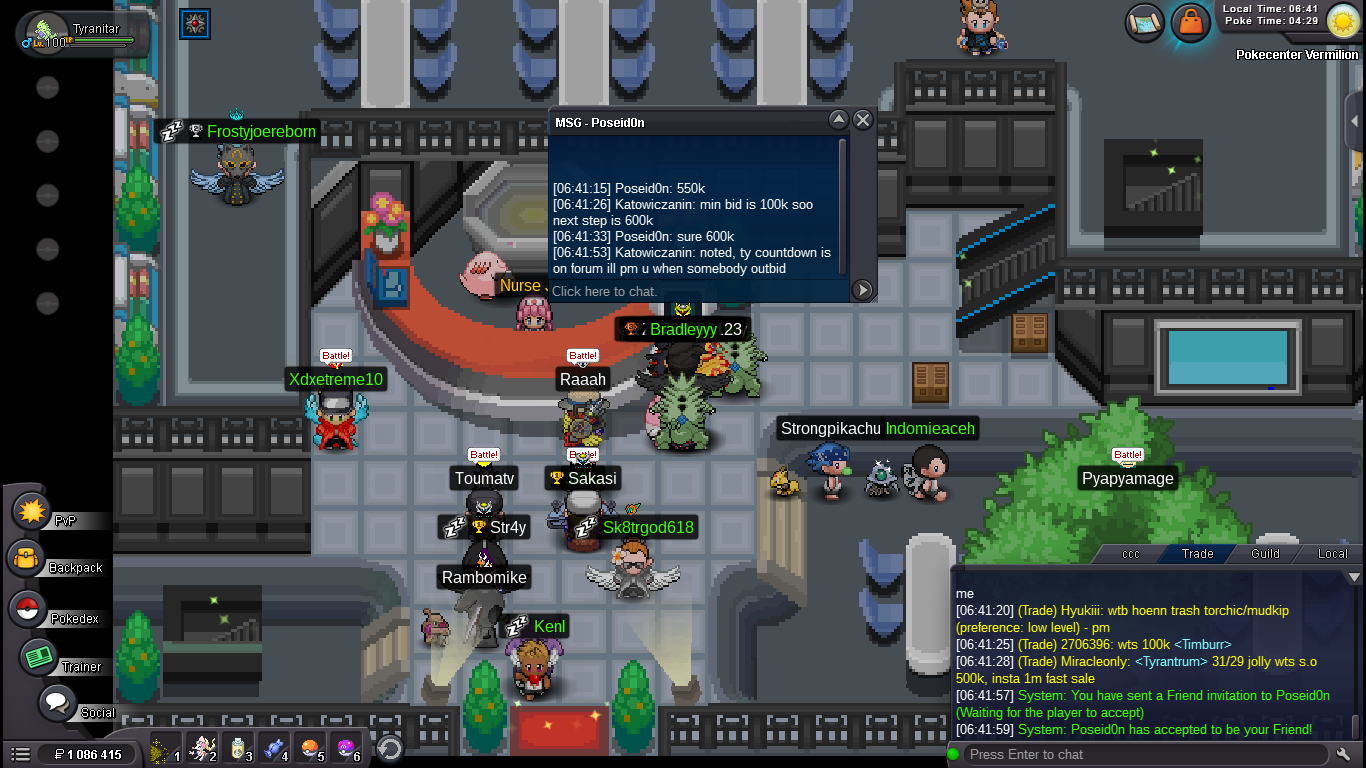
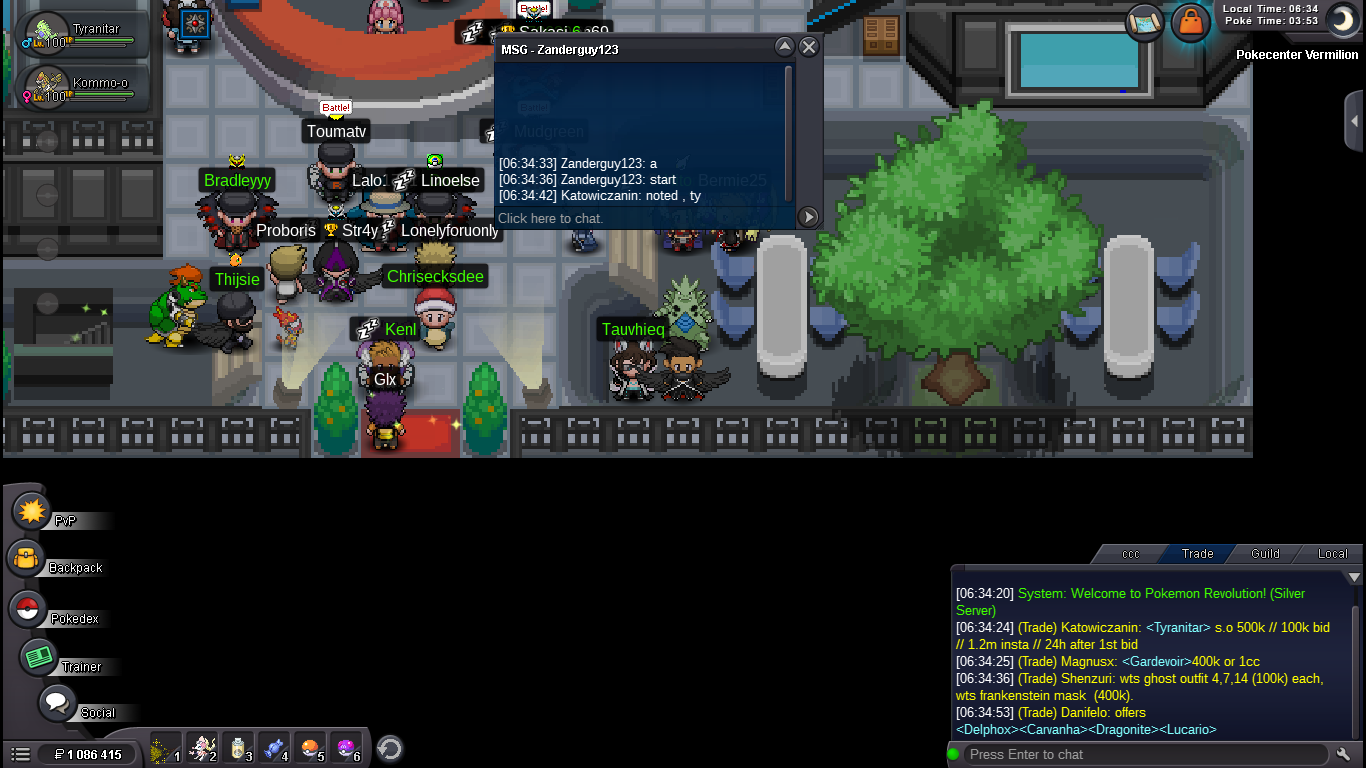
Started by Zanderguy123 . Adding countdownStarting offer = 500k Min bid = 100k Insta 1.2m Duration = 24h after 1st bid Accepting = Cash / CC (400k) / Iv rr (700k) / Nature rr (350k) GL! Countdown: https://www.timeanddate.com/countdown/vacation?iso=20210904T0635&p0=90&font=cursive
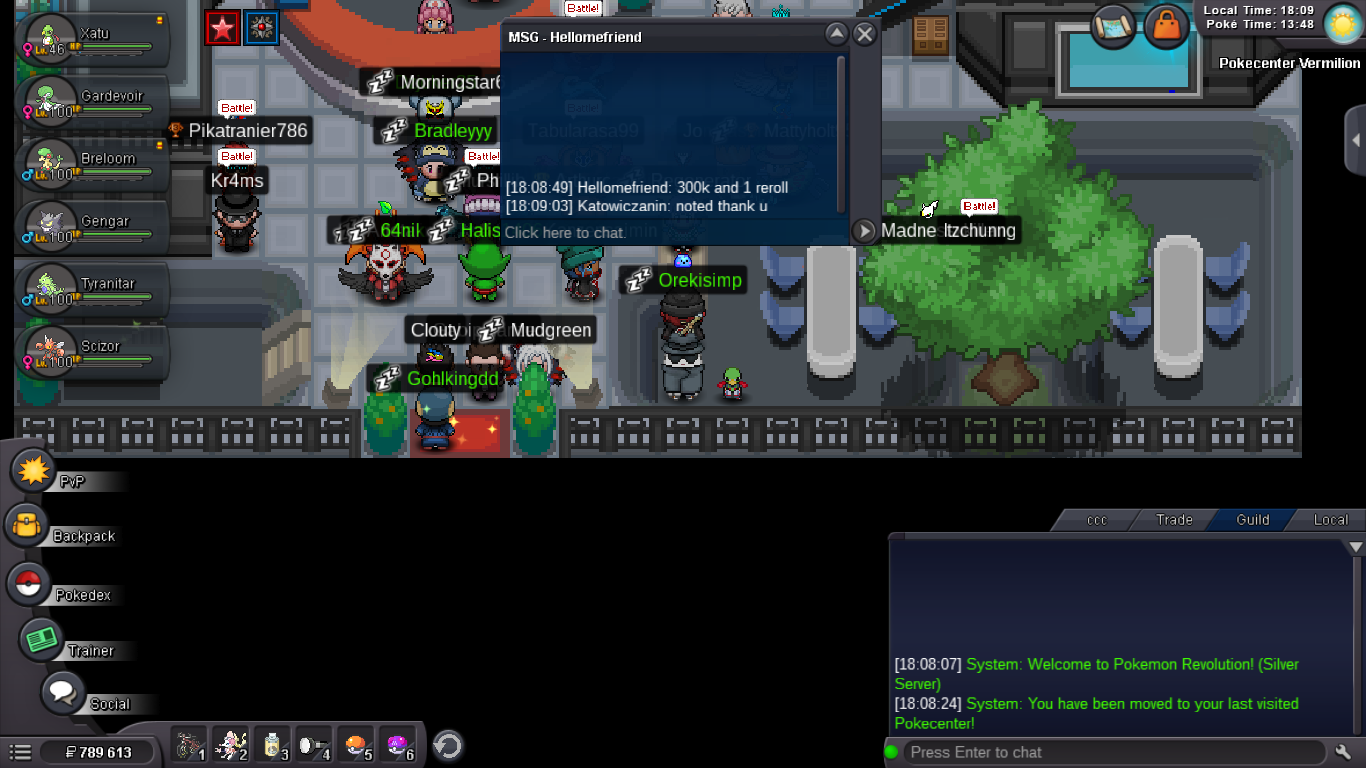
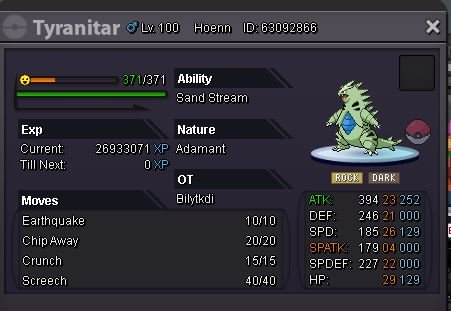 Im in game right now if u wanna meet pm me in game @hellomefriendWon by hellomefriend for 1mC.o 1m by hellomefriend c.o
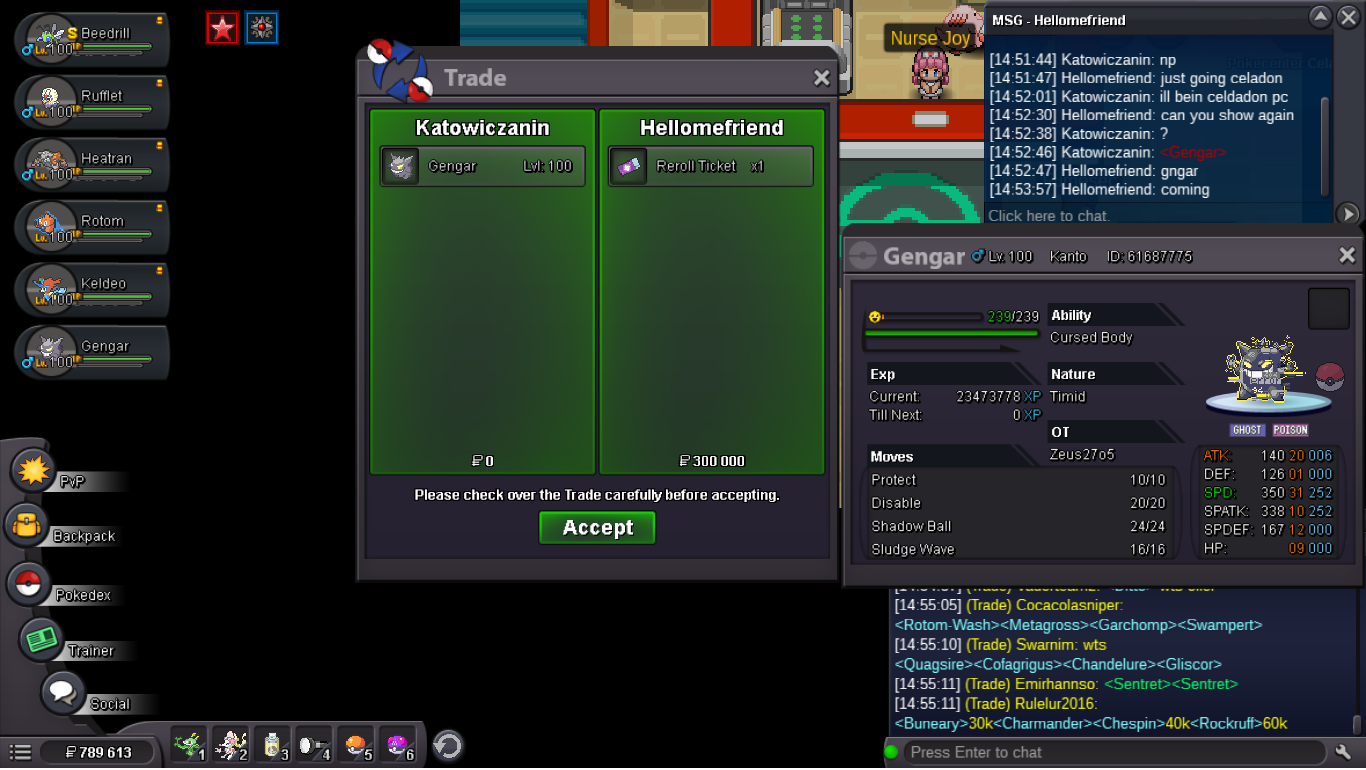
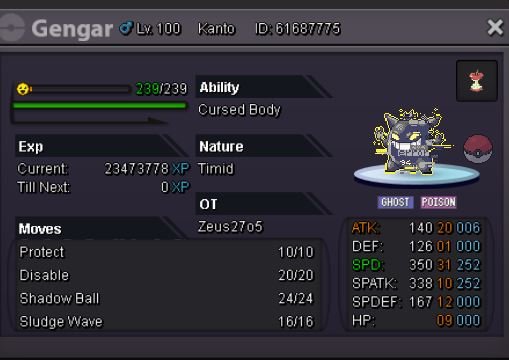
 Thank your appricate it and I'm sorry I was sure i selected special/shiny @PolteageistToday I got for sale this beauty! Bossable genG Starting offer = 1m Min bid = 100k Duration = 24h after 1st bid Accepting = Cash / CC (400k) / Iv rr (700k) / Nature rr (350k) GL! Countdown: https://www.timeanddate.com/countdown/vacation?iso=20210821T19&p0=90&msg=Gengar+auction+!&font=cursive
 bumpbump
Account
Navigation
Search
Configure browser push notifications
Chrome (Android)
- Tap the lock icon next to the address bar.
- Tap Permissions → Notifications.
- Adjust your preference.
Chrome (Desktop)
- Click the padlock icon in the address bar.
- Select Site settings.
- Find Notifications and adjust your preference.
Safari (iOS 16.4+)
- Ensure the site is installed via Add to Home Screen.
- Open Settings App → Notifications.
- Find your app name and adjust your preference.
Safari (macOS)
- Go to Safari → Preferences.
- Click the Websites tab.
- Select Notifications in the sidebar.
- Find this website and adjust your preference.
Edge (Android)
- Tap the lock icon next to the address bar.
- Tap Permissions.
- Find Notifications and adjust your preference.
Edge (Desktop)
- Click the padlock icon in the address bar.
- Click Permissions for this site.
- Find Notifications and adjust your preference.
Firefox (Android)
- Go to Settings → Site permissions.
- Tap Notifications.
- Find this site in the list and adjust your preference.
Firefox (Desktop)
- Open Firefox Settings.
- Search for Notifications.
- Find this site in the list and adjust your preference.