New Trade Zone
Trade Zone is now live
Use the new Trade Zone for auctions and instant-price trades so Pokemon and item offers are easy to find.

Reiempadarj
Registered User
-
Joined
-
Last visited
Everything posted by Reiempadarj
-
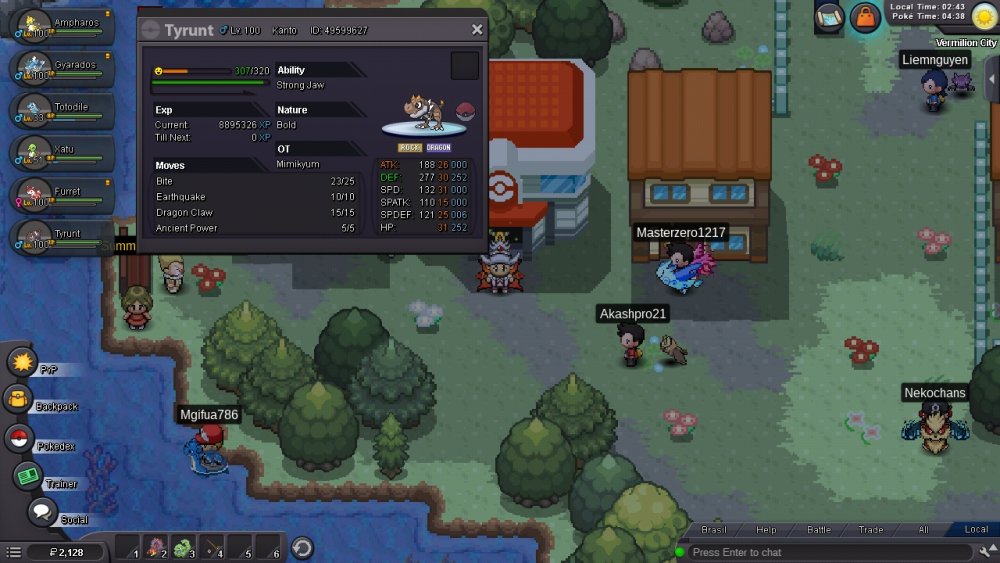
hi, I can't get into my account, I have an email registered in it that I've already lost some time, I wanted to change it to one from now on, but whenever I ask to change it it says it will send a code to my confirmation email and that code never arrives.I got my reroll ticket in pewter after doing the fossil quest , put it on the trade I was selling , then a guy came up saying he gave me 3 pokes for the reroll , when I went to see my reroll ticket it disappeared and he said he was going to report to me , so I I wanted to ask you to resend my reroll ticket back please, thank you!Could you help me? My pokémon doesn't evolve and he is at level 100, could you lower his level? please