New Trade Zone
Trade Zone is now live
Use the new Trade Zone for auctions and instant-price trades so Pokemon and item offers are easy to find.

Giftythegreat
Suspended
-
Joined
-
Last visited
Everything posted by Giftythegreat
-
Buy Medalion (15 days) : 150k Abseil Rope : 100k Shovel : 150k Tree Axe : 100k Pick Axe : 100k Dive Mask : 80k Magic Mirror : 80k
-
Is still time left so I bid 400k?
-
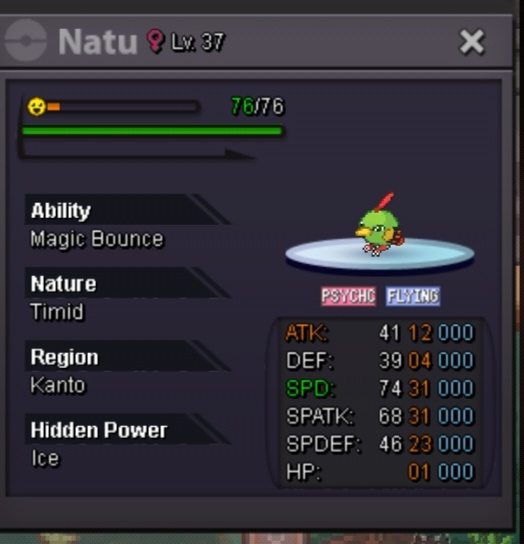
INSTA only =500k (no auction ) fake offer reported gl 🙂 can be nego
-
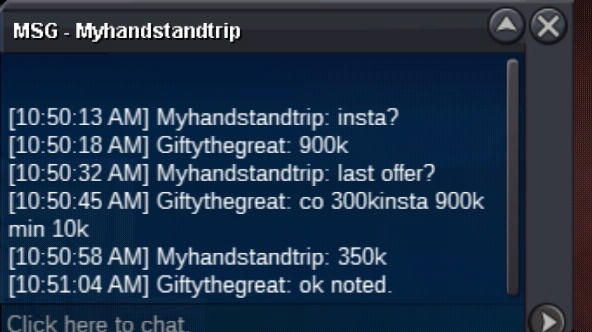
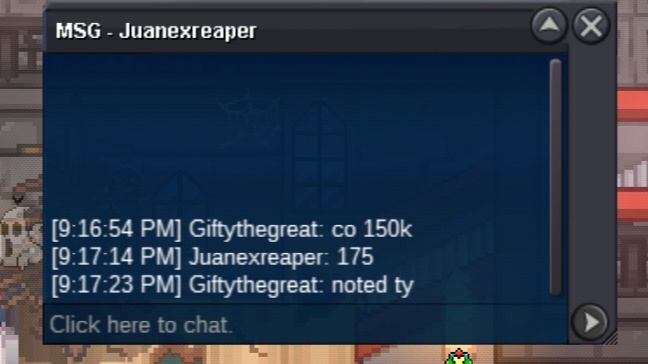
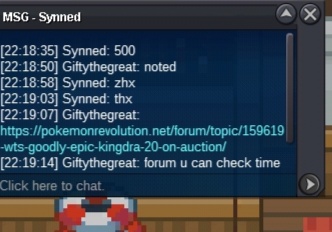
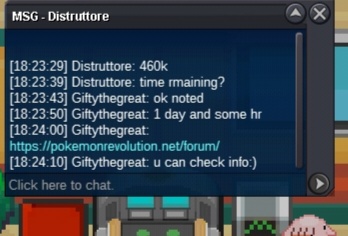
Auction over myhandstandtrip won I will post the photo also when winner will come oniline tyCo 300k sunleonx min 10kCo 70k min 10k started
 Start= 10k min =10k Insta=900k time = 24 hr after start accept cc=400k rerol= 700k rc=6k each gl
 I can start volcano 160 k if u like ...Yah got to libarary in Verm there is Man walking talk to himCan be closed 🙂Finally auction done ty who participated in my auction I hope u like my auction
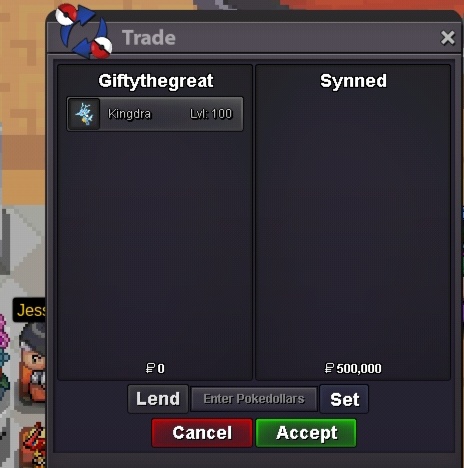 Sold auction over synned won I will send pic alsoBump
Account
Navigation
Search
Configure browser push notifications
Chrome (Android)
- Tap the lock icon next to the address bar.
- Tap Permissions → Notifications.
- Adjust your preference.
Chrome (Desktop)
- Click the padlock icon in the address bar.
- Select Site settings.
- Find Notifications and adjust your preference.
Safari (iOS 16.4+)
- Ensure the site is installed via Add to Home Screen.
- Open Settings App → Notifications.
- Find your app name and adjust your preference.
Safari (macOS)
- Go to Safari → Preferences.
- Click the Websites tab.
- Select Notifications in the sidebar.
- Find this website and adjust your preference.
Edge (Android)
- Tap the lock icon next to the address bar.
- Tap Permissions.
- Find Notifications and adjust your preference.
Edge (Desktop)
- Click the padlock icon in the address bar.
- Click Permissions for this site.
- Find Notifications and adjust your preference.
Firefox (Android)
- Go to Settings → Site permissions.
- Tap Notifications.
- Find this site in the list and adjust your preference.
Firefox (Desktop)
- Open Firefox Settings.
- Search for Notifications.
- Find this site in the list and adjust your preference.