




New Trade Zone
Trade Zone is now live
Use the new Trade Zone for auctions and instant-price trades so Pokemon and item offers are easy to find.


Spacerabbitx3
Suspended
-
Joined
-
Last visited
Everything posted by Spacerabbitx3
-
@Gacorwait 5mins log in the game@Gacor yes done you server gold or sliver ?Start 5m For Ninjask Min Bid 250k Left 48h Alfter First bid Ninjask Appect CC 400k RR 480k. Thank.
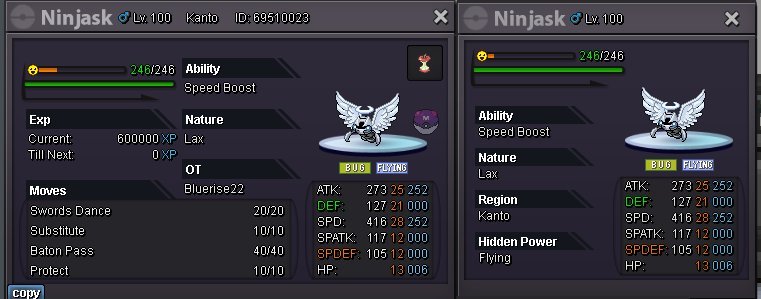 @Norex Yes . I will wait for you at the golden serverStart 9m. Min Raise 250k Left 72h Alfter First bid Appect CC 390k RR 480k. Thank.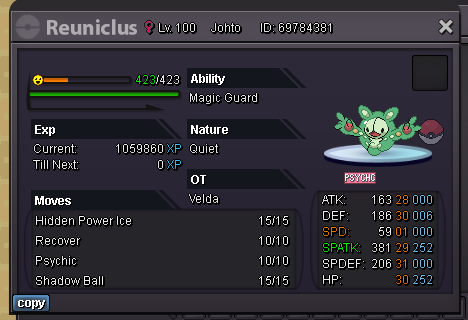
 Ty Tzal ❤️
 C.o 11m by Asswecanhaha left 21hr
 c.o 6m by danh1402 left 69hr
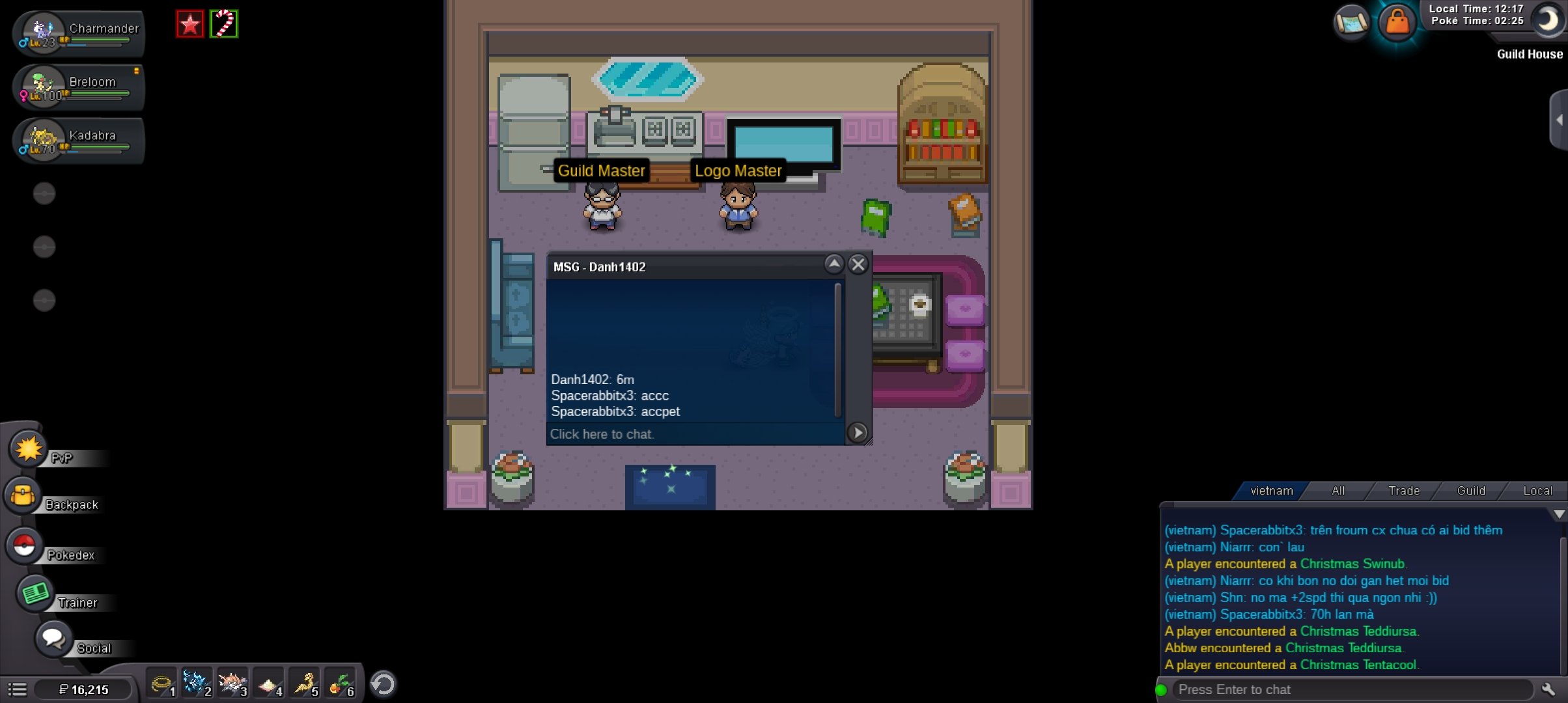 Start 5m Min bid 250k LEFT 72 hr after first bid Payment Poke$ CC=420k RR=500k
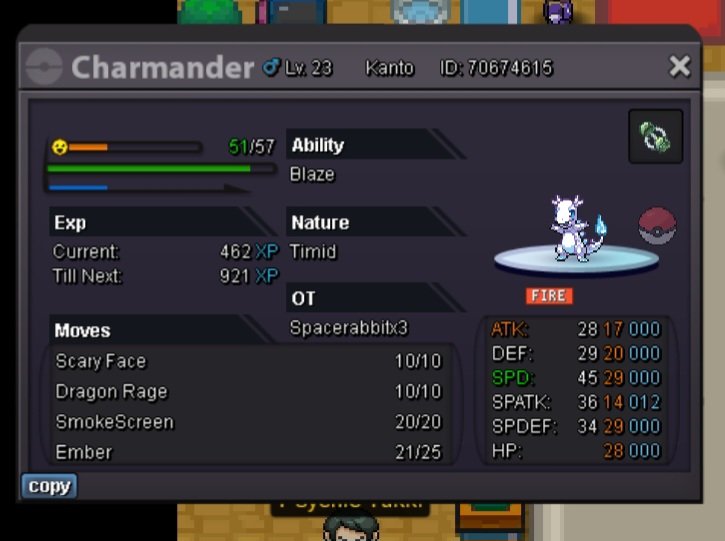 omwbuy
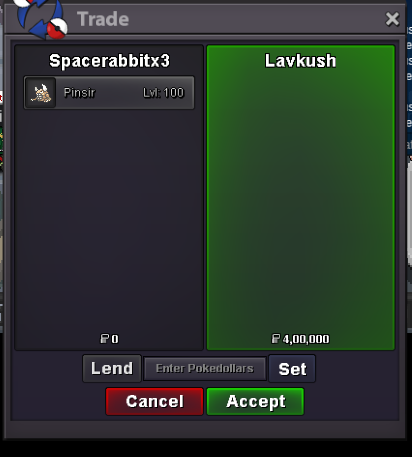
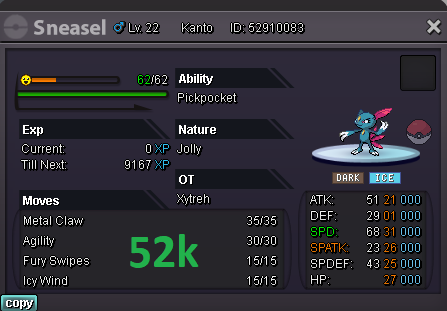 online nowi'm at vermilion pc if you wanna trade nowAll prices are fixed Form of Payments CC : 420k IV Ticket : 750k Nature ticket : 350k How to contact ? Ign: Spacerabbitx3 / Shunsou Rules 1. Be respectful. 2. No reservations. 3. No fake offers. Thank you for visiting




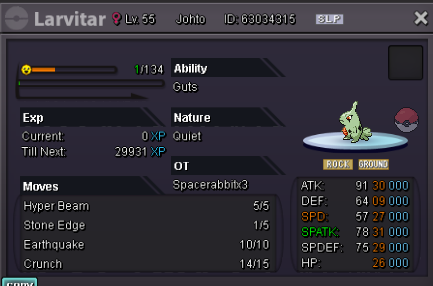
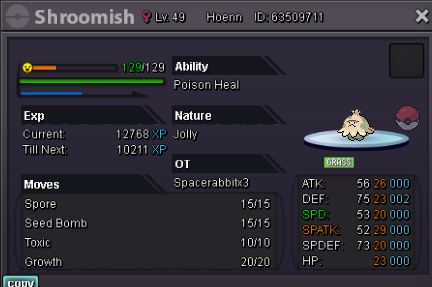
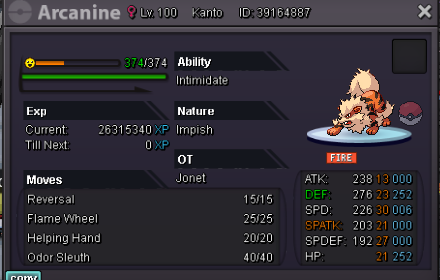
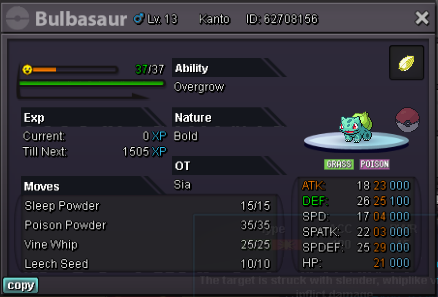

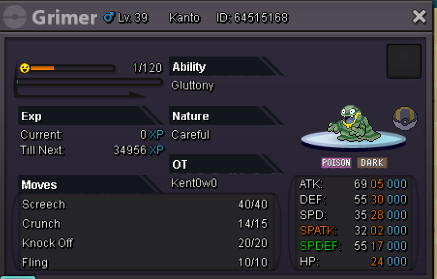

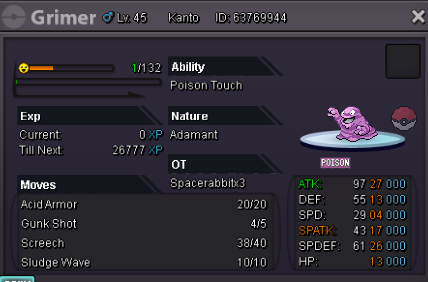
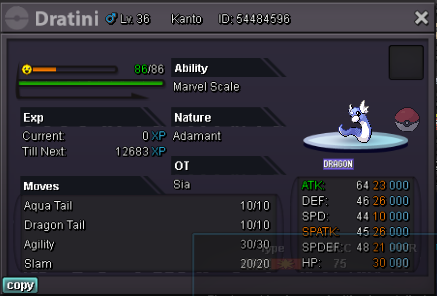
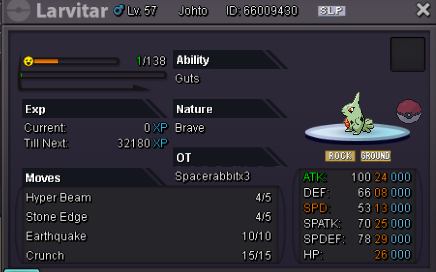
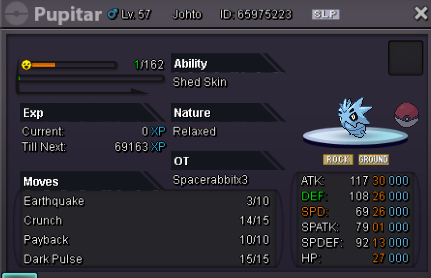
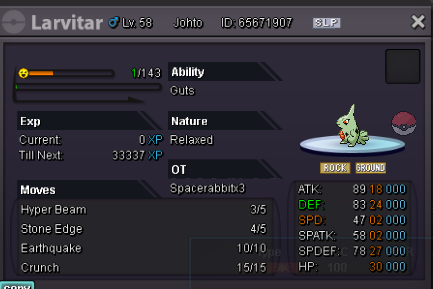

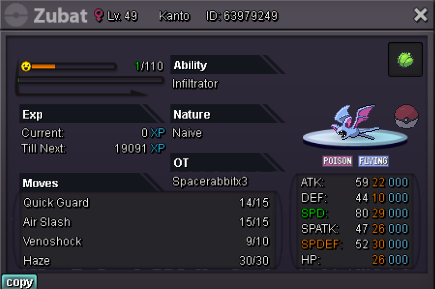
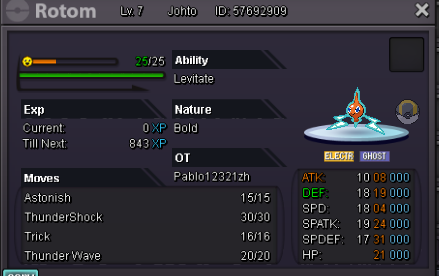
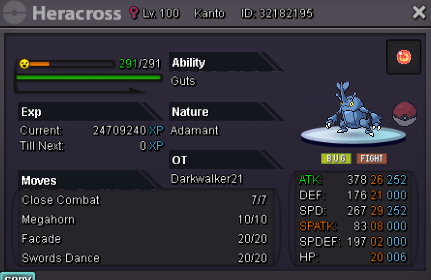
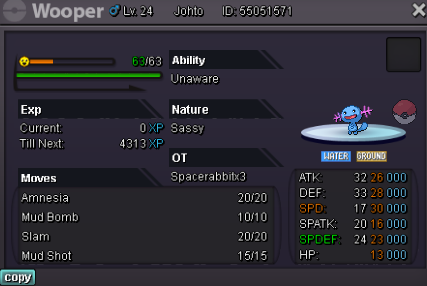
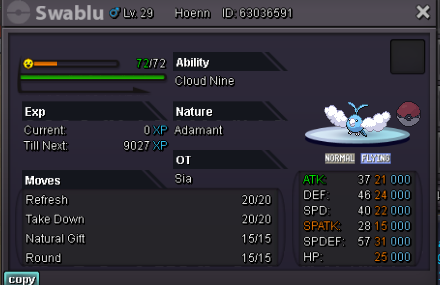
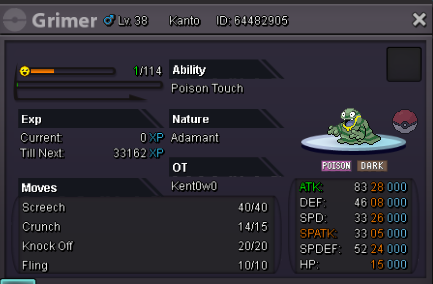
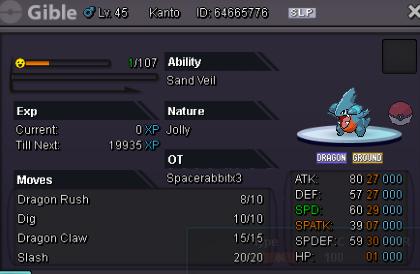
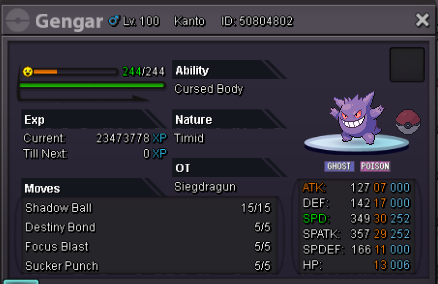
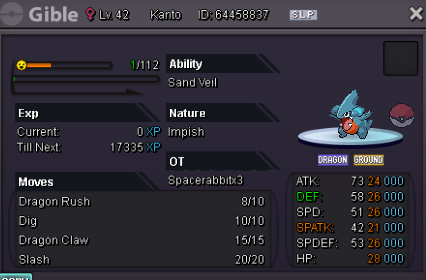
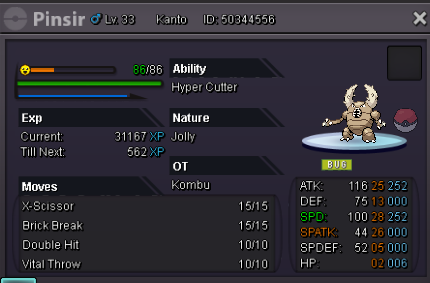
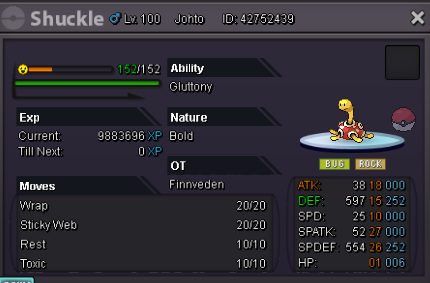
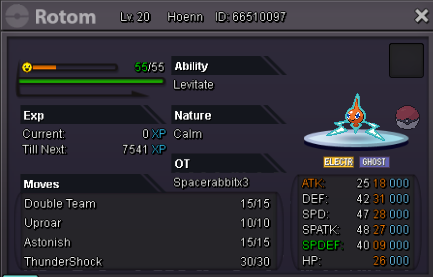
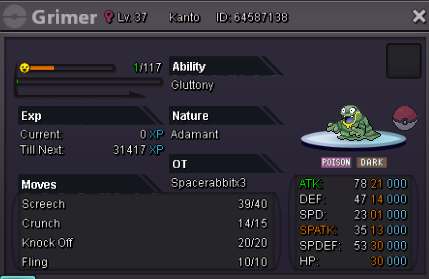
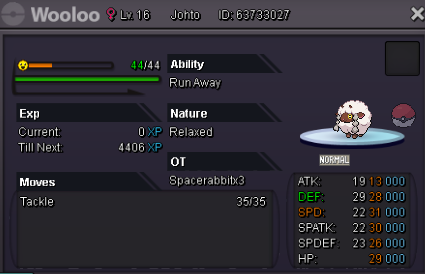
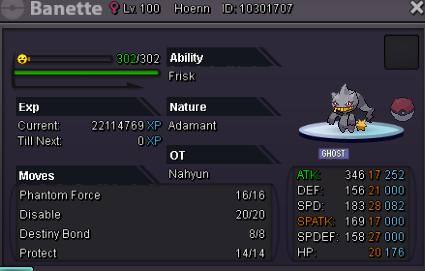
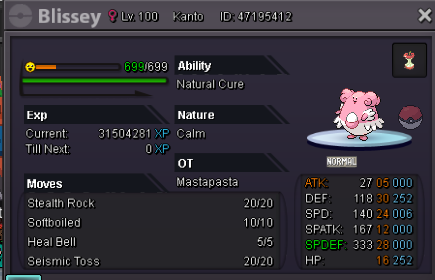 buy espeon ha 400k onebuy
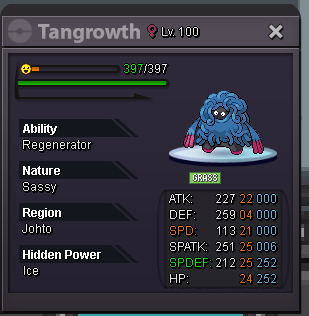
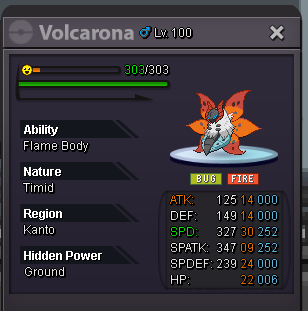
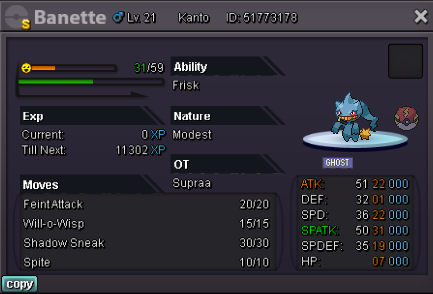 i'm online now ign : spacerabbitx3 for 3 pokes that i posted shiny pidgeot magnezone and event budewbuy these 3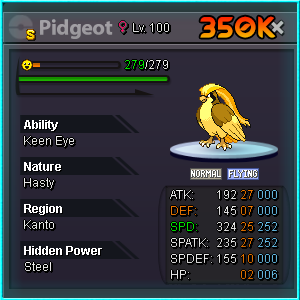
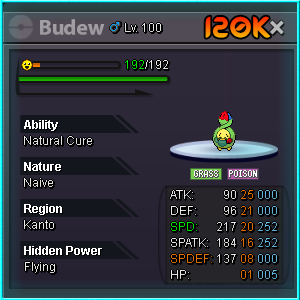
 i'll buy modest ha clef 200k onebuy these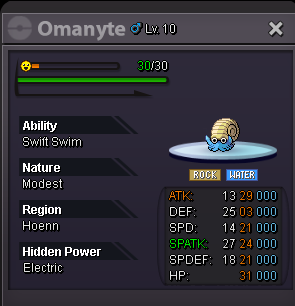
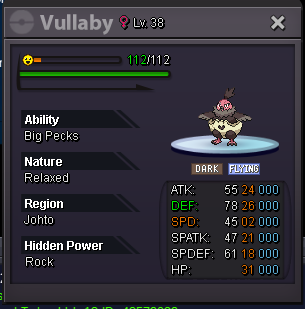
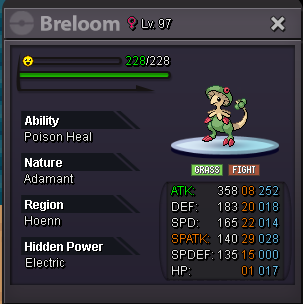

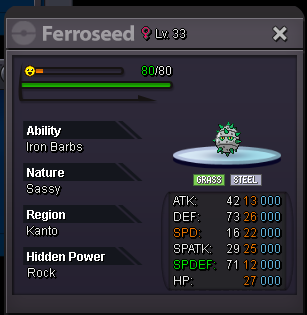

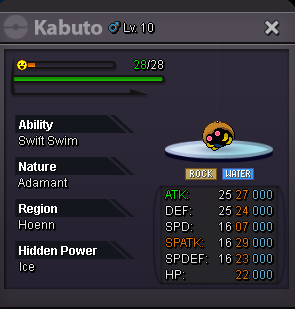
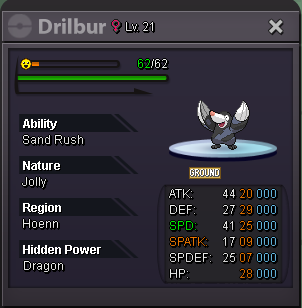 online now sorry had some work



Account
Navigation
Search
Configure browser push notifications
Chrome (Android)
- Tap the lock icon next to the address bar.
- Tap Permissions → Notifications.
- Adjust your preference.
Chrome (Desktop)
- Click the padlock icon in the address bar.
- Select Site settings.
- Find Notifications and adjust your preference.
Safari (iOS 16.4+)
- Ensure the site is installed via Add to Home Screen.
- Open Settings App → Notifications.
- Find your app name and adjust your preference.
Safari (macOS)
- Go to Safari → Preferences.
- Click the Websites tab.
- Select Notifications in the sidebar.
- Find this website and adjust your preference.
Edge (Android)
- Tap the lock icon next to the address bar.
- Tap Permissions.
- Find Notifications and adjust your preference.
Edge (Desktop)
- Click the padlock icon in the address bar.
- Click Permissions for this site.
- Find Notifications and adjust your preference.
Firefox (Android)
- Go to Settings → Site permissions.
- Tap Notifications.
- Find this site in the list and adjust your preference.
Firefox (Desktop)
- Open Firefox Settings.
- Search for Notifications.
- Find this site in the list and adjust your preference.