




New Trade Zone
Trade Zone is now live
Use the new Trade Zone for auctions and instant-price trades so Pokemon and item offers are easy to find.


Hellomefriend
Registered User
-
Joined
-
Last visited
Everything posted by Hellomefriend
-
bump
-
bump
-
bump
-
sorry i was offline that day
-
alright ill sell you
-
bump!
-
bump!
-
bump
-
bump
-
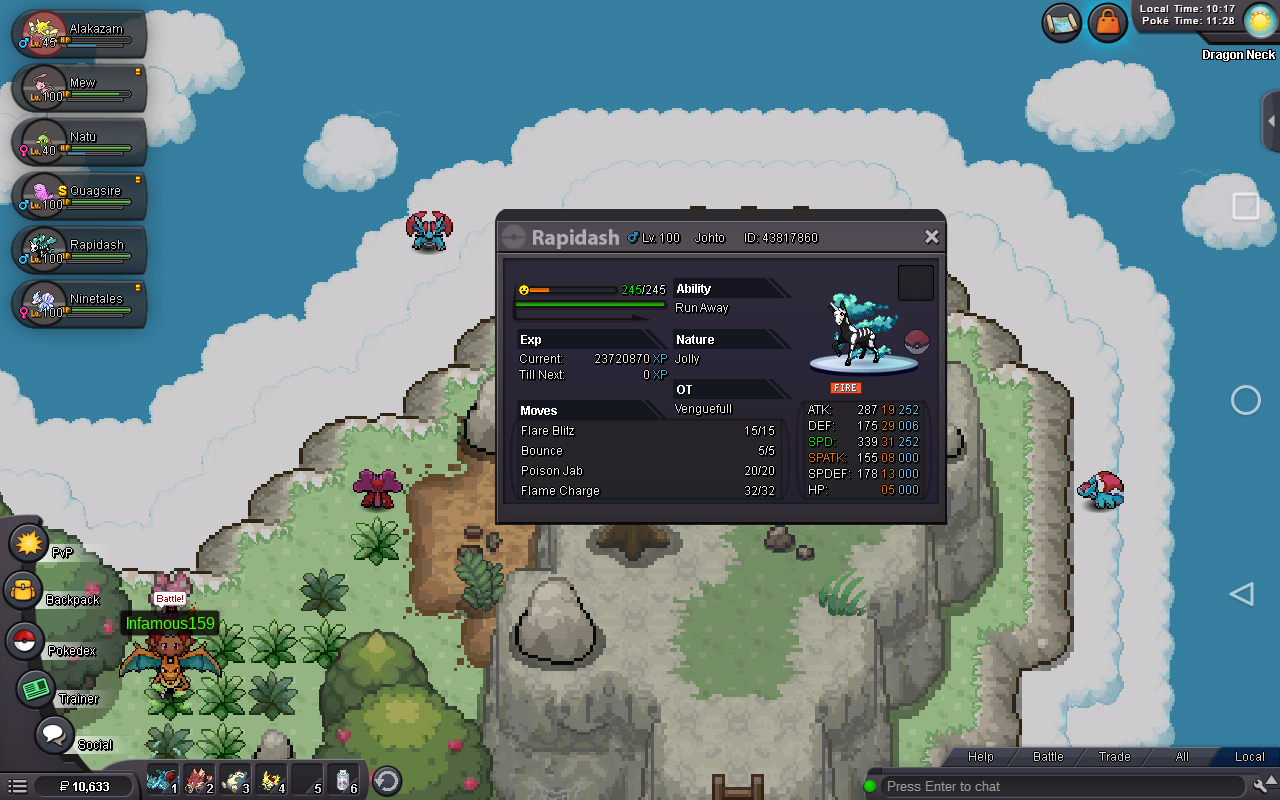
bumpjust pm here if i onlined again ill be selling it to you if you wanna buy cause i might not see it if i didn't see it i might be offline or just afk.. gl buying. but if you dont like the price offer.going to goldi mean not i think pretty sure i got it from there i have 10 glass shards to get reveal glasshey mate its me hellomefriend.. i think you could get it from the breezy cave in the named shady in its namehello, what pokemon do i use in mega camerupt and mega sharpedoto make it easier its so hard i still cant win i always get 0 scores please help me about ithello, what pokemon do i use in mega camerupt and mega sharpedoto make it easier its so hard i still cant win i always get 0 scores please help me about ithello, what pokemon do i use in mega camerupt and mega sharpedoto make it easier its so hard i still cant win i always get 0 scores please help me about it800k quagsire 1.2m ninetales 1.3m rapidashusable or pvpable pokemon..

 can i please get back to the silver server. im being stubborn and not to try that again.i accidentally transfer my account in gold server i thought it need 100 coins then i pressed it it transfered to gold