




New Trade Zone
Trade Zone is now live
Use the new Trade Zone for auctions and instant-price trades so Pokemon and item offers are easy to find.

Lor3hcc
Registered User
-
Joined
-
Last visited
Everything posted by Lor3hcc
-
Selled Cyndaquil + Samurai Helmet at Rajos
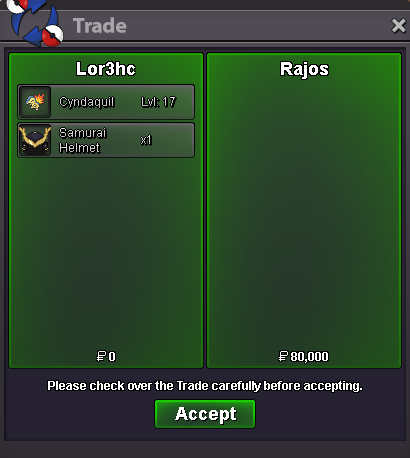
-
bump
-
bump
-
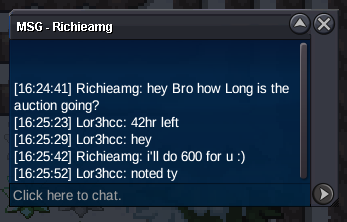
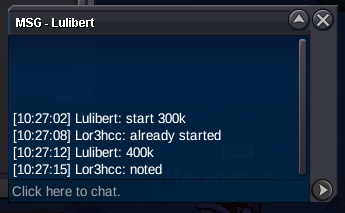
Auction Details Start Price : 300k Insta Price : N/A Current Price : 800k by Chaou Min Raise : 100k End Point : 48hr after start price IGN : Lor3hcc Accepted Payments Pokedollars Coin Capsule (500k ea) Reroll Ticket (750k ea)
 Selled Whimsicott at Helysiel
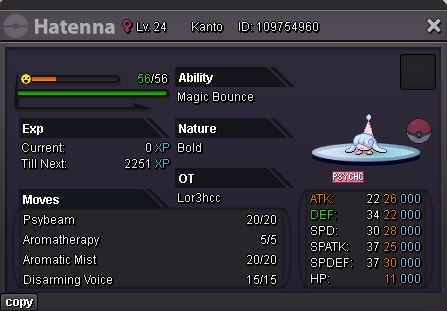
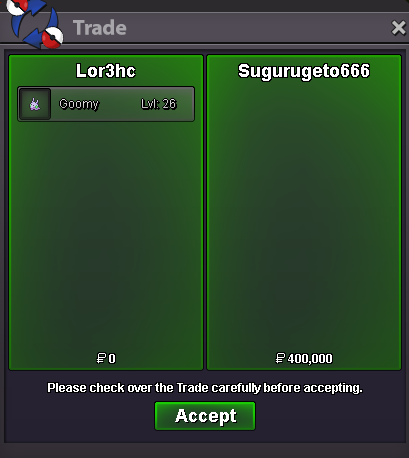
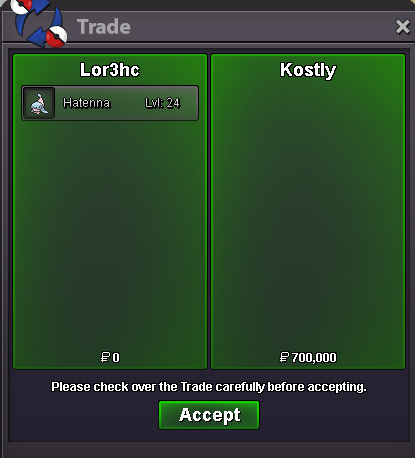
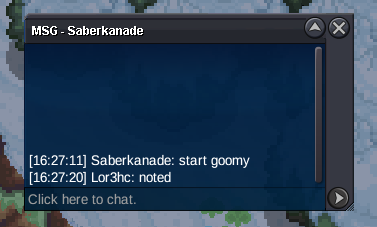
 @Sugurugeto666 Congratz u won the hatenna auction... contact me in game to complete the trade@Kostly Congratz u won the hatenna auction... contact me in game to complete the tradeSelled Toxic Orb at Daniel0150
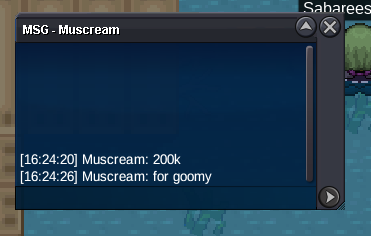
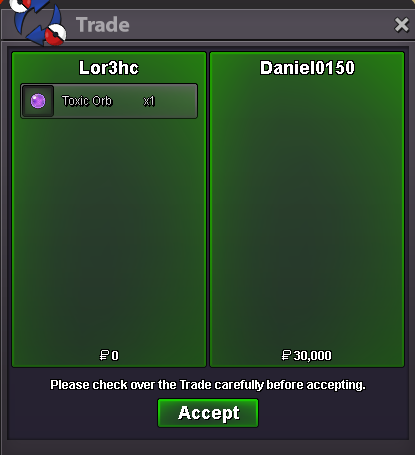 Elyooo started firstStart Price : 200k Insta Price : N/A Current Price : 700k by Kostly Min Raise : 100k End Point : 24h after first bid ~ Start Price : 100k Insta Price : N/A Current Price : 400k by Sugurugeto666 Min Raise : 100k End Point : 24h after first bid ~ IGN : Lor3hc Accepted Payments Pokedollars Coin Capsule (500k ea) Reroll Ticket (750k ea)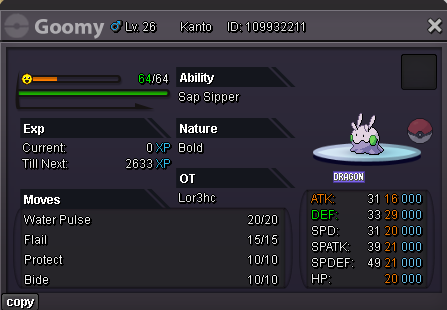
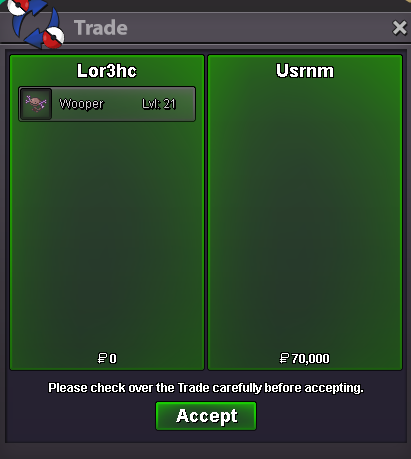
 Selled Wooper Pald. at Usrnm
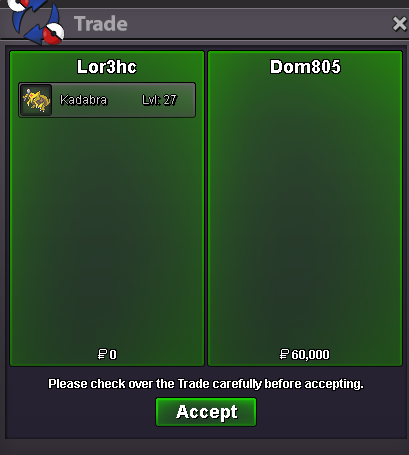
 Selled Kadabra at Dom805
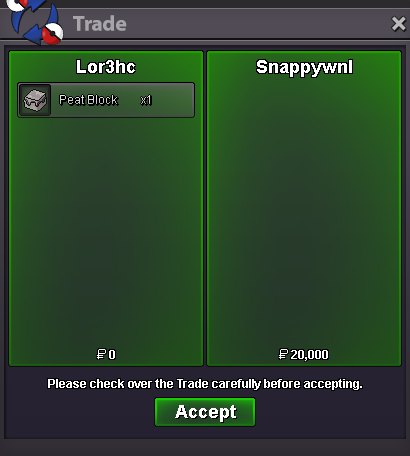
 Selled Peat Block at Snappywnl
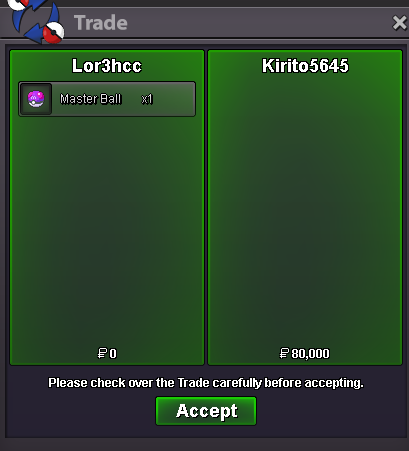
 Selled Master Ball at Kirito5645
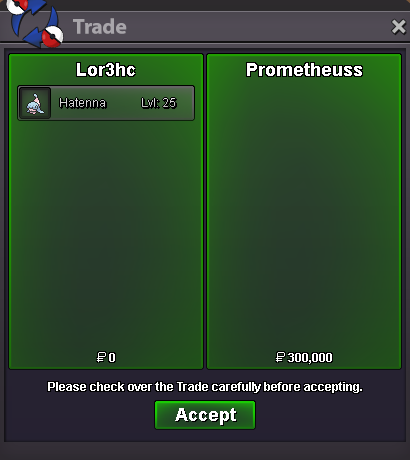
 Selled Hatenna at Prometheuss
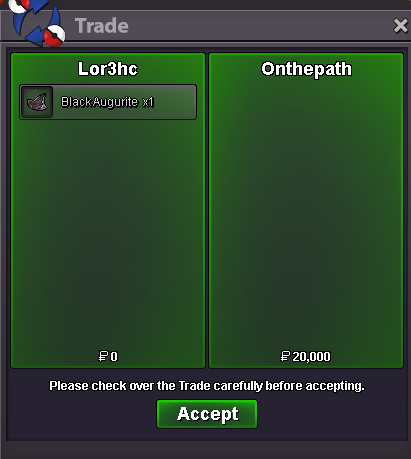
 Selled Black Augurite at Onthepath
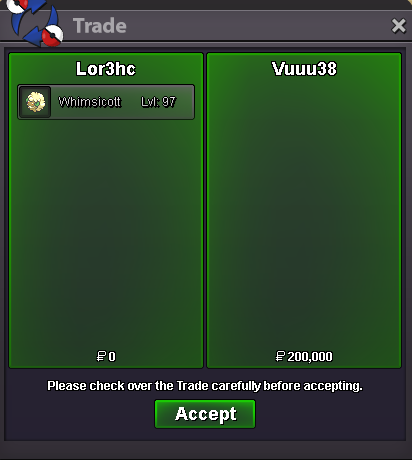
 Selled Whimiscott at Vuuu38
 Selled 50 Rare Candy at Jagotheking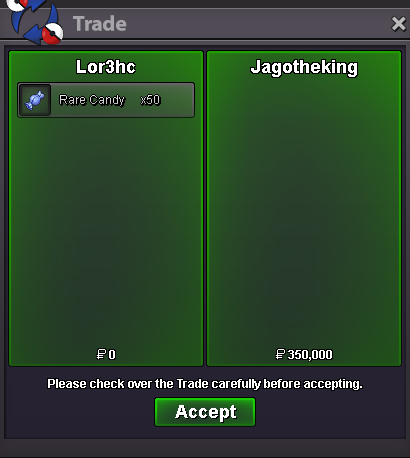

Account
Navigation
Search
Configure browser push notifications
Chrome (Android)
- Tap the lock icon next to the address bar.
- Tap Permissions → Notifications.
- Adjust your preference.
Chrome (Desktop)
- Click the padlock icon in the address bar.
- Select Site settings.
- Find Notifications and adjust your preference.
Safari (iOS 16.4+)
- Ensure the site is installed via Add to Home Screen.
- Open Settings App → Notifications.
- Find your app name and adjust your preference.
Safari (macOS)
- Go to Safari → Preferences.
- Click the Websites tab.
- Select Notifications in the sidebar.
- Find this website and adjust your preference.
Edge (Android)
- Tap the lock icon next to the address bar.
- Tap Permissions.
- Find Notifications and adjust your preference.
Edge (Desktop)
- Click the padlock icon in the address bar.
- Click Permissions for this site.
- Find Notifications and adjust your preference.
Firefox (Android)
- Go to Settings → Site permissions.
- Tap Notifications.
- Find this site in the list and adjust your preference.
Firefox (Desktop)
- Open Firefox Settings.
- Search for Notifications.
- Find this site in the list and adjust your preference.