




New Trade Zone
Trade Zone is now live
Use the new Trade Zone for auctions and instant-price trades so Pokemon and item offers are easy to find.

Lor3hcc
Registered User
-
Joined
-
Last visited
Everything posted by Lor3hcc
-
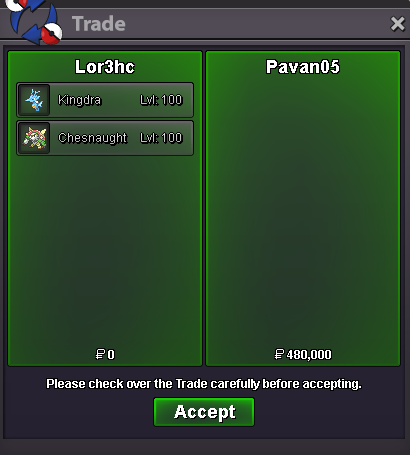
Selled Kingdra + Chesnaught at Pavan05
-
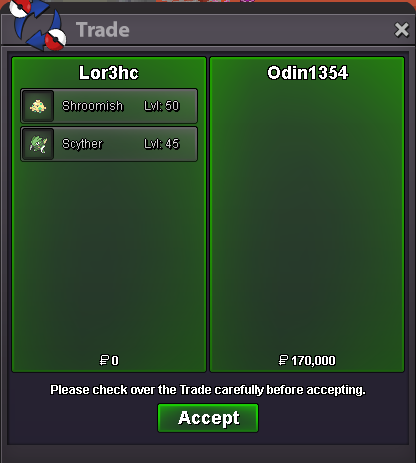
Selled Shroomish and Scyther at Odin1345
-
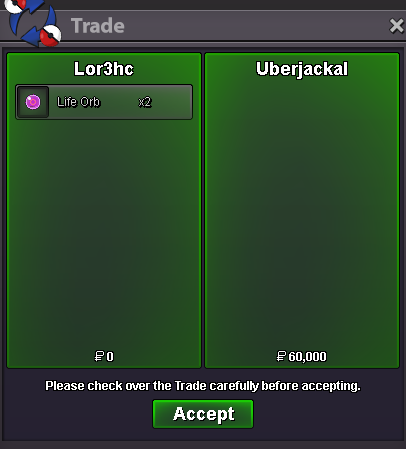
Selled 2 Life orb at Uberjackal
-
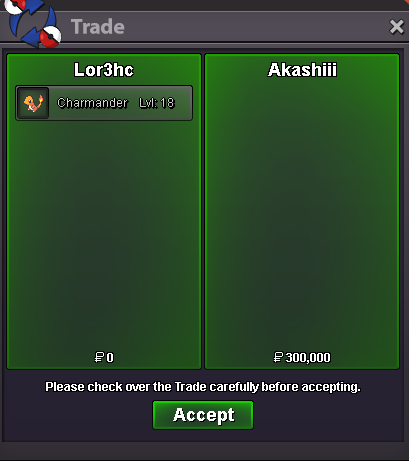
Selled Charmander at Akashiii
-
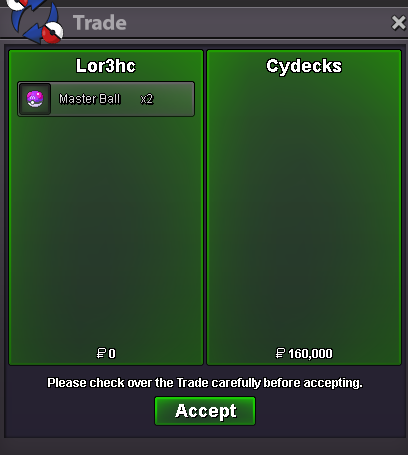
Selled 2 Masterball at Cydecks
-
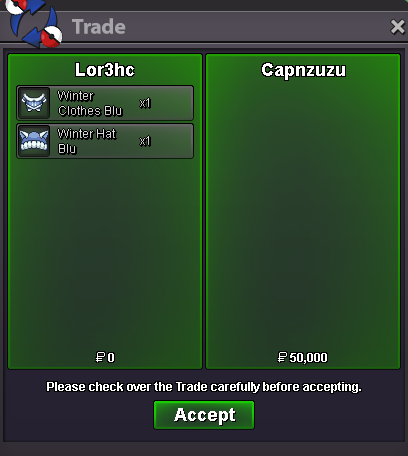
Selled blu winter set at Capnzuzu
-
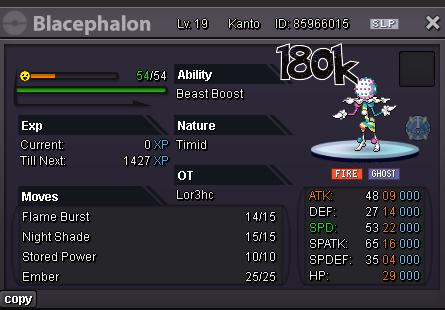
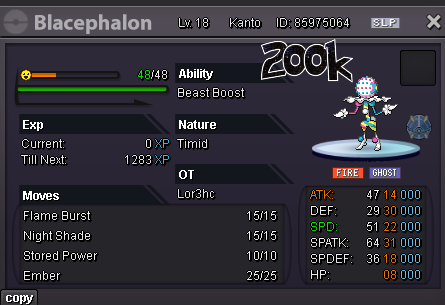
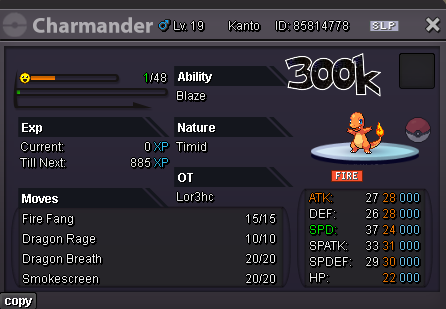
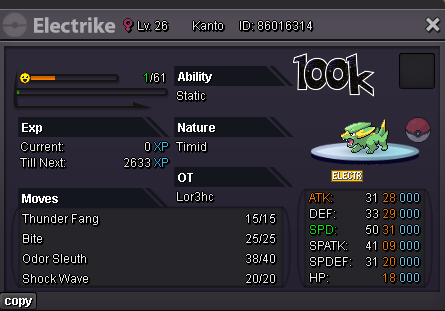
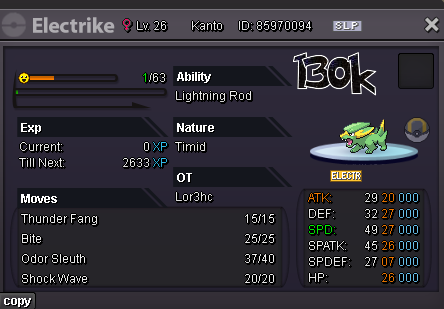
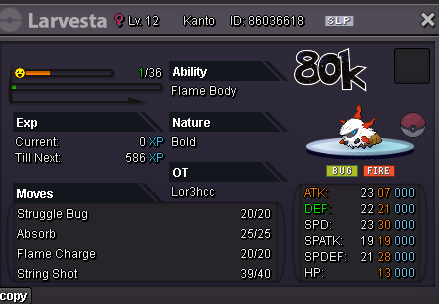
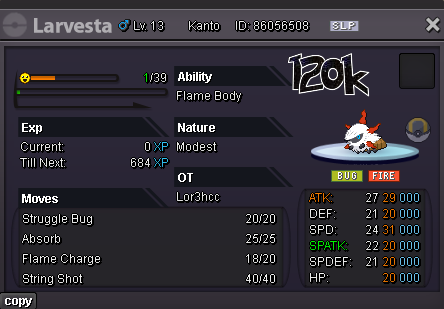
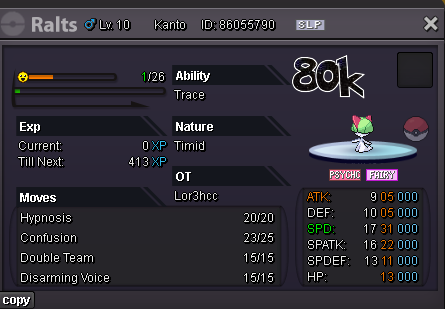
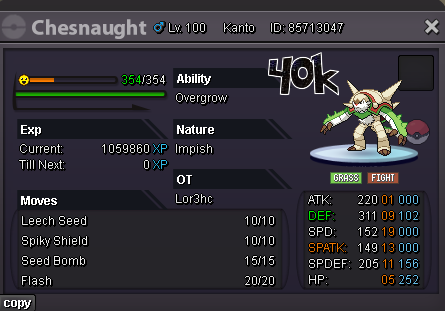
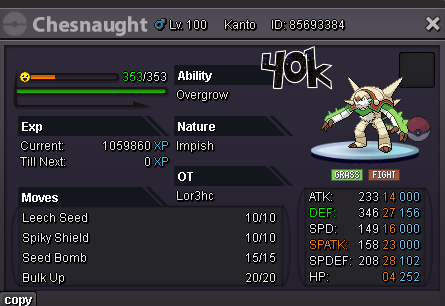
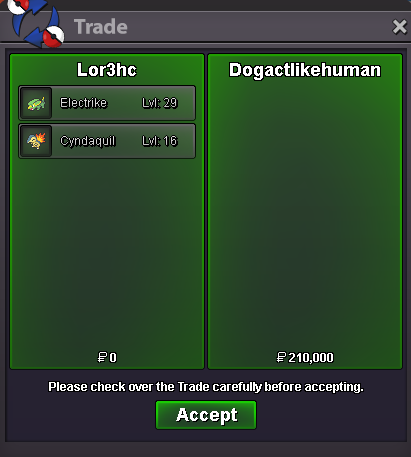
Daily new mons (21/10) On list • Blacephalon (Timid/Beast Boost) • Charmander (Timid/Blaze) • Cyndaquil (Timid/Blaze) • Electrike (Timid-Modest/Static-LR) • Larvesta (Modest-Bold/Flame Body) • Ralts (Timid/Trace) Fully trained • Chesnaught (Impish/Overgrow) Clothes New misc item available check list
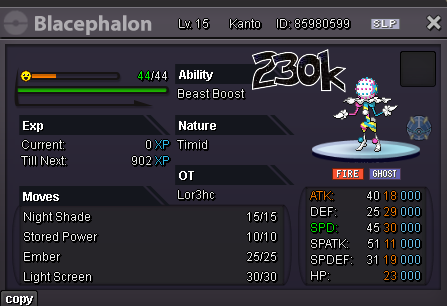
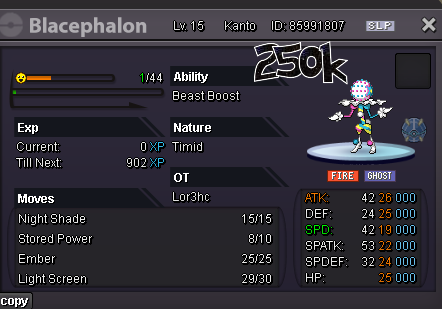
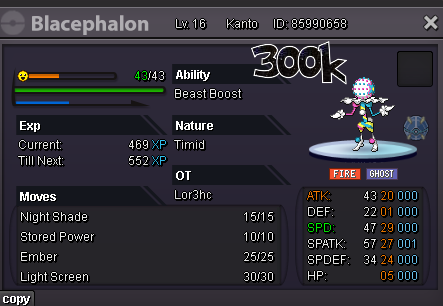
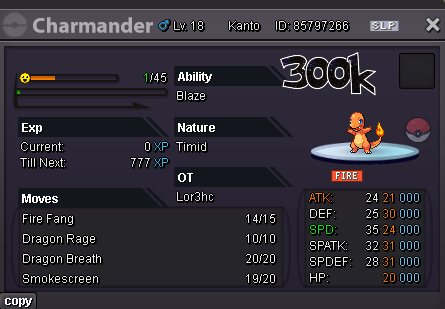
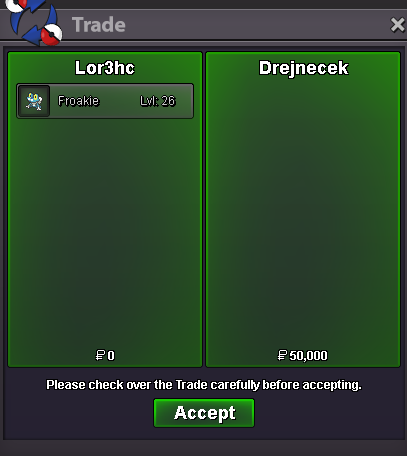
 Selled froakie at Drejnecek
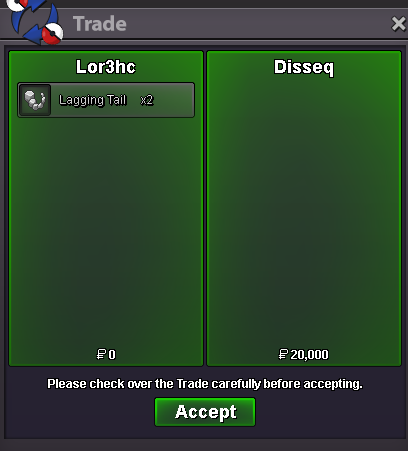
 Selled x2 Lagg. tail
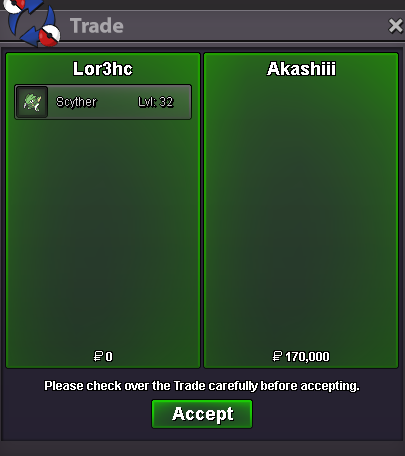
 Selled Scyther at Akashiii
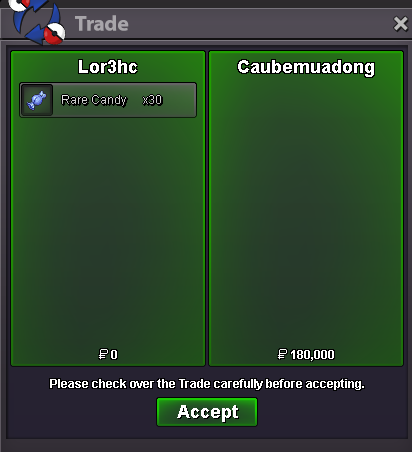
 7m6m3.8mSelled some rc New mons soon...
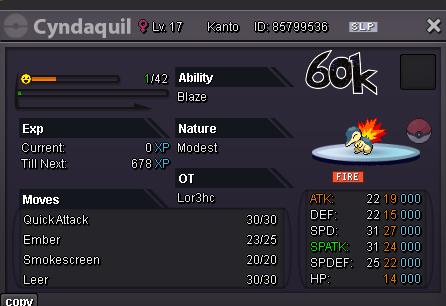
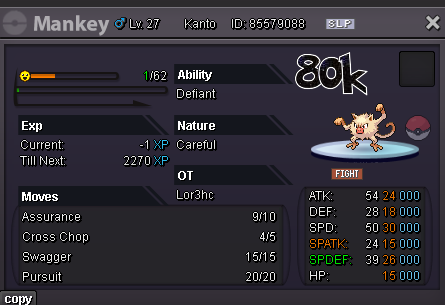
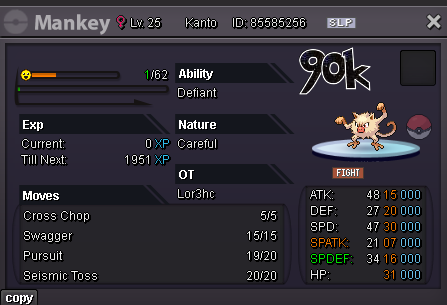
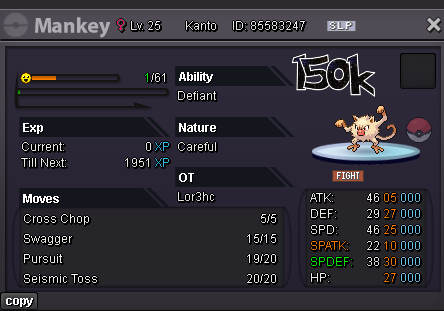
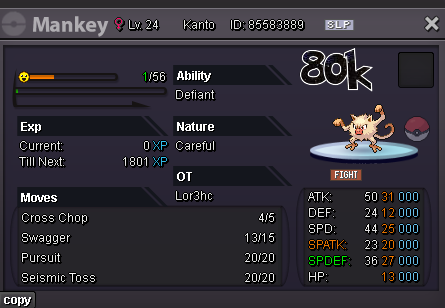
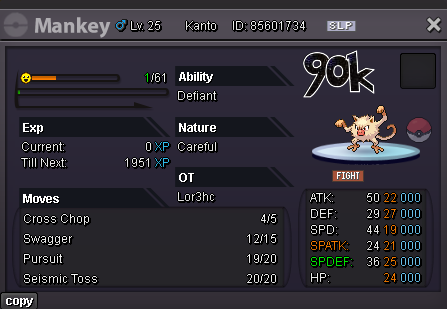
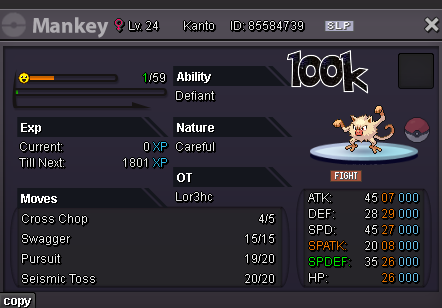
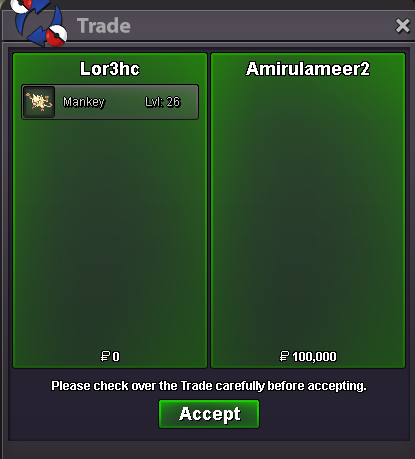
 3mDaily new mons (13/10) On list • Cyndaquil (Timid/Blaze) • Mankey (Careful/Defiant) • Marill (Adamant/Huge Power) • Mudkip (Adamant/Torrent) • Pancham (Adamant/Mold Breaker) • Ralts (Calm/Trace) • Scyther • Totodile (Jolly/Torrent)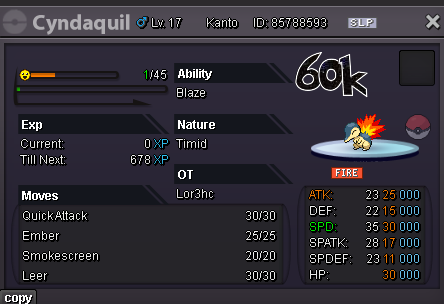
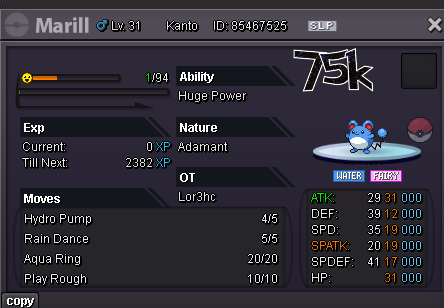
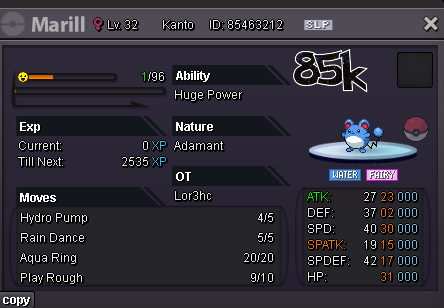
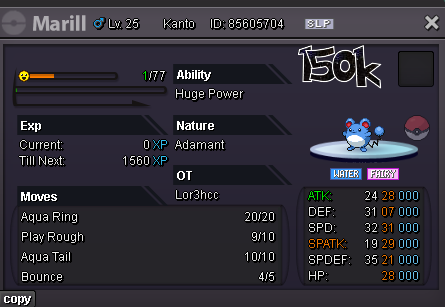
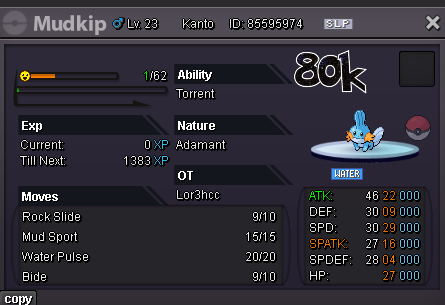
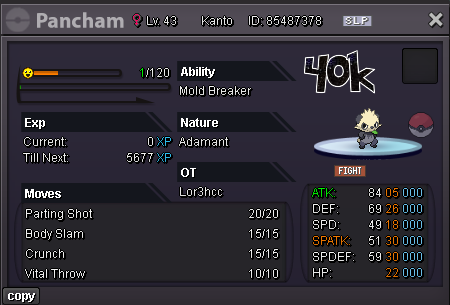
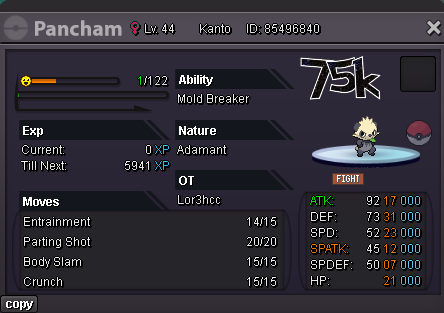
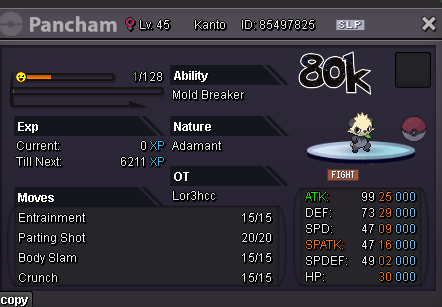
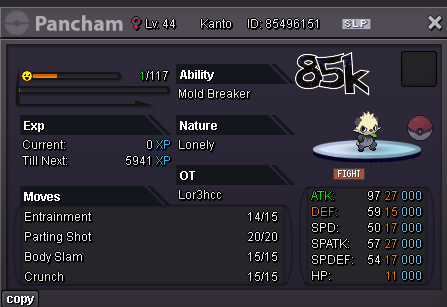
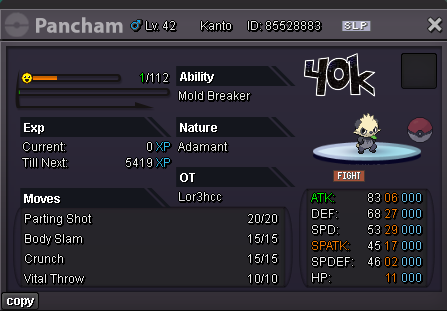
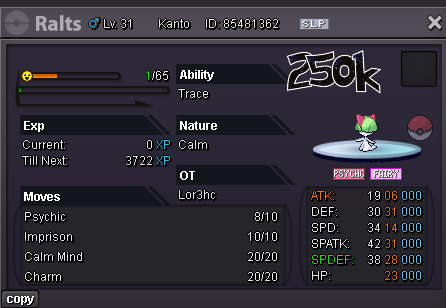
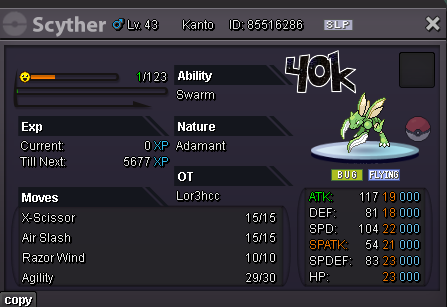
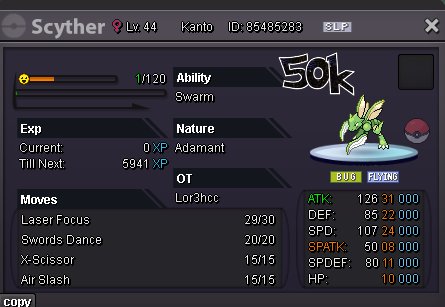
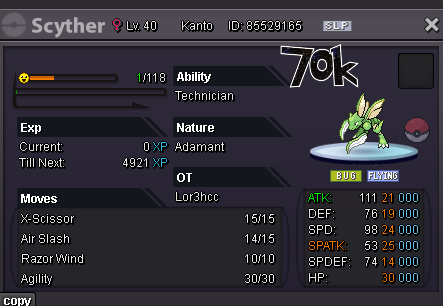
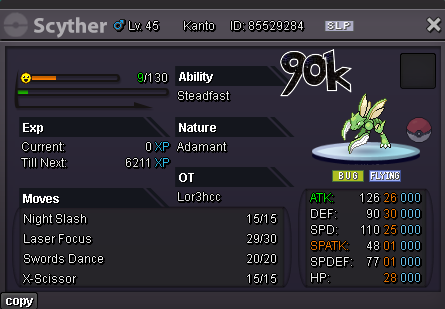
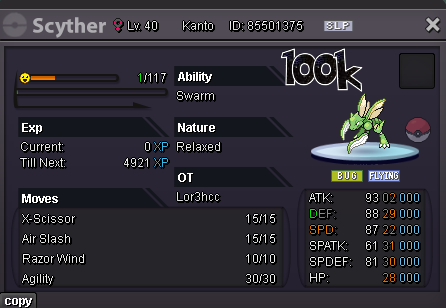
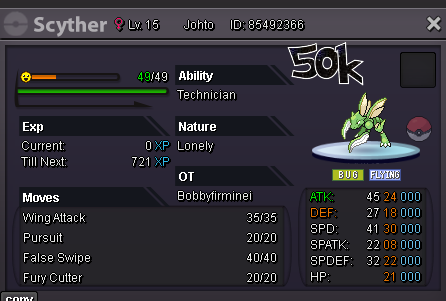
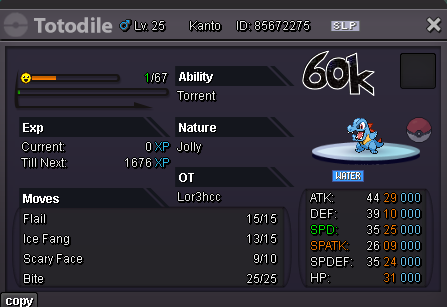 Selled Munchalx at @Namanh
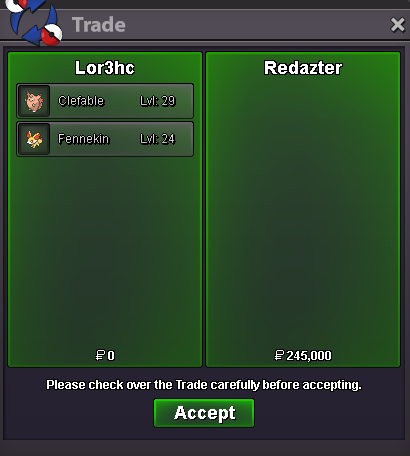
 Let me know on disc when u up to complete the tradeSelled Clefable + Fennekin at Redazter
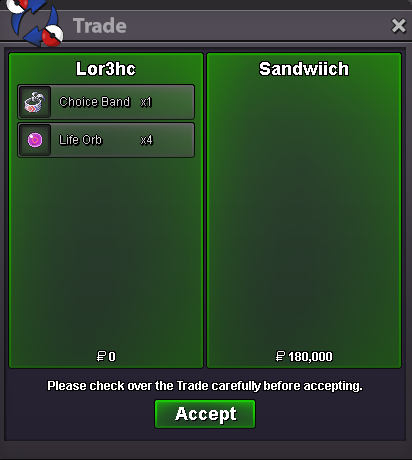
 Selled 4 Life Orb 1 Choice Band at Sandwiich
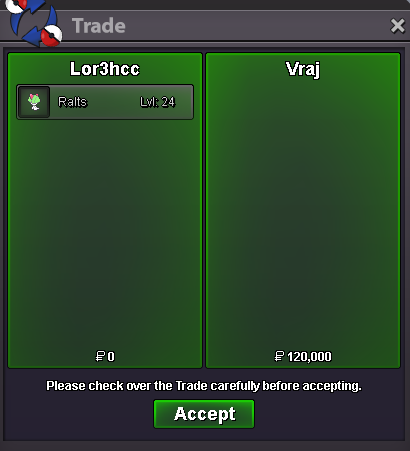
 Selled Ralts at Vraj
 Im at verm pc Trade completed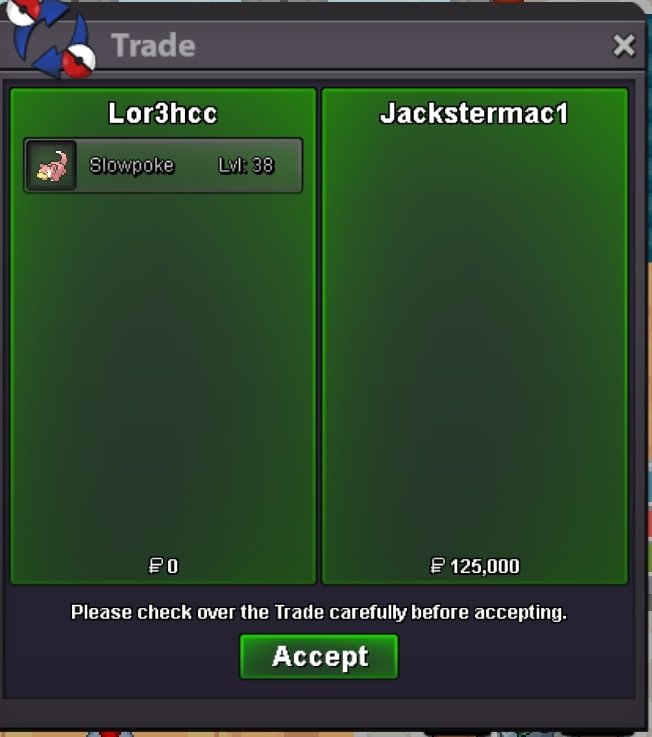


Account
Navigation
Search
Configure browser push notifications
Chrome (Android)
- Tap the lock icon next to the address bar.
- Tap Permissions → Notifications.
- Adjust your preference.
Chrome (Desktop)
- Click the padlock icon in the address bar.
- Select Site settings.
- Find Notifications and adjust your preference.
Safari (iOS 16.4+)
- Ensure the site is installed via Add to Home Screen.
- Open Settings App → Notifications.
- Find your app name and adjust your preference.
Safari (macOS)
- Go to Safari → Preferences.
- Click the Websites tab.
- Select Notifications in the sidebar.
- Find this website and adjust your preference.
Edge (Android)
- Tap the lock icon next to the address bar.
- Tap Permissions.
- Find Notifications and adjust your preference.
Edge (Desktop)
- Click the padlock icon in the address bar.
- Click Permissions for this site.
- Find Notifications and adjust your preference.
Firefox (Android)
- Go to Settings → Site permissions.
- Tap Notifications.
- Find this site in the list and adjust your preference.
Firefox (Desktop)
- Open Firefox Settings.
- Search for Notifications.
- Find this site in the list and adjust your preference.