Skip to content
View in the app

A better way to browse. Learn more.

Pokemon Revolution Online

A full-screen app on your home screen with push notifications, badges and more.

To install this app on iOS and iPadOS
  1. Tap the Share icon in Safari
  2. Scroll the menu and tap Add to Home Screen.
  3. Tap Add in the top-right corner.
To install this app on Android
  1. Tap the 3-dot menu (⋮) in the top-right corner of the browser.
  2. Tap Add to Home screen or Install app.
  3. Confirm by tapping Install.
New Trade Zone
Trade Zone is now live
Use the new Trade Zone for auctions and instant-price trades so Pokemon and item offers are easy to find.

Open Trade Zone

Lor3hcc

Registered User
  • Joined

  • Last visited

Everything posted by Lor3hcc

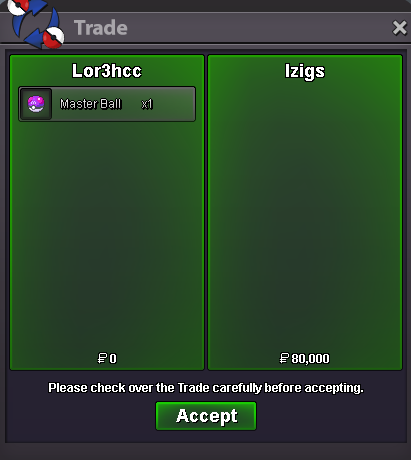
  1. Selled Master Ball at Izigs
  2. Selled Hlw Abra Tail at Lelouch07
  3. Selled Magikarp at Derching
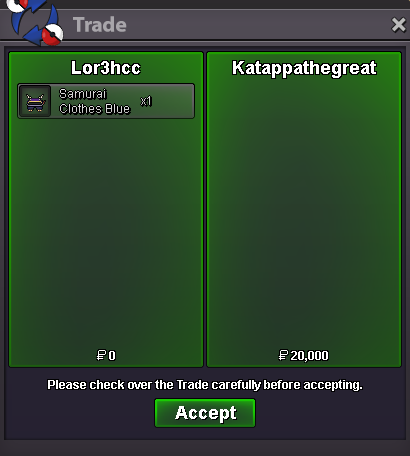
  4. Selled x2 Samurai set at Emretpk67
  5. Selled Ralts at Vicedin
  6. Selled Bagon + Salamance at Manoju23
  7. Selled Ralts at Firling
  8. Daily new mons (19/11) On list • Cutiefly (Timid/Shield Dust) • Ferrothorn (Sassy-Careful/Iron Barbs) • Larvesta (Timid/Flame Body) Fully Trained • Garchomp (Jolly/Sand Veil) • Ferrothorn (Sassy/Iron Barbs) • Charizard (Jolly/Blaze) • Slowbro (Sassy/Regenerator) Cosmetics
  9. Selled Blacephalon at Dihainplayz
  10. Selled Sceptile at Ryozhyn
  11. Selled Hlw Volcarona wing at Thexsorm2
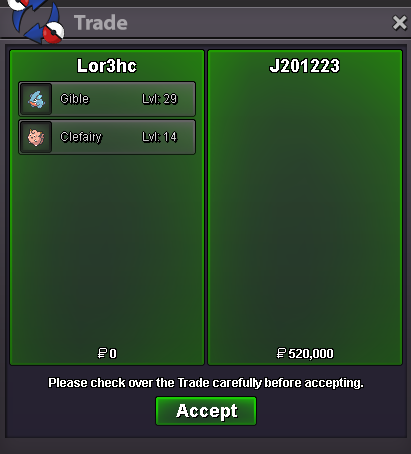
  12. Daily new mons (14/11) On list • Clefairy/Clefable (Bold/Magic Guard) • Larvesta (Timid/Flame Body) • Scraggy (Adamant/Moxie) Fully Trained • Annihilape (Careful/Defiant) • Clefable (Bold/Unaware) HLW Cosmetics & Mounts
  13. Selled Master Ball at Rubzk
  14. Hey, u need all non-leg sinnoh caught data
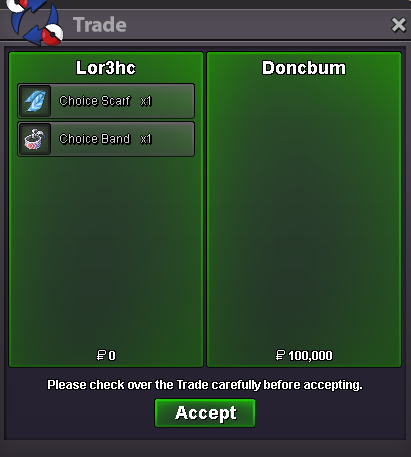
  15. Selled x2 Choice Band at Whitexv
  16. Congratz u won the auction.. u can dm me in game to complete the trade ign: Lor3hc
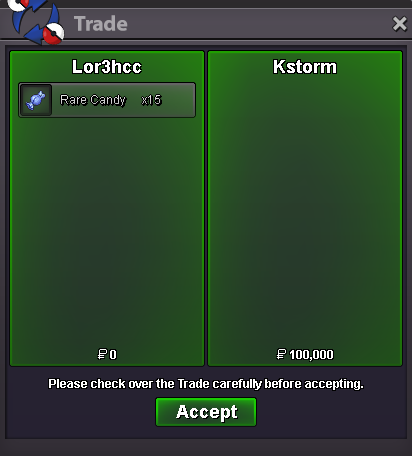
  17. Selled 15 Rare Candy at Rhinojjk

Account

Navigation

Search

Search

Configure browser push notifications

Chrome (Android)
  1. Tap the lock icon next to the address bar.
  2. Tap Permissions → Notifications.
  3. Adjust your preference.
Chrome (Desktop)
  1. Click the padlock icon in the address bar.
  2. Select Site settings.
  3. Find Notifications and adjust your preference.