




New Trade Zone
Trade Zone is now live
Use the new Trade Zone for auctions and instant-price trades so Pokemon and item offers are easy to find.

Lor3hcc
Registered User
-
Joined
-
Last visited
Everything posted by Lor3hcc
-
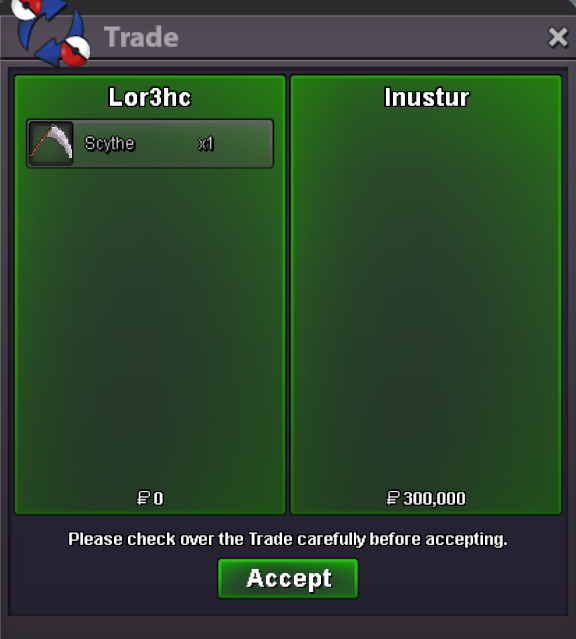

Selled scythe acc. at @Inustur
-
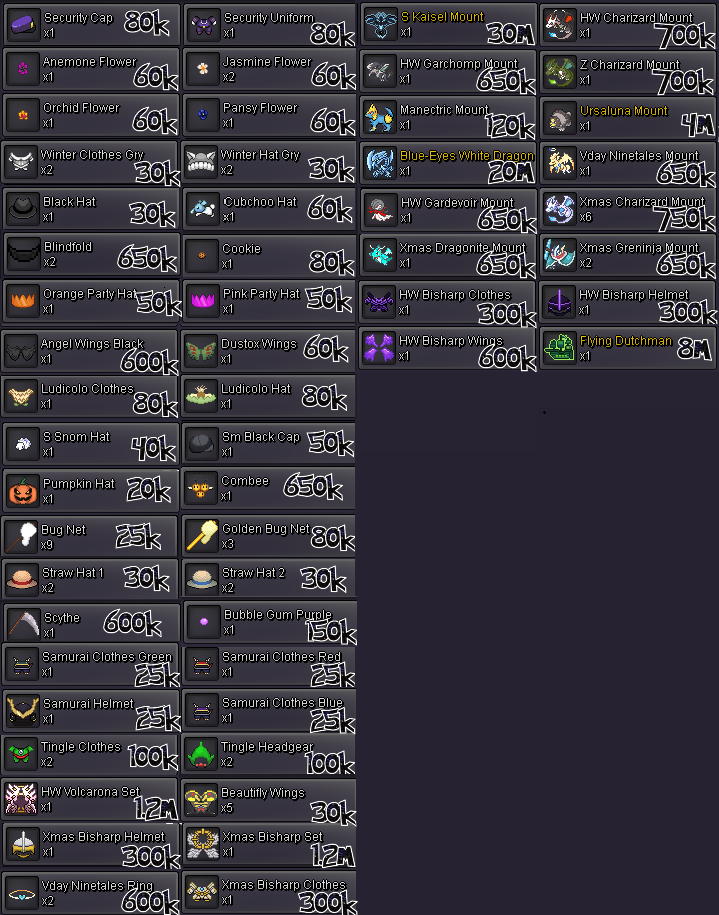
Added new mons and clothes + misc items
-
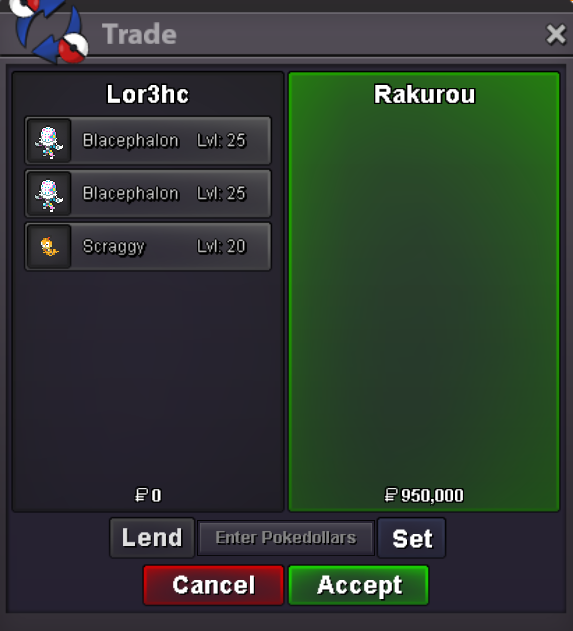
Selled x2 Blacephalon + Scraggy (in game dm)
-
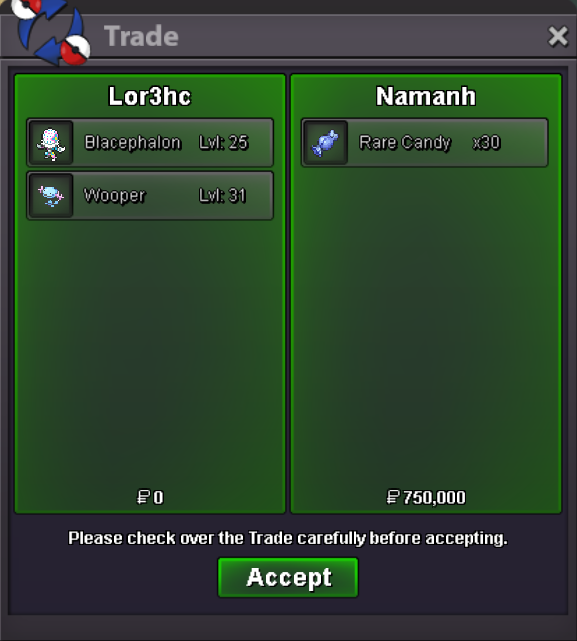
Selled Wooper + Blacephalon at @Namanh
-
Added auction timer countdown
-
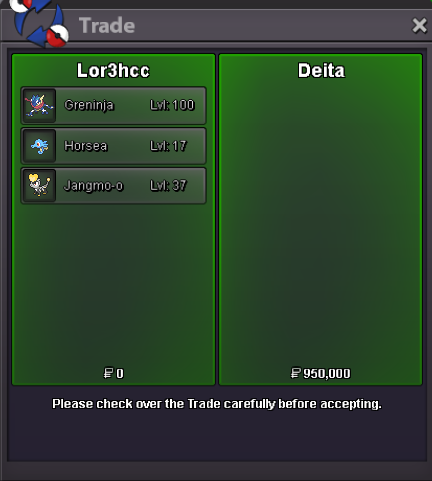
Selled Greninja + Horsea + Jangmo-o at @Deita
-
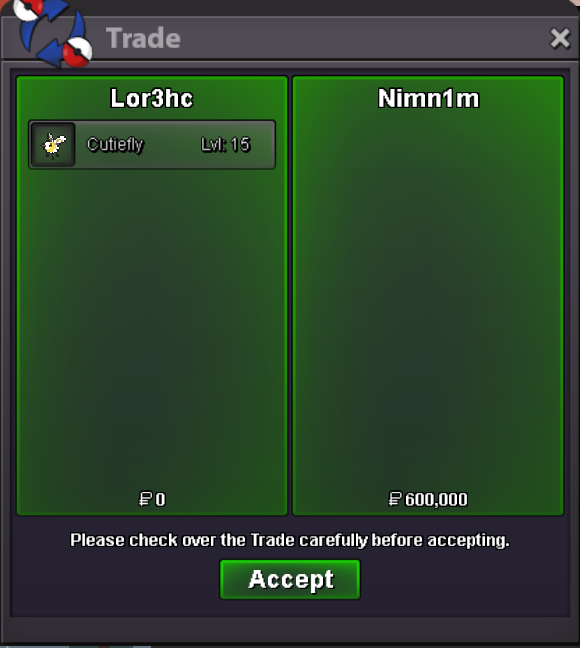
Selled Cutiefly at @Nimn1m
-
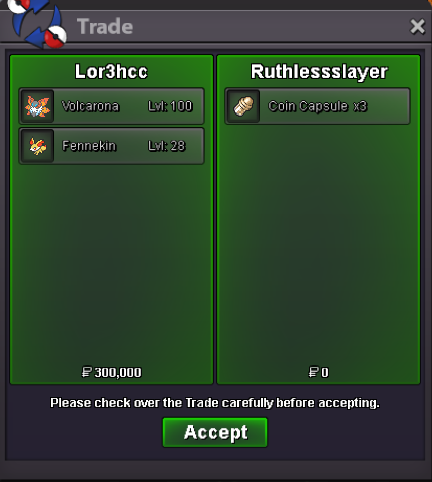
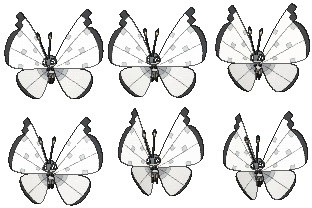
Selled Volcarona + Fennekin at @Ruthlessslayer
-
Im online in game or u can dm me on disc Greninja is locked by Deita
-
Im online in game or u can dm me on disc
-
Im online in game or u can dm me on disc
-
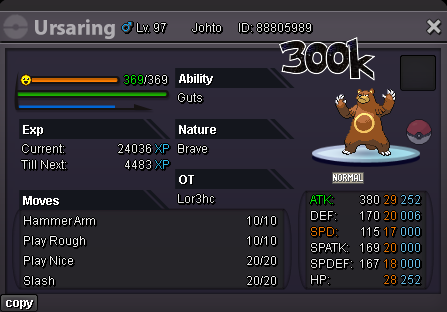
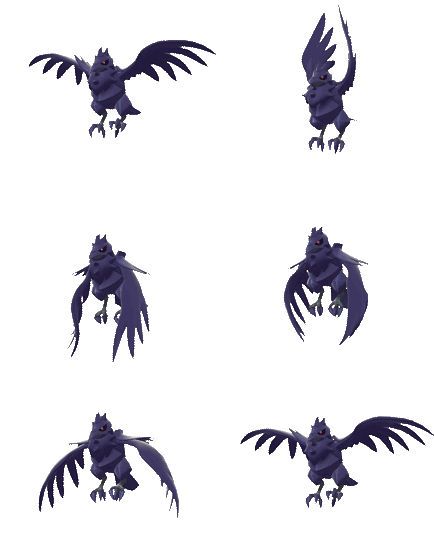
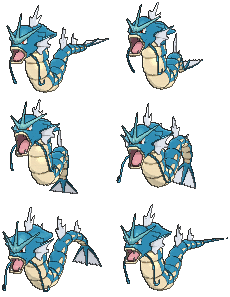
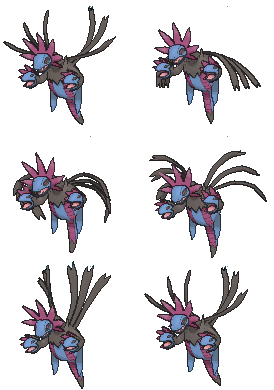
S.O: 5M Min bid: 100K Insta buy: 10M Ends in 48hr after first bid (UTC +2) Payments accepted : Pokedollars and CC (500k each) Discord: Lor3hC Make your offer below 😁 https://www.tickcounter.com/countdown/7984036/alakazam-auction-timer
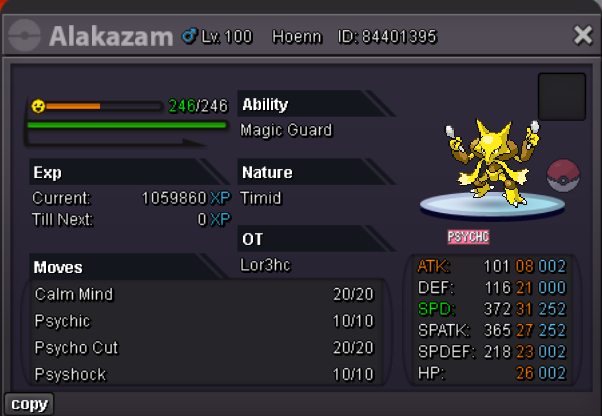
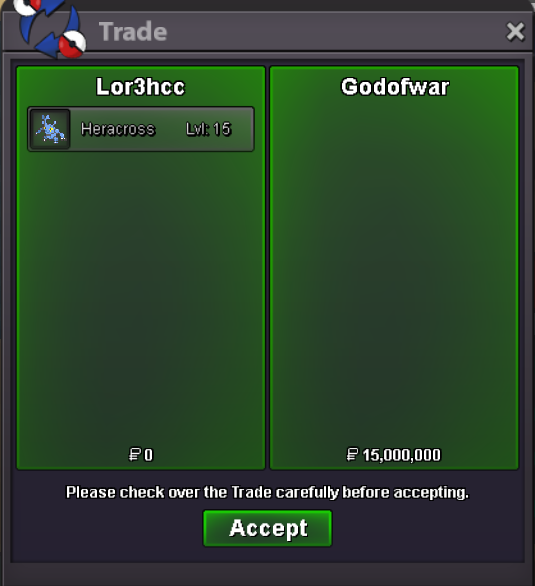
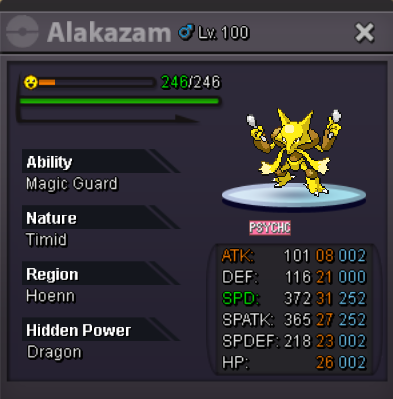 What is your IGN? Lor3hc What is your discord? Lor3hc Tell us a little about yourself. I came back to PRO 3weeks ago after 4yrs, im 30 from Italy. How many hours do you currently have? 1067h Do you know any existing members? Ferocityy Have you been in a guild before? If so, which one(s)? Long time ago in a full italian guild. dont remember the name What are your expectations for this guild? Meet new and active ppl in the game What You are looking for from the guild? Help with pvp, new meta etc.. since im not doing it rn What other games do you play online? New world (other mmo) / Hearthstone What is your favorite pokemon and what made them stick out to you? Mudkip/Swampert and Umbreon In your own words, please describe why you need to be recruited into this guild. Im very active rn in game, looking everyday for new poke to hunt then can be a good prospective in pvp rank If you're interested in PvP what is your favorite Archetype to use (Ex. HO, Balance, Stall, Weather, etc)? Not atmAuction is over @Godofwar offer 15m insta buy.S.O: 6M Min bid: 100K Insta buy: 15M Ends in 48hr after first bid (UTC +2) Payments accepted : Pokedollars and CC (500k each) Make your offer below 😁
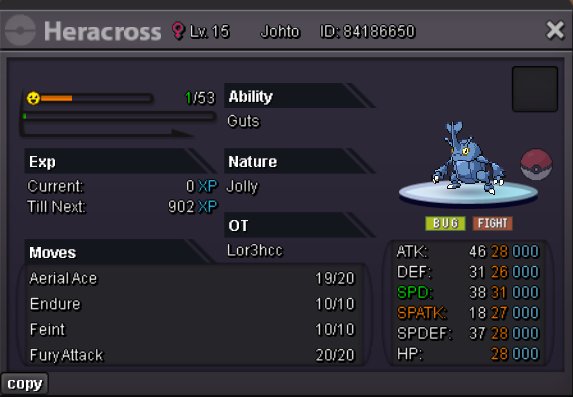 bumpS.o 3M Min raise 250k Insta buy 7M Ends in 10hr after first bid (UTC +1) Payments method : Pokedollars and CC (425k) are accept (max 2cc) Offers beyond 15 minutes left auction will reset timer at 15 minutes again Make your offer below, in game or discord: Lor3hC#1459
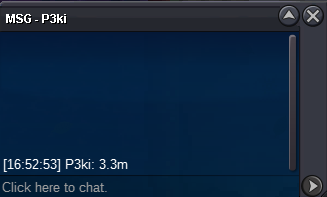
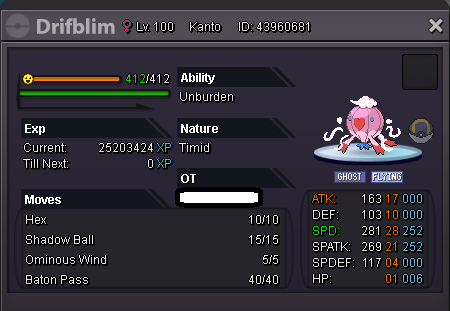 Auction is end the winner is p3ki with 3.3m bid Congrats and gl for all
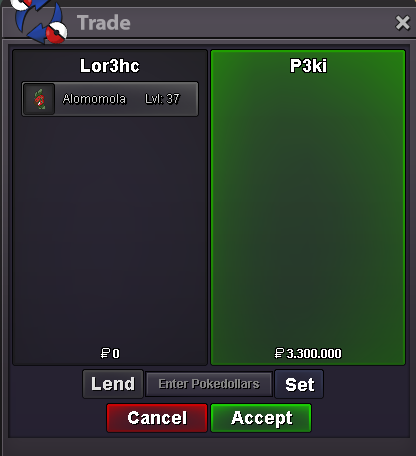 30 min left3 Hours remain until the end of the auctionKbow bid to 2.5m
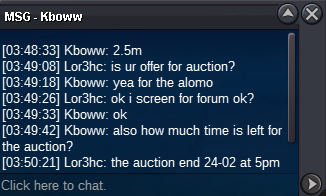 Auction will end wendsday 24/02/2021 at 5pm (UTC +1) Gl at all 🙂



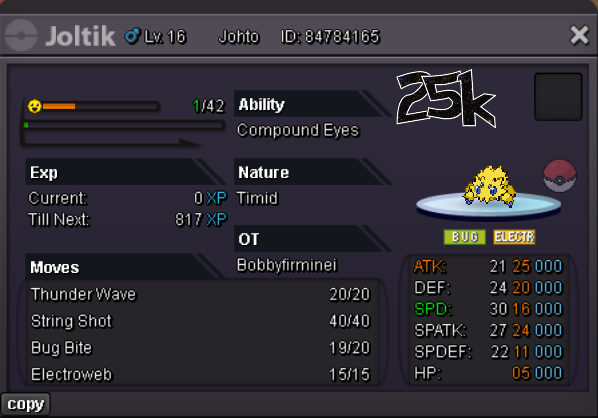
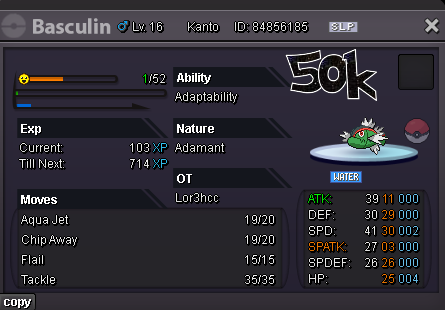
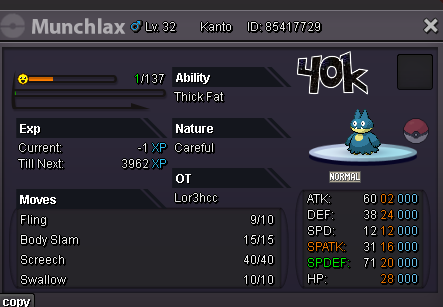
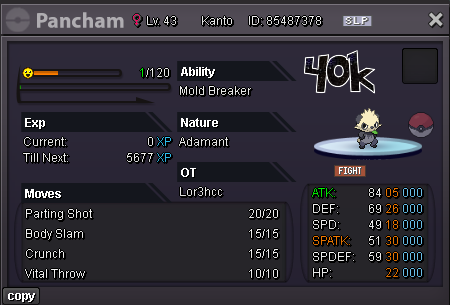
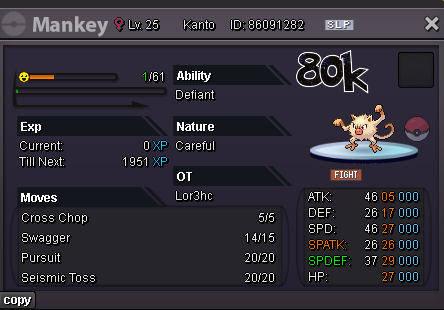
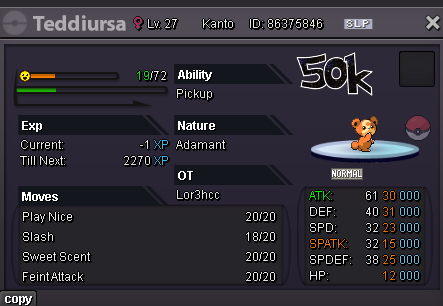
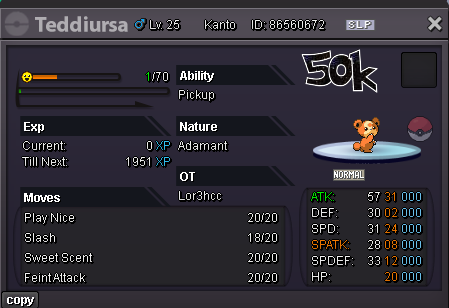
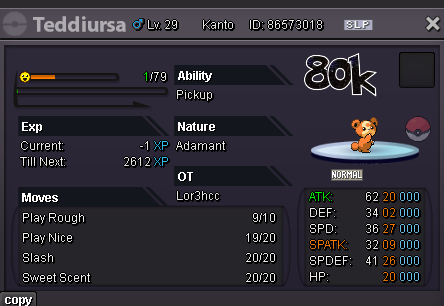
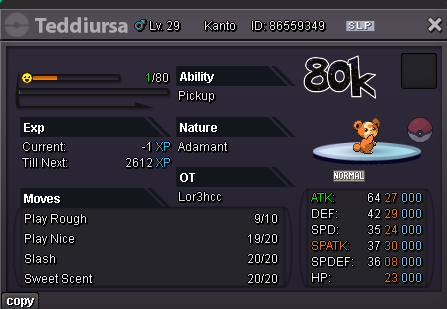
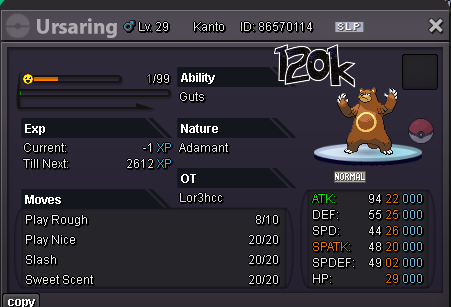
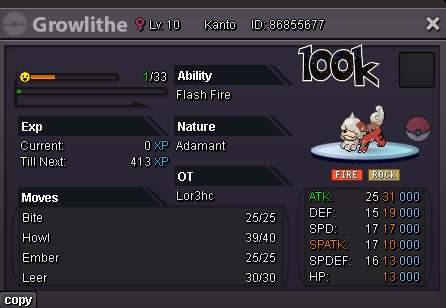

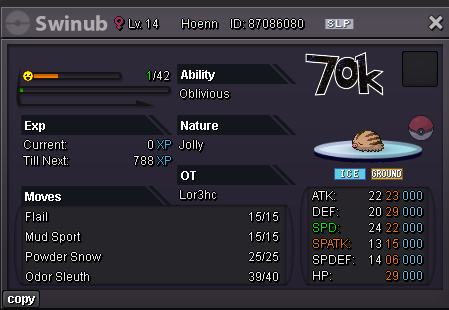















.png.364b5c77add19ed42652a24edf7c44a0.png)










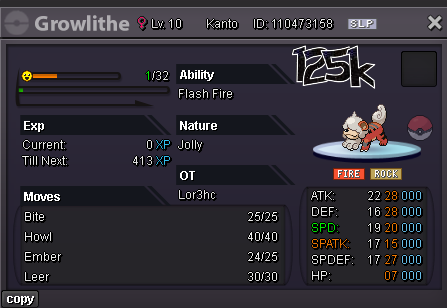
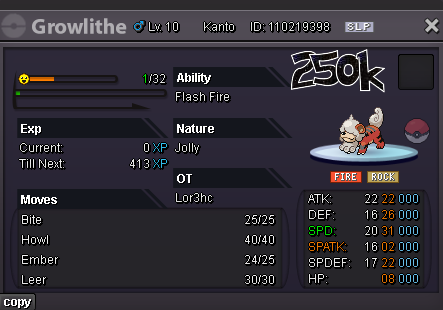
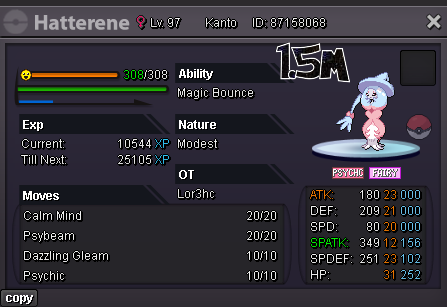
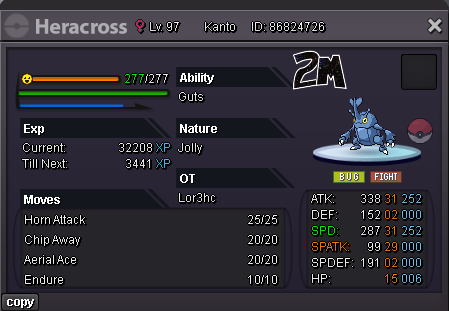
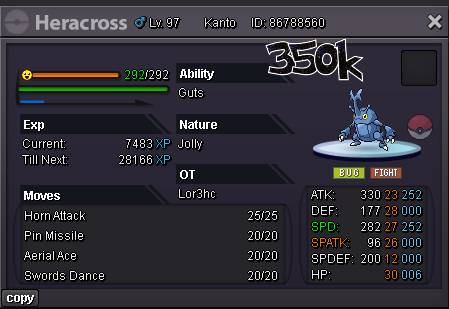
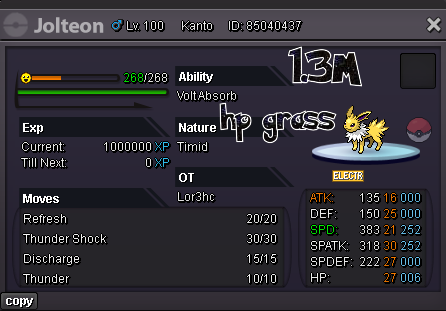



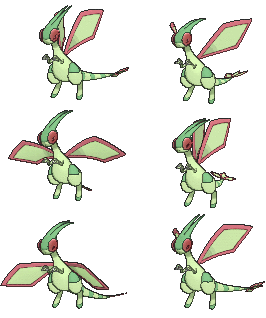




















.png.1e3a3b106fd69dad3083bc55ba55248c.png)



























.png.eba45997e97f81febc32a47e9b3979cb.png)
.png.a4ef497ebe6e6ead14acad7249a908f8.png)
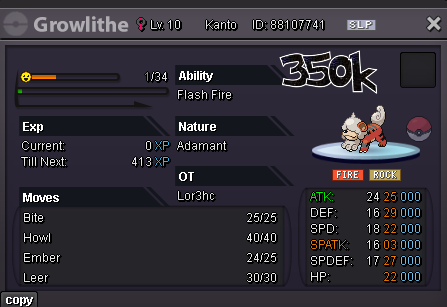
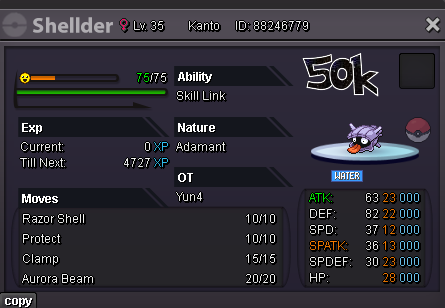
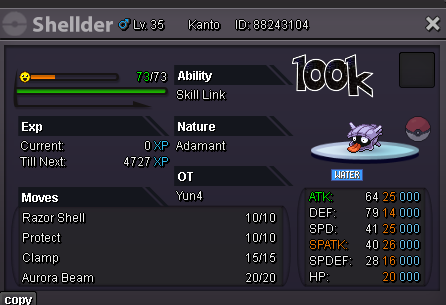
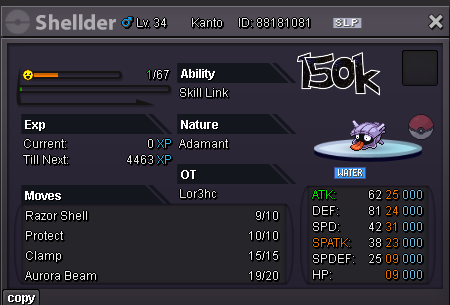
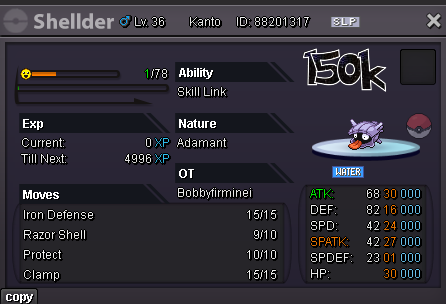
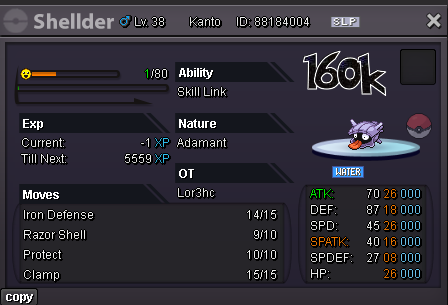
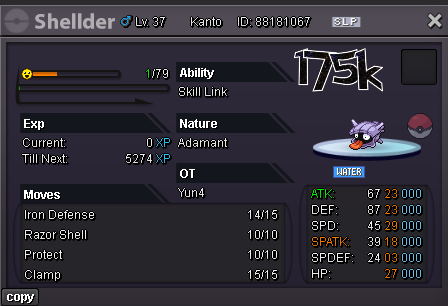
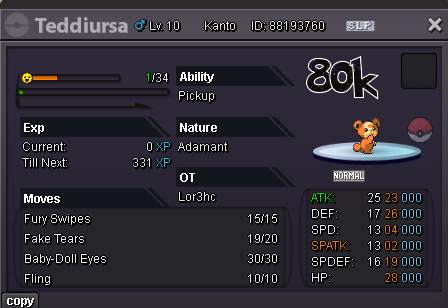





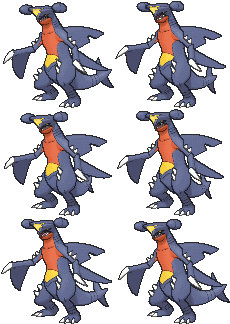
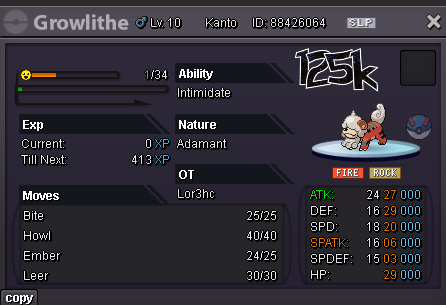
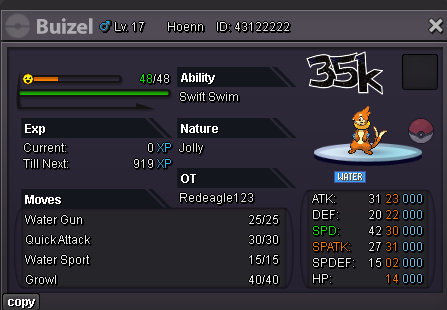
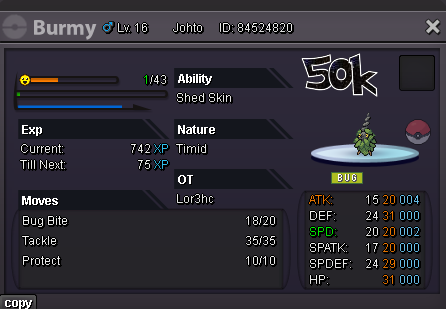
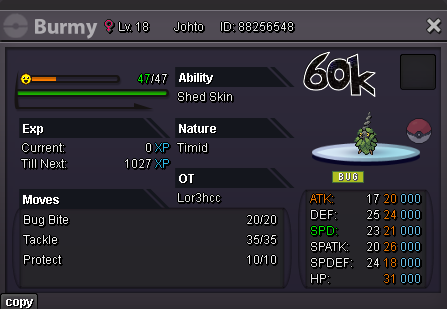
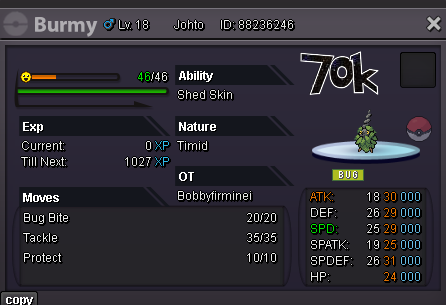
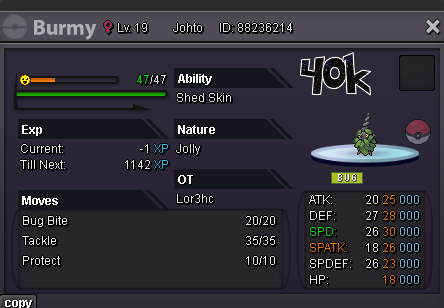
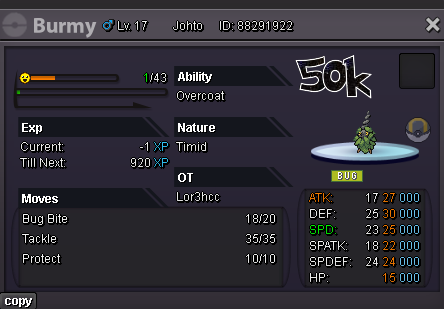
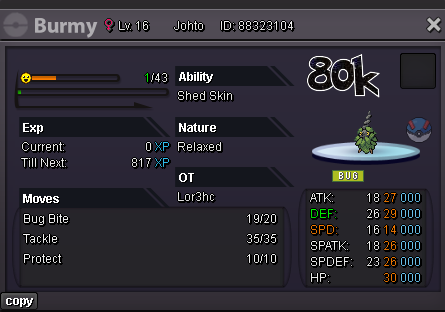
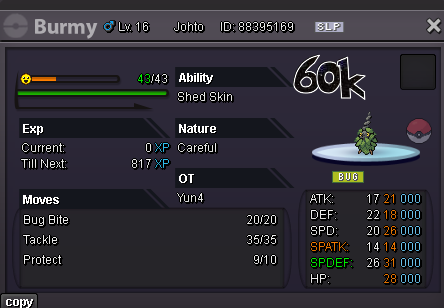
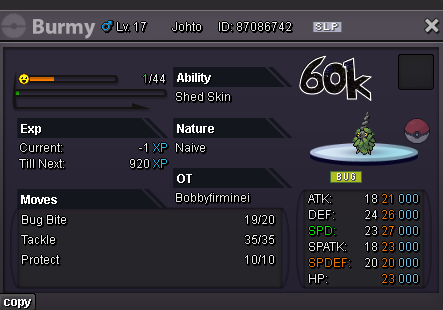
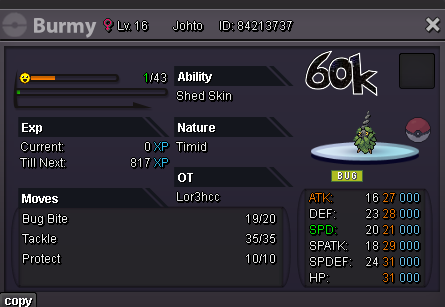
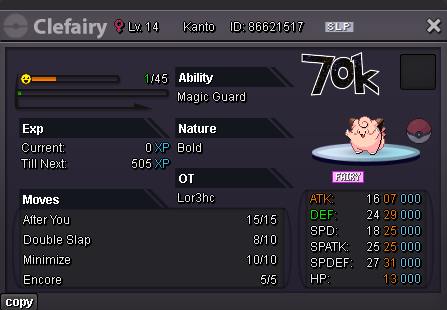
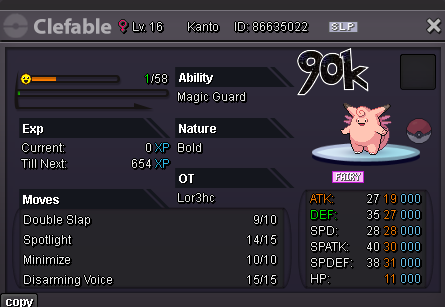
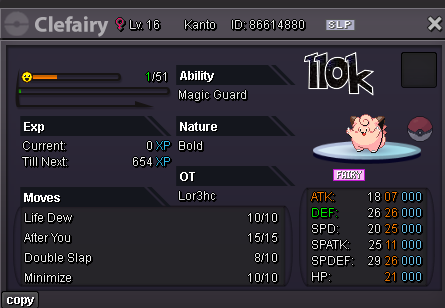
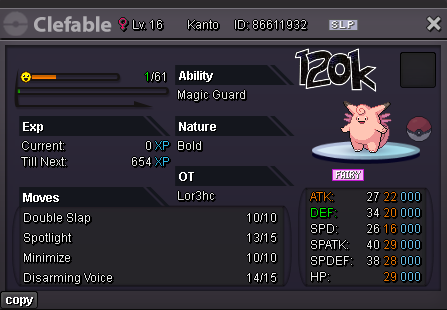
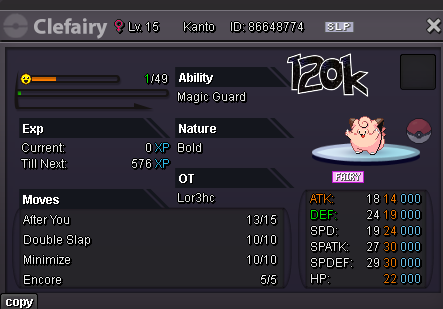
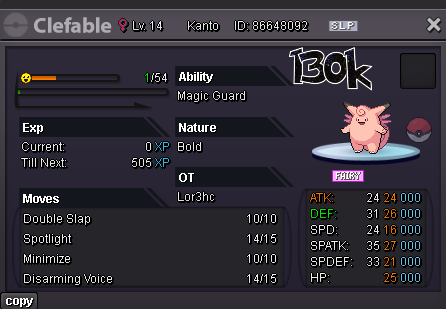
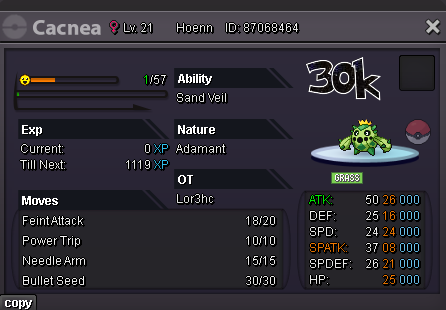
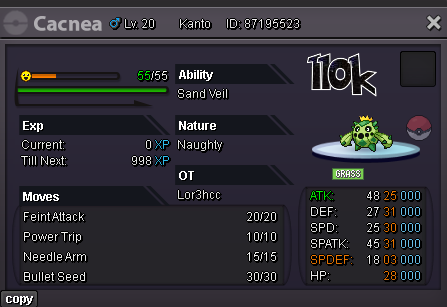
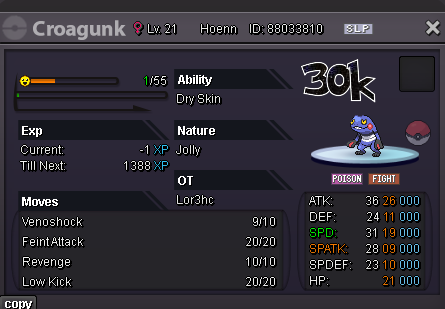
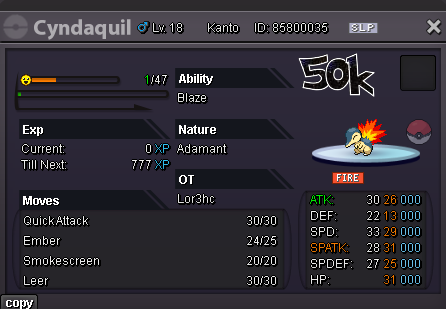
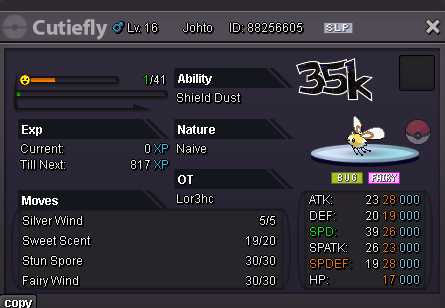
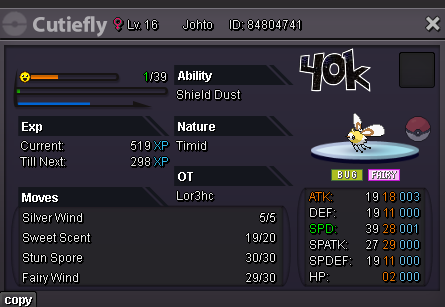
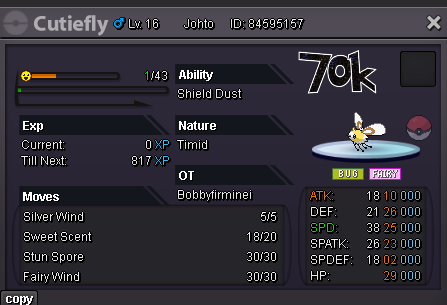
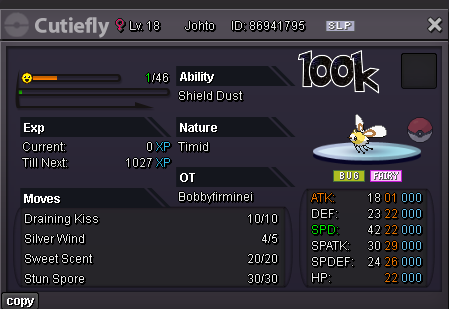
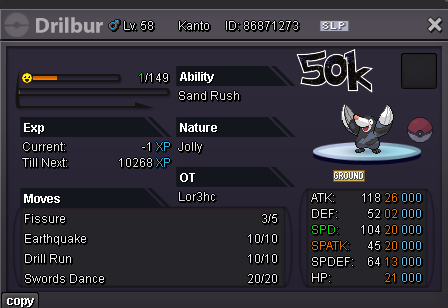
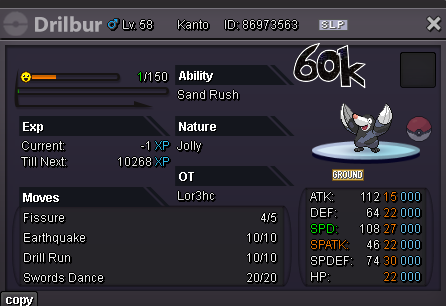
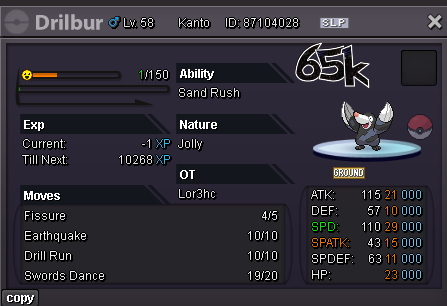
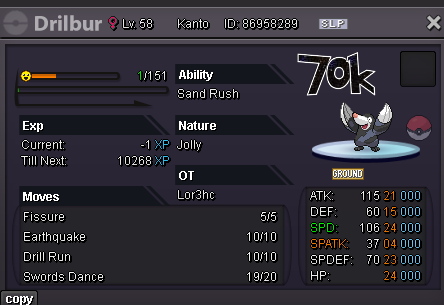
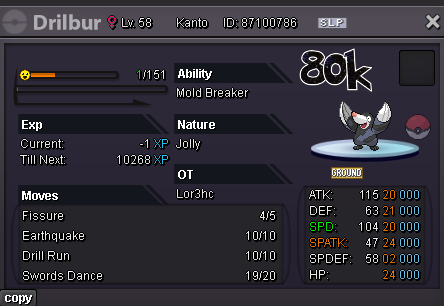
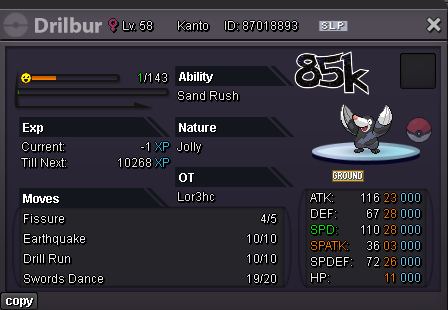
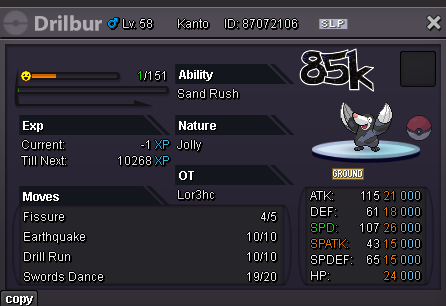
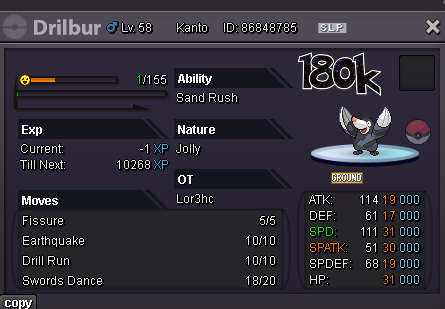
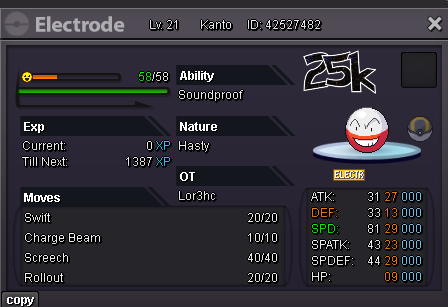
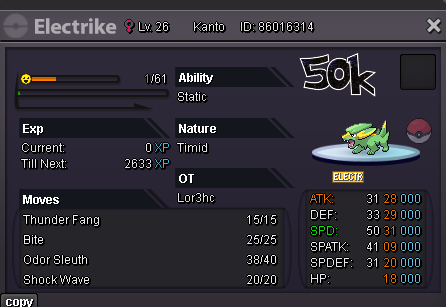
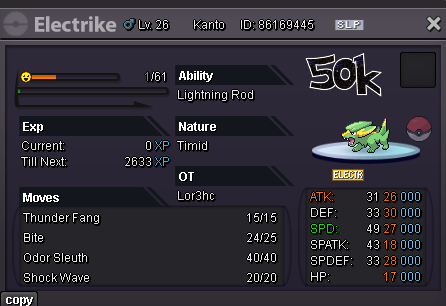
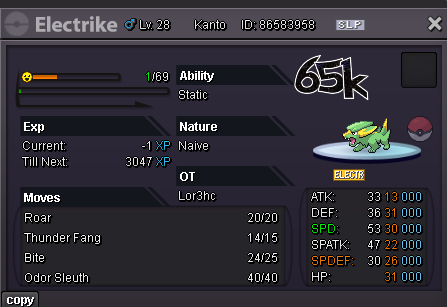
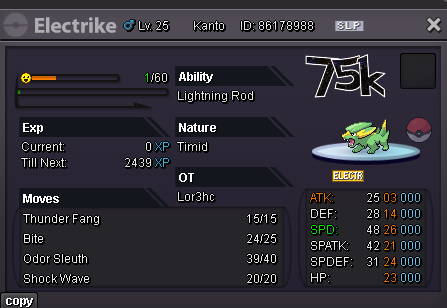
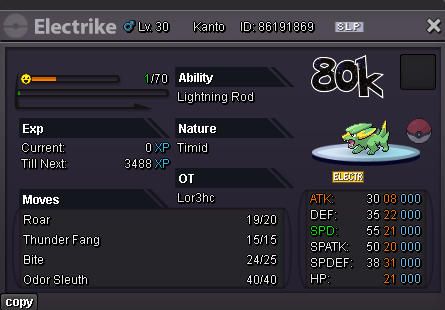
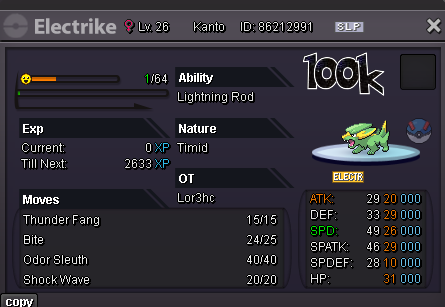
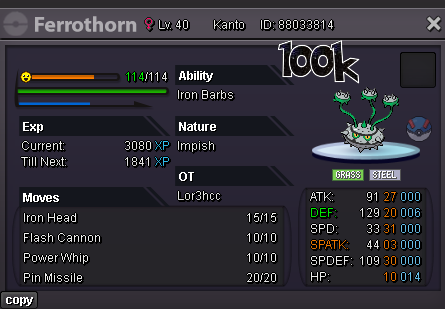
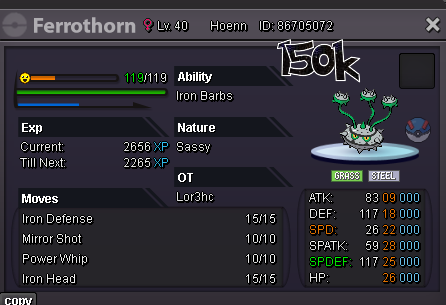
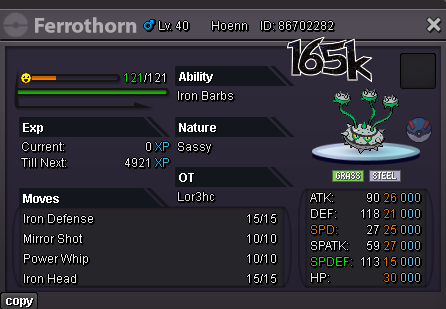
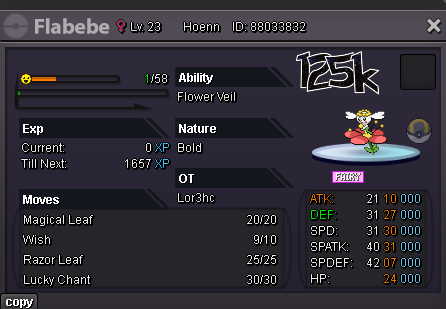
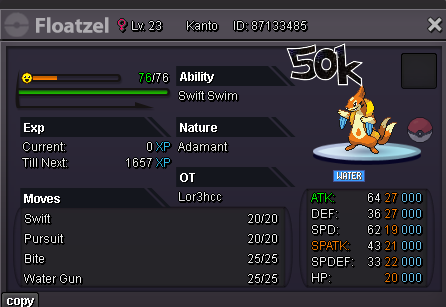
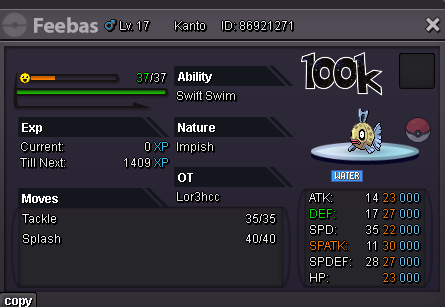
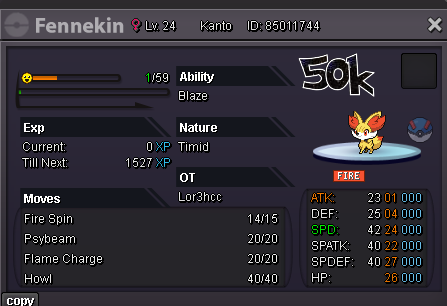
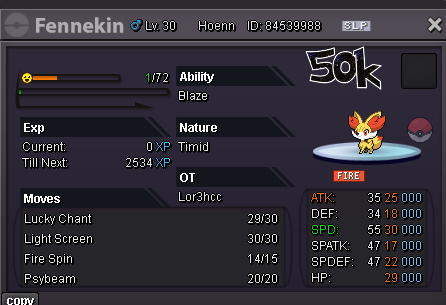
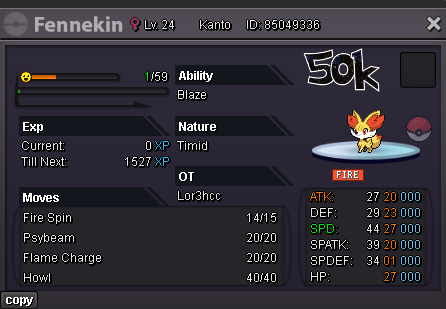
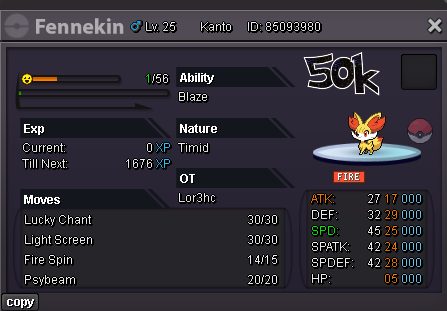
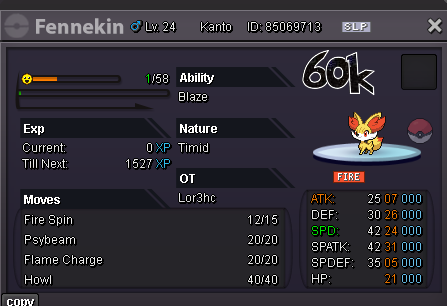
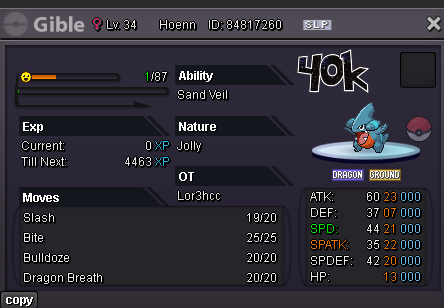
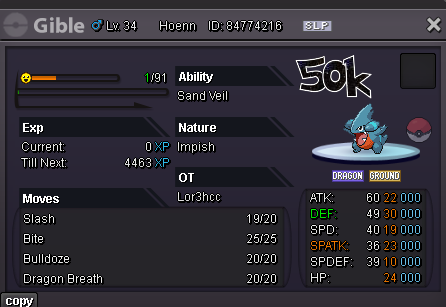
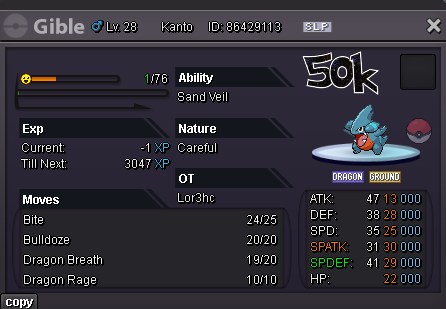
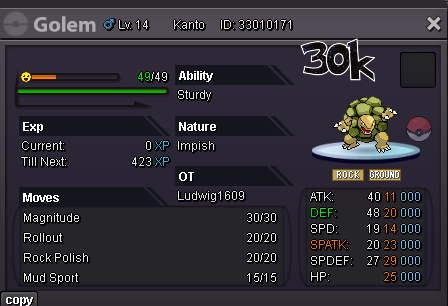
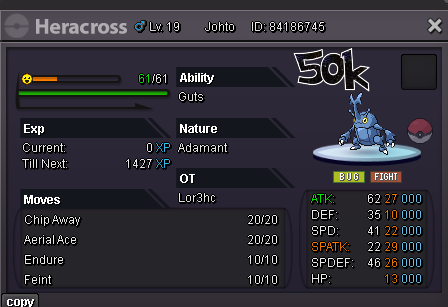
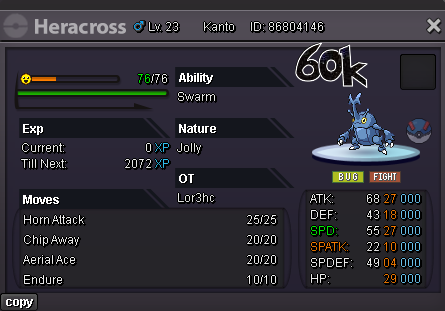
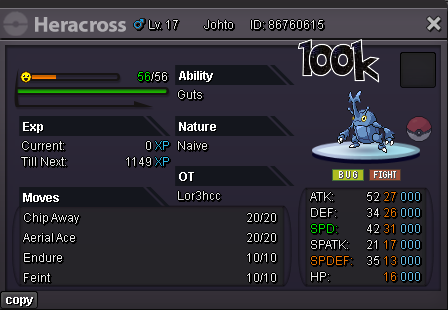
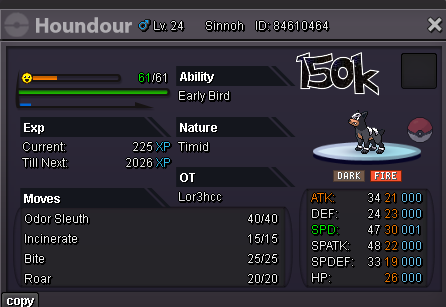
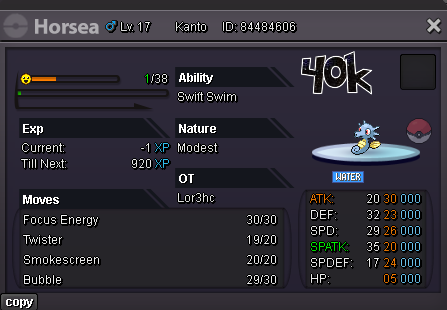
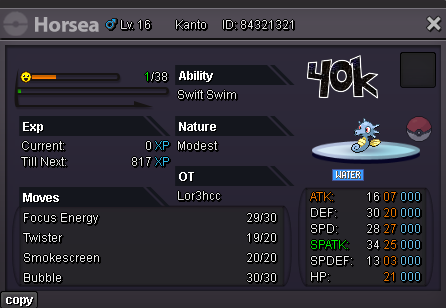
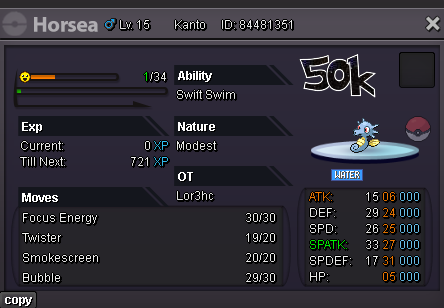
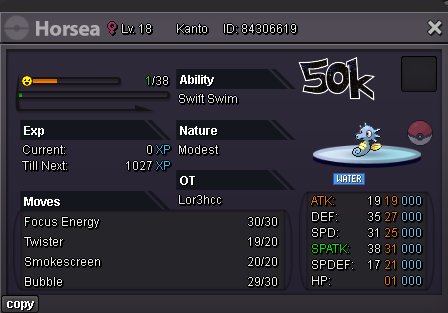
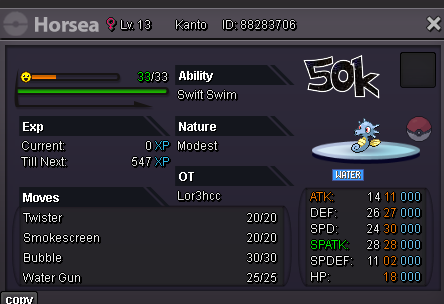
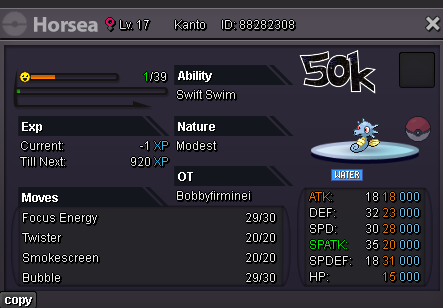
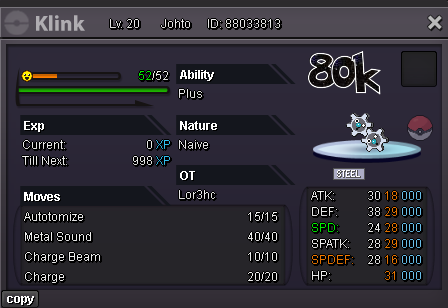
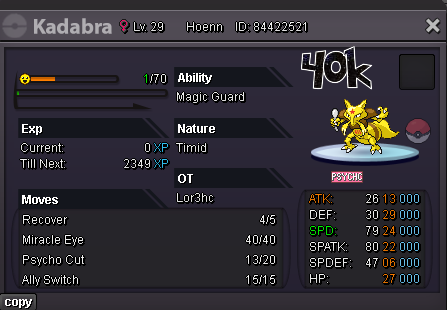
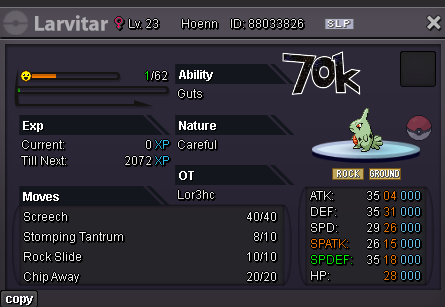
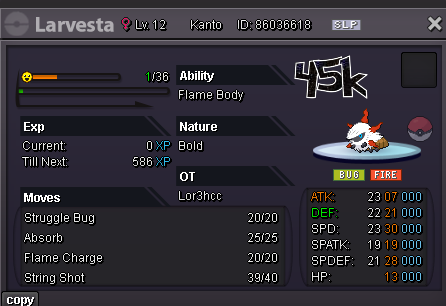
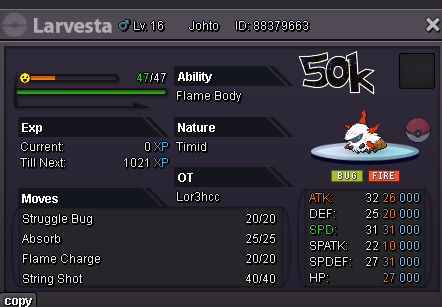
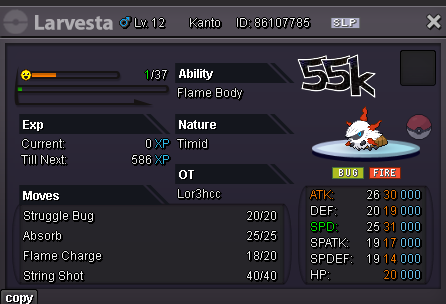
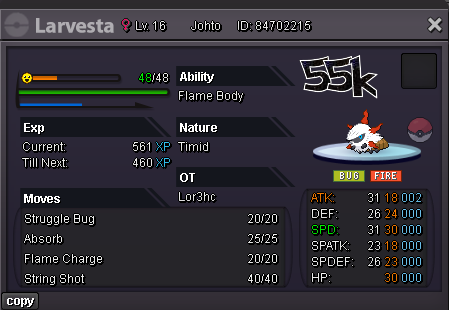
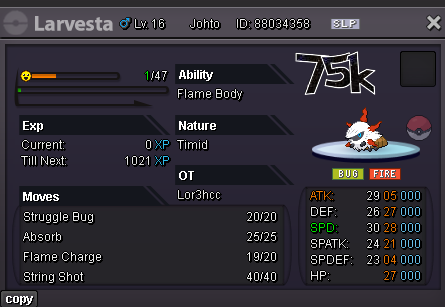
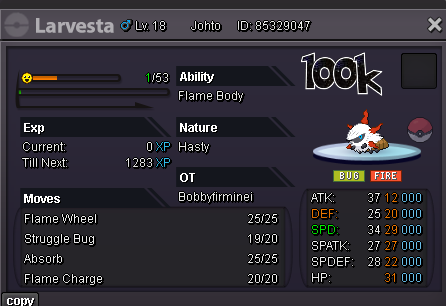
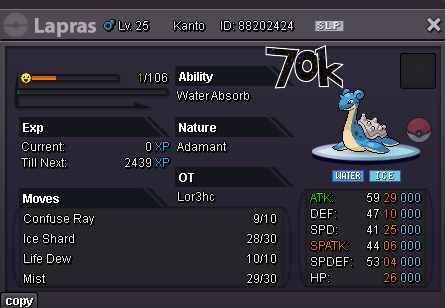
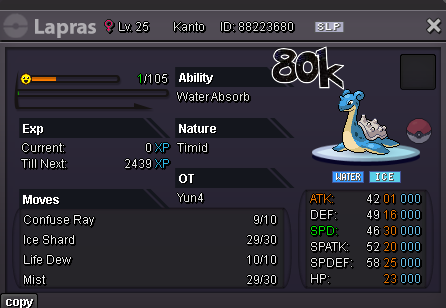
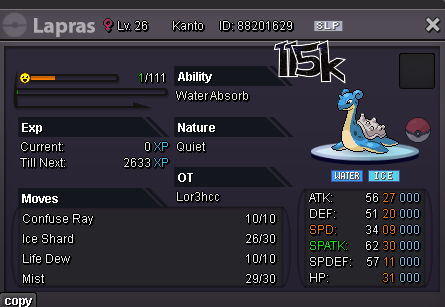
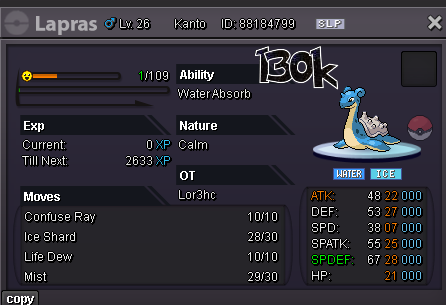
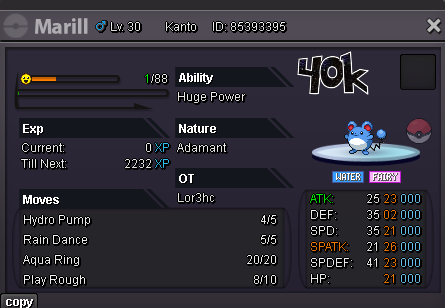
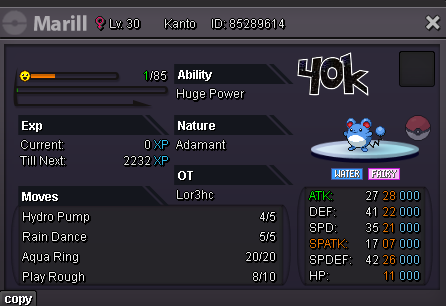
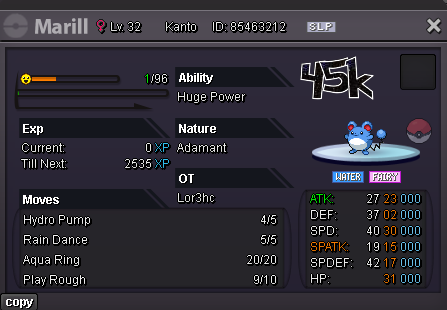
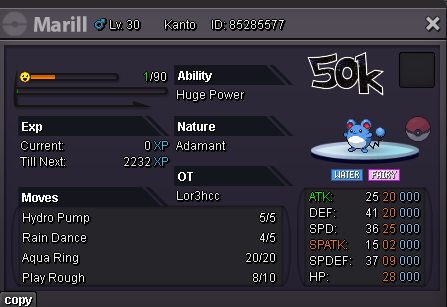
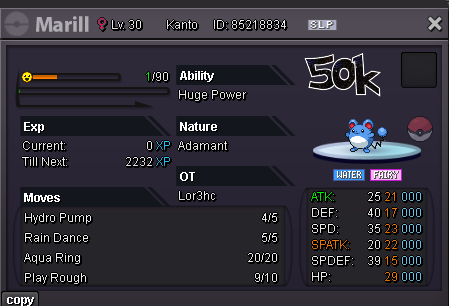
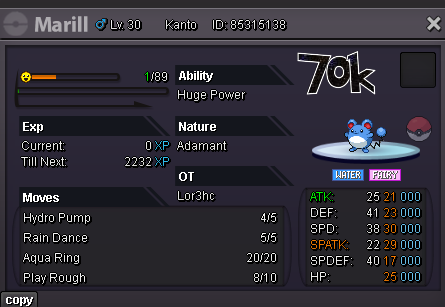
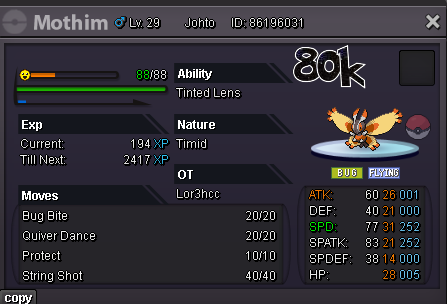
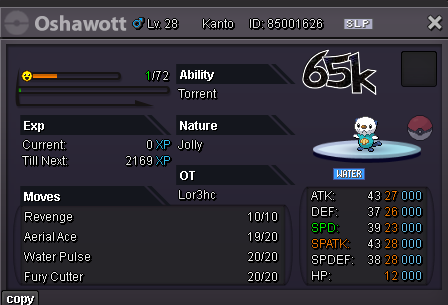
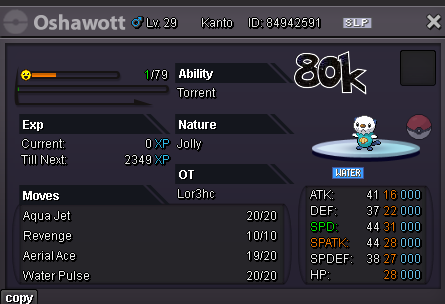
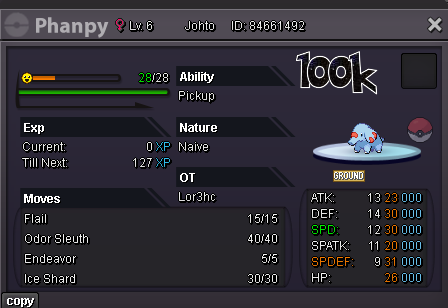
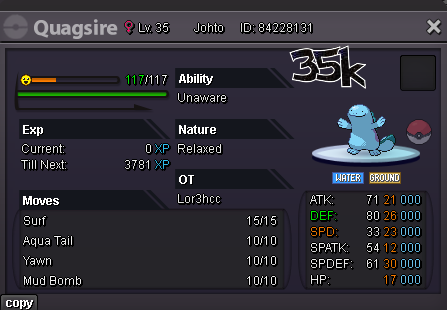
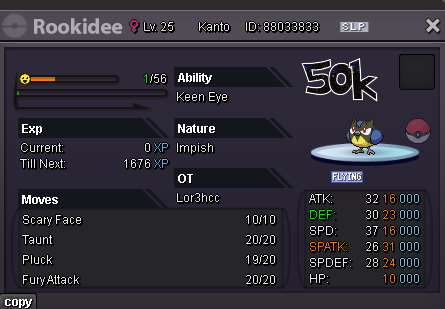
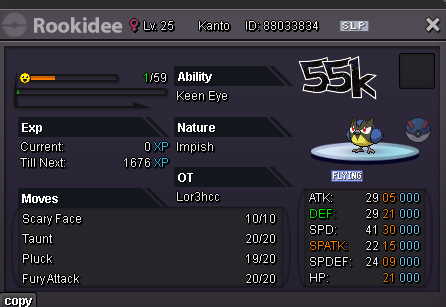
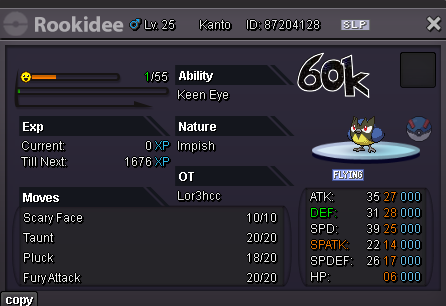
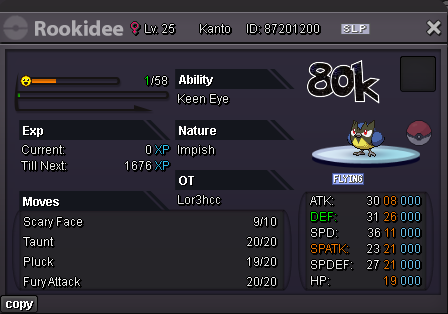
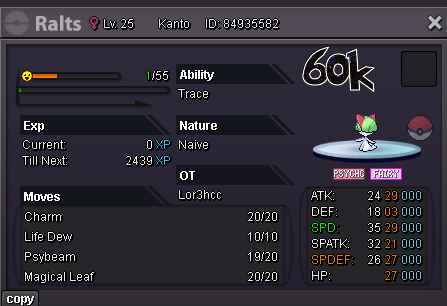
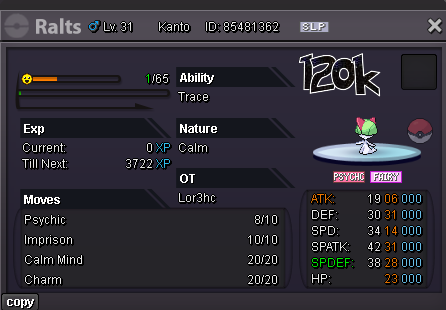
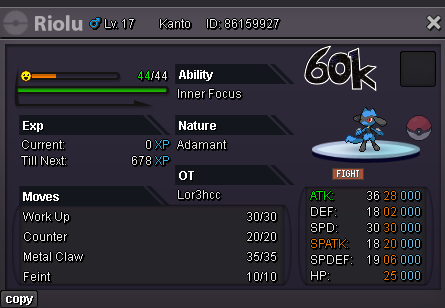
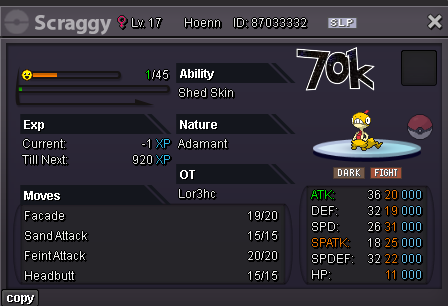
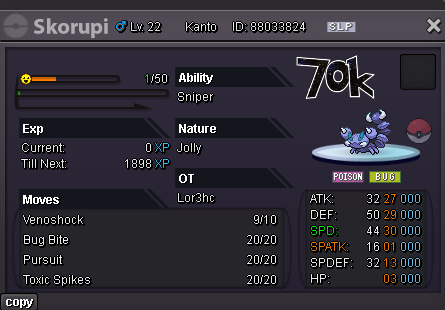
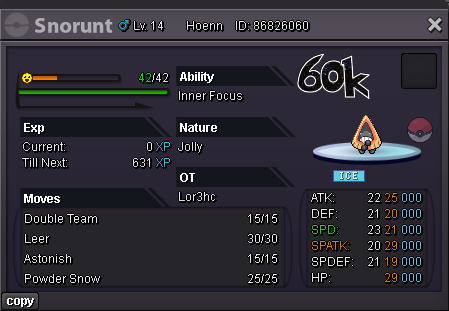
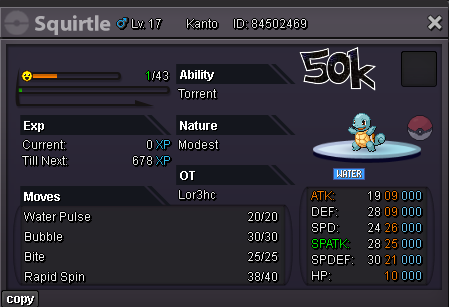
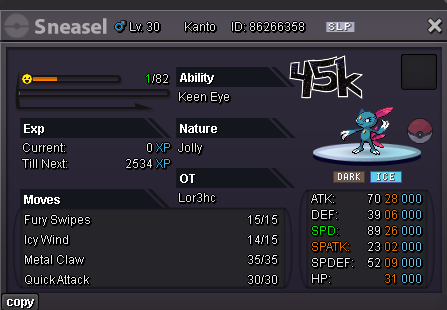
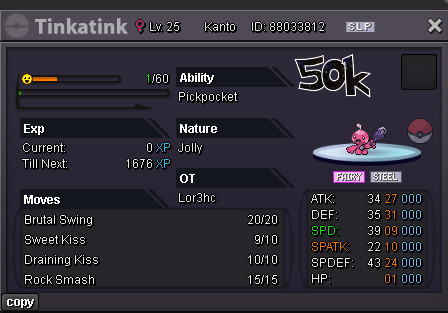
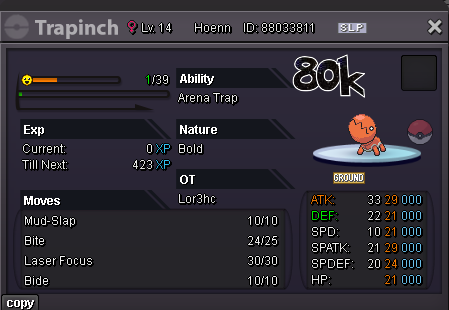
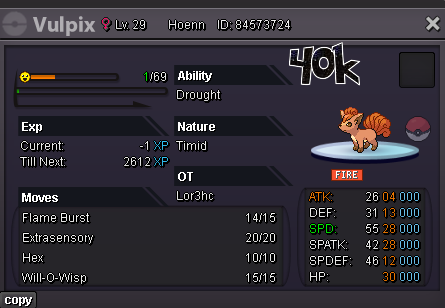
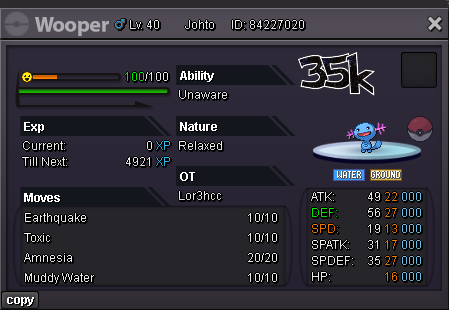
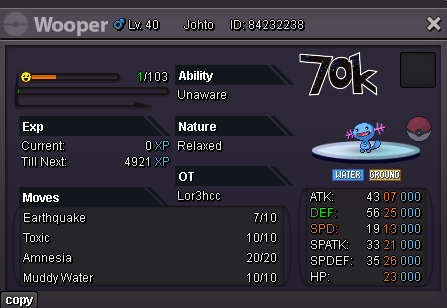
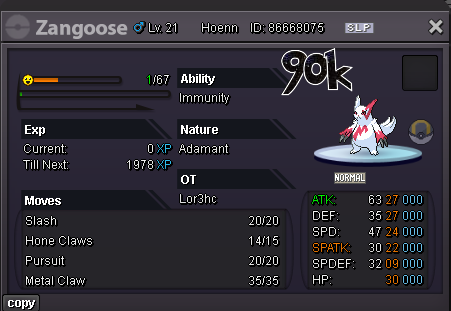
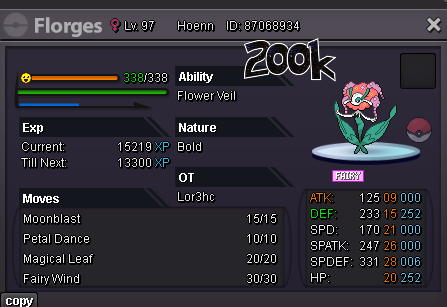
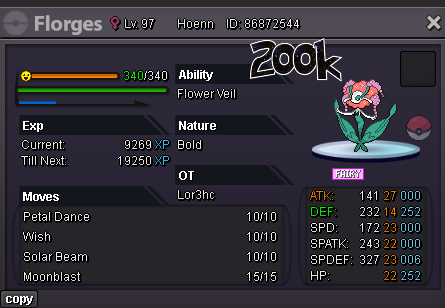
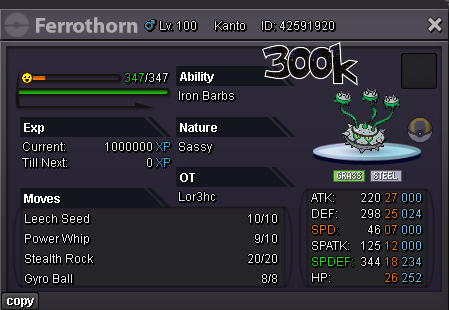
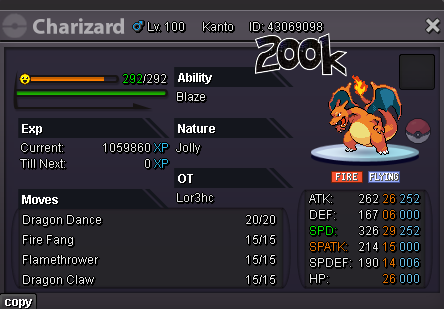
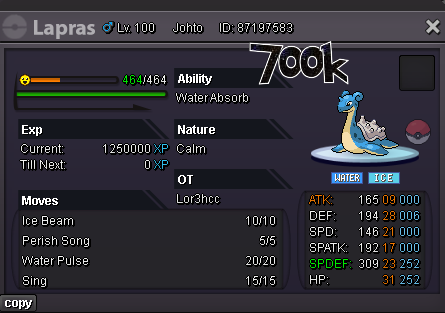
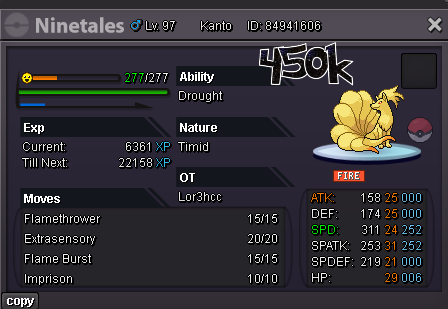
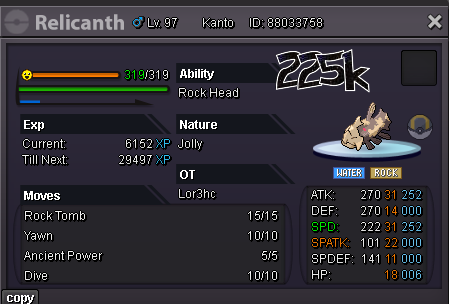
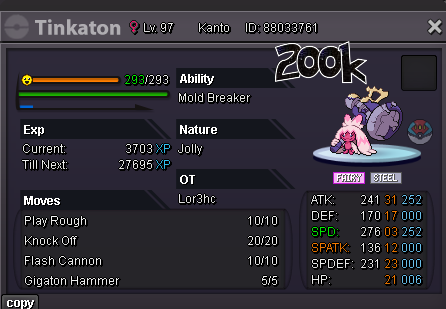
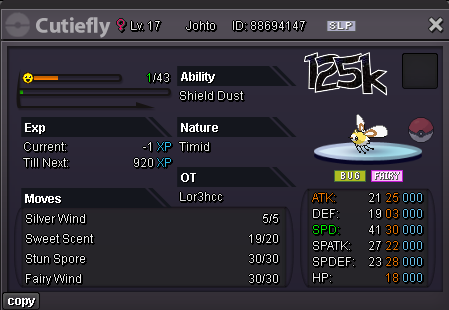
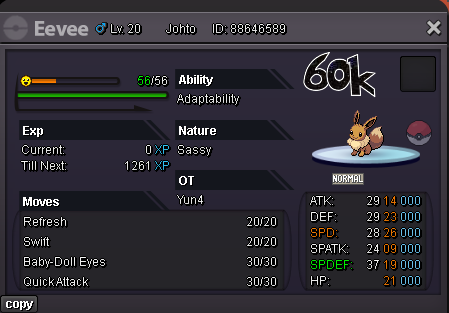
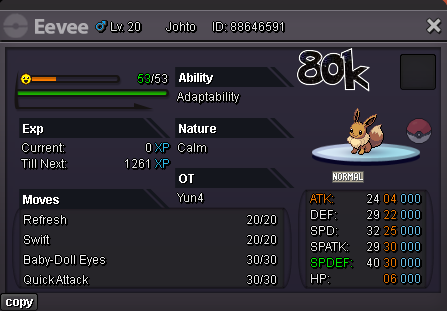
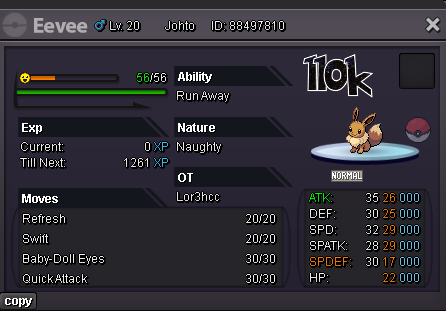
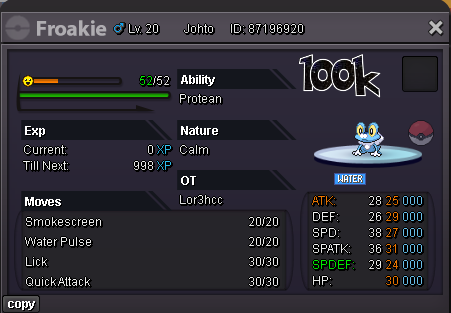
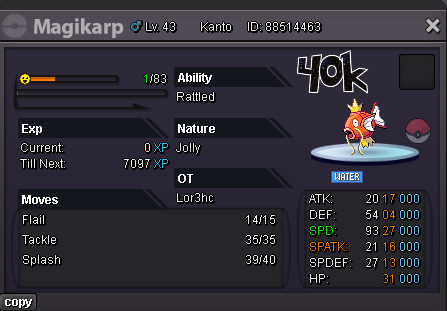
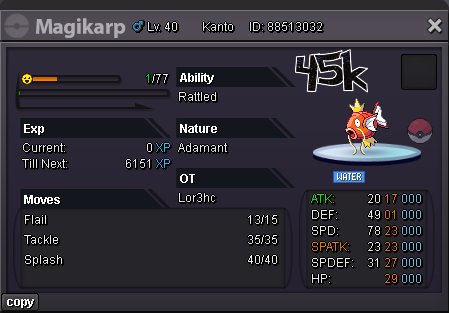
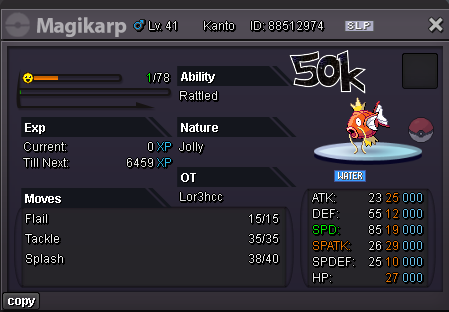
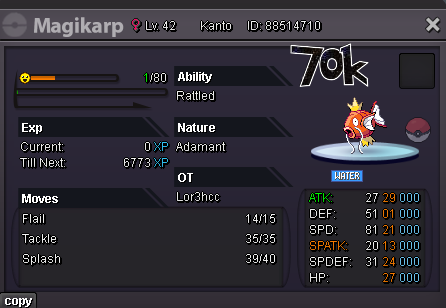
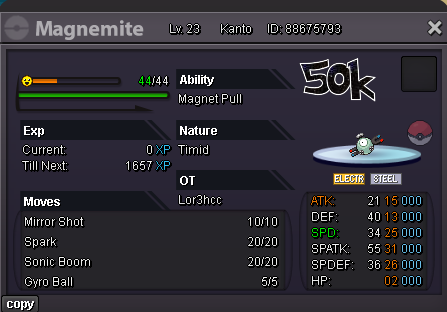
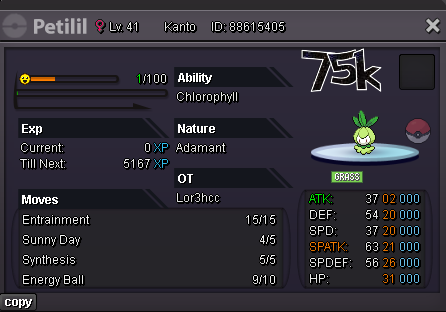
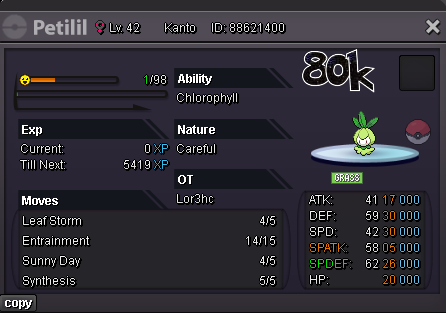
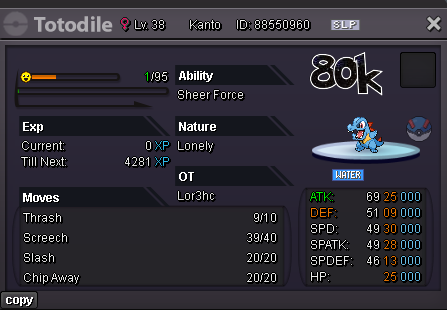
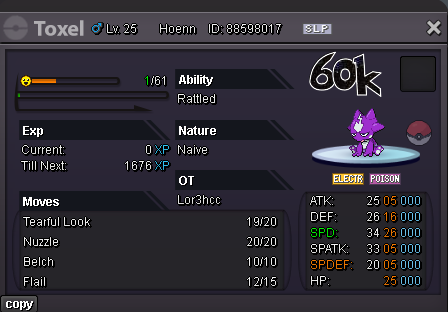
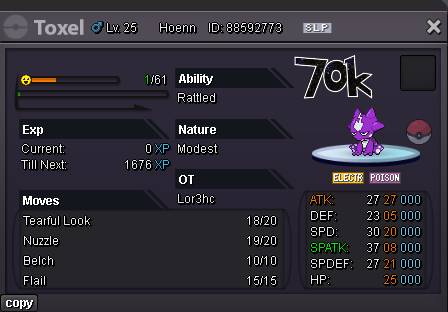
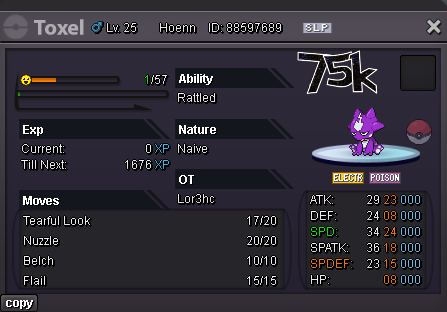


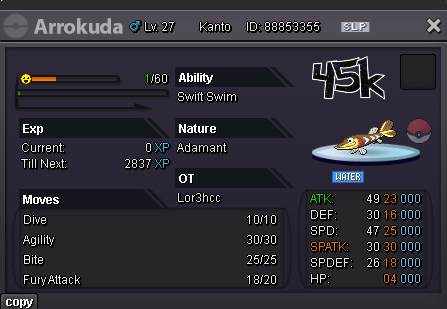
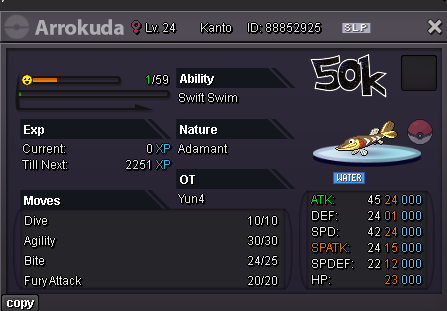
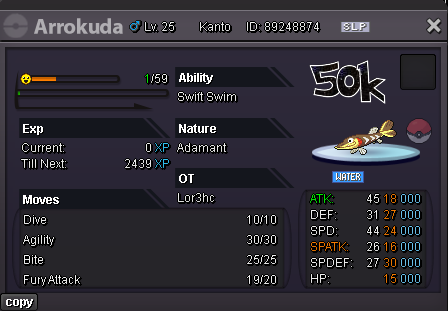
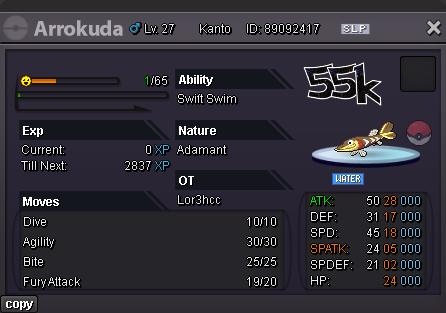
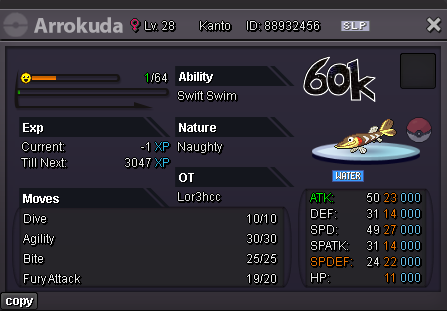
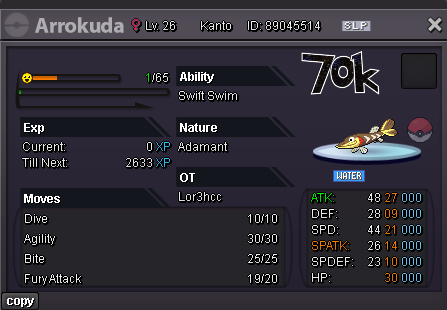
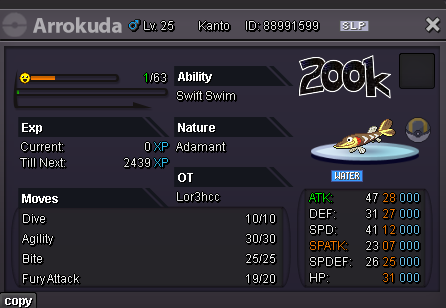
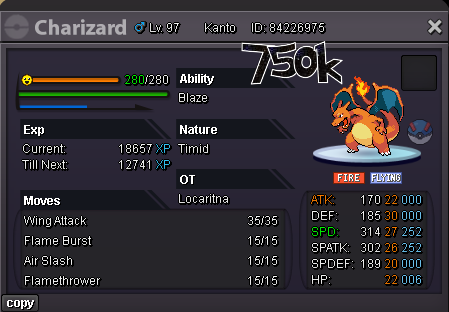
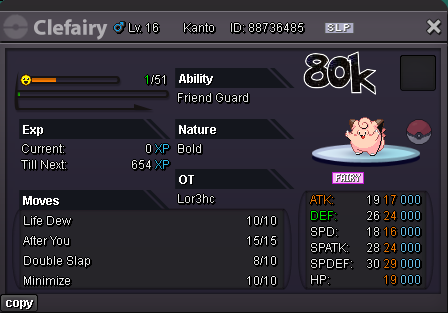
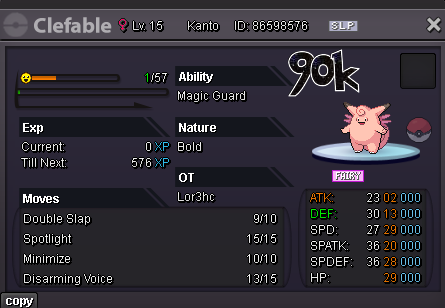
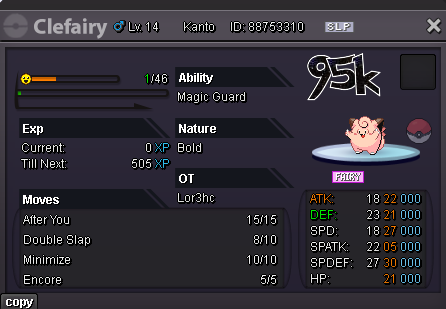
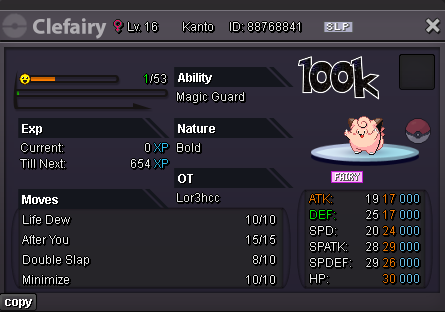
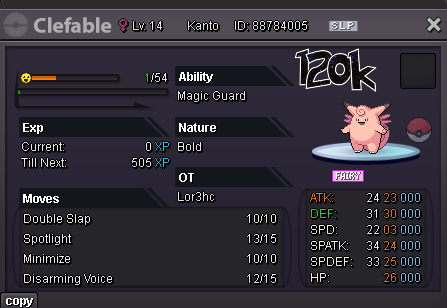
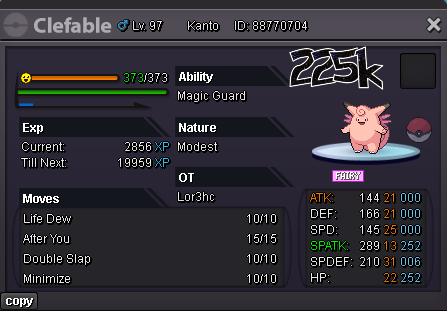
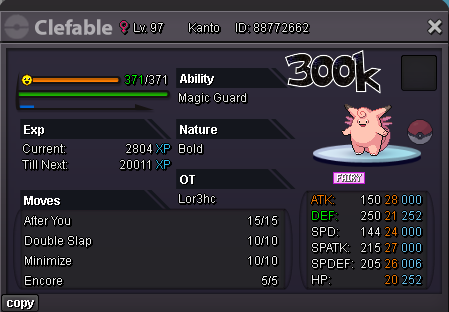
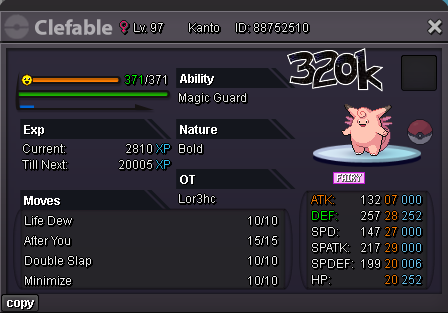
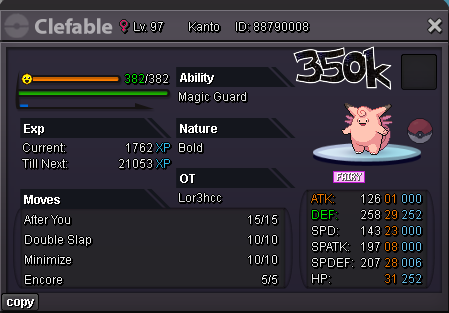
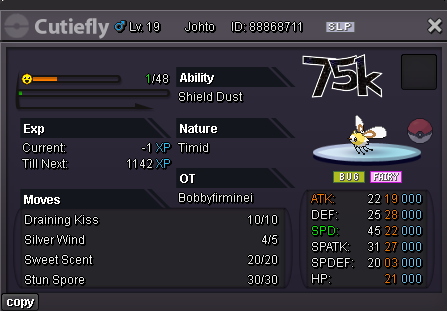
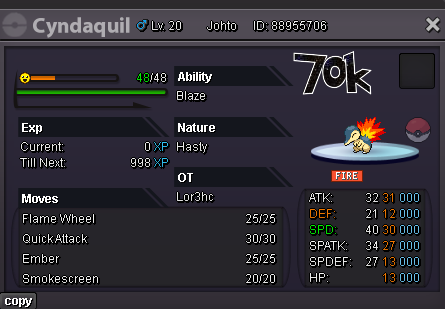
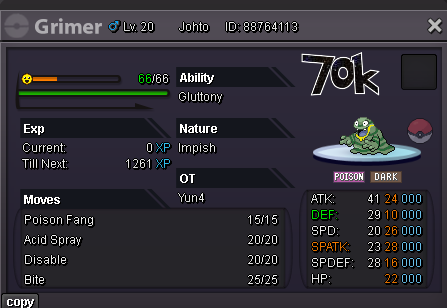
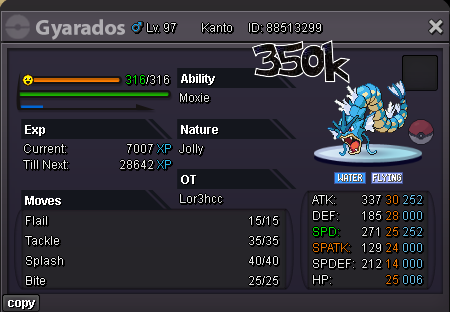
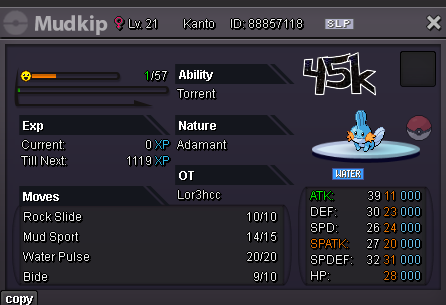
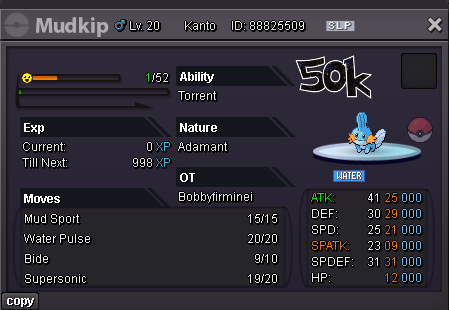
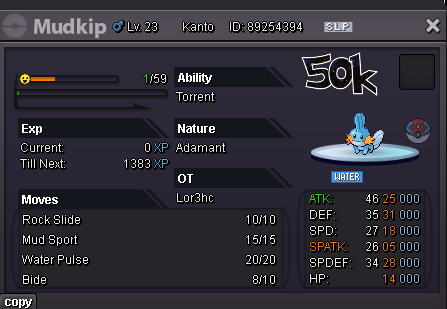
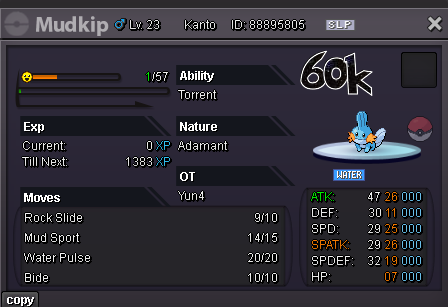
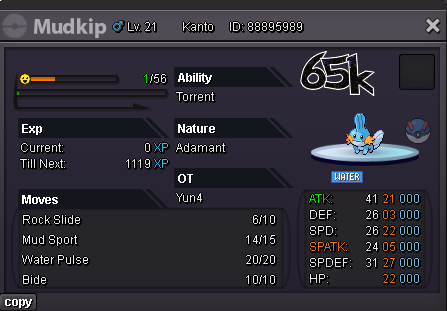
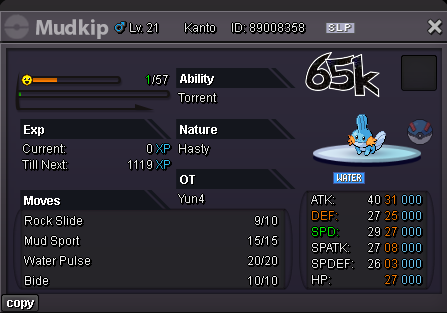
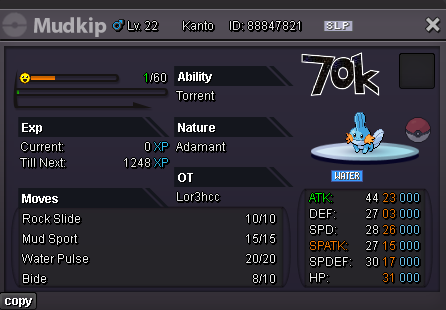
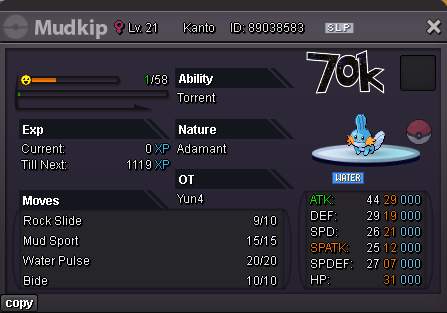
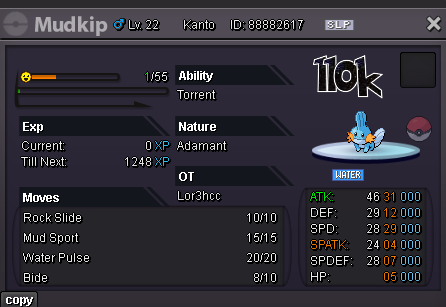
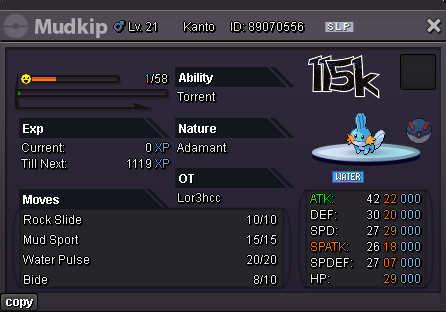
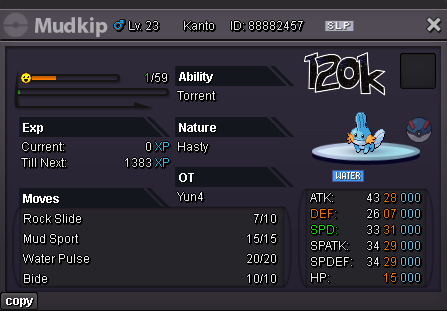
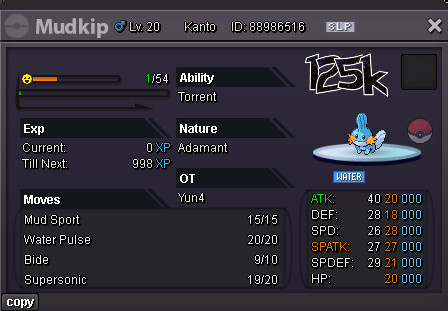
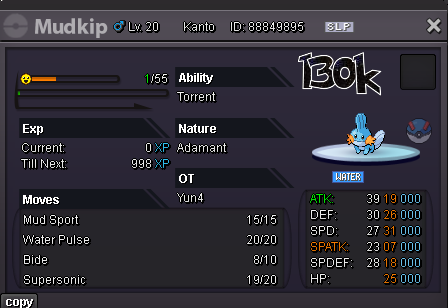
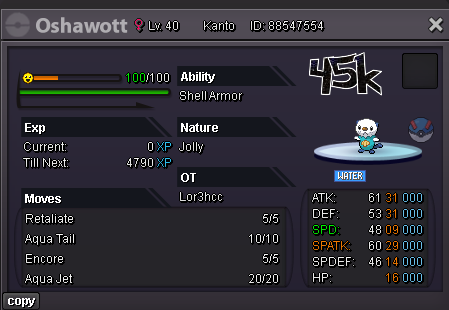
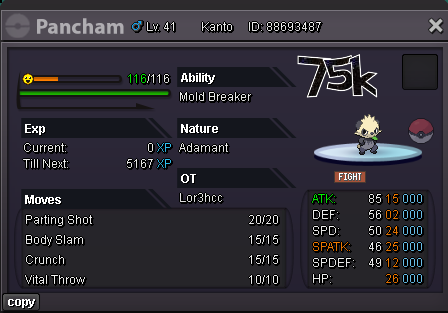
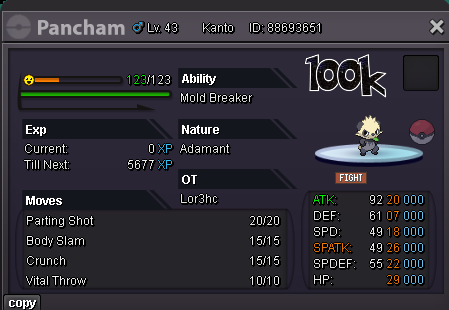
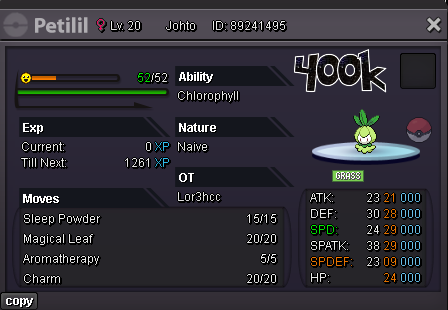
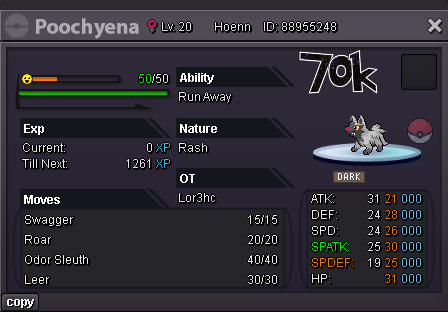
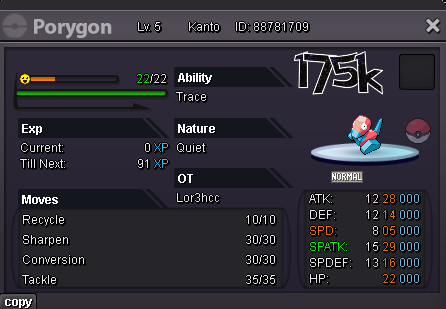
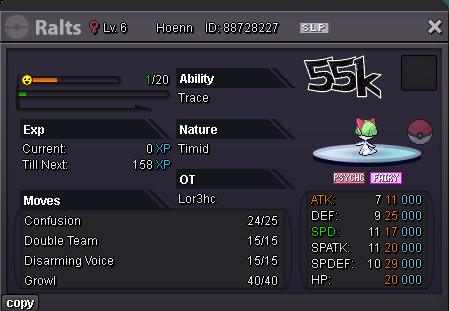
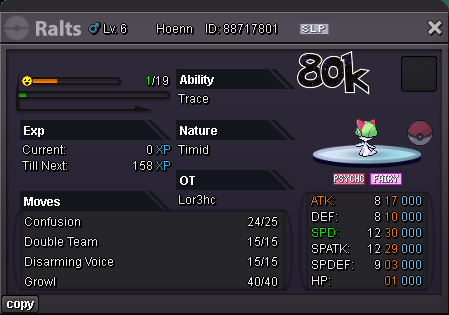
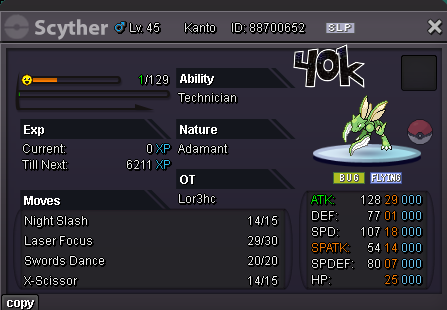
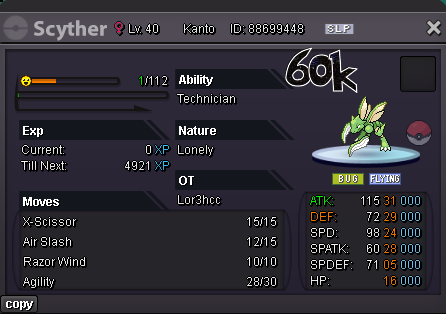
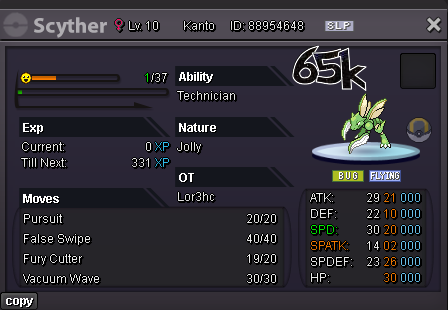
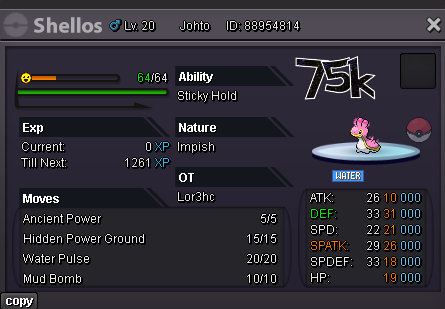
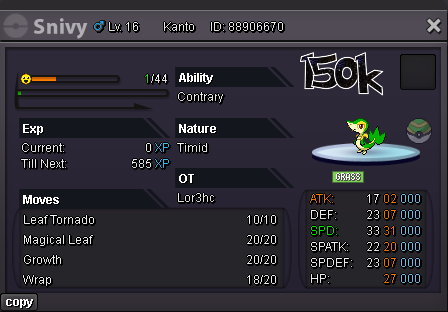
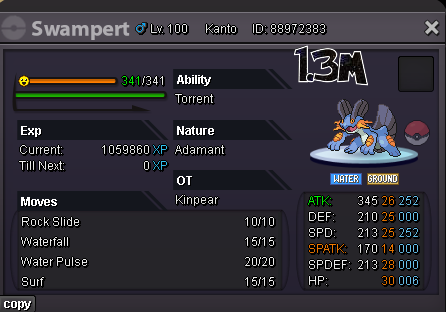
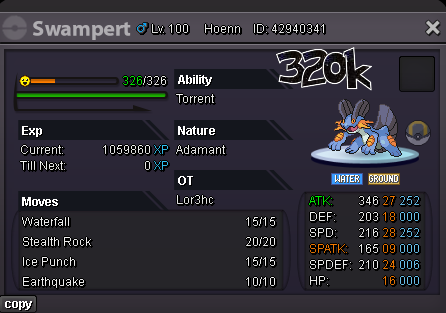
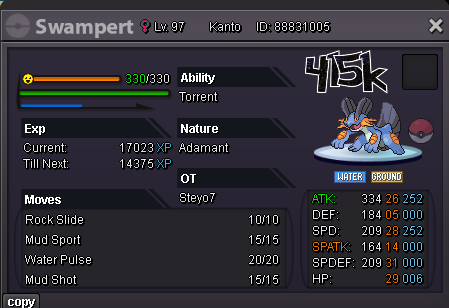
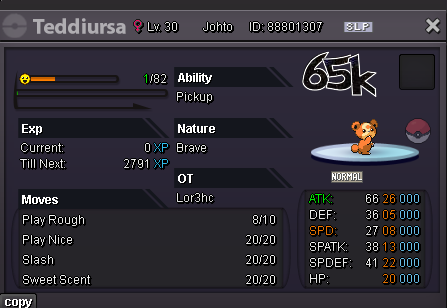
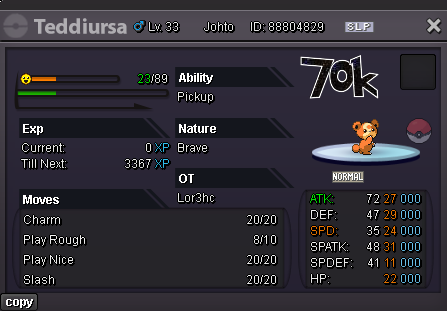
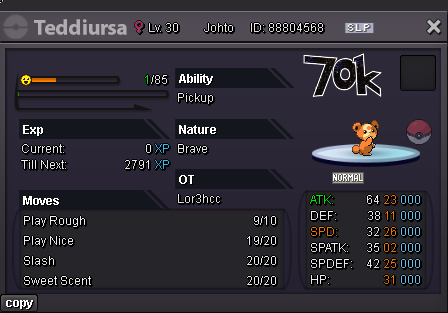
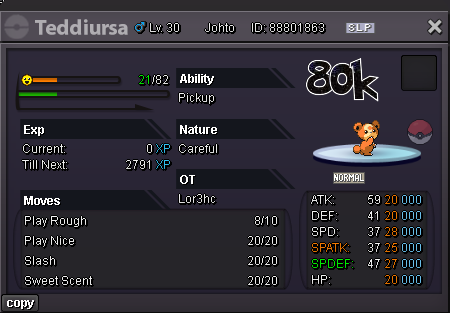
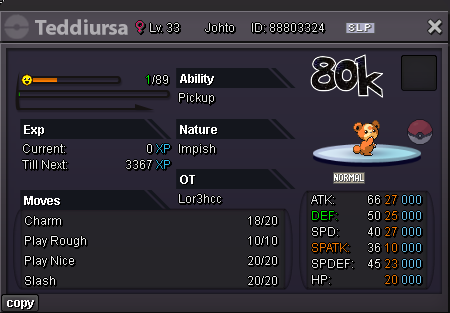
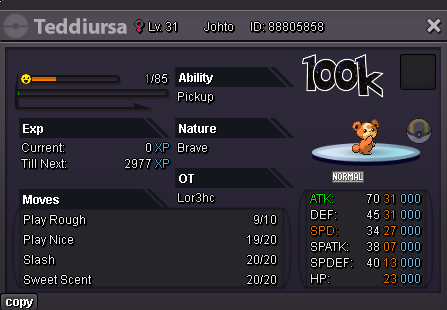
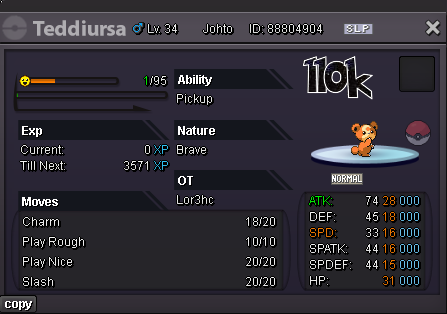
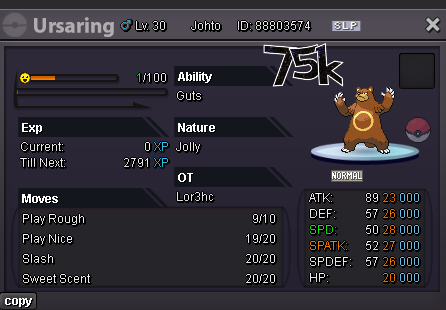
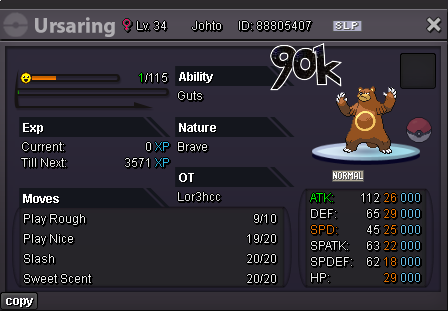
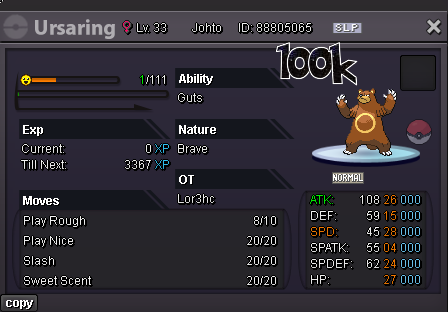
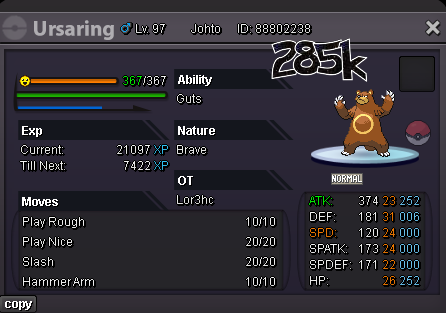








Account
Navigation
Search
Configure browser push notifications
Chrome (Android)
- Tap the lock icon next to the address bar.
- Tap Permissions → Notifications.
- Adjust your preference.
Chrome (Desktop)
- Click the padlock icon in the address bar.
- Select Site settings.
- Find Notifications and adjust your preference.
Safari (iOS 16.4+)
- Ensure the site is installed via Add to Home Screen.
- Open Settings App → Notifications.
- Find your app name and adjust your preference.
Safari (macOS)
- Go to Safari → Preferences.
- Click the Websites tab.
- Select Notifications in the sidebar.
- Find this website and adjust your preference.
Edge (Android)
- Tap the lock icon next to the address bar.
- Tap Permissions.
- Find Notifications and adjust your preference.
Edge (Desktop)
- Click the padlock icon in the address bar.
- Click Permissions for this site.
- Find Notifications and adjust your preference.
Firefox (Android)
- Go to Settings → Site permissions.
- Tap Notifications.
- Find this site in the list and adjust your preference.
Firefox (Desktop)
- Open Firefox Settings.
- Search for Notifications.
- Find this site in the list and adjust your preference.