New Trade Zone
Trade Zone is now live
Use the new Trade Zone for auctions and instant-price trades so Pokemon and item offers are easy to find.

Monstermax
Registered User
-
Joined
-
Last visited
Everything posted by Monstermax
-
Hi, I am relatively new to the server, as I have only completed the Johto and Kanto regions, and have not unlocked Hoenn yet, but I had fun in the valentines event. I would like to note that without unlocking Hoenn and Sinnoh, I could not complete the quests associated with the event. I enjoyed catching pokemon I was not able to catch before, so it was still fun. Maybe next time have stuff to do in Kanto and Johto also for the newer players. Thanks, MonsterMax
-
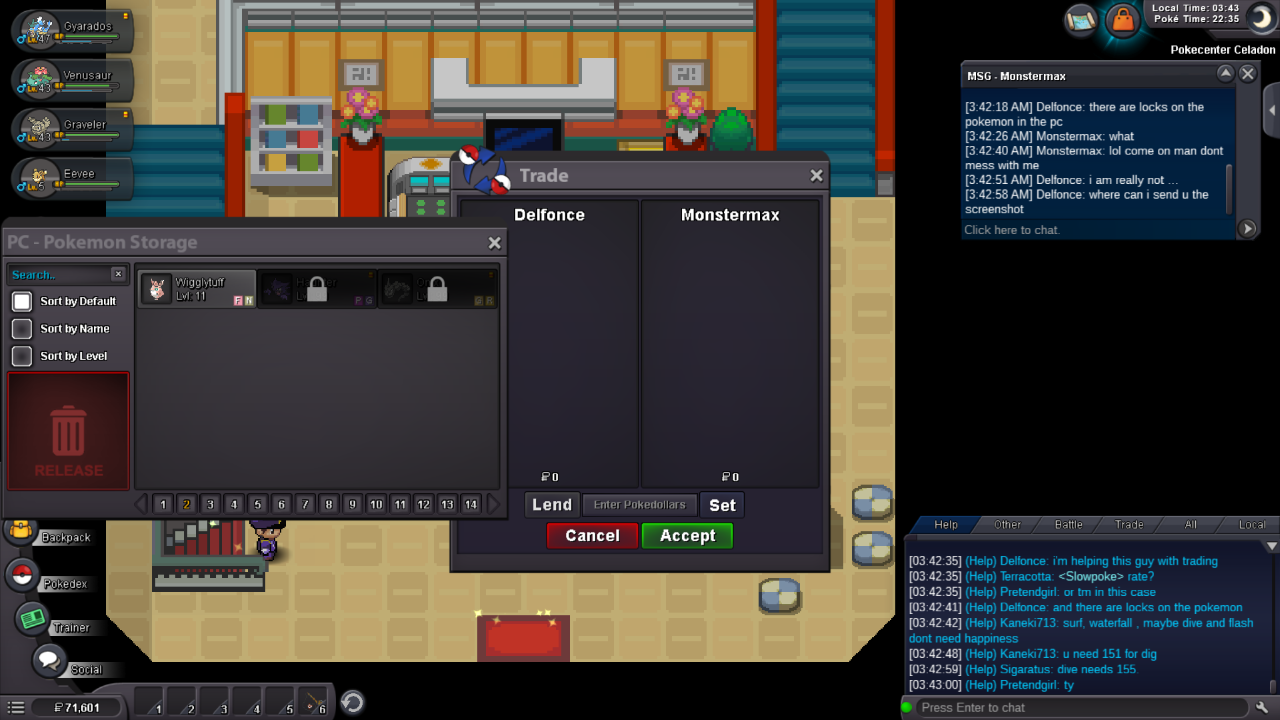
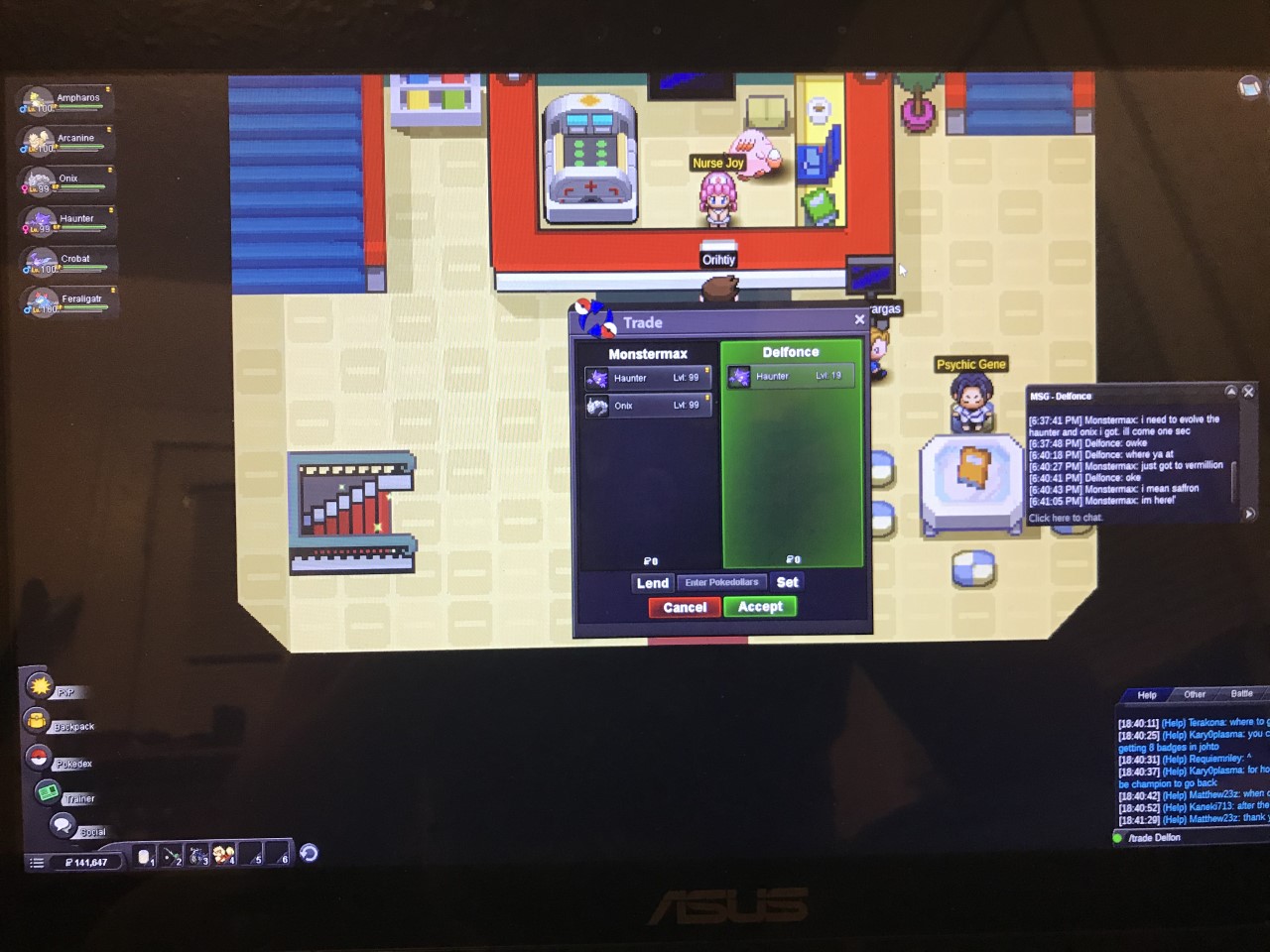
Hi, my username is Monstermax, and I play on the Silver server, and the guy I traded with is Delfonce in Pokemon Revolution. I traded him my lvl 99 Haunter to get it to a Gengar, and I also traded my lvl 99 Onix with a metal coat to get it to a Steelix. He is a good guy, but did not realize my pokemon were from the Johto region, so he cannot access them. They are both locked inside his PC. He sent me a screenshot of them locked. I will also provide a screenshot of the pokemon I traded from my perspective. Also, could I please get my pokemon back from him, maybe by unlocking them in his PC. Then we could trade again to get them back.