




New Trade Zone
Trade Zone is now live
Use the new Trade Zone for auctions and instant-price trades so Pokemon and item offers are easy to find.

Ebo
Suspended
-
Joined
-
Last visited
Everything posted by Ebo
-
WTS Magnezone h.p fire pvp ready S.O 200k Min bid 50k 48 hours Auction Insta 800k

-
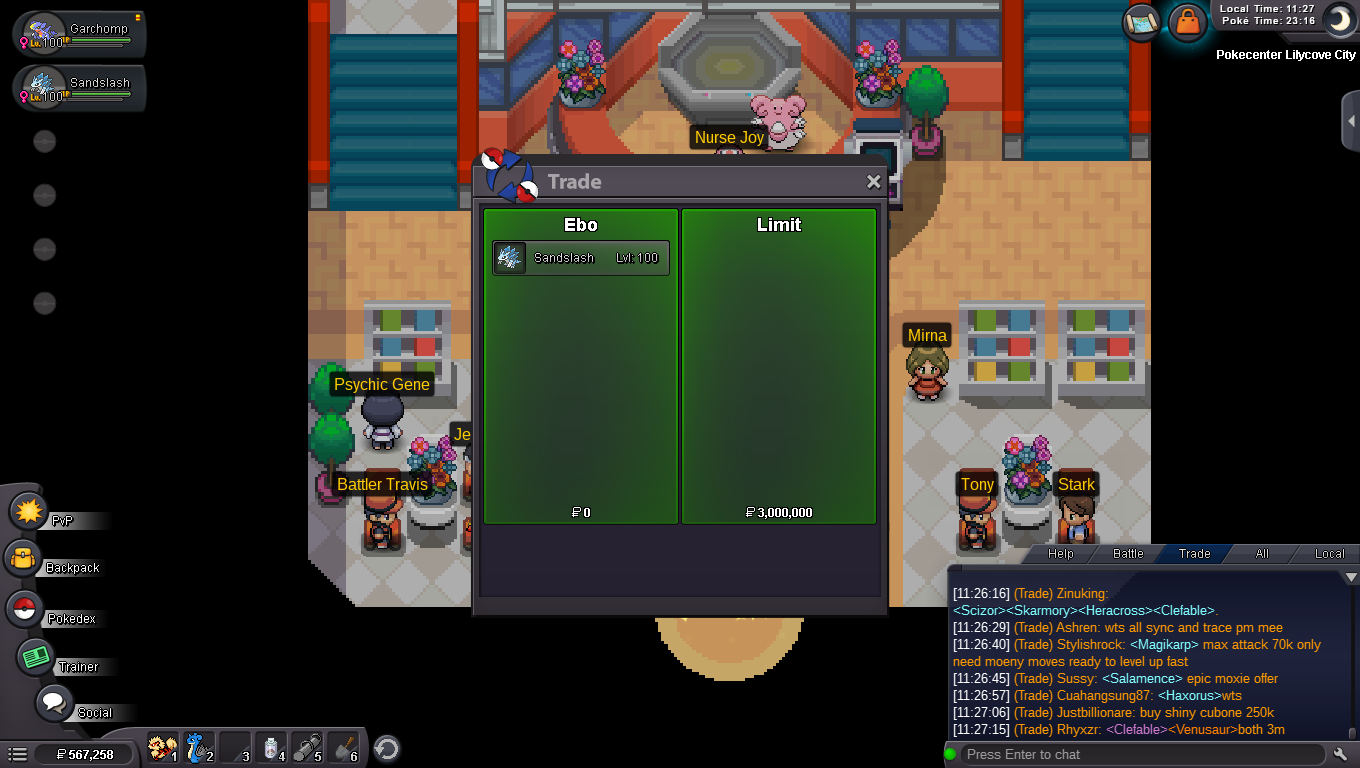
Sold
-
last 30 min
-
only 3 hours left
-
ty so much @Thrilled i will edit it now .. so the auction will end at 9:23+15 min to trade is that correct? and any bids before 15min from the end time means that i add 15 min more
-
thank you for replying looking forward to see the new updates ❤️
-
auction will end after 26h at 9:23 am +0 GMT 10/2/2021 (+/- 5 min to avoid reports or bans)
-
hi there i would like to report a bug its about the small names in the game like my name (Ebo) it seems like when i post something on chat (trade-all-etc) no one can replay in private message without the command for exp: if i want to sell a poke on trade chat. any one who like to buy it, cant replay normally by using the right click mouse and then open message so the only way would be by using a command for that note: (the problem is not exclusively with my name but any player who has a 3 letter name)
-
auction will end after 47h at 9:23 am +0 GMT 10/2/2021 (+/- 5 min to avoid reports or bans)
-
Bump
-
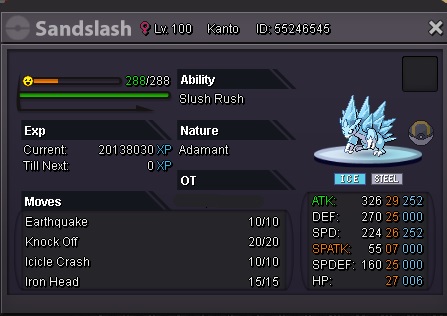
Auction Epic H.a Sandslash alolan +25 s.o 1m min bid 250k the auction will ends after 48 hours from the first bid (only poke dollars will be accepted) you can contact me in game IGN : Ebo
-
i dont know how its happened but i didn't release her i only removed her from the party and she is gone plz help me
