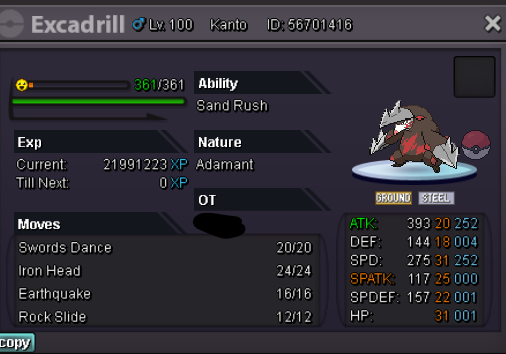
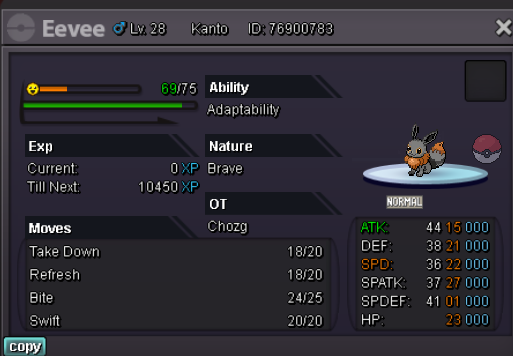
New Trade Zone
Trade Zone is now live
Use the new Trade Zone for auctions and instant-price trades so Pokemon and item offers are easy to find.

Chozg
Registered User
-
Joined
-
Last visited
Everything posted by Chozg
-
c.o 950,069 by nayunjajangman, 15 minutes left

-
c.o 900,069 by nayunjajangman, 15 minutes left
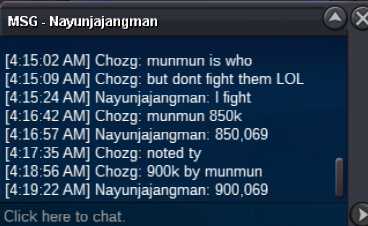
-
c.o 850,069 by nayunjajangman, 15 minutes left (lmao)

-
c.o 800,069 by nayunjajangman, 15 minutes left
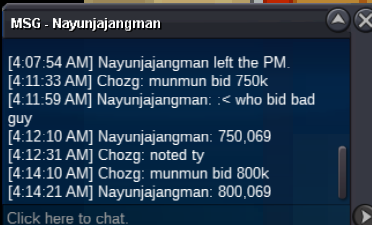
-
c.o 750,069 by nayunjajangman, 15 minutes left

-
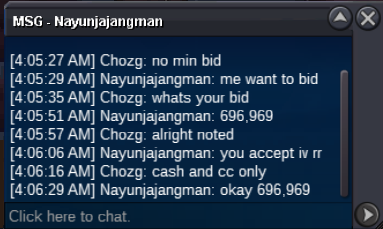
bid of 696,969 by nayunjajangman 15 minutes left
-
c.o is 500k by kingcavalier
-
bump ~ 5 hours left
-
bump ~8hr left
-
-
Noted
-
start - 400k min bid - none cash and cc only cc = 340k ends 24hr after start

-
start - 200k min bid - none cash and cc only cc = 340k ends 24hr after start

-
-
-
insta
-
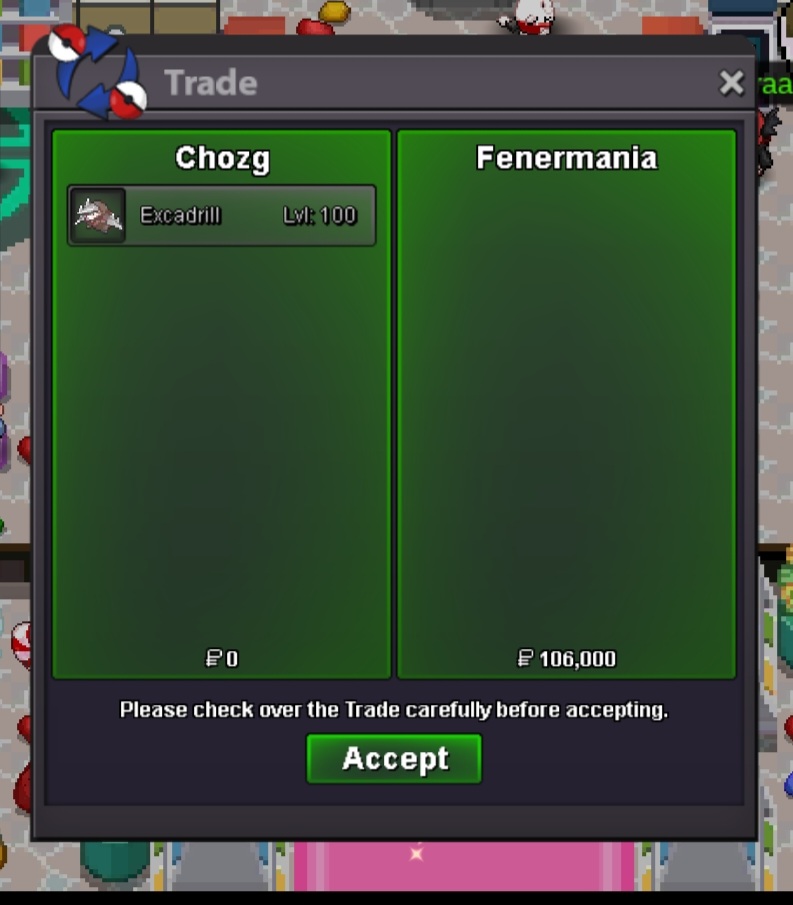
complete can be closed

-
complete can be closed
-
-
3 this event lol
-
-
Actually agree with Mufa (not saying who is or who isnt right) but given the timestamps, it was 15 minutes not 16 minutes. This would mean the auction shouldve been closed at 1:35 if the following is to be followed, no? If the auction ends at 15:00:00, bids are valid until 14:59:59 and no later.
-
-
noted, auction ends 11/23/22 at 12:23am est
-
S.O = 100k min bid = 1k cc = 350k auction ends 24hr after start