




New Trade Zone
Trade Zone is now live
Use the new Trade Zone for auctions and instant-price trades so Pokemon and item offers are easy to find.

Infidente
Registered User
-
Joined
-
Last visited
Everything posted by Infidente
-
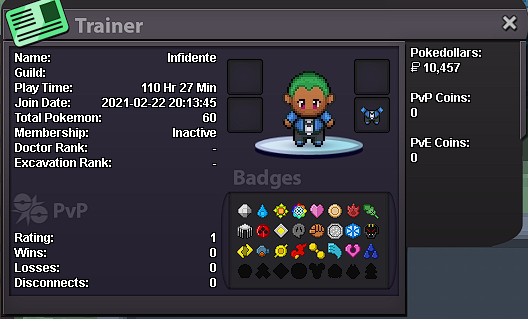
° what can you contribute to Eternity? very active player, i want to help new players improve when i finish the main quests ° what is your real life and ingame name? joel, infidente ° how old are you and where are you from? 25, mexico ° discord tag? how often are you online there? infidente#1364, daily ° screenshot of your trainercard
-
1. What's your Player name (IGN)? Infidente 2. Number of hours played? 62hrs 3. What's your favorite Pokemon? tauros 4. What do you enjoy doing the most in PRO? (Hunting, PvP, trading, etc) trading 5. How old are you? (Optional) 26