




New Trade Zone
Trade Zone is now live
Use the new Trade Zone for auctions and instant-price trades so Pokemon and item offers are easy to find.

Whitt
Registered User
-
Joined
-
Last visited
Everything posted by Whitt
-
-
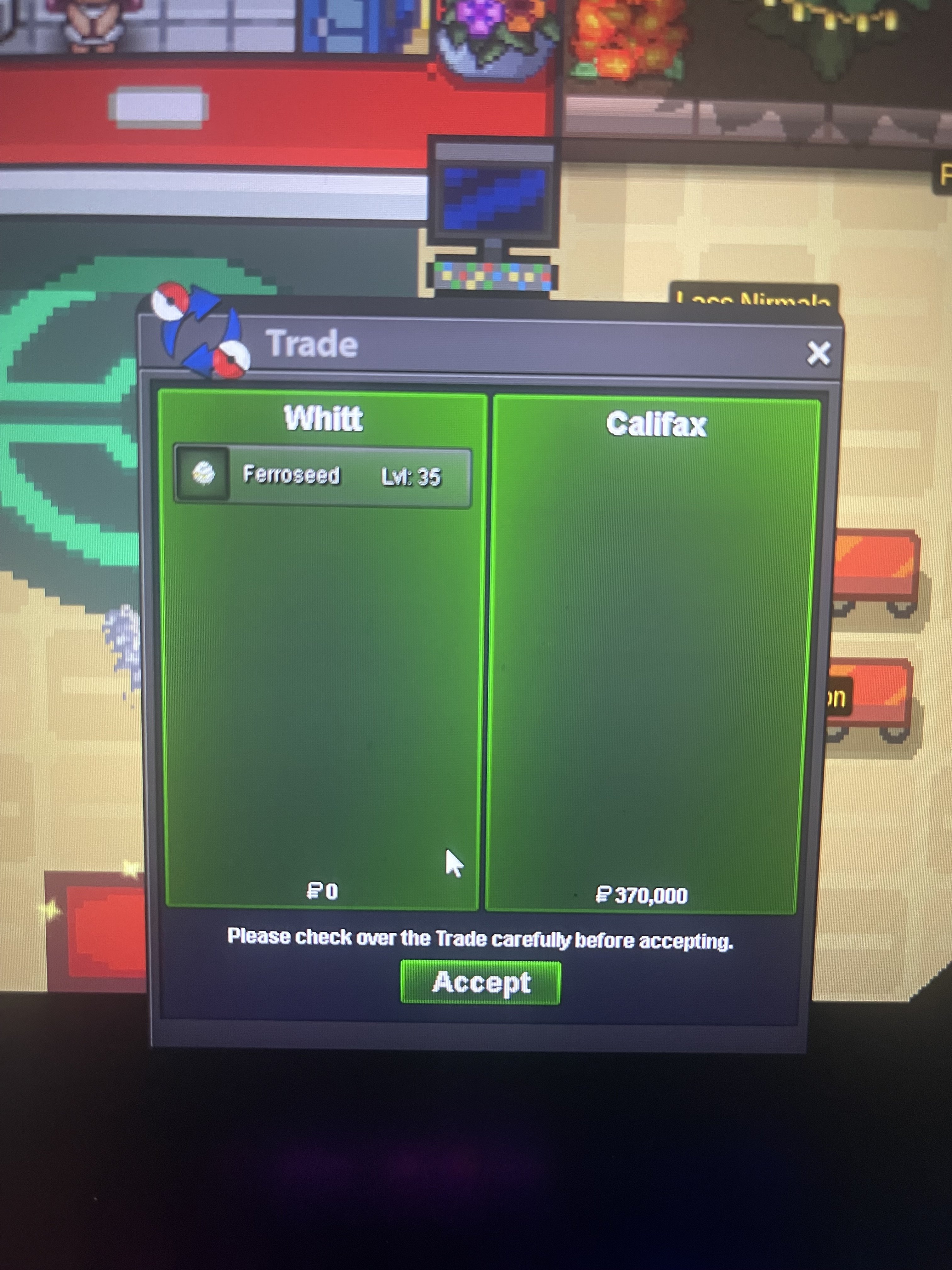
Trade complete for ferro #2. Trading from alt account. Congrats @Hirancito
-
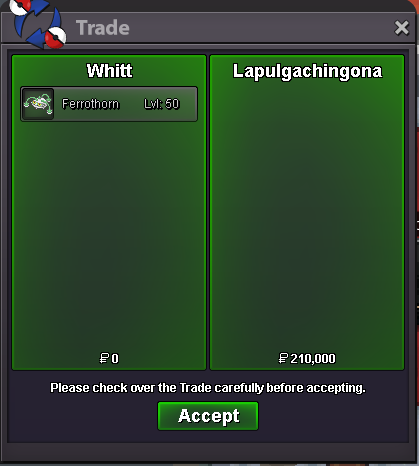
trade complete for ferro #1. congrats @Lapulgachingona
-
@Lapulgachingona wins Ferro #1 with 210k.
-
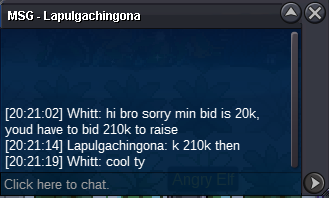
ferro #1 210k by Lapulgachingona. auction extended by 15min from bid
-
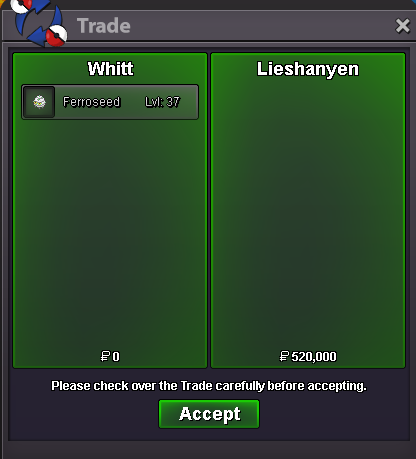
Ferro #4 trade done. Congrats @Lieshanyen
-
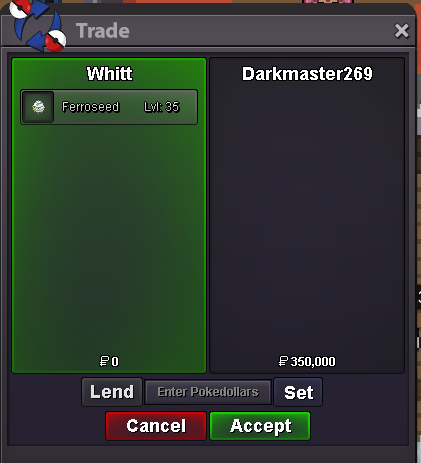
ferro #3 trade completed. Congrats @Darkmaster269!
-
@Hirancito wins ferro #2 following 15 min extension period
-
@Darkmaster269 wins ferro #3 @Lieshanyen wins ferro #4
-
Bump final hour for ferro #3 and #4 2 hrs left for #2
-
bump Ferro #1 33hrs left Ferro #2 25hrs left Ferro #3 & #4 24hrs left
-
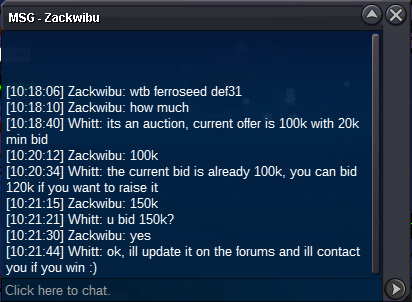
ferro #1 150k by Zackwibu
-
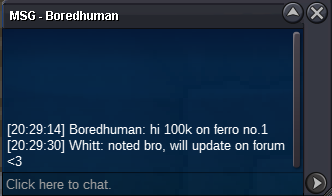
ferro #1 started 100k by Boredhuman
-
ferro #2 250k by Califax

-
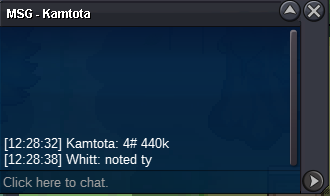
ferro #4 440k by Kamtota
-
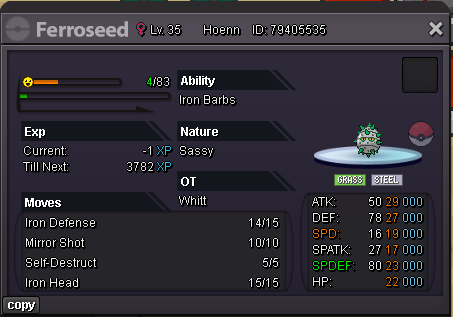
Welcome to the auctions! 5 Ferro family members all looking for new homes and ready to be bid on! Accepted payment(s): All auctions start at 100k Min bid is 20k No insta for any Ferro! All auctions will end 48hrs after the first bid! Each Ferro will be numbered, when bidding please clearly indicate which number Ferro you are bidding for to avoid any confusion! Any bids placed in the final 15 minutes of the auctions will extend the auctions by a further 15 min as per auction rules! These Ferros are Gold Server based. If bidding from Silver Server, you will need to transfer if you win! #1 WINNER: 210k by Lapulgachingona #2 WINNER: 370k by Hirancito #3 WINNER: 350k by Darkmaster269 #4 WINNER: 520k by Lieshanyen Thank you! Good luck ❤️



-
500k gallade
-
1.7m char
-
600k Will transfer if i win ❤️
-
start
-
400k
-
1.6m gliscor
-
1.2m gliscor
-
500k
-
250k

