New Trade Zone
Trade Zone is now live
Use the new Trade Zone for auctions and instant-price trades so Pokemon and item offers are easy to find.

Shippofoxdemon
Registered User
-
Joined
-
Last visited
-
Shippofoxdemon changed their profile photo
-
Hi names Shippo and i was recently introduced to a game called Pokemon Revolution Online or PRO for short and i must say the community is astoundingly helpful and i have many goals set for this game and i plan to be here for a while im done with the story and working on making some teams to potentially start bossing/pvp. Ive met plenty of friends already and hope to find many more. Heres to a new day and lucky hunting for all. Gotta Catch Em All
-
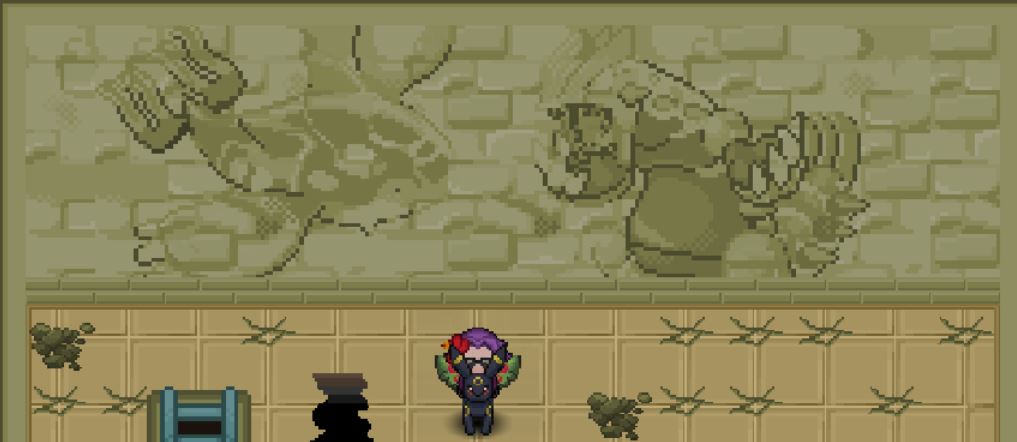
haha forgot to post screenshots here they are now
-
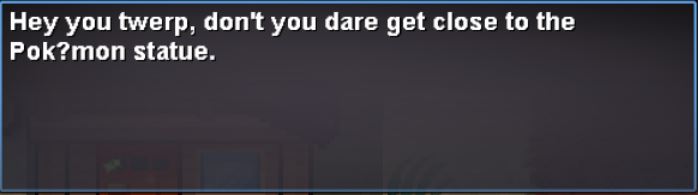
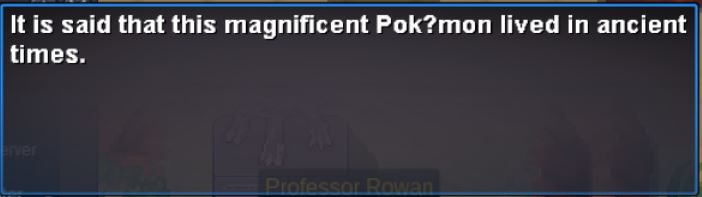
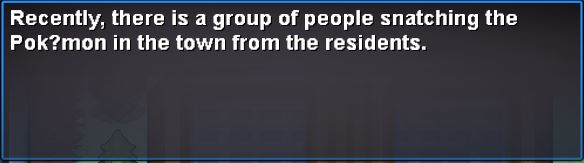
i have noticed that in sinnoh whenever the word pokemon is said it changes the e i think because it is that special e with the little thing above it ( so sorry dont know what its call lmao ), anyway it changes the text to pok?mon and this is everytime pokemon is said