




New Trade Zone
Trade Zone is now live
Use the new Trade Zone for auctions and instant-price trades so Pokemon and item offers are easy to find.


Darwinjher
Registered User
-
Joined
-
Last visited
Everything posted by Darwinjher
-
auction over, winner: Coreyclearheart
-
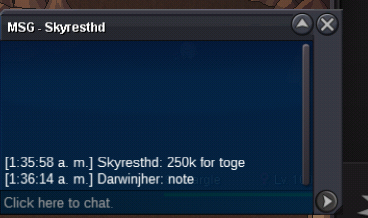
Auction / Start: 300k/ / Bid: 50k / / Accept: CC (400K) IV Reroll (700k) / finish : 48 h after the first offer (if you search the forum notify the Discord "Darwinjher#2407")
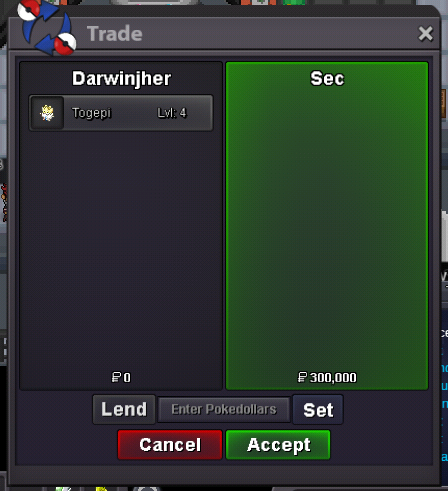
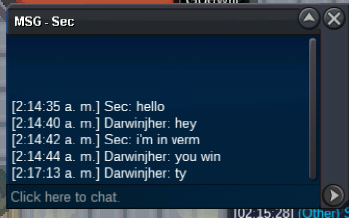
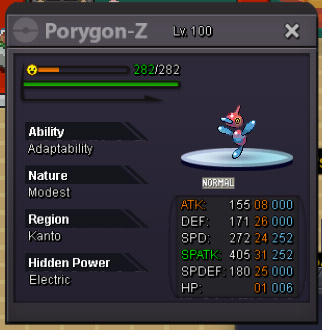 Pm in game darwinjherauction over, Sec winner2.3mI online in Suzuka2.8 (4 iv reroll)Star: 200k / min bid 50k / / accept cc = 400k/ end: 24h after the start
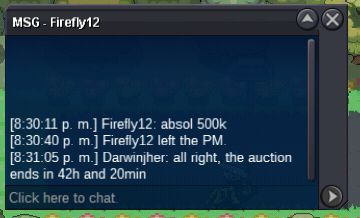
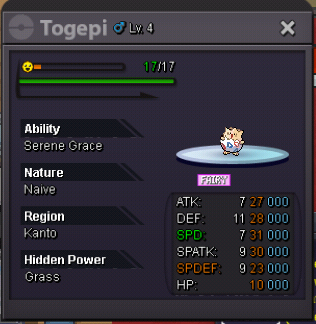 2.1 m (3 iv reroll)Offer 2.1mauction ended the winner was Karsh12 you have 6 hours to claim absol contact me on Discord @darwinjheri offer 1.2 mstart:200k min bid:100k Auction will end 48 hours after first offer Accept cc:400k reroll:700k Nature: 350k
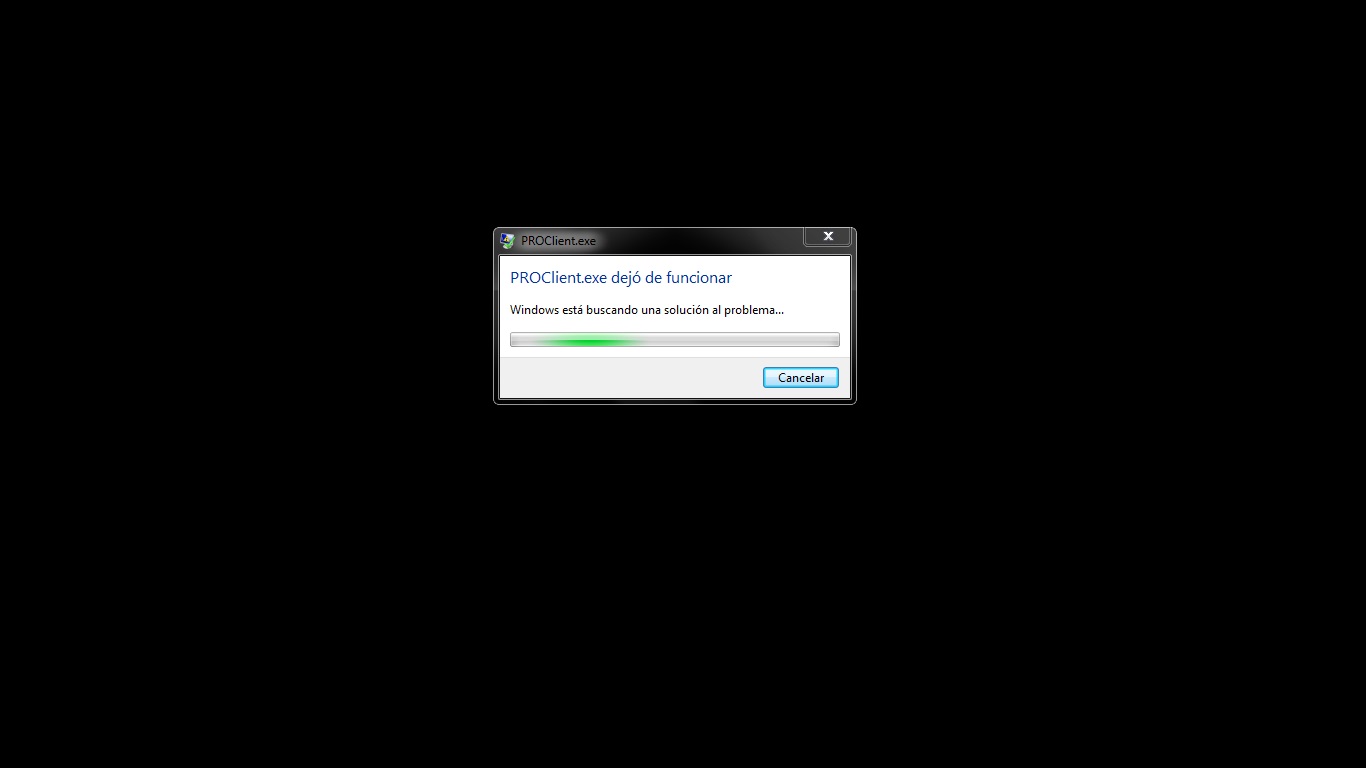
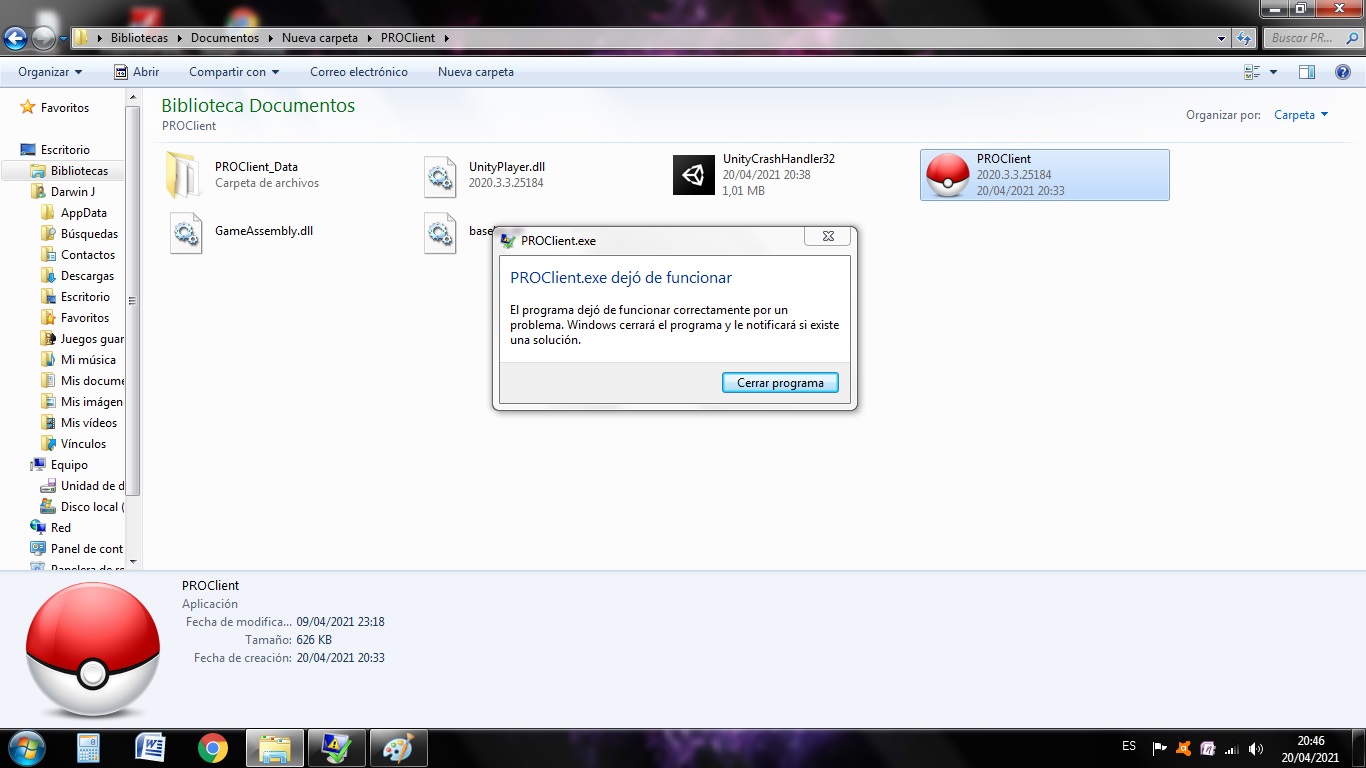
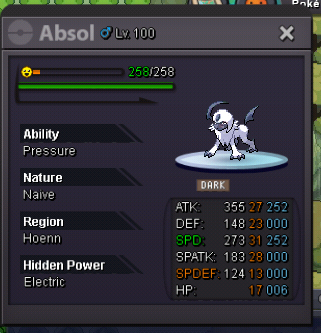 I offer 2.6m600k for litwickI'm in the first regionI want to know where or how I can level up my team, they're level 60-65 and I need to level up so I can take on elite four. Where I'm recommended I trainedGood night, I just did the steps that you told me and the result was the same, as you can see in the screen captures, and the truth is, I eliminated the server from the pc because so many times I tried it got a little slow. it's a shame I loved playing better from my pc.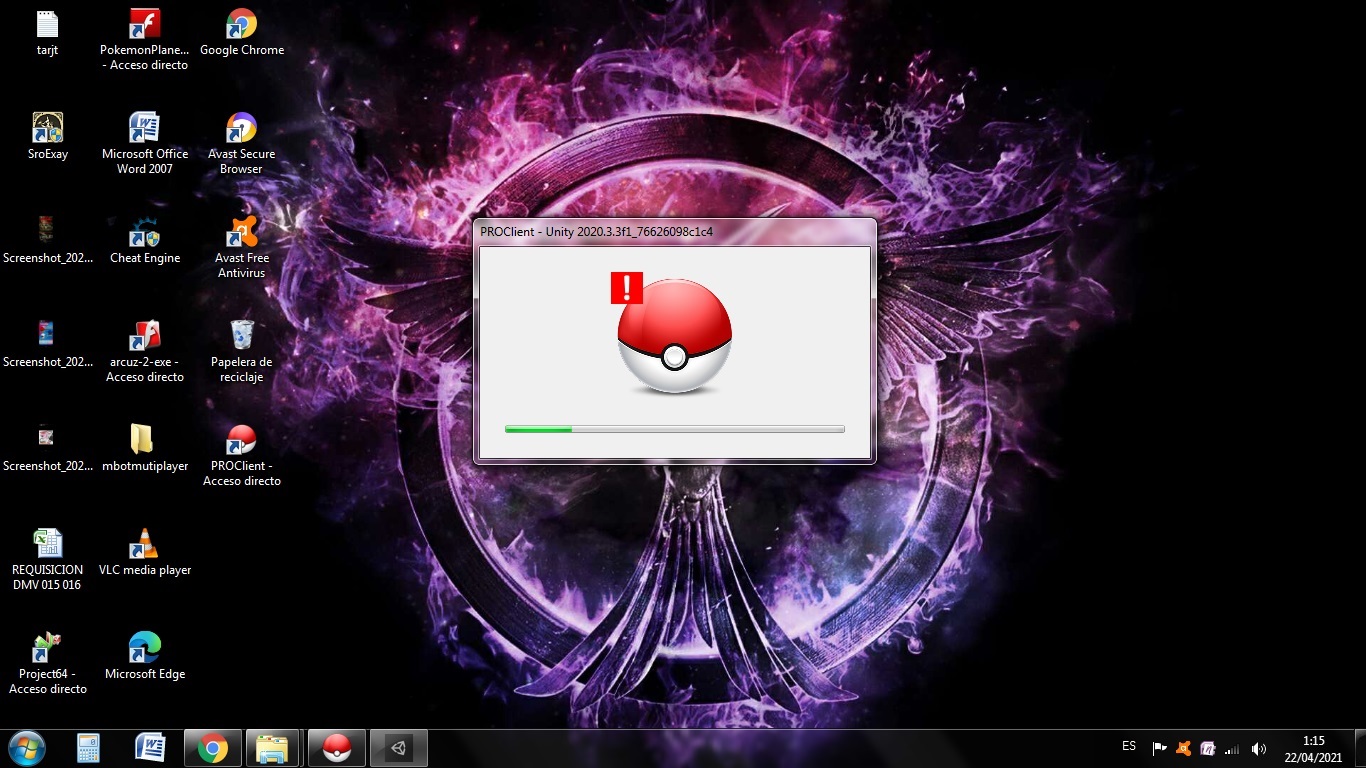
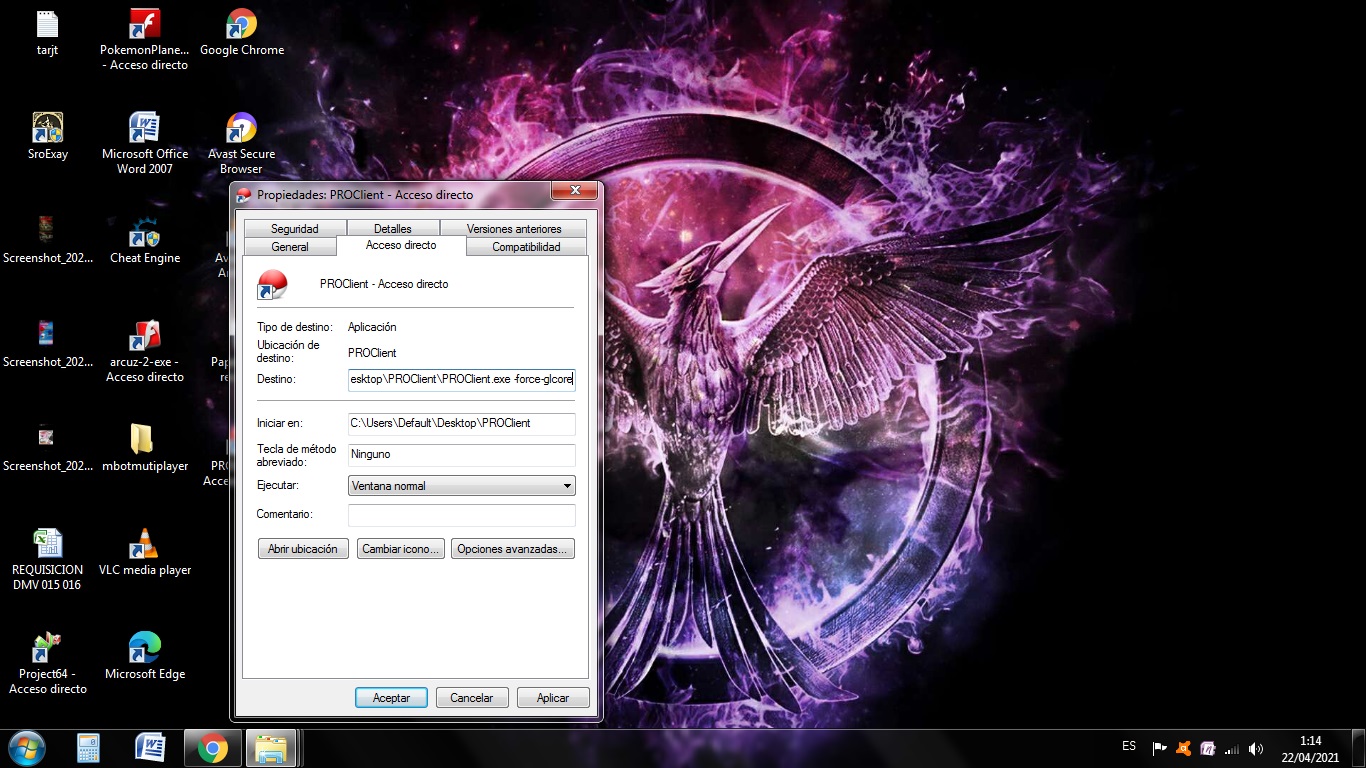
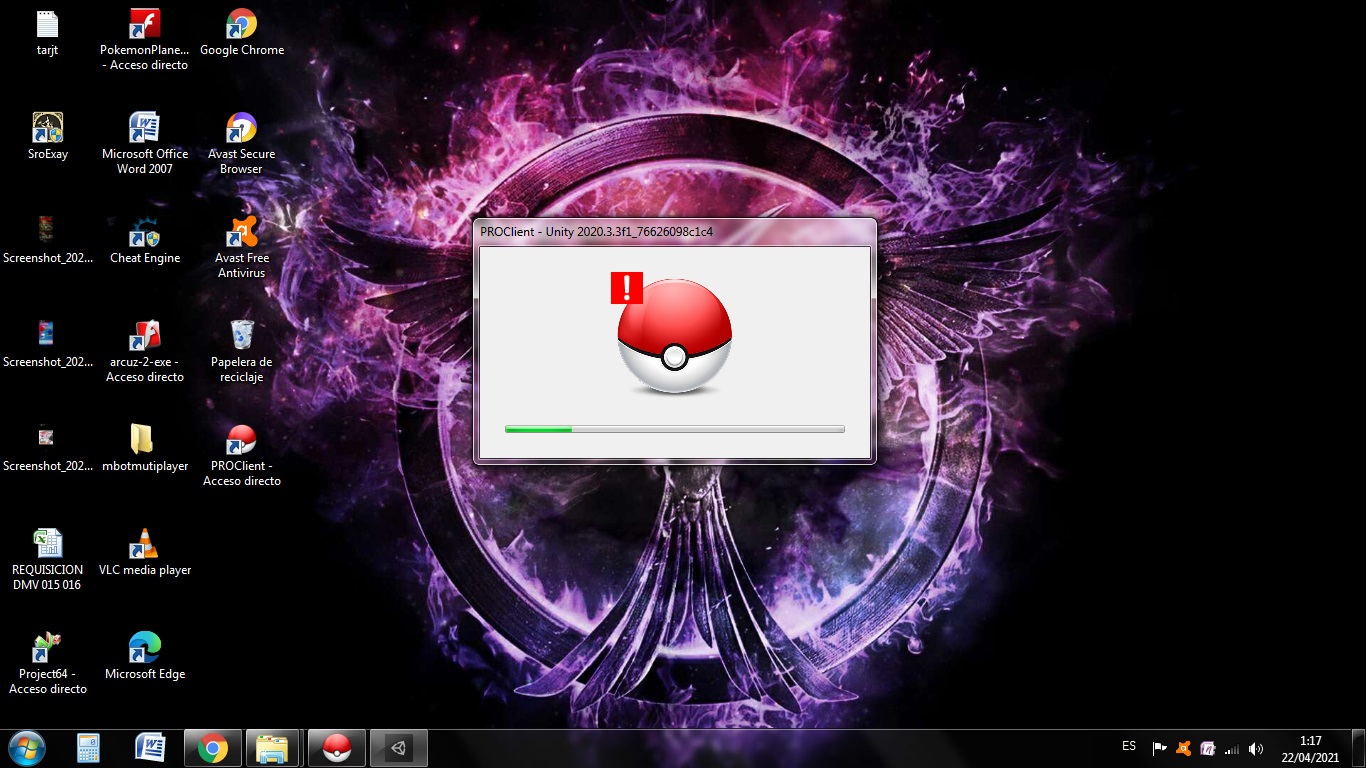
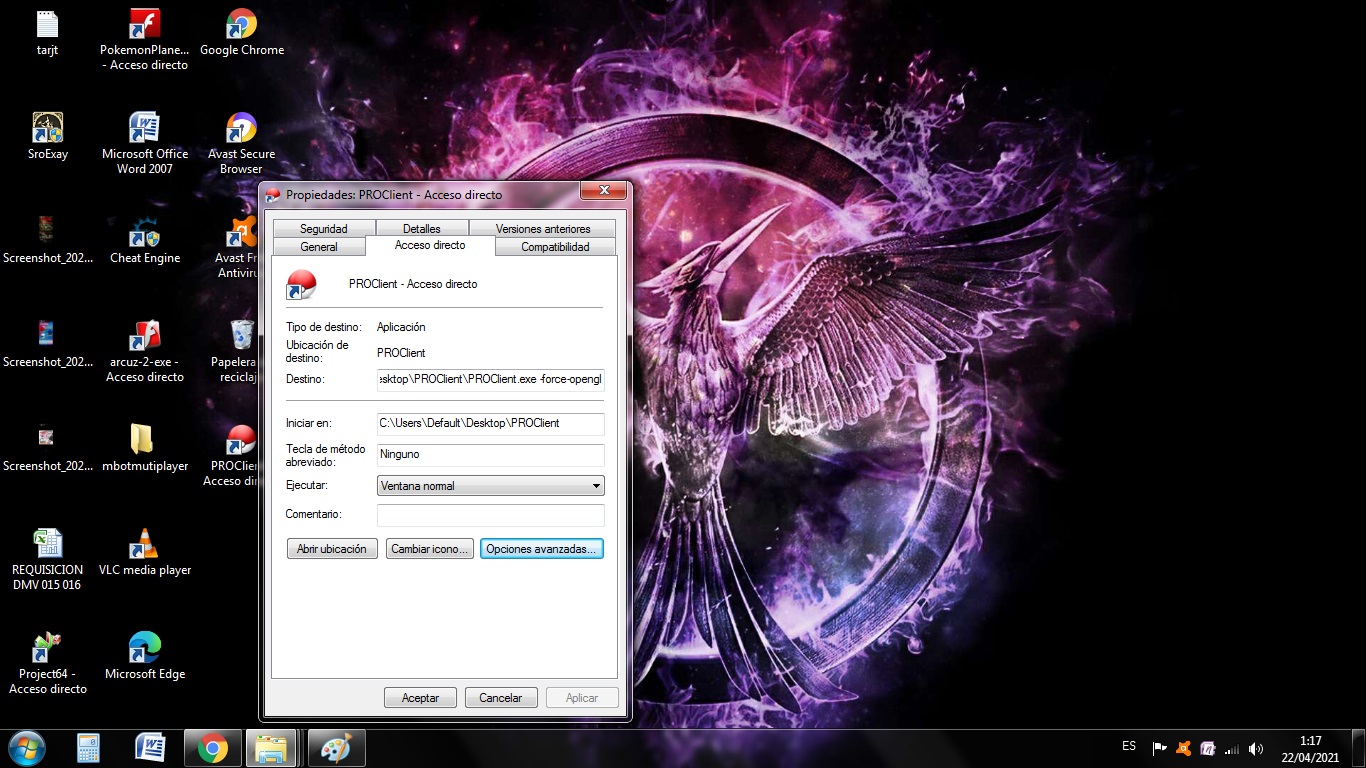
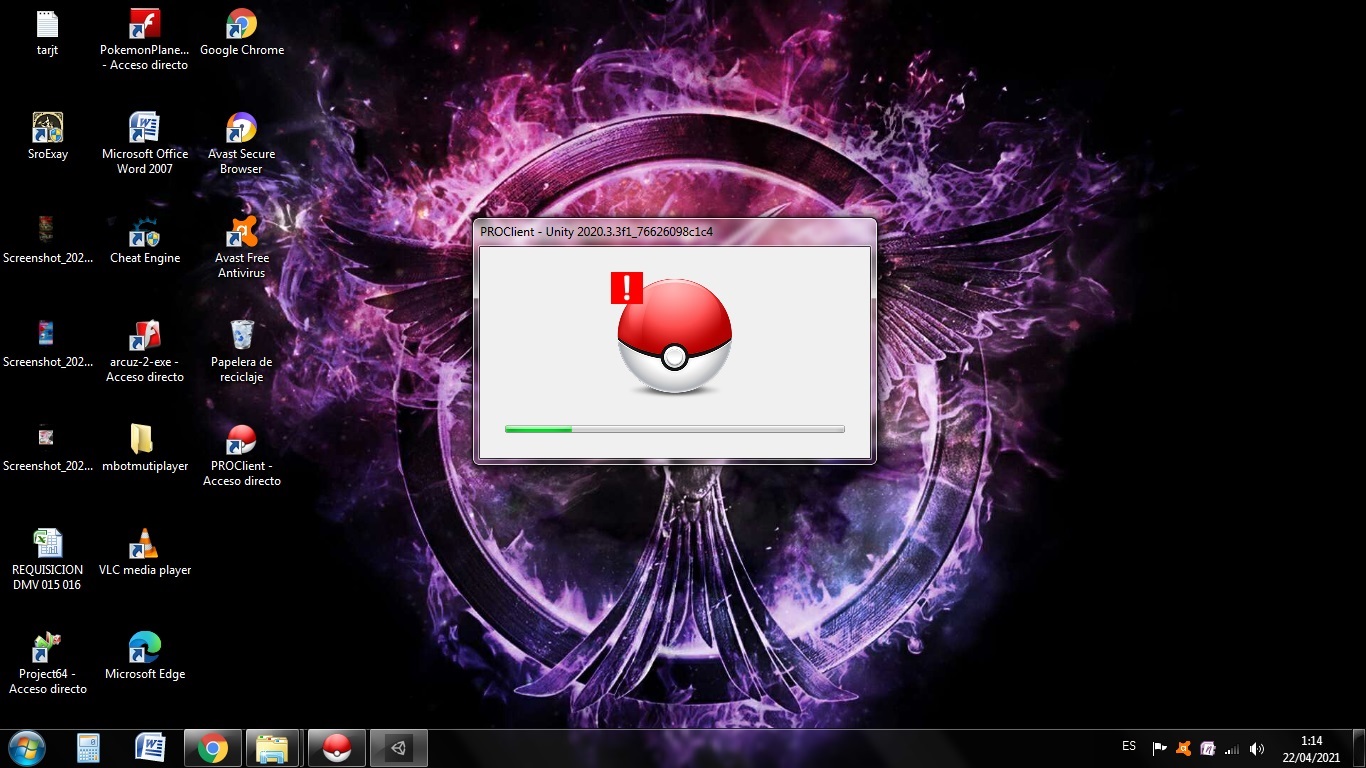
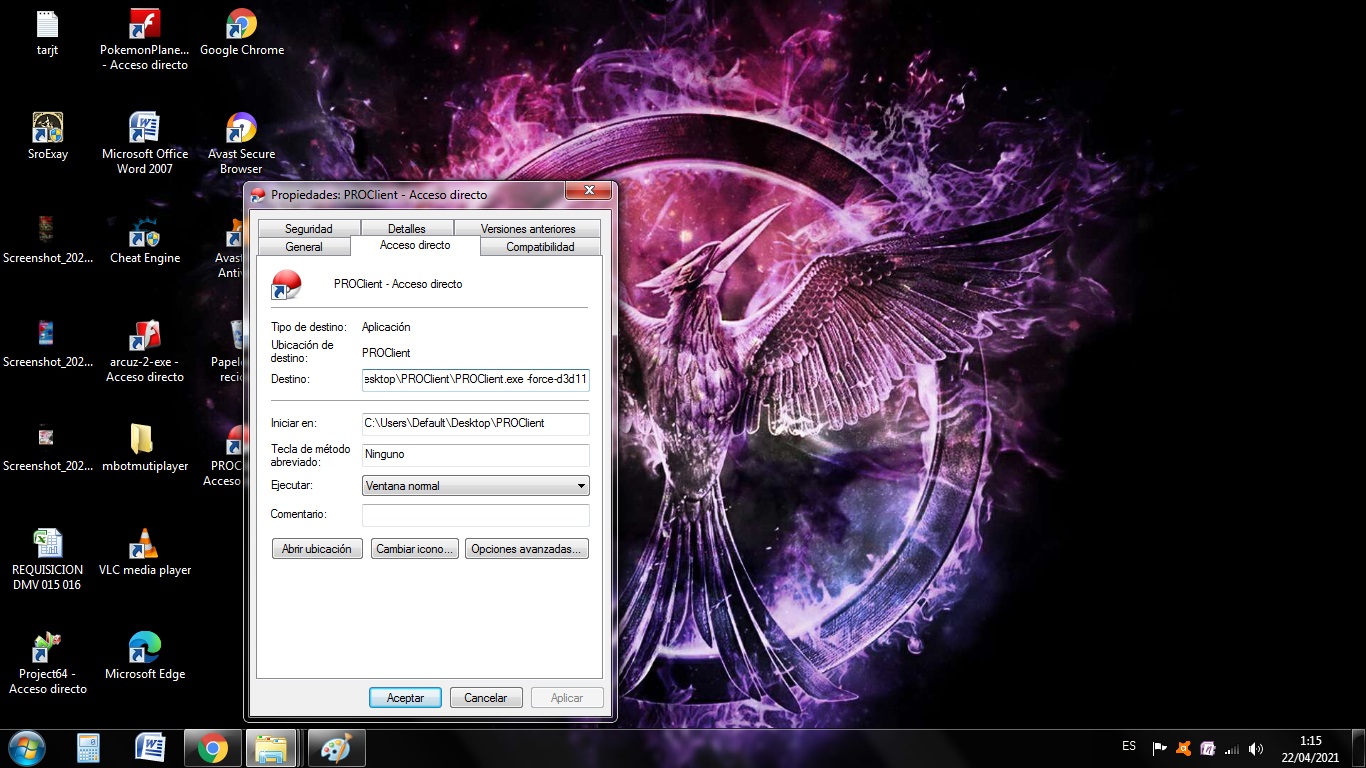 Good night, today I downloaded the server again and now I get this window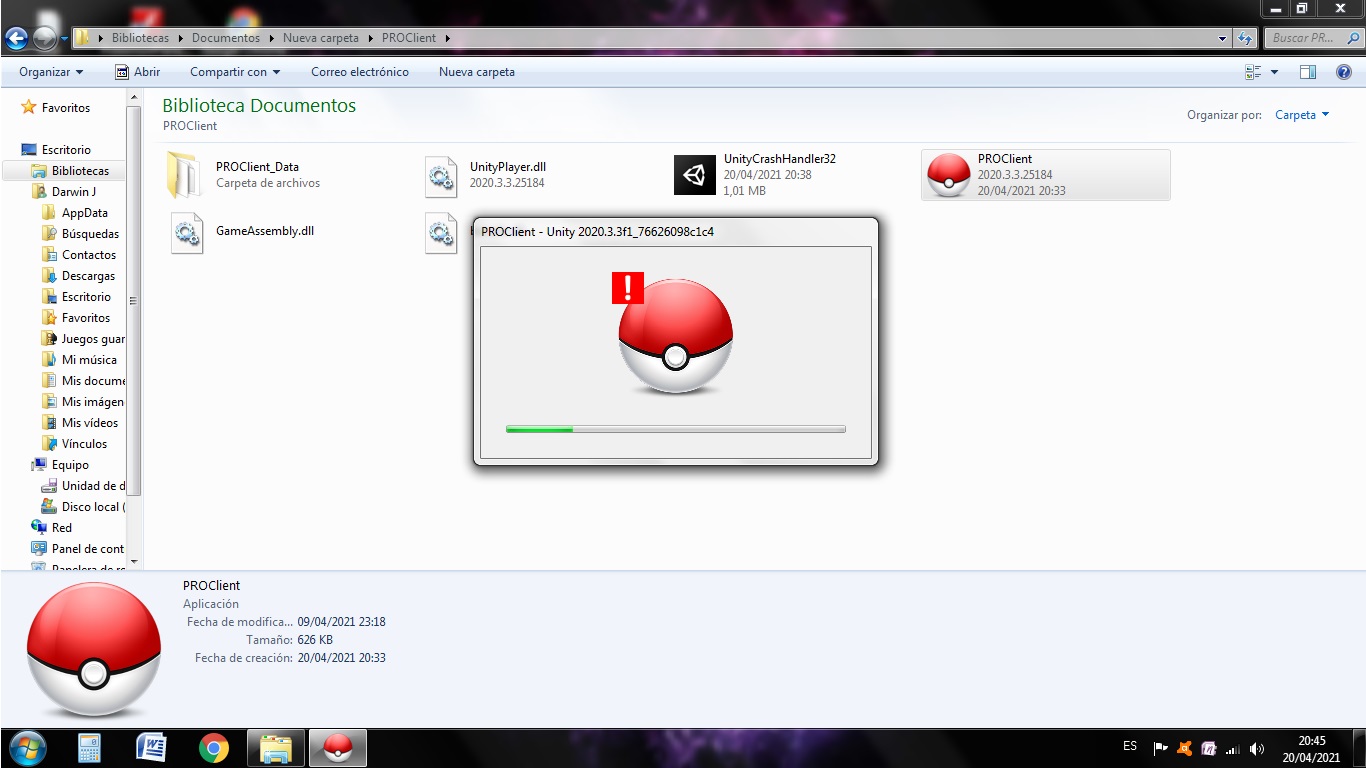




Account
Navigation
Search
Configure browser push notifications
Chrome (Android)
- Tap the lock icon next to the address bar.
- Tap Permissions → Notifications.
- Adjust your preference.
Chrome (Desktop)
- Click the padlock icon in the address bar.
- Select Site settings.
- Find Notifications and adjust your preference.
Safari (iOS 16.4+)
- Ensure the site is installed via Add to Home Screen.
- Open Settings App → Notifications.
- Find your app name and adjust your preference.
Safari (macOS)
- Go to Safari → Preferences.
- Click the Websites tab.
- Select Notifications in the sidebar.
- Find this website and adjust your preference.
Edge (Android)
- Tap the lock icon next to the address bar.
- Tap Permissions.
- Find Notifications and adjust your preference.
Edge (Desktop)
- Click the padlock icon in the address bar.
- Click Permissions for this site.
- Find Notifications and adjust your preference.
Firefox (Android)
- Go to Settings → Site permissions.
- Tap Notifications.
- Find this site in the list and adjust your preference.
Firefox (Desktop)
- Open Firefox Settings.
- Search for Notifications.
- Find this site in the list and adjust your preference.